

Independent Review: Just real testing of Grok AI image and video generation and shared my own experience.
Why You Should Read This
This blog is written from hands-on testing not theory. I tested Grok AI’s Image and Video animation to answer one simple question:
Is Grok AI actually useful for real content creation or is it just another overhyped AI tool?
By the end of this post, you’ll clearly understand:
- What Grok AI can do for free
- Where it performs better than other AI tools
- Where it still falls short
- Who should (and should not) use it
Table of Contents
What Is Grok AI?
Grok AI is more than a chatbot. It combines image generation, image animation and real-time X (Twitter) data access into a single tool. Unlike many competitors, Grok allows free users to experiment with visuals and animations without long wait times.
Grok AI Key Features (Quick Overview)
| Feature | What It Does | Why It Matters |
|---|---|---|
| Image Generation | Creates images instantly using the Aurora model | Saves time, Super fast output |
| Image Animation | Converts images into videos | Rare feature |
| Animation Modes | Normal, Fun, Spicy | Flexible creative control |
| X (Twitter) Integration | Reads live X data | Real-time trends |
| Free Usage | 10 images/day | Very generous |
Image Generation (Real Testing Results)
Grok uses xAI’s Aurora model for image generation. The first thing you’ll notice is speed. Images appear within 3 seconds, even on the free plan.
Example Prompt Used
“A futuristic super robotic car racing through a cyberpunk city at night. A massive mechanical eagle with glowing wings flies above. On the right, a robotic cheetah runs at high speed. On the left, a robotic jaguar sprints alongside. Neon lights, wet road reflections, cinematic lighting, ultra-detailed, 4K.”
Image generation Output
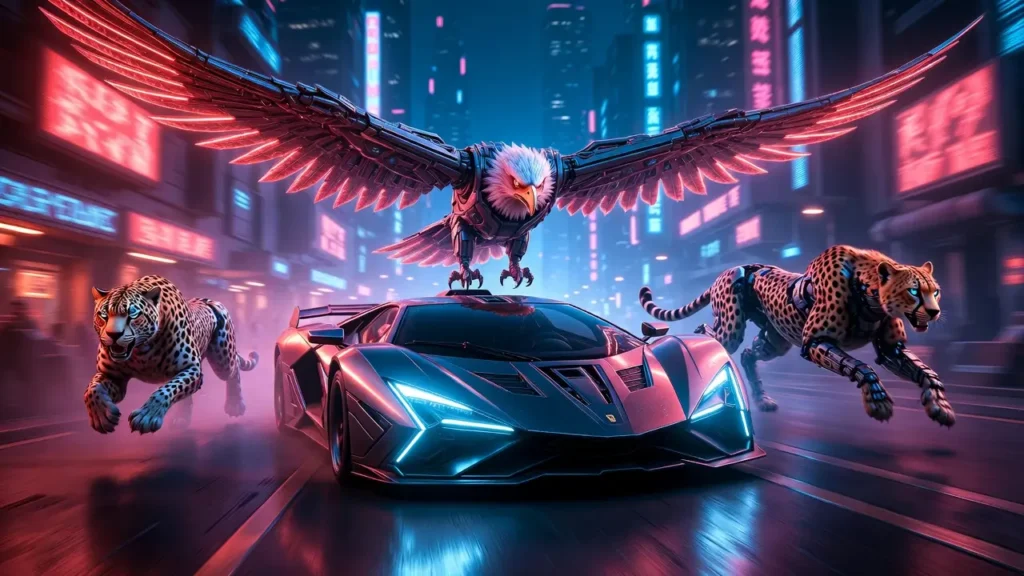
Key takeaway: Free images download without watermarks, which is rare and extremely useful for real projects.
Grok Image Generation Alternative – Reve AI is a good alternative to Grok for image generation. It lets you create images for free, without watermarks, and offers many easy editing options. Check this Reve AI review blog to learn more.
Image Animation: Where Grok Really Stands Out
Image animation is Grok’s strongest feature.
You can upload or generate an image and animate it immediately. In many cases, Grok understands the scene automatically and adds natural movement.
Adding a short motion prompt improves accuracy and realism.
Animation Modes Explained
- Normal Mode: Balanced, realistic motion (best for professional use)
- Fun Mode: Playful and expressive (great for social content)
- Spicy Mode: High-energy motion and camera movement (ideal for action scenes)
Better to avoid spicy mode because its generate NSFW content .
Currently you cant create videos on the free plan, making this feature perfect for reels, shorts and B-roll content.
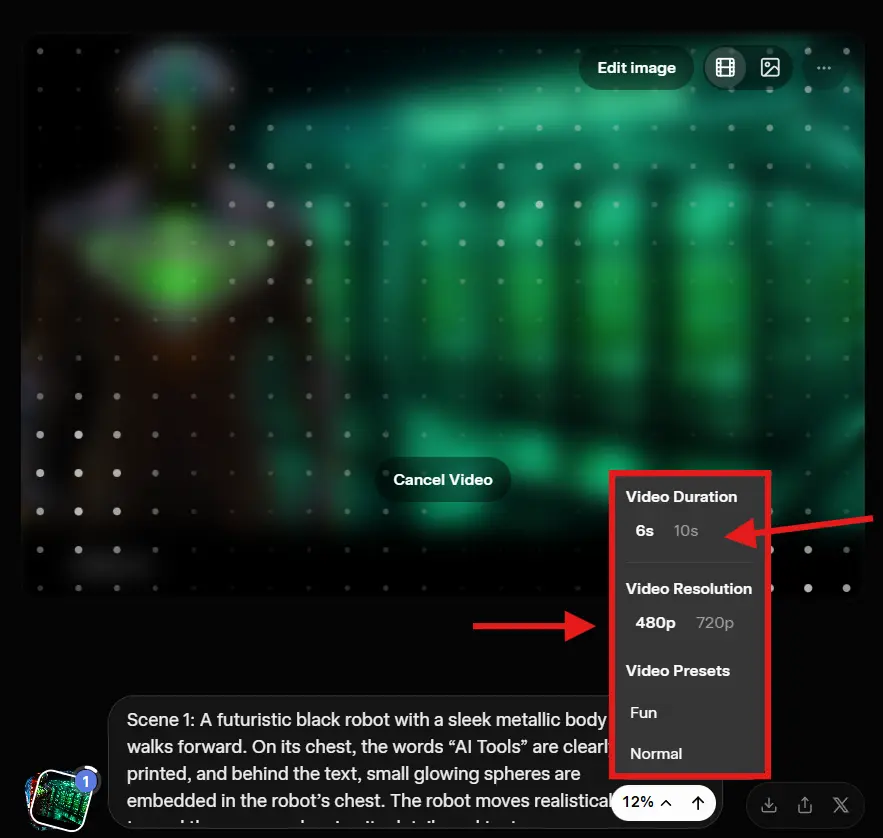
Example Animation Prompt
“A futuristic cyberpunk city at night with neon reflections on wet streets. A white-and-blue humanoid android runs at full speed while being chased by a transforming mechanical tiger bike, a robotic rhinoceros tank, and a flying cyber dragon. Dynamic action, cinematic lighting, motion blur, ultra-detailed.”
Upload image + Prompt = best output
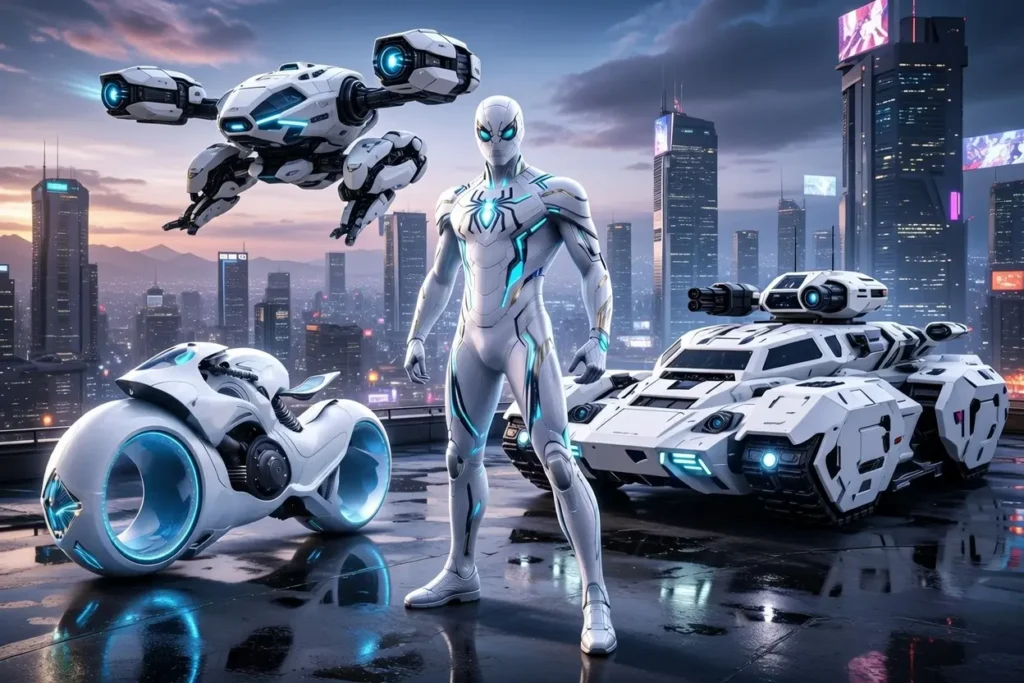
Image animation output:
Grok Generated Animation Video 1 (Image + Prompt)
The output feels cinematic, fast and visually engaging. Let’s look at another example.
Grok Generated Animation Video 2 (Image + Prompt)
Now, move on to the third example.
Grok Generated Animation Video 3 (Image + Prompt)
X (Twitter) Integration: Real-Time Advantage
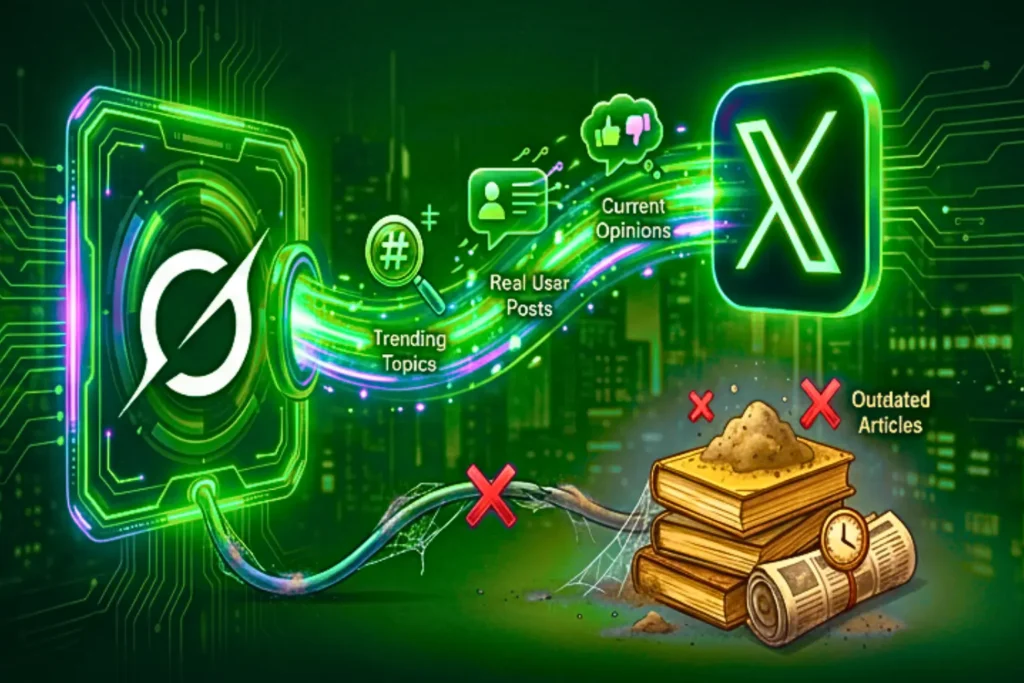
One of Grok’s most unique features is its direct X (Twitter) connection.
Instead of relying on outdated articles, Grok pulls:
- Live trending topics
- Real user posts
- Current opinions
It feels closer to talking directly to X rather than using a traditional AI chatbot.
Grok AI vs Other Popular AI Tools
| Platform | Free Images | Free Animation | Watermark |
|---|---|---|---|
| Grok AI | 10 | No | No |
| ChatGPT | 10 | No | No |
| Gemini | 20 | No | Yes |
| Reve AI | 144 | No | No |
| Manus AI | 24 | No | No |
| Qwen | Yes | Yes (4-5) | No |
| Meta AI | Yes (10–20) | Yes (Low quality) | No |
FAQs
Is Grok AI free to use?
Yes. The free plan includes image generation and X integration.
Does Grok add watermarks to images?
No. You can download images without watermarks.
Is Grok AI safe?
Yes. No personal data is required, but avoid sharing sensitive information in prompts.
Can Grok images be used commercially?
Images download cleanly, but commercial rights depend on xAI’s terms. Always verify before the client uses.
Do I need an X account?
Yes. Grok access is tied to an X account but posting is not required.
Who Should Use Grok AI?
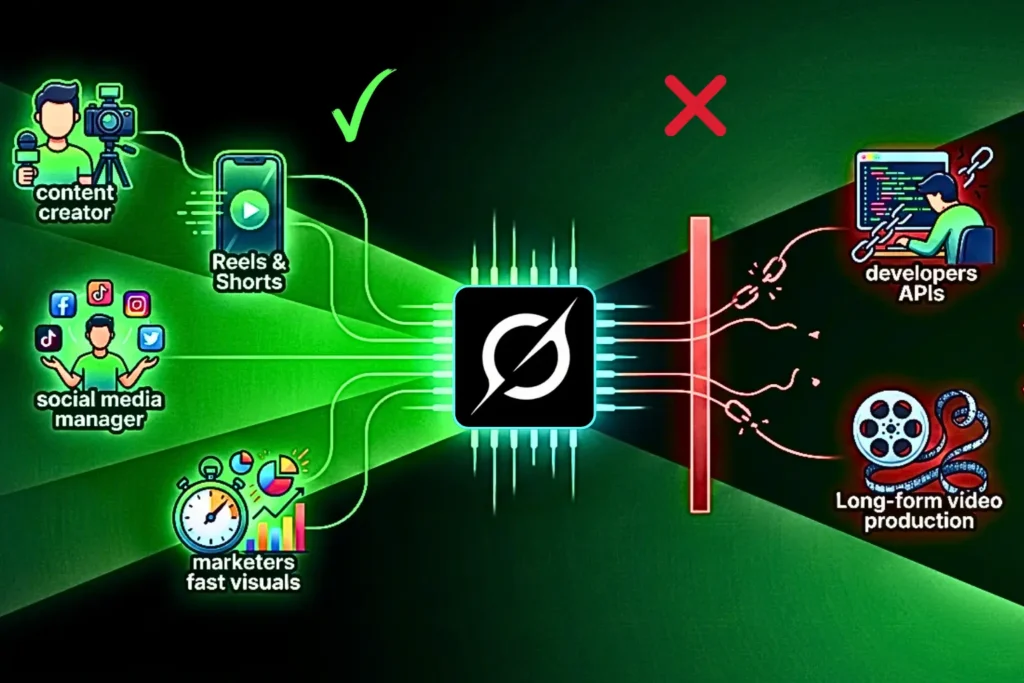
- Content creators
- Reels & Shorts editors
- Social media managers
- Marketers needing fast visuals
Not ideal for:
- Developers needing APIs
- Long-form video production
Final Takeaway
Grok is a good tool, but they’ve limited the free Imagine feature. Earlier, free users could generate many images and videos, but now that has been stopped.
If you want more details, you can check the news Grok Imagine is Dead for Free Users and for alternatives, check Free Grok Alternatives for Image & Video Generation (2026).
Currently, free users can generate only 10 images per day and many editing features that were available before are now moved to paid plans.

0 Comments