Want to be more productive but confused by too many AI tools? You’re not alone.
This blog cuts through the noise and shows you the best AI tools of 2026 that actually improve productivity. No hype, no long explanations, only tools tested through real use.
We’ve grouped the tools into 5 essential productivity categories and selected only the top 3 tools in each that truly help you work faster, stay focused and make better decisions.
If you want practical AI tools that save time and deliver real results, keep reading.
Comparison Table of Productivity AI tools in 2026
Category | Tool | Best For | Free Plan | Starting Pricing | Key Strength | Main Limitation |
|---|---|---|---|---|---|---|
AI Assistant | ChatGPT | Daily productivity | ✅ Yes (limited) | ~$20/month | All-in-one AI for writing, ideas & planning | Needs fact-checking |
AI Assistant | Claude | Long-form writing | ✅ Yes | ~$20/month | Natural, human-like text | Weak multitasking |
AI Assistant | Gemini | Google users | ✅ Yes | ~$20/month | Deep Google integration | Less creative output |
| Jasper | Marketing teams | ❌ No | ~59/month | Brand voice & templates | Expensive for individuals |
Writing | Writesonic | SEO content | ✅ Yes (credits) | ~$39/month | GEO + AI search visibility | Credit system confusing |
Writing | Copy.ai | Sales & GTM teams | ✅ Yes (limited) | ~$29/month | Workflow automation | Long-form needs editing |
Project Management | Asana | Mid–large teams | ✅ Yes | ~$10.99/user/month | Clean workflows & reports | Cost scales fast |
Project Management | Jira | Dev teams | ✅ Yes (≤10 users) | ~$7.91/month | Agile & bug tracking | Steep learning curve |
Project Management | ClickUp | Startups & SMBs | ✅ Yes | ~$7/user/month | All-in-one platform | Feature overload |
Time Management | Google Calendar | Simple scheduling | ✅ Yes | Free | Reliable & simple | No AI planning |
Time Management | Motion | Busy professionals | ❌ No | ~$19/month | AI auto-planning | Expensive |
Time Management | Todoist | Daily task focus | ✅ Yes | ~$2.92/month | Clean UI & habits | Limited AI |
Meetings | Otter.ai | Transcriptions | ✅ Yes (very limited) | ~$8.33/month | Accurate summaries | Tight free limits |
Meetings | Fireflies.ai | Team meetings | ✅ Yes | ~$10/month | CRM & meeting insights | Speaker accuracy |
Meetings | Read AI | Meeting analytics | ✅ Yes (very limited) | ~$15/month | Engagement insights | Privacy concerns |
1. AI Assistant
AI assistants help you think faster, find answers, write ideas and solve problems quickly. They are useful for daily work, learning and decision-making.
a) ChatGPT
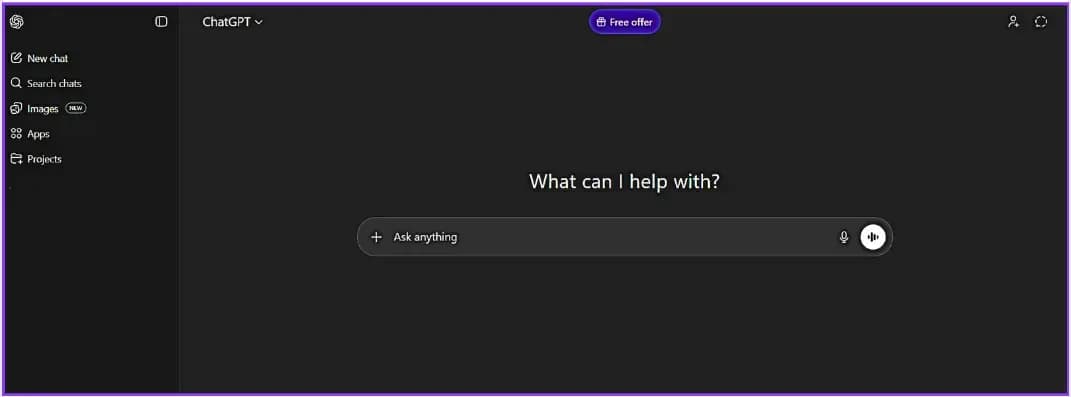
ChatGPT helps you generate ideas, write content, answer questions, plan tasks, generate images, videos and solve problems in seconds.
Fast and accurate responses for detailed prompts & supports writing, coding, planning and learning. Easy to use for beginners
Best for Students, content creators, marketers, professionals and beginners.
Many professionals also use ChatGPT for career-related tasks, often alongside dedicated AI-powered resume builders.
It saves a lot of time and helps you think clearly when you feel stuck. Very useful for daily productivity. Sometimes responses need fact-checking for very specific or the latest data.
b) Claude
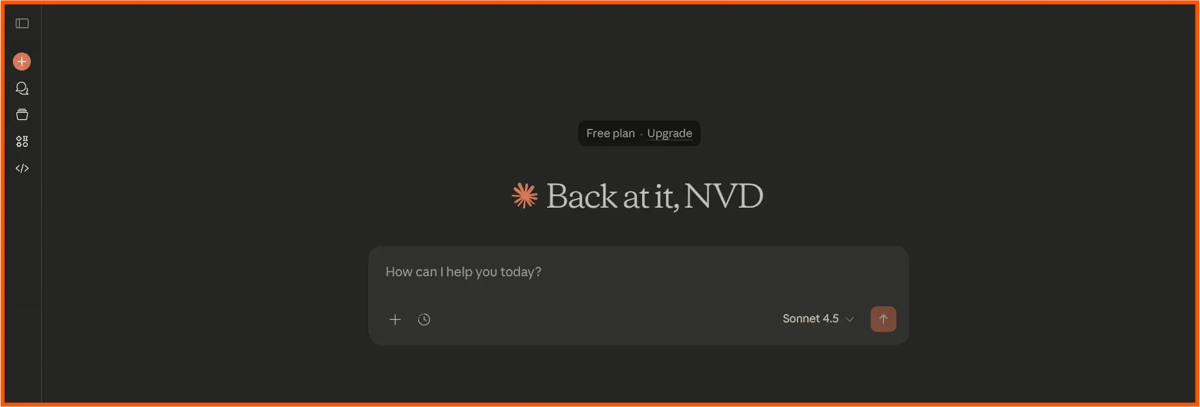
Claude is a machine learning assistant that specializes in extended writing and thoughtful answers. Long documents are handled very effectively & look Natural, Human-like text style. Strong on Summarization & Explanations
Best for Writers, researchers and people working with long content. It feels more natural and peaceful when writing extended or explanatory content. Less than ChatGPT in multitasking or tool-based response types.
c) Gemini
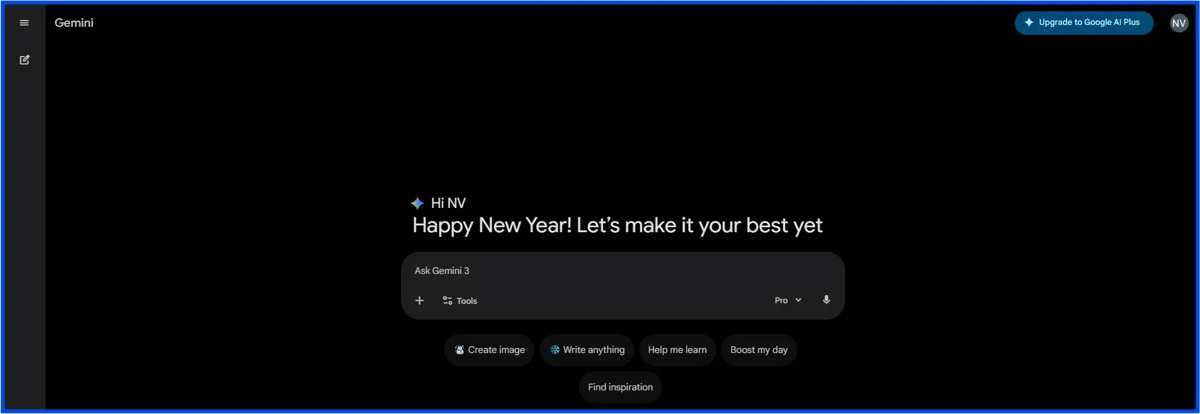
Gemini is Google’s AI assistant for writing, searching, creating images & videos and productivity-related tasks. Excellent integration with the Google ecosystem. Does well in factual & searching-related tasks & has a user-friendly interface.
Best for Google users, students and professionals. It is useful when there is a need for answers relevant to Google products. The ability to write creatively is less effective compared to ChatGPT.
2. Writing
Writing tools help you write blogs, emails, ads and social media content faster and better. They save time and improve clarity.
a) Jasper
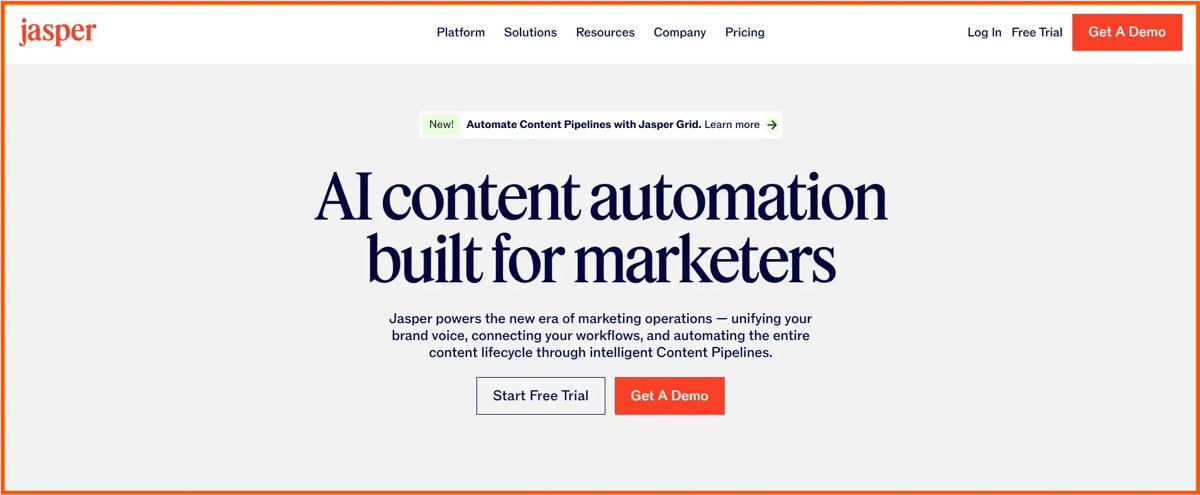
On-brand marketing content creation platform powered by Jasper AI Blogs, ads, emails and website copy. 50+ high-quality templates – structured outputs. Advanced brand voice training and controls for consistency. Generator with multilingual support-30+ languages. Team collaboration, workflow automation and SEO integrations. Personalized campaigns with custom AI apps
Best for digital marketers, agencies and content teams needing scalable professional-grade content. A bit pricier starting point, starting at ~$59/mo, outputs often require human editing for nuance or perfection and are steeper for beginners or solo users.
b) Writesonic
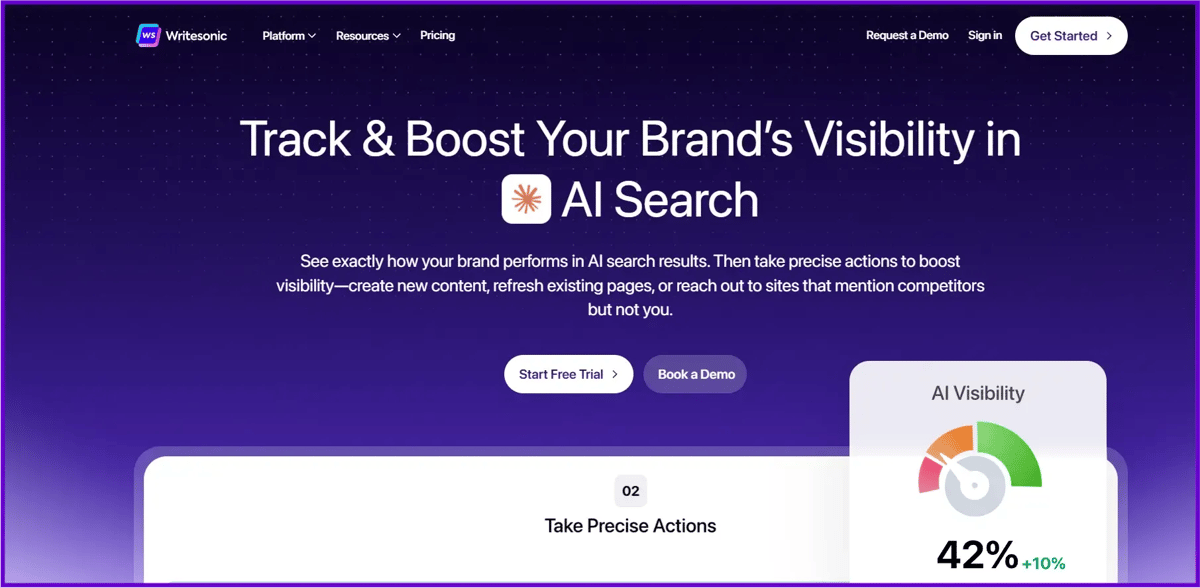
Writesonic is an artificial intelligence-based marketing content platform (writing blogs, ads, emails, social media posts) with the use of SEO tools and generative engine optimization (GEO). An Advanced AI article writer to write long-form content with GEO optimization, Keyword research, topic clusters, content gap analysis & on-page optimizer.
Chatsonic (AI chatbot), with live search and multiple model interactions (GPT-4o, Claude,
Brand voice personalization, image creation (Photosonic) and workflow integration.
GEO tracking for visibility on AI search platforms such as ChatGPT, especially for: Content marketers, bloggers, small agencies and SEO teams that require rapid and SEO-optimized content at a high volume.
The Credit system may come off a bit restrictive or confusing, the output may require some human intervention for additional depth or accuracy, the premium plans become costly for using the enhanced tools.
c) Copy AI
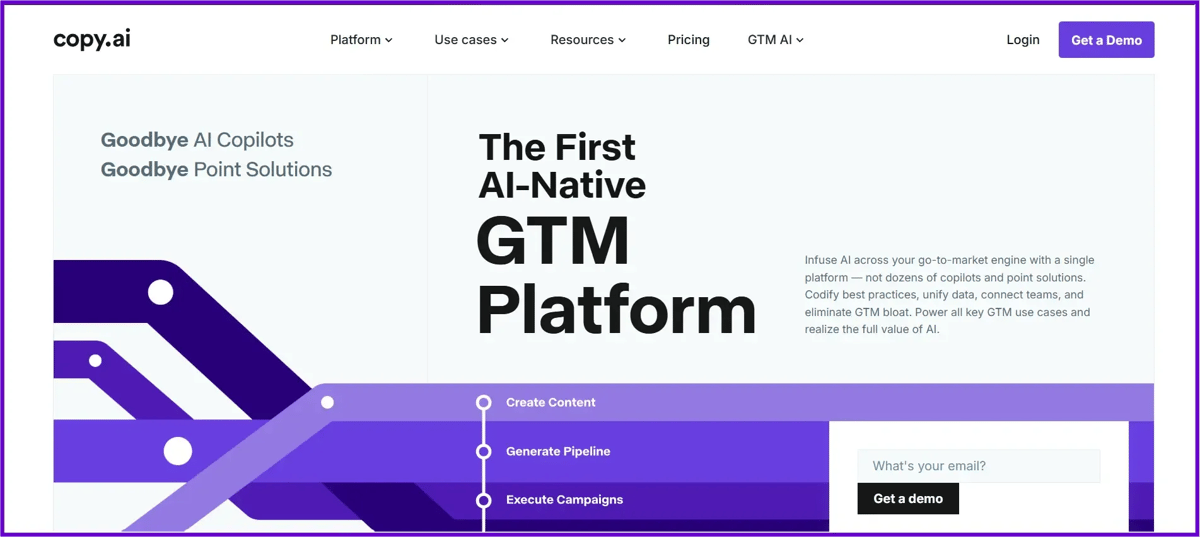
Copy.ai is a GTM AI platform used for the production and automation of marketing/sales content (advertising, email, social media, blogs, product descriptions) using enhanced workflows.
It is especially helpful for teams creating captions, ads & posts, similar to many AI tools for social media marketing.
Over 90+ templates and tools for swift short copy creation, Brand voice customization and multilingual functionality (25+ languages). Highly efficient automation of repetitive GTM workflows (e.g., for lead enrichment and personalized outreach).
Chat interface with multi-model access (GPT, Claude, etc.) and research capabilities. Integrations include CRM software, Slack and more, along with unlimited word limits for paid versions.
Best for Freelancers, marketers, sales teams, entrepreneurs and large organizations that want to effectively automate content and business processes.
Short-form content is stronger compared with long-form content and should be edited if it is to be of substance. System credit for a free or pro account may be restrictive if extensive use is desired. More advanced plans would be a necessity if a full system is required or if more seats are needed.
3. Project Management
Project management tools help you plan tasks, track progress and manage teamwork in one place without confusion.
a) Asana
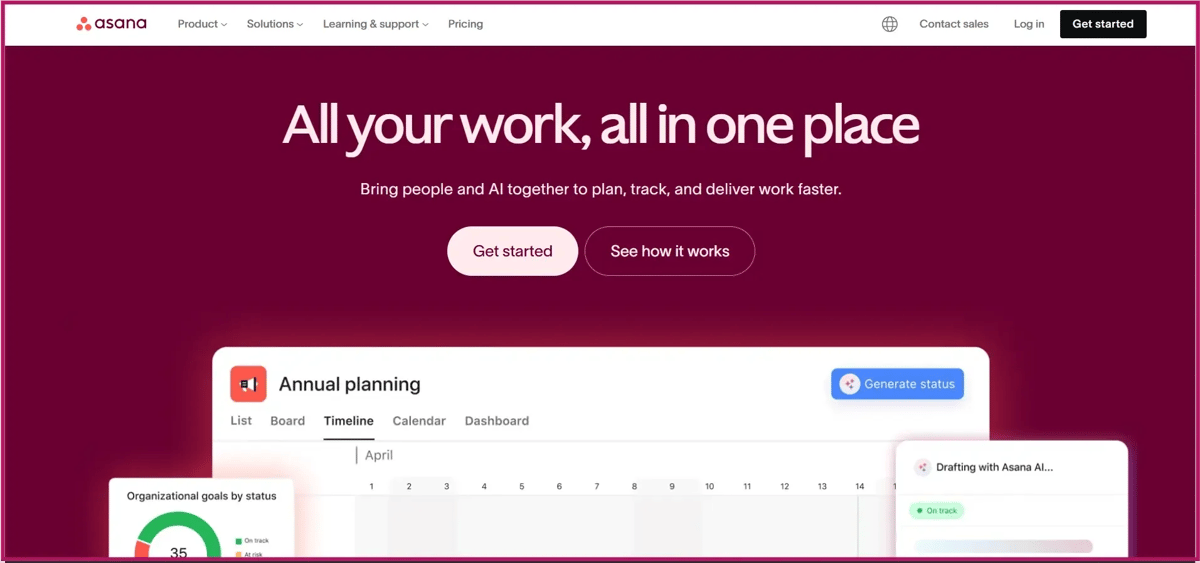
Asana is a cloud-based task management solution with features to organize tasks, projects, portfolios and goals for teams. Support for multiple views such as list, board, timeline/Gantt and calendar.
Task dependencies, subtasks, custom fields and workflow automations. Aligning goals, team portfolios and real-time reporting dashboards.
New AI applications (beta versions such as AI Teammates, smart workflows and risk reports as of late 2025). Full integration (Slack, Google Suite, Microsoft and many more).
Most suitable for Mid to large teams, cross-functional teams, marketing/operations/IT teams requiring collaboration, scalability and work alignment to objectives.
Per-user cost scales for bigger teams (higher than some other competitors like monday.com), potentially very intimidating for a small user, lacks integration of time tracking and budgeting, cannot be accessed without a paid plan for portfolios, proofing, etc.
b) Jira
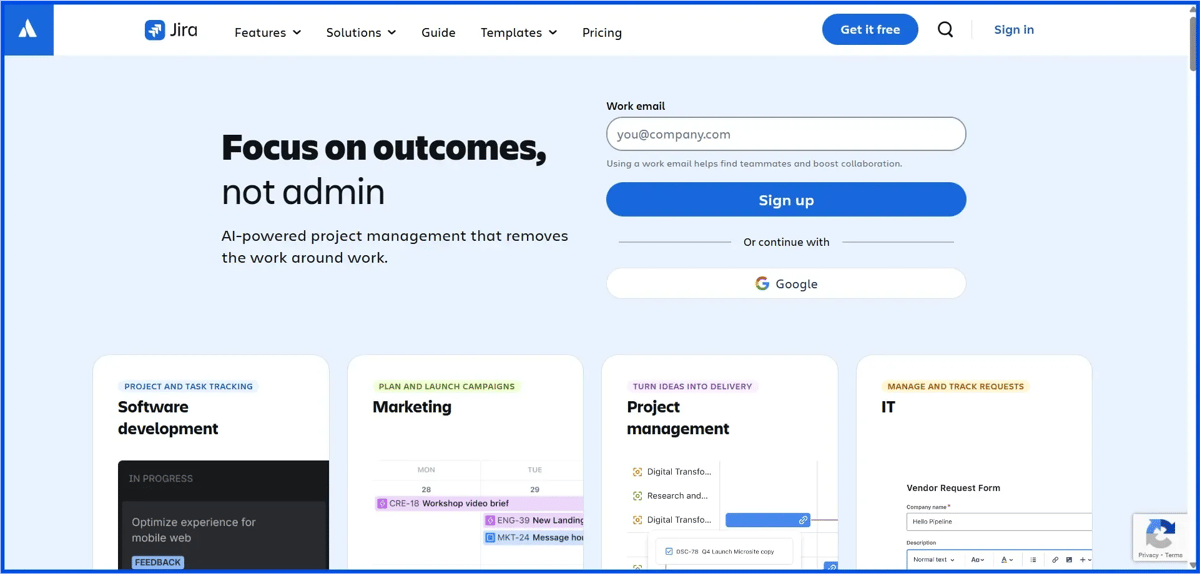
Jira is an issue tracking, bug tracking, task management and project management tool developed by Atlassian, used for software planning and release processes using the agile paradigm of Scrum or Kanban.
Scrum sprints/Kanban board to track work in motion, Custom workflow you may specify precise steps for a task, Strong reporting and roadmapping and dependency views, Automation rules that save you time on routine tasks, AI assistant features (such as a smart summary and an AI assistant) available for higher-priced plans, Many integrations with other apps for example, integration with Slack and GitHub
Best for Software dev teams, IT departments & large companies performing Agile development. Just right for complex projects requiring thorough bug tracking.
Steep learning curve, not very intuitive for those who are not tech-savvy or small teams; setup is time-consuming; expensive for large teams (free for up to 10 users, then around $7.91 per user/month, and more for additional services).
c) ClickUp
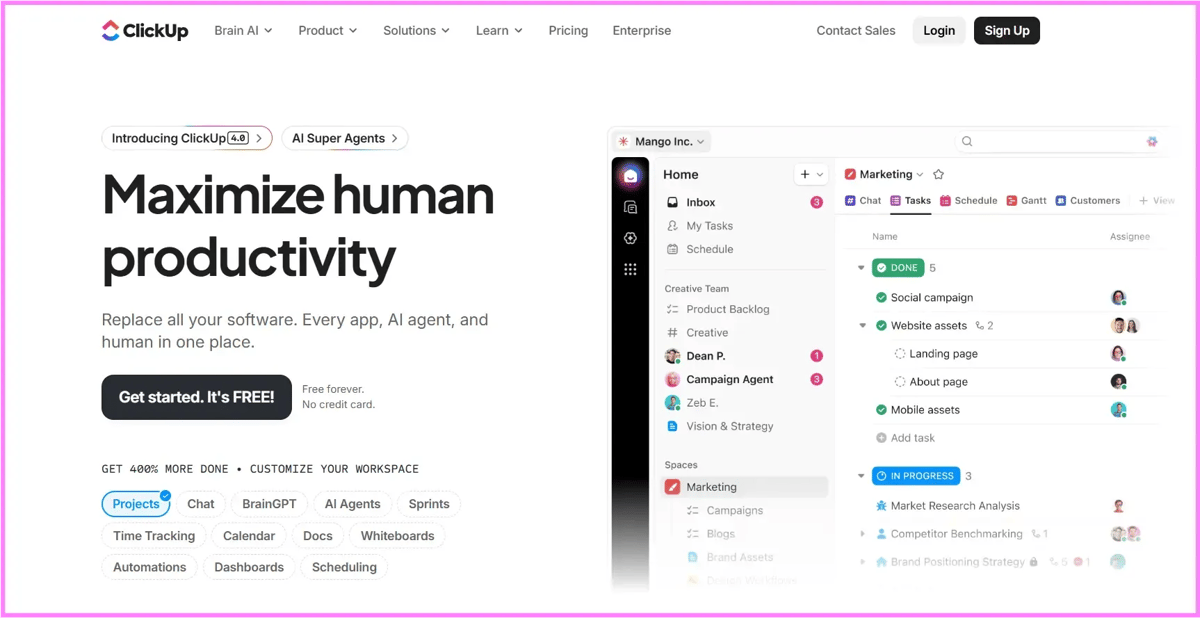
ClickUp is an integrated productivity tool, developed with the concept of handling tasks, projects, documents and goals in a single platform simultaneously, with the core concept of replacing multiple applications in a single integrated system.
It offers over 15 flexible views, including lists, boards, Gantt charts, calendars, mind maps and timelines, as well as internal docs, whiteboards, chat and time tracking to help teams stay connected and on track.
Repetitive tasks are handled by automations, yet ClickUp Brain AI helps with summarizations, task concepts, project status updates and custom agents. Dashboard, goals, resource management, along with over 1,000 integrations, make it very alluring for small to medium-sized businesses, startups and a marketing/operations team that loves customization options with all functions under one roof.
On the other hand, the features may seem overwhelming for newcomers to the product, may have a rather steep learning curve for existing users, may be rather slow for large-scale projects or tasks and may offer features that small businesses or solo operations don’t need, with advanced features available for those willing to pay a higher price.
4. Time & Calendar Management
These tools help you organize your day, manage tasks, set reminders and use your time more effectively.
a) Google Calendar
Google Calendar is a simple, useful and reliable calendar option that makes meeting organization, personal daily organization and reminder organization possible, so you’re never left wondering about important tasks.
Google Calendar is an extremely useful tool for event organization, has seamless integration options with Gmail, Google Meet or other Google services and is free to use on all devices.
Its lack of complexity makes Google Calendar the best option for students, professionals or anyone else wanting simple daily organizational options without the hassle.
Although Google Calendar is great for organizing, Google Calendar is not designed for specialized task organization or AI-assisted organization options.
b) Motion
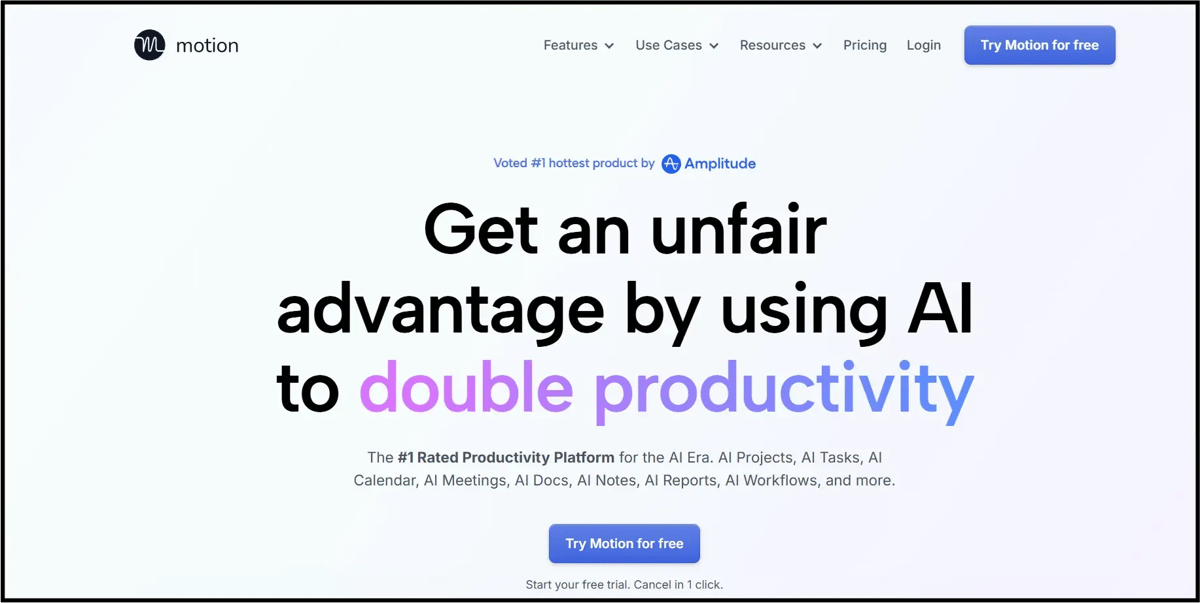
Motion is an AI productivity assistant designed to automatically plan the day’s activities based on the user’s priorities, with the aim of relieving the user of the strain of planning the day’s activities.
Motion is particularly valuable to busy individuals, entrepreneurs or anyone with a lot of activities on their daily or weekly schedules. While Motion is valuable to individuals, it is, however, quite costly, especially to new users or those with limited activities to plan.
c) Todoist
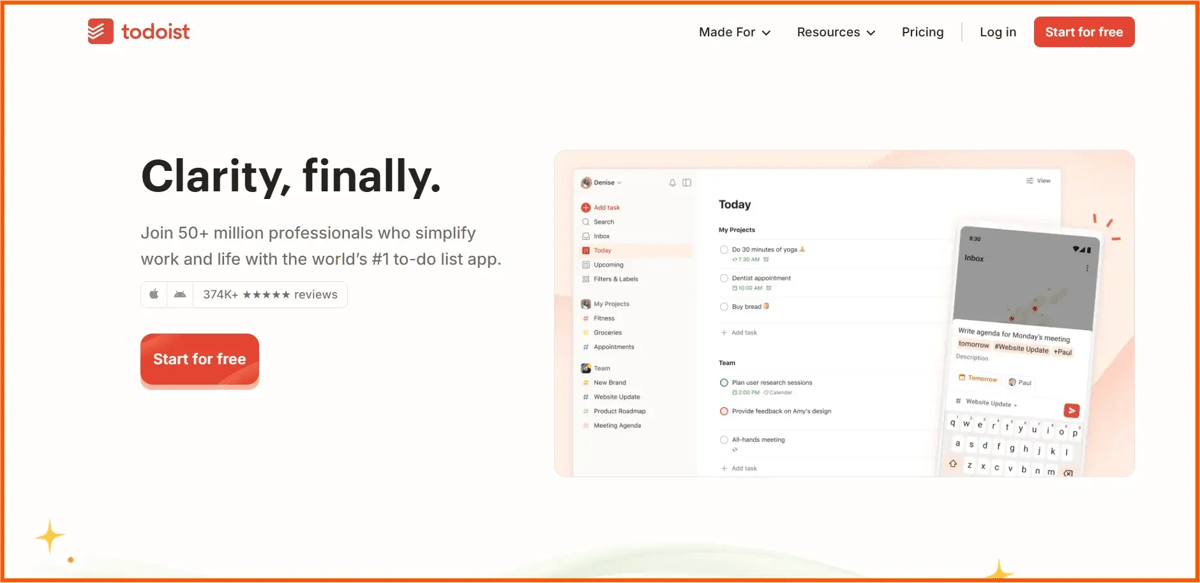
Todoist is a simple yet powerful task management tool that helps you organize daily work without stress or clutter. It’s best for people who want clear priorities, timely reminders and a clean system that actually keeps them productive.
Another strong point of Todoist is how smoothly it works across all devices, so your tasks are always up to date wherever you are. It also encourages consistency with recurring tasks and progress tracking, which helps build better daily habits over time.
5. Meeting
Meeting tools help you record meetings, take notes automatically, create summaries and track action items.
a) Otter.ai
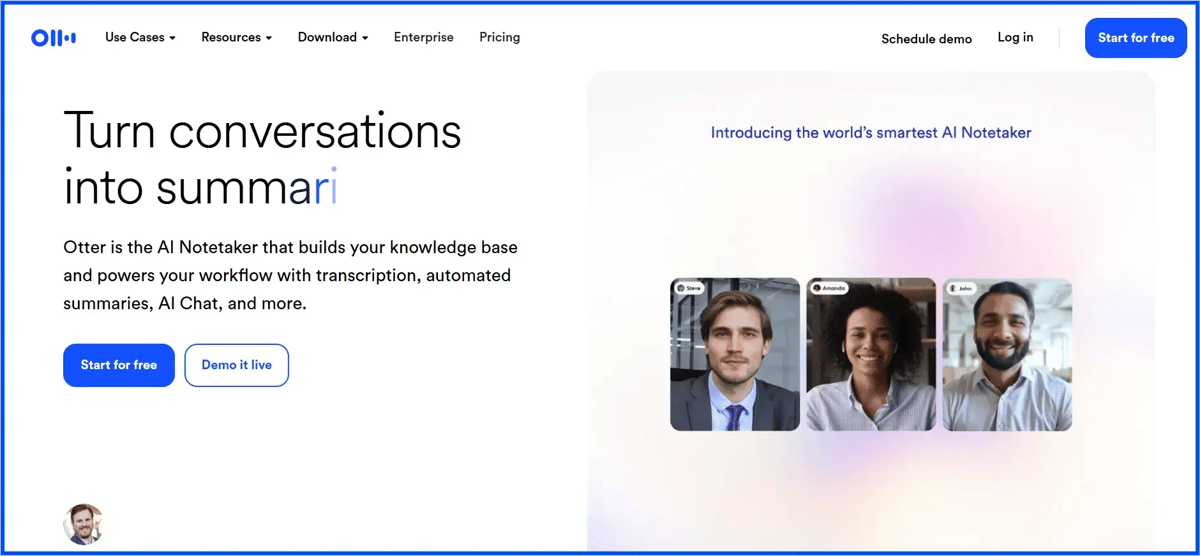
Otter AI is an intelligent transcription and note-taking application. It enables users to transcribe their speeches automatically into text form that can be read by all people. This is a huge advantage in terms of time saved, as manual transcription by someone else may be required.
The application also features speaker identification, meeting minutes, action items and the ability to integrate with other applications, such as Zoom and Google Meetings.
However, its accuracy may be reduced depending on whether there is a strong accent, background noise or technical terms being used while recording in voice. Furthermore, its free version has extremely tight restrictions on its use.
b) Fireflies.ai
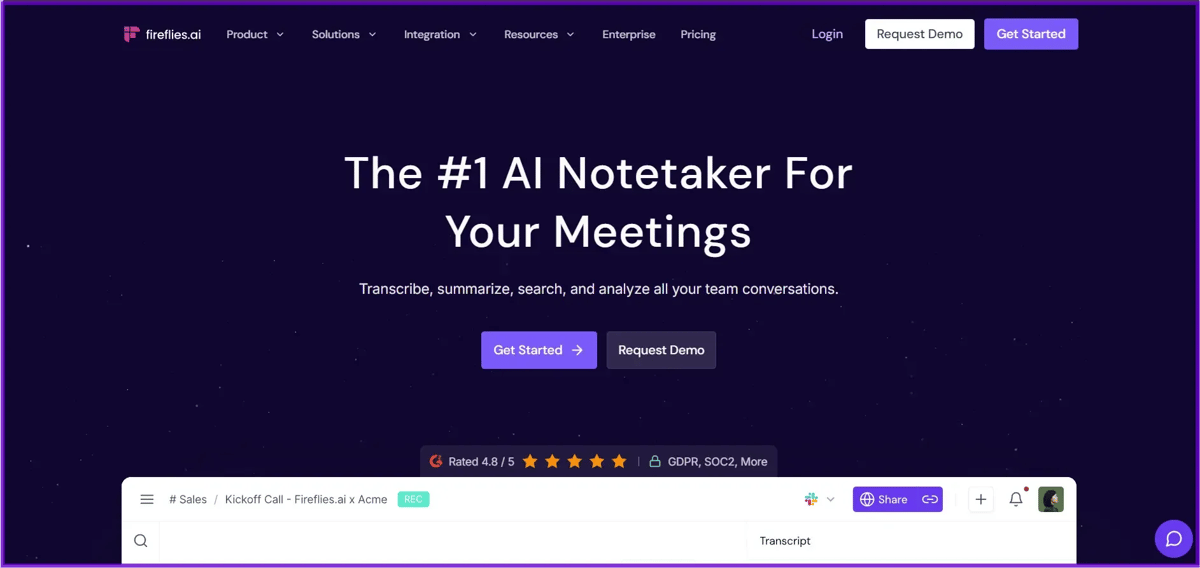
Fireflies.ai is an AI meeting assistant that can record, transcribe and summarize meetings on its own, allowing users to focus more on the conversation rather than note-taking.
It provides transcript searchability, speaker highlighting, AI summaries, task assignments and connectivity to meetings and CRMs such as Zoom, Google Meet, Slack and more.
However, the tool still experiences inaccuracies in the presence of noise and when the speaker is labeled. Fireflies can become better if the accuracy of transcription improves, the payment plans become more versatile and more flexibility regarding the summaries and note-taking is provided.
c) Read AI
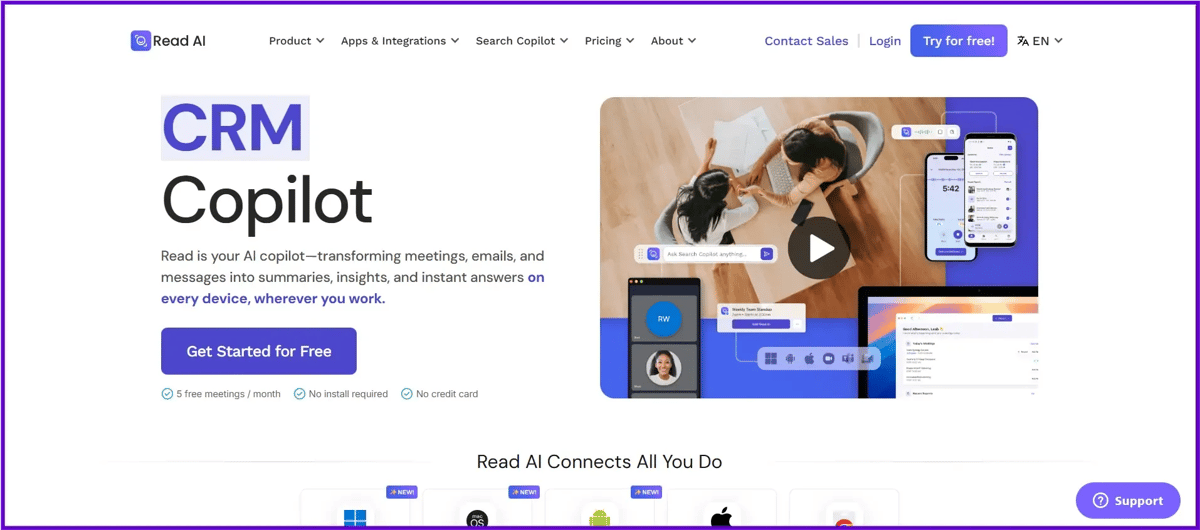
Read AI is an AI-powered meeting intelligence tool that helps people automatically capture and understand what happens in online meetings. It turns meetings into clear transcripts, summaries, action items and engagement insights, so users don’t have to manually take notes and can stay aligned on decisions made during discussions.
The platform also offers useful features like AI-driven search across meetings, coaching feedback, topic insights and integrations with tools such as Slack, Notion and popular CRMs. This makes it especially helpful for professionals and teams who care about meeting analytics and smoother workflows.
However, Read AI has some drawbacks. The free plan is very limited, offering only a small number of transcripts each month. Transcription and summary accuracy can be inconsistent, particularly in meetings with multiple speakers or different accents.
Some users also mention a complex setup process, concerns about privacy due to automated bots joining meetings and confusing access controls.
To do better, Read.ai could focus on improving transcription accuracy, simplifying the user interface and overall workflow, offering more generous free usage and providing clearer transparency and control over privacy and meeting access.
FAQ
1. What are the best AI productivity tools in 2026?
The best AI productivity tools in 2026 depend on your needs. ChatGPT, Claude and Gemini are top AI assistants, while tools like Jasper, Writesonic and Copy.ai help with writing. For project and time management, Asana, ClickUp, Google Calendar and Todoist are among the most effective options. You can explore our full guide on AI tools for marketing teams.
2. Which AI tool is best for overall productivity?
ChatGPT is considered the best all-in-one AI tool for overall productivity. It helps with writing, planning, brainstorming, learning and problem-solving, making it useful for students, professionals and creators.
3. Are AI productivity tools free to use?
Most AI productivity tools offer a free plan with limitations. Tools like ChatGPT, Gemini, Google Calendar, Todoist, Otter.ai and Fireflies.ai have free versions, but advanced features usually require a paid subscription.
4. Which AI writing tool is best for blogs and SEO?
Writesonic is one of the best AI writing tools for blogs and SEO because it supports keyword research, GEO optimization and long-form content creation. Jasper is better for brand-focused marketing content, while Copy.ai is strong for short-form and sales copy.
5. Is ChatGPT better than Claude and Gemini?
ChatGPT is better for versatility and multitasking, Claude excels at long-form and natural writing, and Gemini works best for users deeply integrated into Google products. The best choice depends on how you plan to use the tool.
The Final Verdict: Which AI Tools Are Actually Worth Using in 2026?
In 2026, productivity is not about using many tools. It is about using the right ones. ChatGPT works well for almost everything. Claude is better for long writing. Gemini fits if you use Google apps. For content work, Jasper and Copy.ai save time, but you still need to edit. For team work, Asana and ClickUp help. For daily planning, Google Calendar and Todoist are enough. For meetings, Otter and Fireflies save effort. The real win is choosing tools that match how you work, not trying everything.
Before You Decide
AI doesn’t make you productive. Good choices do. Pick one main AI tool and a few supporting ones that solve real problems.
Avoid tool overload. That’s how you get real results.