Why Everyone’s Suddenly Talking About AI Resume Builders
AI is changing how we work, and job applications are no exception.
You’ve probably seen AI resume builders everywhere, from LinkedIn posts to job-hunting videos on TikTok. Many claim that AI can help you create a resume and land your dream job in just a few minutes.
But does it really work that way?
AI resume builders can make the job application process easier, but the results depend on how you use them. They can help you improve your resume, highlight relevant skills, and save time. However, you still need to review the content and make sure it reflects your actual experience.
What You’ll Learn in This Guide
By the end of this guide, you’ll understand:
- Which AI resume builders are worth considering in 2025 and who they’re best suited for.
- How to use AI without making your resume sound robotic.
- Common resume mistakes that can affect your chances.
- How resume expectations differ across countries and industries.
What Is an AI Resume Builder?
An AI resume builder helps you create or improve your resume without writing everything from scratch. It uses AI to turn your work experience, skills and achievements into clear, professional content.
Depending on the tool, it can help you write resume points, find relevant keywords, match your resume to a job description and choose a format that is easier for ATS software to read.
The goal is to present your experience clearly so recruiters can understand your strengths. Still, review the final resume carefully and make sure every skill, qualification and achievement is accurate.
Why You Should (and Shouldn’t) Use AI Resume Builders
AI resume builders can save time, but they’re not perfect. Understanding both sides will help you get better results.
What AI Resume Builders Do Well | Where They Fall Short |
|---|---|
Save time: Create a first draft in minutes instead of writing everything from scratch. | Generic writing: AI-generated content can sound similar to other resumes if you don't edit it. |
Find keywords: Identify relevant skills and terms from job descriptions. | Limited industry knowledge: AI may miss important details about your role or experience. |
Improve structure: Organize content and make resumes easier for ATS software to scan. | Formatting issues: Some attractive templates may not work well with ATS software. |
Our advice: Use AI to create the first draft, then edit it to reflect your actual experience and achievements.
How I Tested These Tools
To compare the resume builders fairly, I created a resume from scratch using each tool and checked its ATS compatibility against job postings on LinkedIn. I also reviewed the content for readability and accuracy, tested the available design options and checked how well each tool worked for different roles, including technology, creative, corporate and entry-level jobs.
The Top AI Resume Builders of 2026
The following tools were selected based on usability, accuracy, and their practical value for job seekers. Each one serves a slightly different purpose, so the right choice depends on what you need from a resume builder.
1. Rezi ( Best for ATS Optimization )
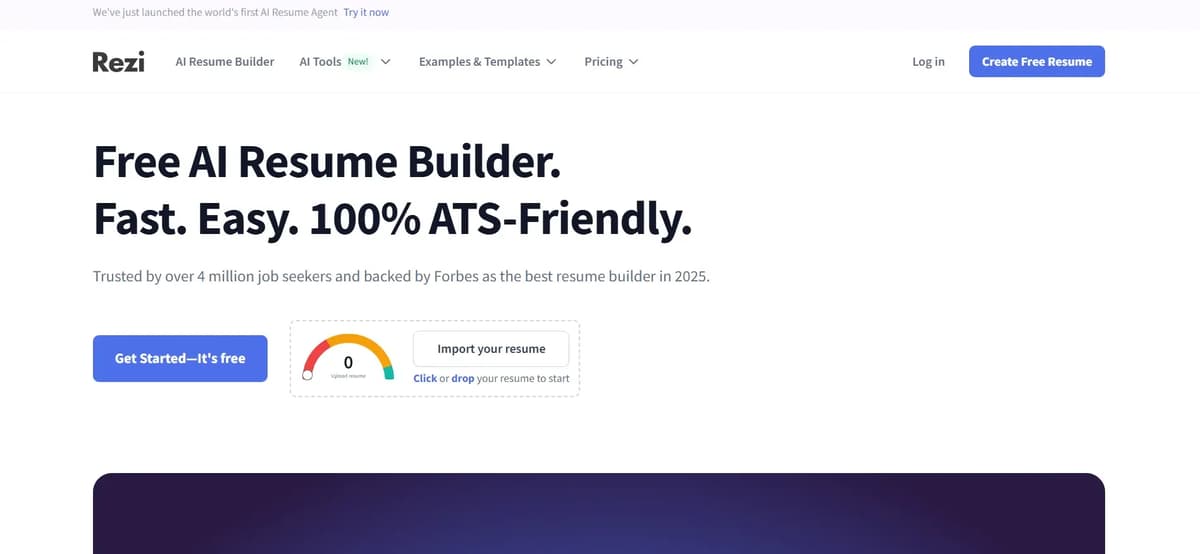
Rezi focuses on creating simple resumes that are easy for ATS software to read. It checks your resume in real time and gives you a score to help identify areas for improvement.
After signing up, you can create one resume for free. The free version uses a basic template, so the design options are limited, but the simple layout can work well for job applications.
Best for: People applying for corporate, technology and data-focused roles.
Downside: The templates look basic, so they may not suit those who want a more creative resume.
Pro tip: Use Rezi’s optimization feature with the job description to identify missing skills and relevant keywords you could add to your resume.
2. Jobscan ( Best for Keyword Matching )
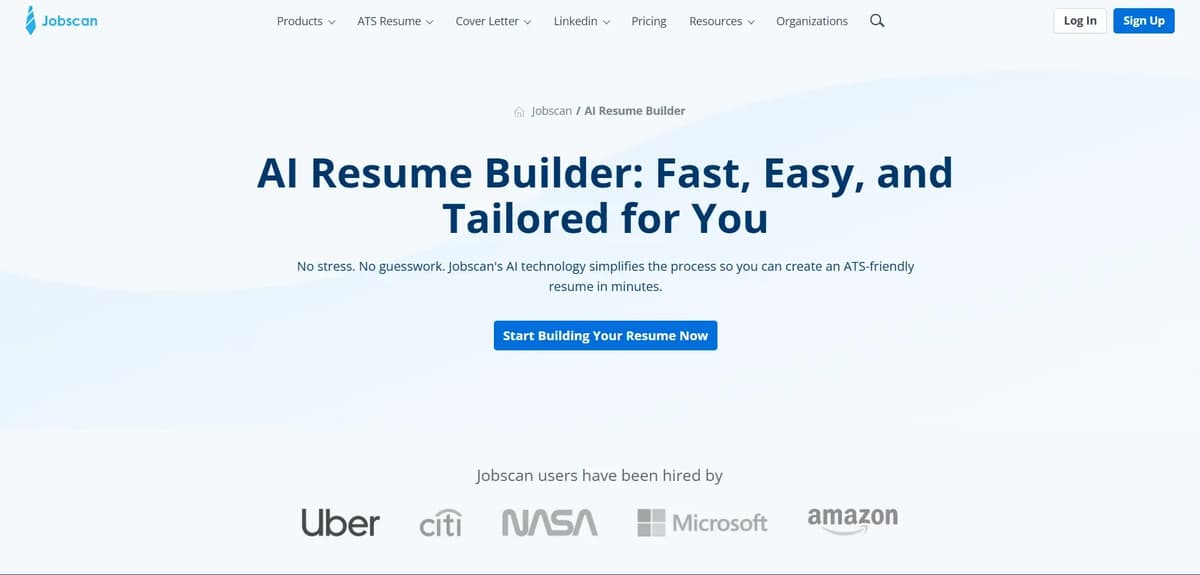
Jobscan focuses on matching your resume to the job you want rather than its visual design. It compares your resume with the job description and shows where you can improve. You can create up to five resumes per month for free.
Best for: Job seekers applying for multiple roles who want to tailor their resumes to each job.
Downside: Advanced keyword suggestions require a paid plan.
Example: If a job description mentions project management, Jobscan helps you check whether your resume highlights that skill in the right context.
3. Teal ( Best for Job Search Organization )
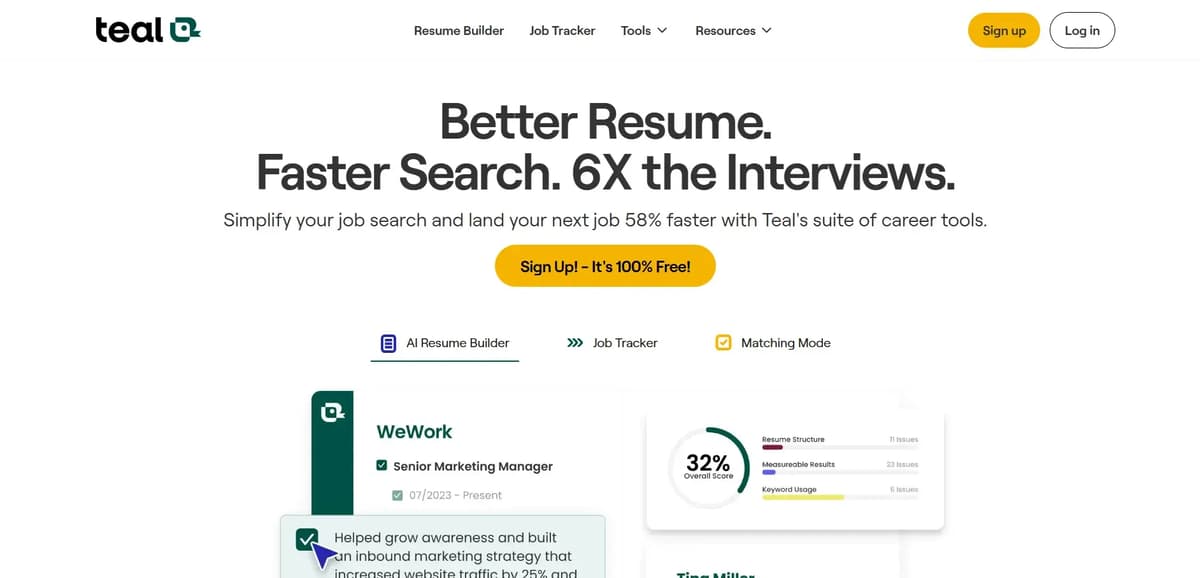
Teal helps you manage your job search in one place. You can track applications, save job descriptions, create different resume versions, and use AI to tailor your resume to each role.
Its free plan includes multiple resume versions, 10 resume templates, job application tracking, basic resume analysis and keyword matching for the top five keywords. You also get basic design settings, one email template for each job stage and AI credits for 10 resume bullet points, two professional summaries and two cover letters.
Best for: Job seekers who apply for multiple positions and want to keep their applications organized.
Downside: Setting everything up can take some time, especially when you're using the job tracking features for the first time.
4. Kickresume ( Best for Creative Fields )
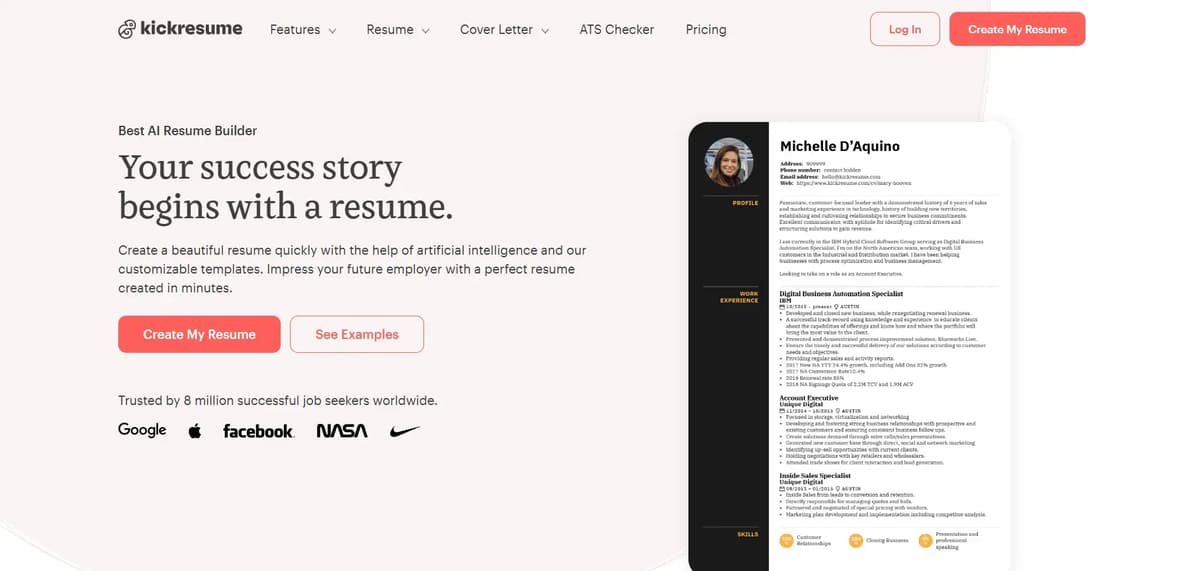
Kickresume is a good option for designers, writers, marketers, and other creative professionals who want a resume that looks polished. It uses GPT to help write professional summaries and describe work experience.
The free plan includes four resume templates, four matching cover letter templates, one basic website template, 20,000 pre-written phrases, over 1,500 resume examples, and unlimited downloads.
Price: Free plan available at ₹0 per month.
Best for: Creative professionals who want more design options when building a resume.
Downside: Some templates may not work well with ATS software. If you're applying to large companies, a simple, clean template is usually a safer choice.
5. LiveCareer, ResumeGenius & Careerflow ( Best for Beginners )
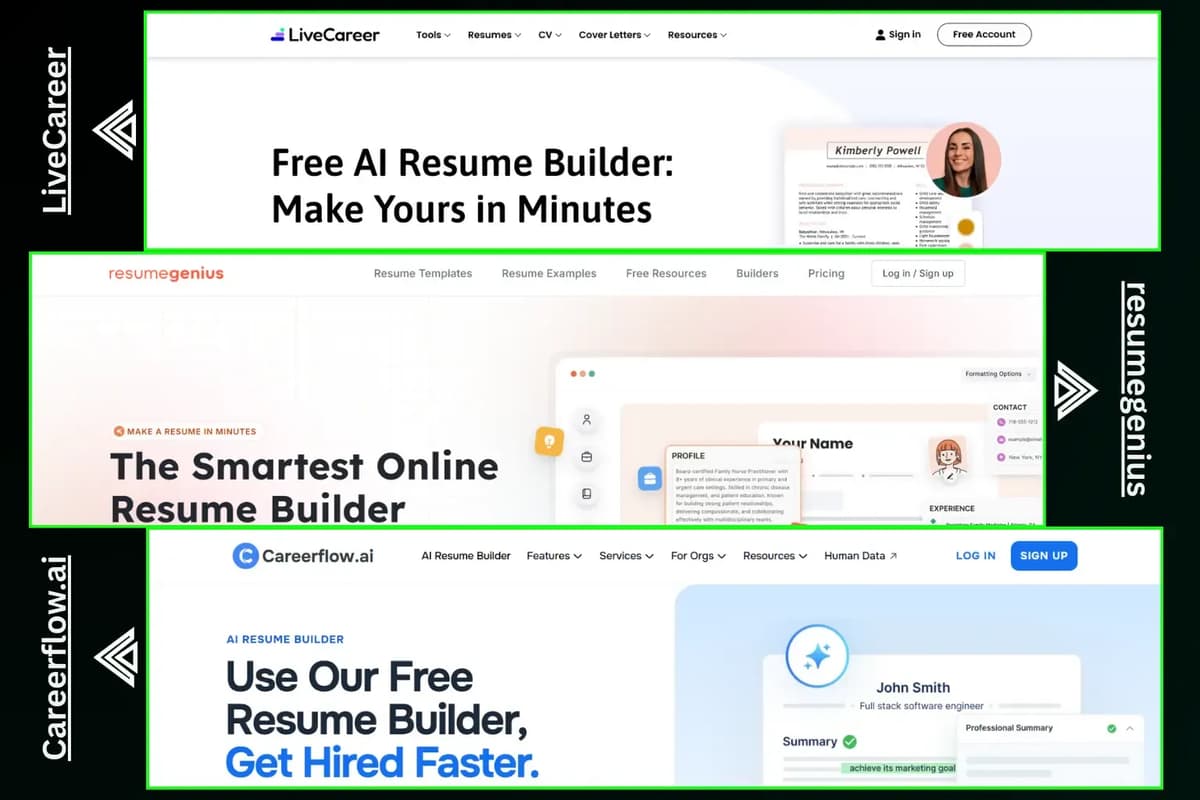
LiveCareer, ResumeGenius, and Careerflow make resume building easier for beginners. You can choose a template, follow the steps and create a resume without starting from scratch.
LiveCareer offers more than 50 resume and cover letter templates on its free plan, along with options to edit and customize your content.
ResumeGenius provides a basic resume builder with TXT downloads, Word and Google Docs templates, an AI summary generator powered by GPT-4, and a resume checker for basic feedback.
Careerflow offers unlimited resume templates and job autofill, tracking for up to 10 jobs, one free resume and basic ATS keyword matching.
Best for: Students, first-time job seekers and anyone who wants a simple, guided way to build a resume.
How to Use an AI Resume Builder: Step by Step
An AI resume builder can save time, but you still need to review the resume before sending it to an employer. Here’s a simple way to use one.
Step 1: Upload Your Resume
If you already have a resume, upload it to the tool. If not, enter your work experience, education and skills.
Step 2: Add the Job Description
Copy and paste the job description into the tool. This helps the AI understand what the employer is looking for and which skills to highlight.
Step 3: Generate Your Resume
Let the tool create a first draft based on your information. Use it as a starting point, not as your final resume.
Step 4: Review and Edit
Read through the resume and check whether your experience and achievements are described clearly. For example, instead of writing “Improved sales,” mention “Increased monthly sales by 18%” if that accurately reflects your results.
Step 5: Check the Formatting
Make sure the resume is easy to read and uses relevant keywords from the job description naturally. A simple layout can also help ATS software scan your resume.
Step 6: Download Your Resume
Download your final resume as a PDF. Keep a Word version too if you need to make changes later or if the employer requests that format.
What Most People Get Wrong When Using AI Resume Builders
AI can make resume writing easier, but a few common mistakes can reduce the quality of the final result.
Copying AI Output Word for Word
AI-generated text can sound polished but generic. If you copy it without reviewing it, your resume may not reflect your actual experience or personality.
Edit the wording so it sounds natural and accurately represents your work.
Overcomplicating the Design
Colors, boxes, icons, and complicated layouts may make a resume look attractive, but they can sometimes cause problems with ATS software.
Keep the layout clean and easy to scan.
Using the Same Resume for Every Job
Different positions may require different skills and experience. Sending the same resume to every employer can make it harder to show why you’re a good fit for a particular role.
Tailor your resume to the job description instead.
Relying Too Much on AI
Rezi and Kickresume both offer useful free versions, although some advanced features require payment.
However, choosing a tool is only part of the process. You still need to review the content, check its accuracy, and make sure the final resume represents you well.
Your resume should feel personal, not like it came out of a factory.
Pro Tips to Make AI Work for You
Use AI to improve your resume, but make sure the details match your real experience. Mention what you did, your achievements, and any results you can show. Keep the format simple so ATS software can read it easily and update your skills and summary based on the job you’re applying for.
Key Takeaways
- AI resume builders can save time, but human input is still necessary.
- Use AI to improve structure and clarity rather than relying on it to tell your entire professional story.
- Tailor each resume to the relevant job description.
- Simple formatting is often the safer choice for ATS compatibility.
Your Mini Action Plan
If you’re ready to improve your resume, start with these steps:
- Choose an AI resume builder. Rezi or Teal are good starting points.
- Test it using your current resume.
- Edit the generated content so it sounds like you.
- Export two versions: one optimized for ATS compatibility and another with a more creative design, if appropriate.
- Apply for jobs, track your applications and repeat the process.
Regional Insights: How AI Resume Trends Vary Worldwide
Resume expectations can differ depending on where you’re applying for a job.
US and UK: Keywords and formatting play an important role because ATS systems are widely used.
Europe: Cover letters and the way candidates present their professional experience can receive greater attention.
India: AI resume builders are becoming more common, and adapting your resume to local hiring expectations is important.
Canada: Employers may value both polished presentation and clearly demonstrated accomplishments.
Wherever you’re applying, tailor your resume to the expectations of the local job market.
Final Thoughts
AI resume builders aren’t magic solutions. They’re tools that can help you present your experience more effectively.
If your experience is strong and your achievements are clear, AI can help you communicate them more quickly and clearly.
But the human touch still matters most. Review the output, make it your own and ensure your resume reflects the person behind the application.