

Quick Blog Summary
This is a hands-on comparison post: the writer ran the same 5 prompts (logo, product shot, YouTube thumbnail, business card, restaurant poster) across 15 AI image tools, then ranked the 8 that nailed every prompt on the first try, with Canva, Meta and ChatGPT as the top three. It also flags 4 tools that failed parts of the test, gives separate free-plan and pricing comparison tables, use-case recommendations (thumbnails, logos, product shots, business cards) and an FAQ section. The conclusion basically says: quality keeps improving across tools, but editing the generated image is what makes the final output good, so use Canva/ChatGPT/Manus/Reve and go paid only if the free trial isn’t enough.
The goal of this blog is to provide real value by sharing my hands-on experience with these tools and helping you understand which AI image generator is best for different use cases. If you read the full article, you’ll get a clear idea of the current AI image generation landscape and what each tool does well. I also made sure to keep the testing fair and unbiased, without favoring any particular tool.
If you’re curious about what happens behind the scenes before an AI generates an image, this guide will help. By understanding how AI image generators work, you’ll get a clearer idea of how these tools turn text prompts into images.
Best AI Image Generator Quick Overview Table (Sep 2026)
| Rank | AI Tool | Try Now | Followed Prompt on 1st Try | Free Plan | Editing | Watermark | Best For |
|---|---|---|---|---|---|---|---|
| 1 | Canva | Try Now | Yes | Up to 200 standard AI uses or 20 premium AI uses | Best-in-class, all in one place | None | YouTube thumbnails, business cards |
| 2 | Meta AI | Try Now | Yes | Plenty of images free | Generates 5 different prompts at once | None | Casual/free high-volume use |
| 3 | ChatGPT | Try Now | Yes | ~10 free images | Comment-based edits | None | Product images |
| 4 | Reve AI | Try Now | Mostly (missed thumbnail) | 10+ free images | Move/resize/upscale | None | Logo design |
| 5 | Manus AI | Try Now | Yes | 300 credits/day | Comment edits, 8K upscale | None | AI agent workflows |
| 6 | DeeVid AI | Try Now | Yes | Limited free credits | Multi-model, 4K | Yes | Image + video combo |
| 7 | Leonardo AI | Try Now | Yes | 150 credits/day (~10 images) | Canva-linked tools | None | Concept art, product images |
| 8 | Gemini | Try Now | Yes (needed 2-3 tries on watch prompt) | ~20 free images | Fast edits | Yes | Everyday use |
How I tested these AI Image Generation Tools (Text-to-Image)
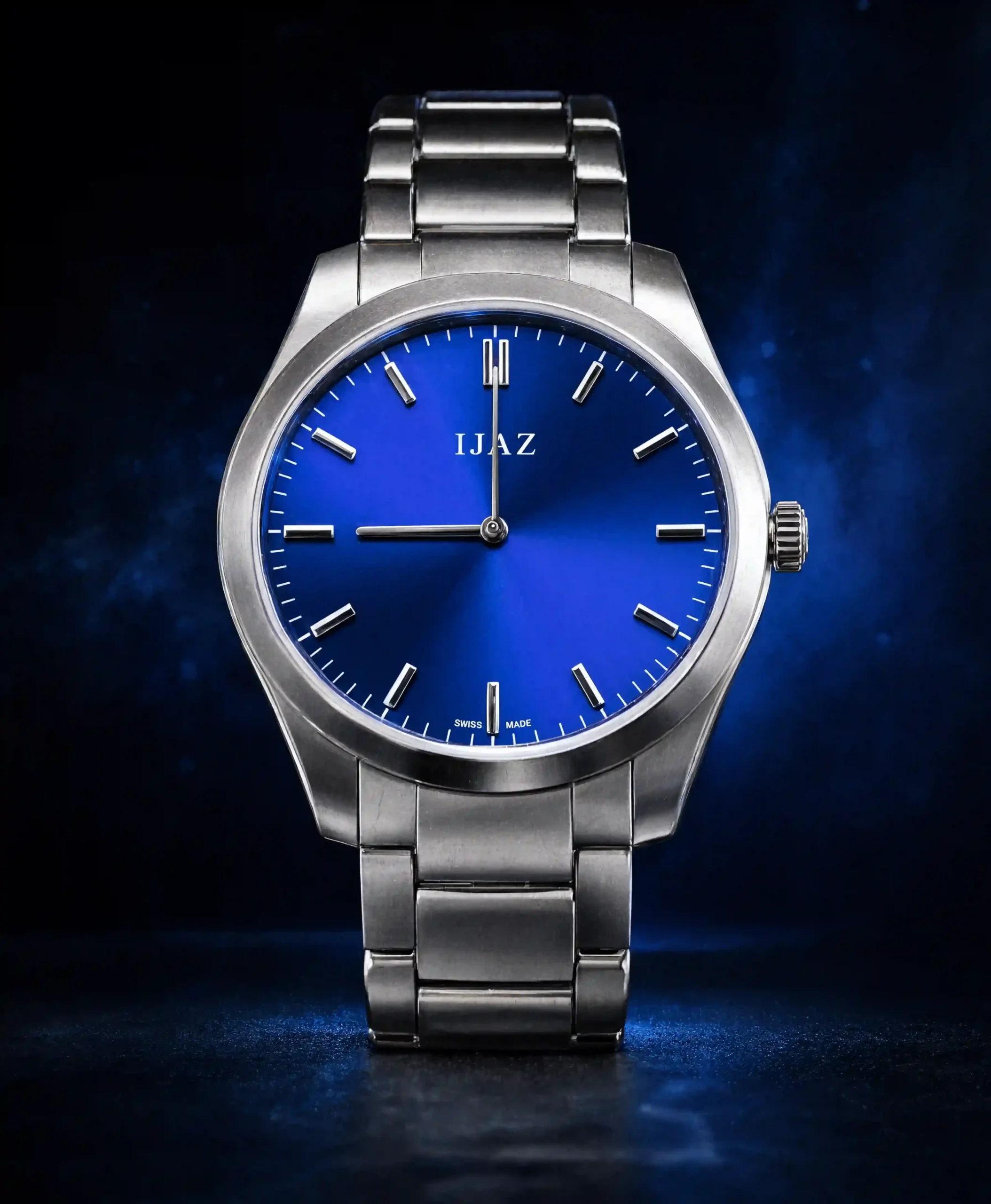
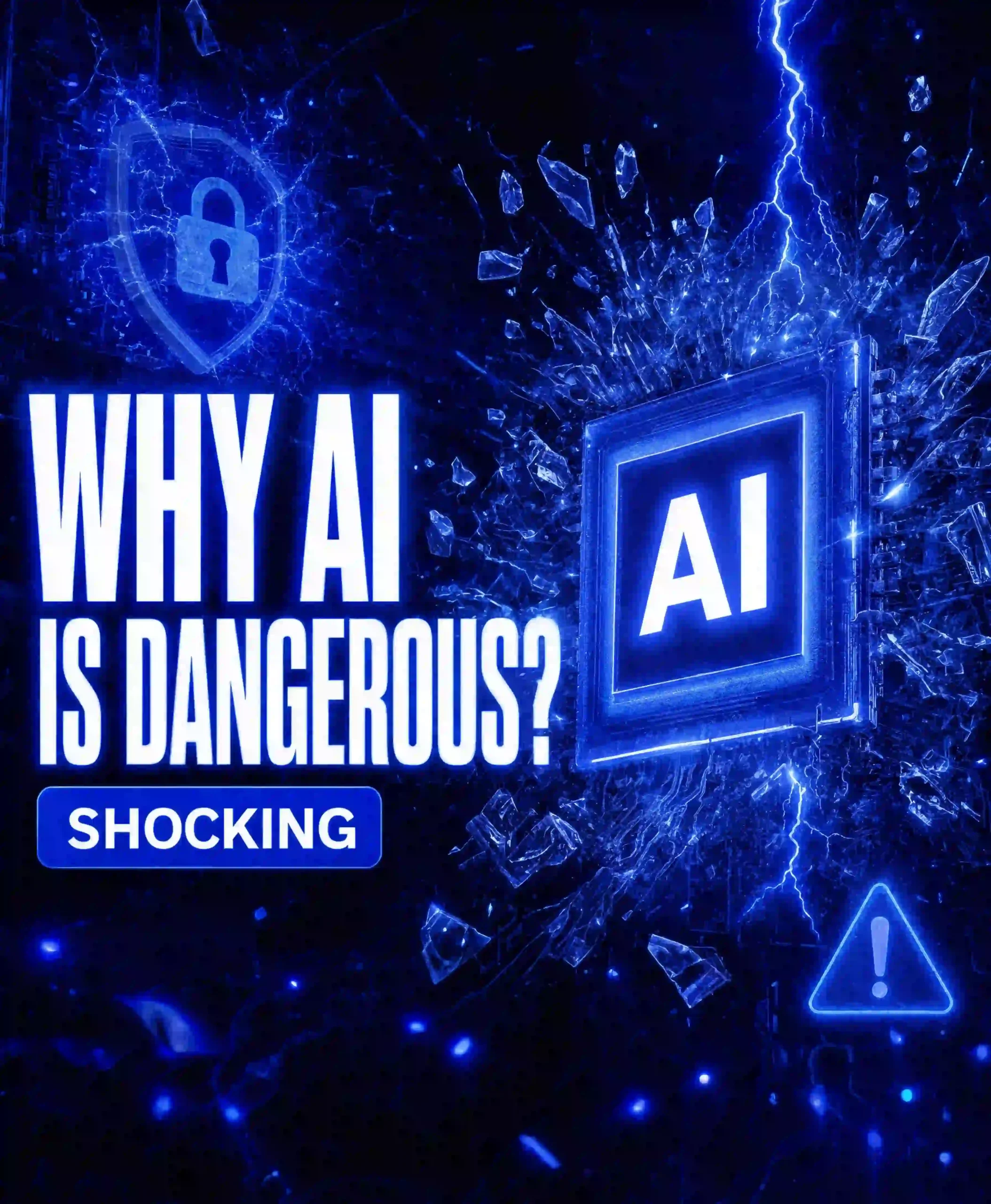
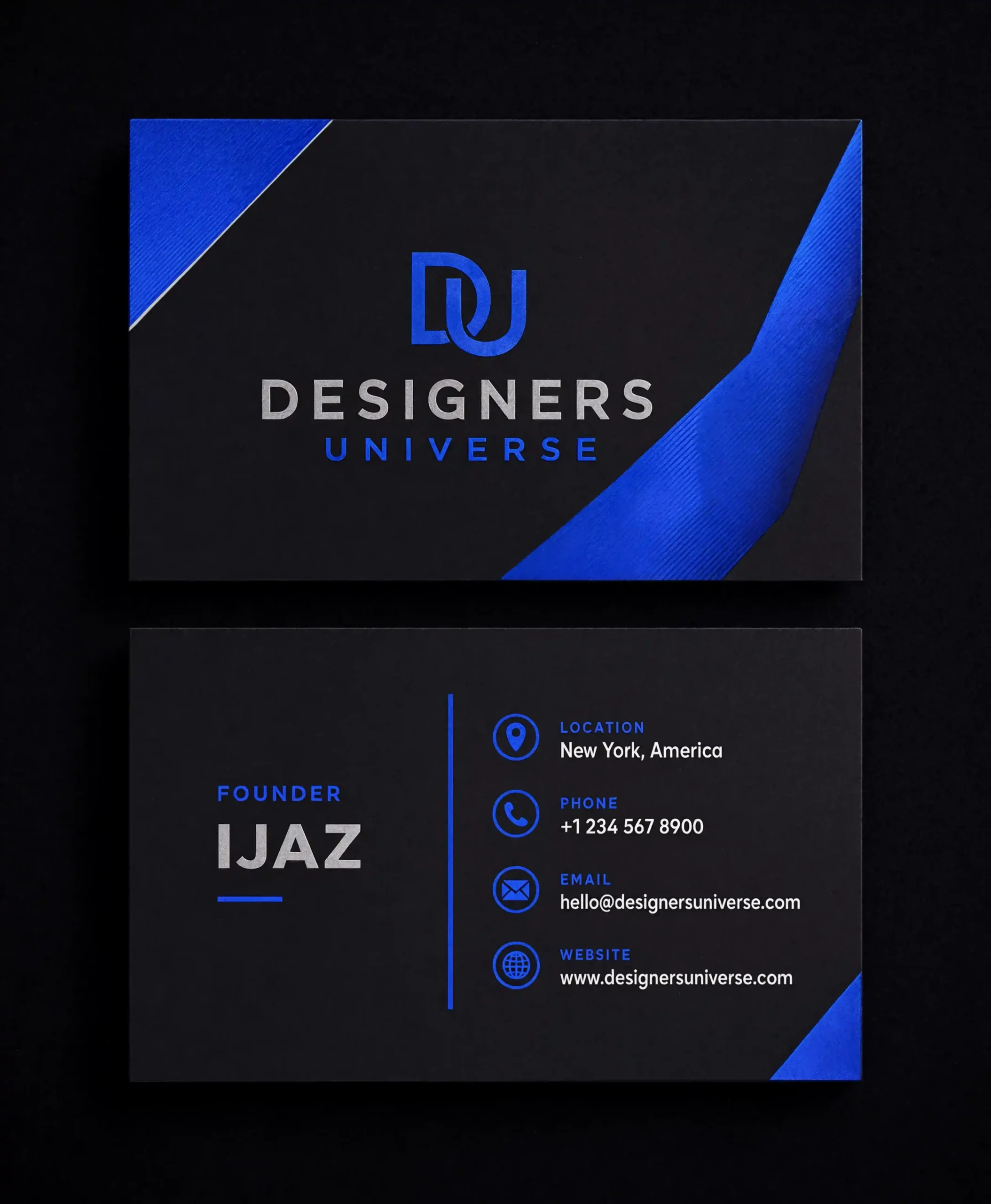
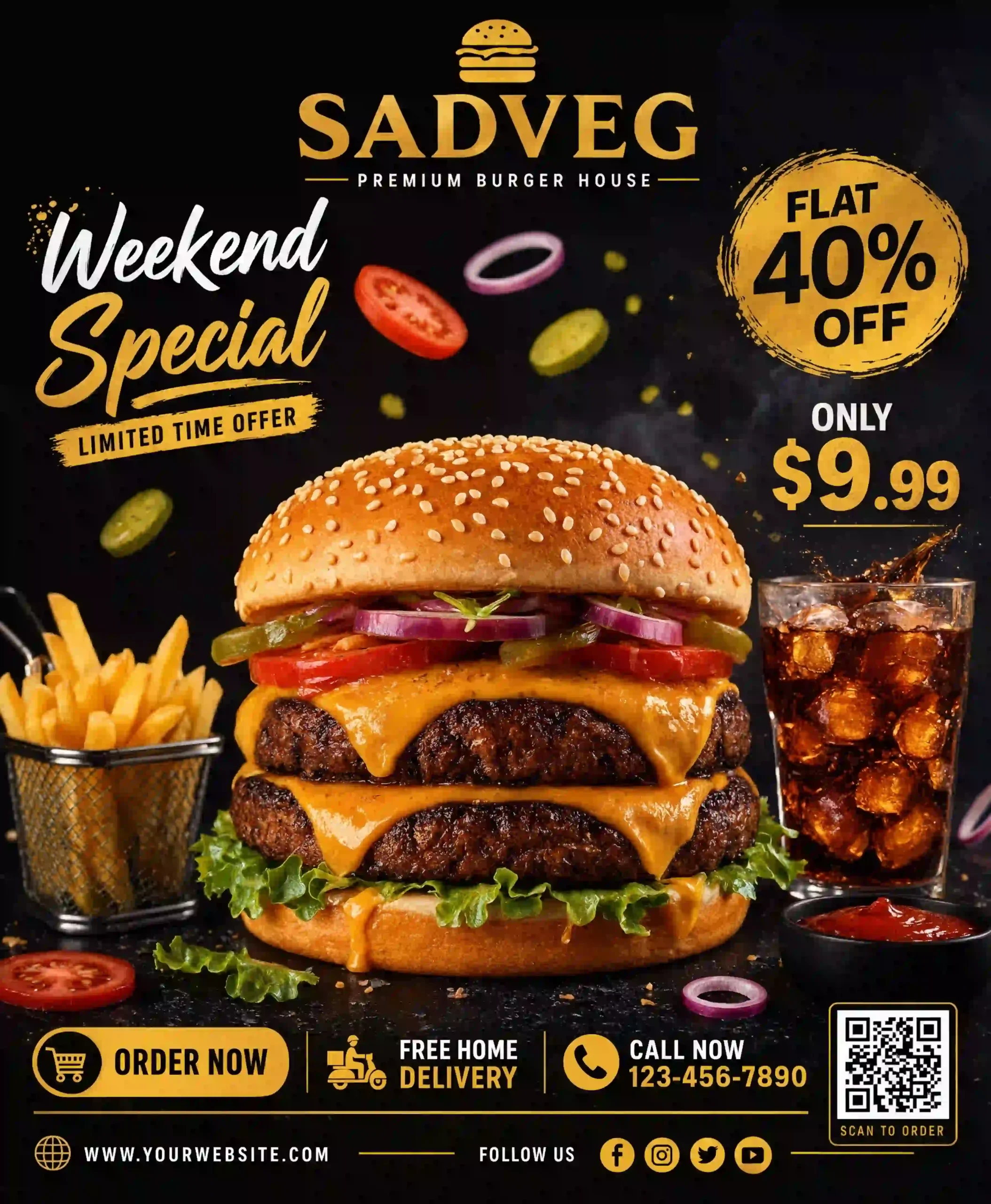
Didn’t want to rank these tools based on marketing claims or online reviews. Instead, I tested each one myself using the same five prompts that reflect common real-world use cases:
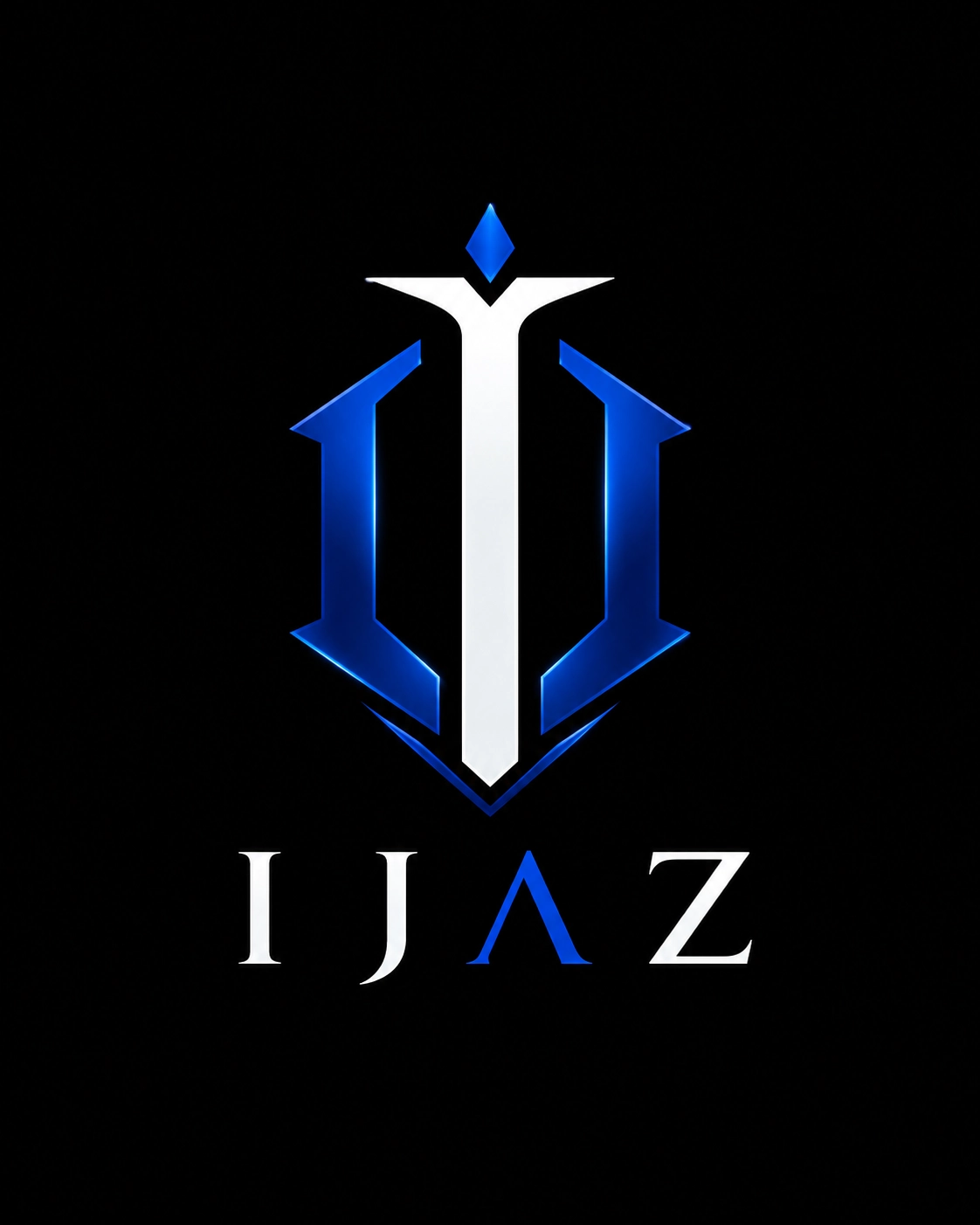
- Logo design
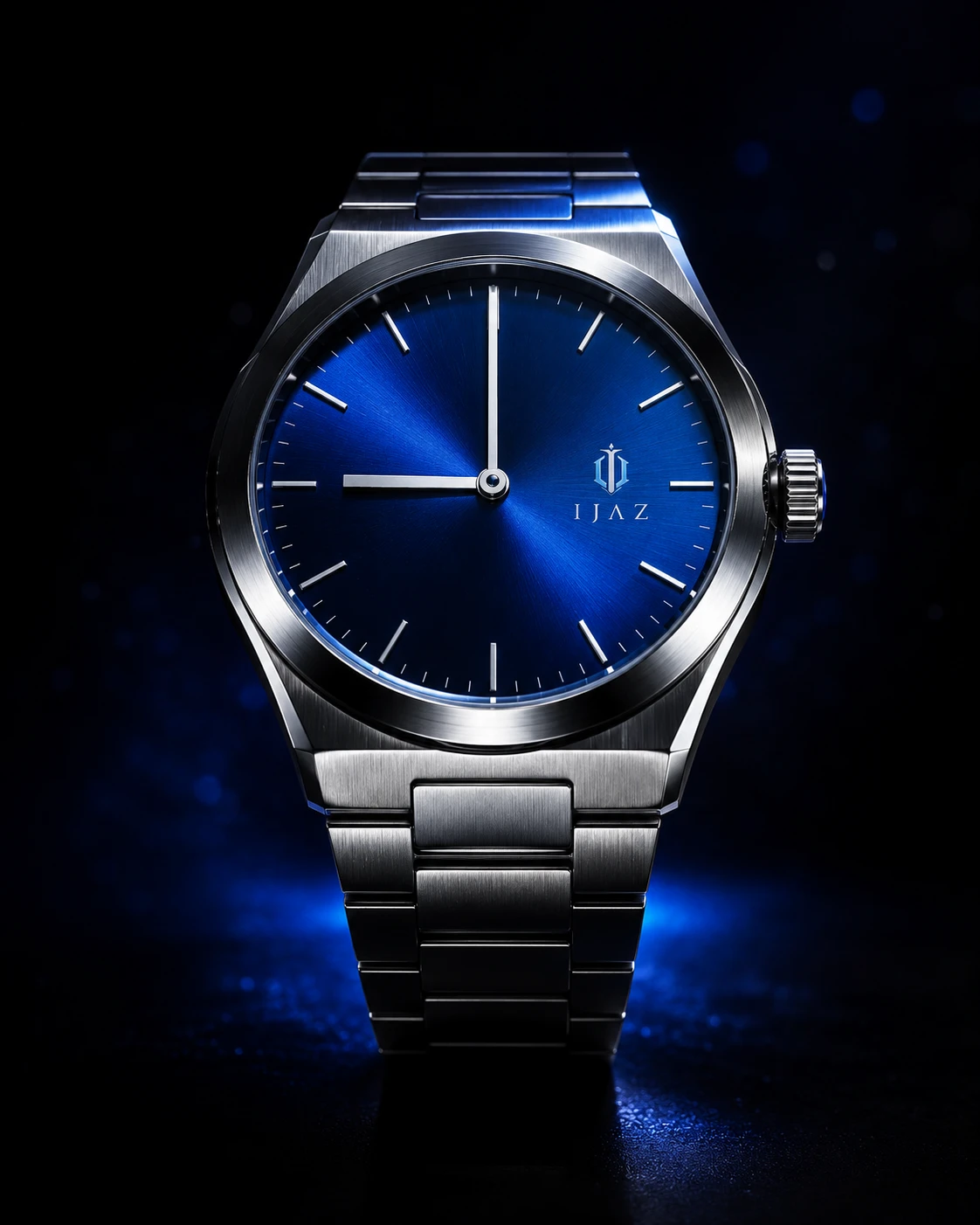
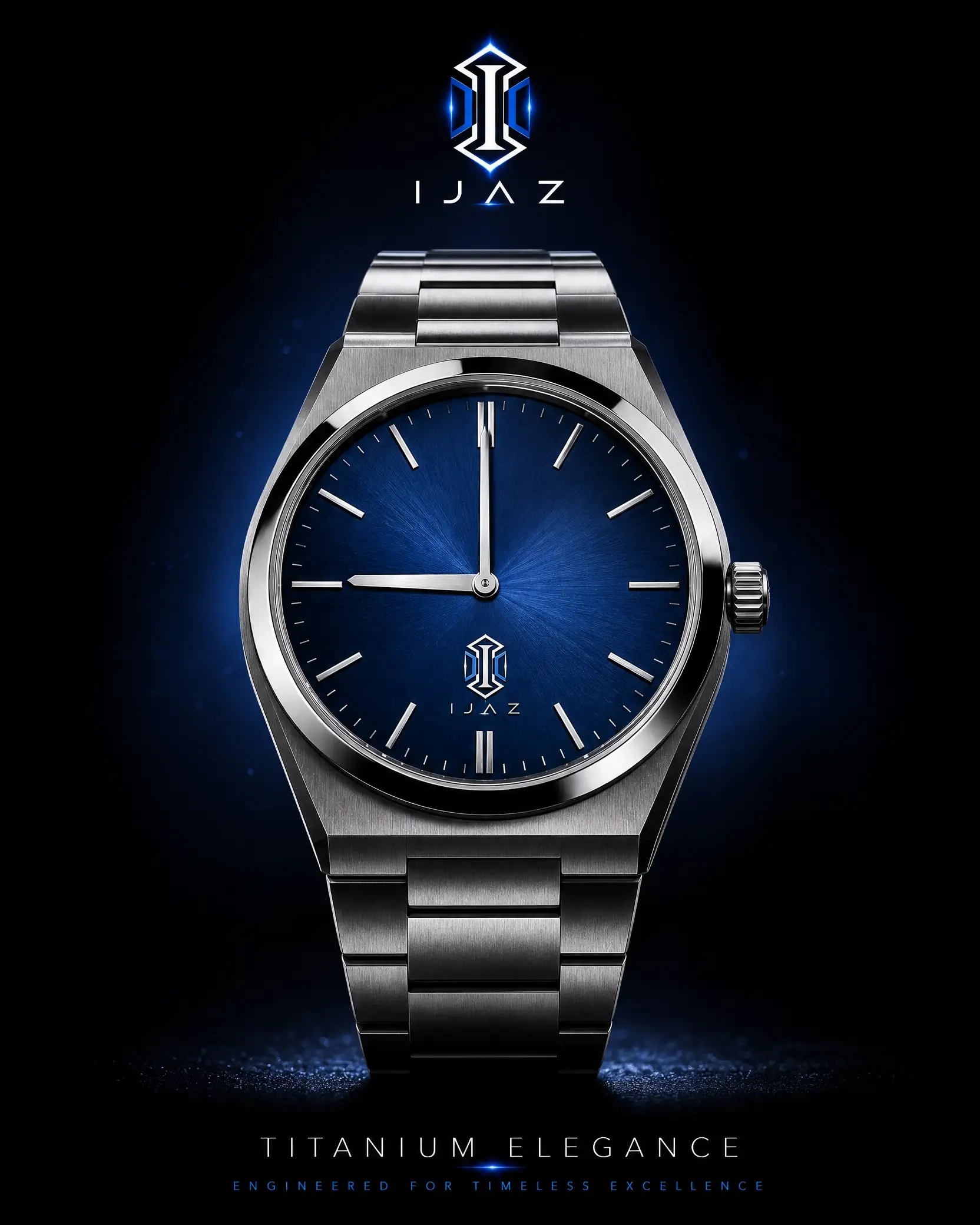
- Product image
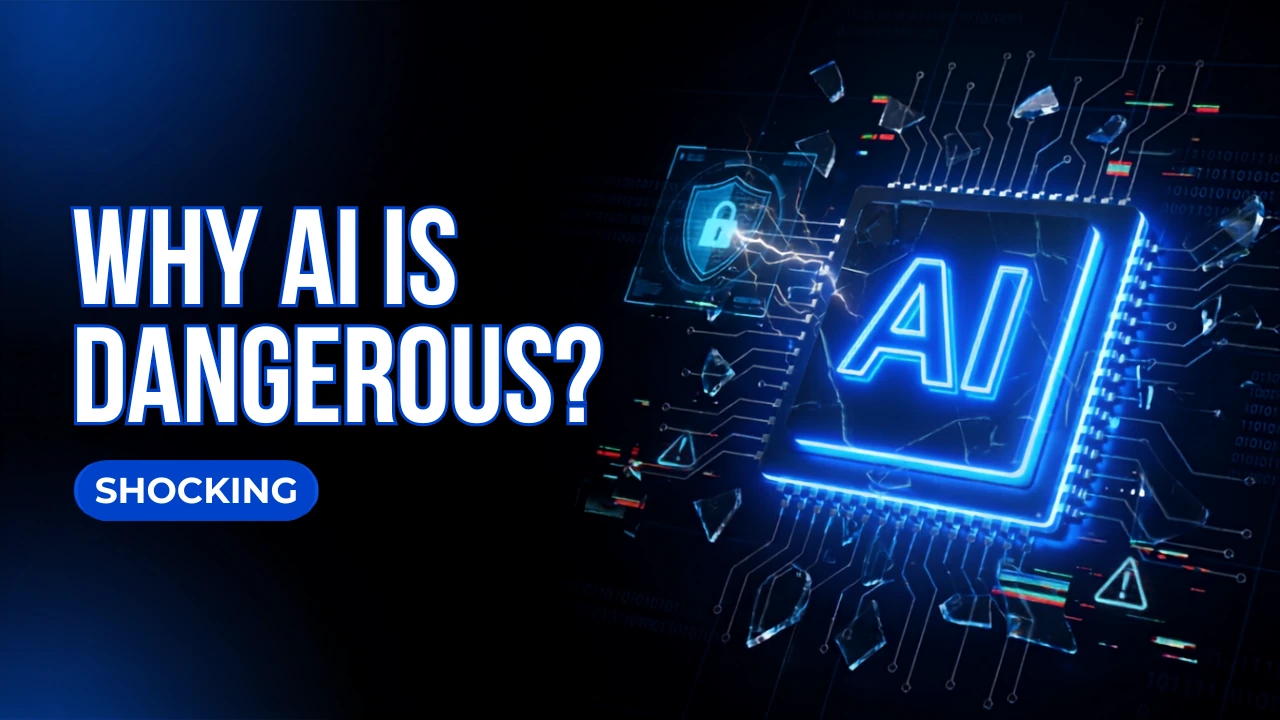
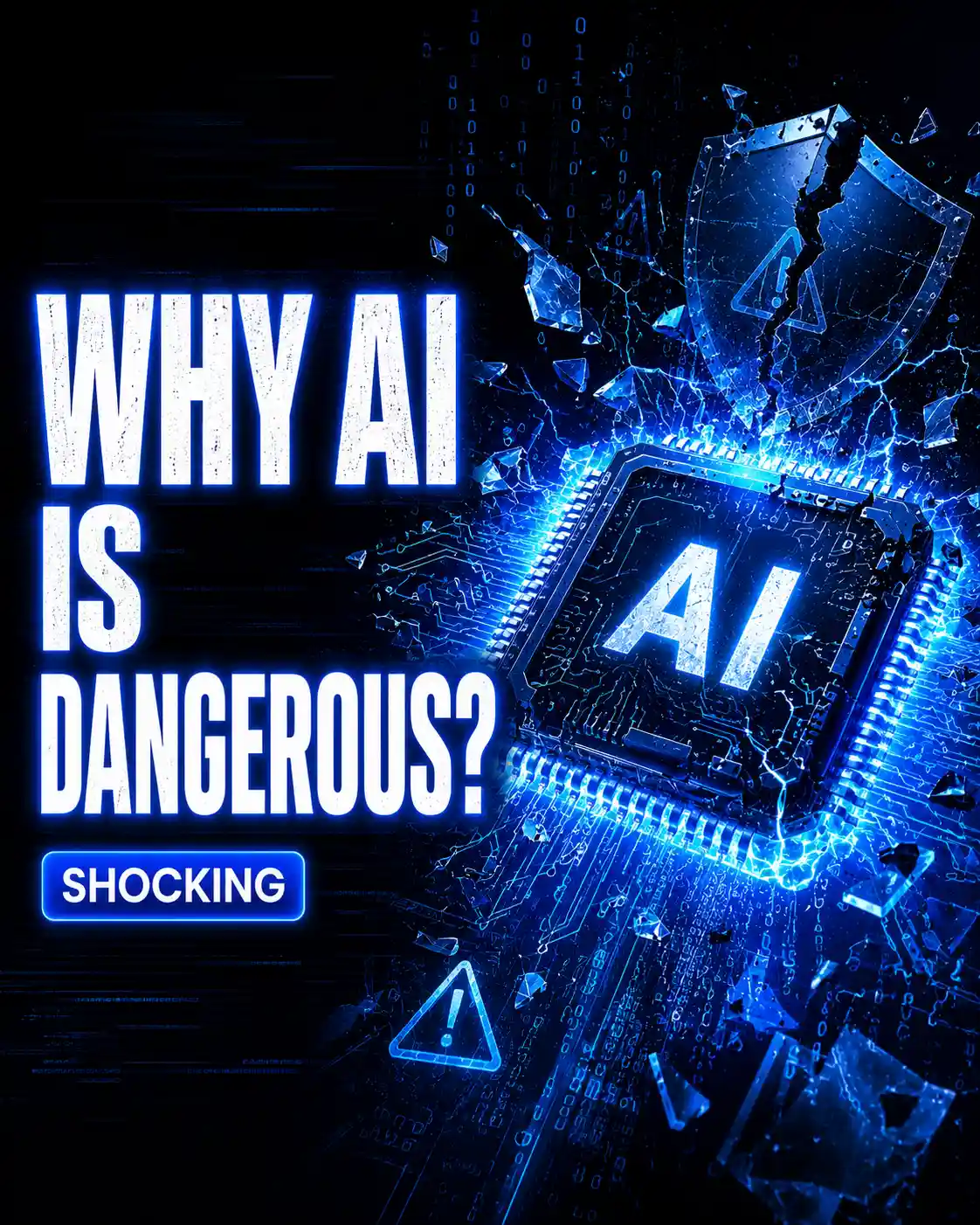
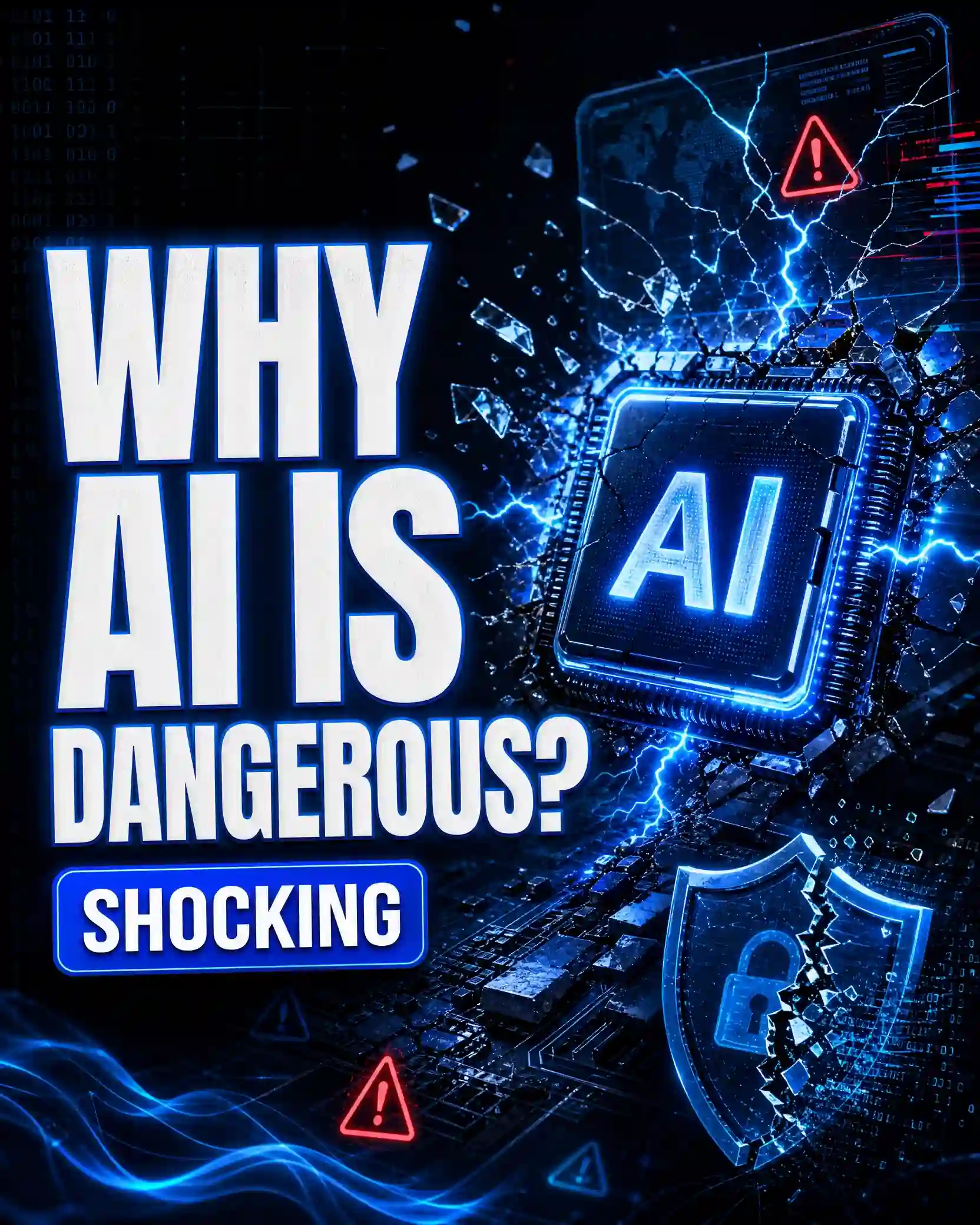
- YouTube thumbnail
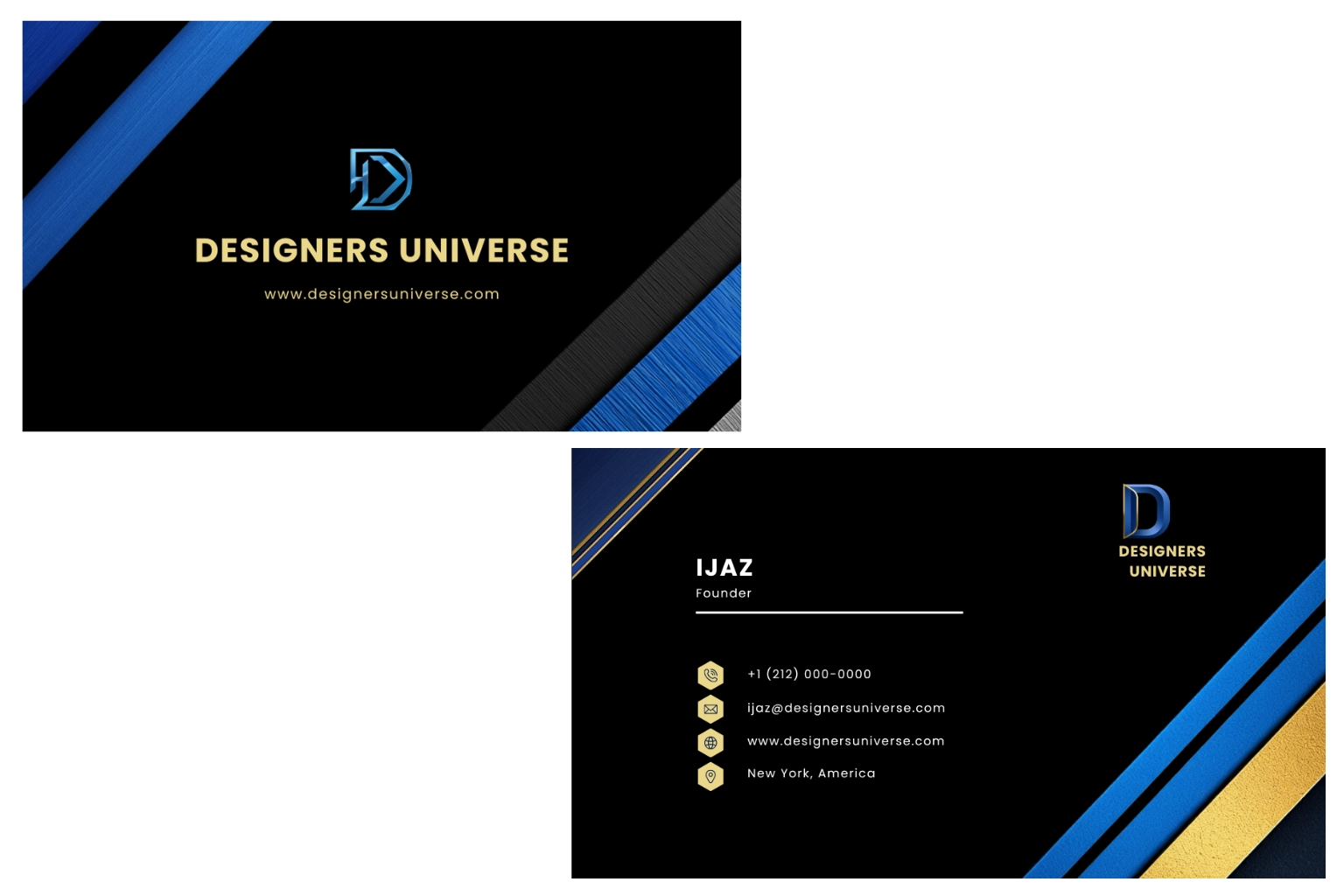
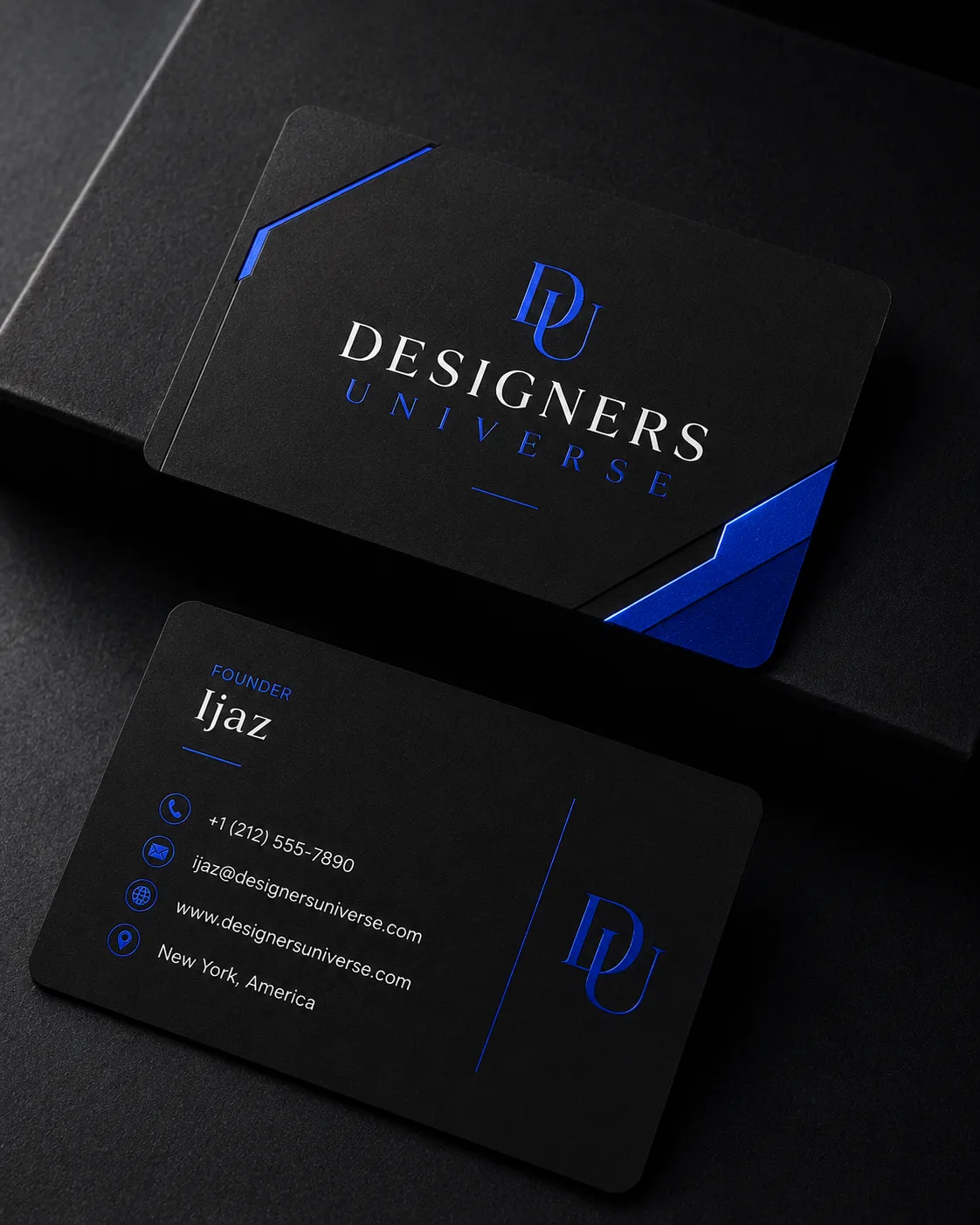
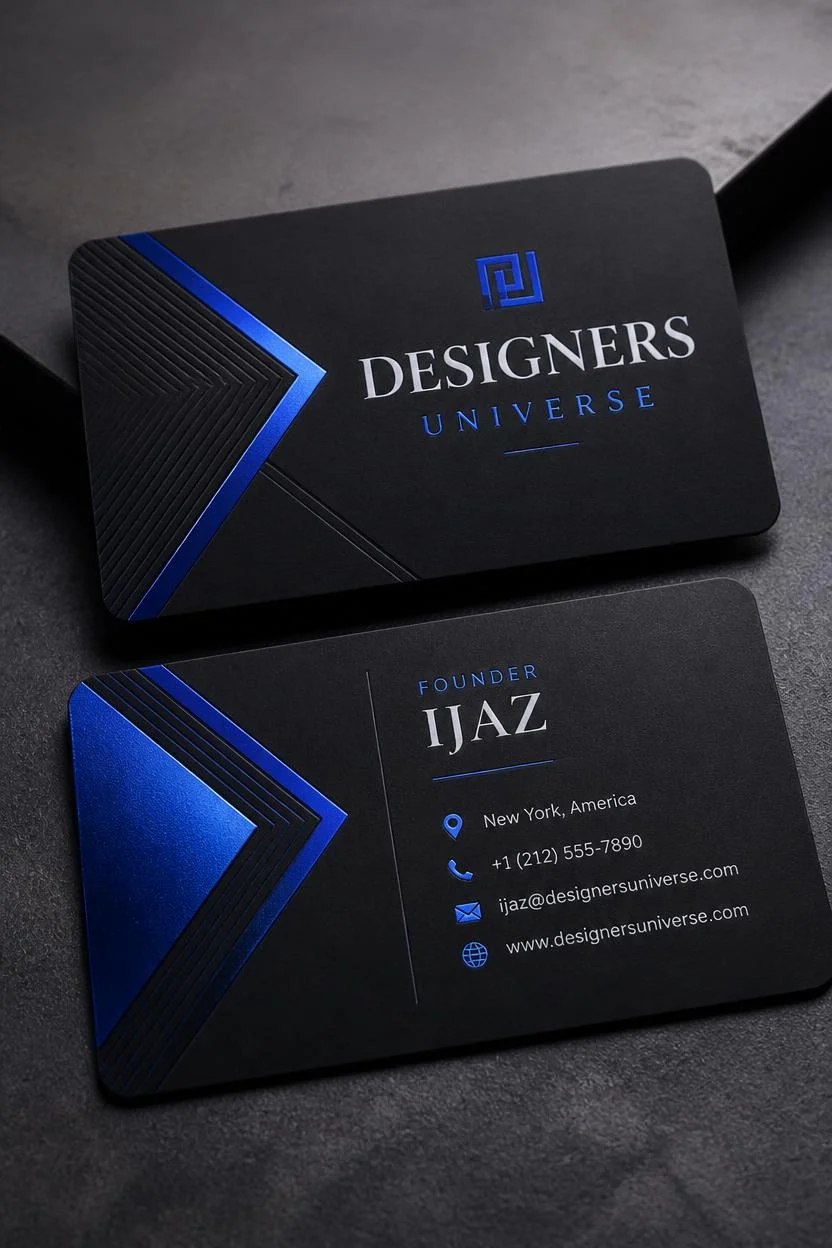
- Business card
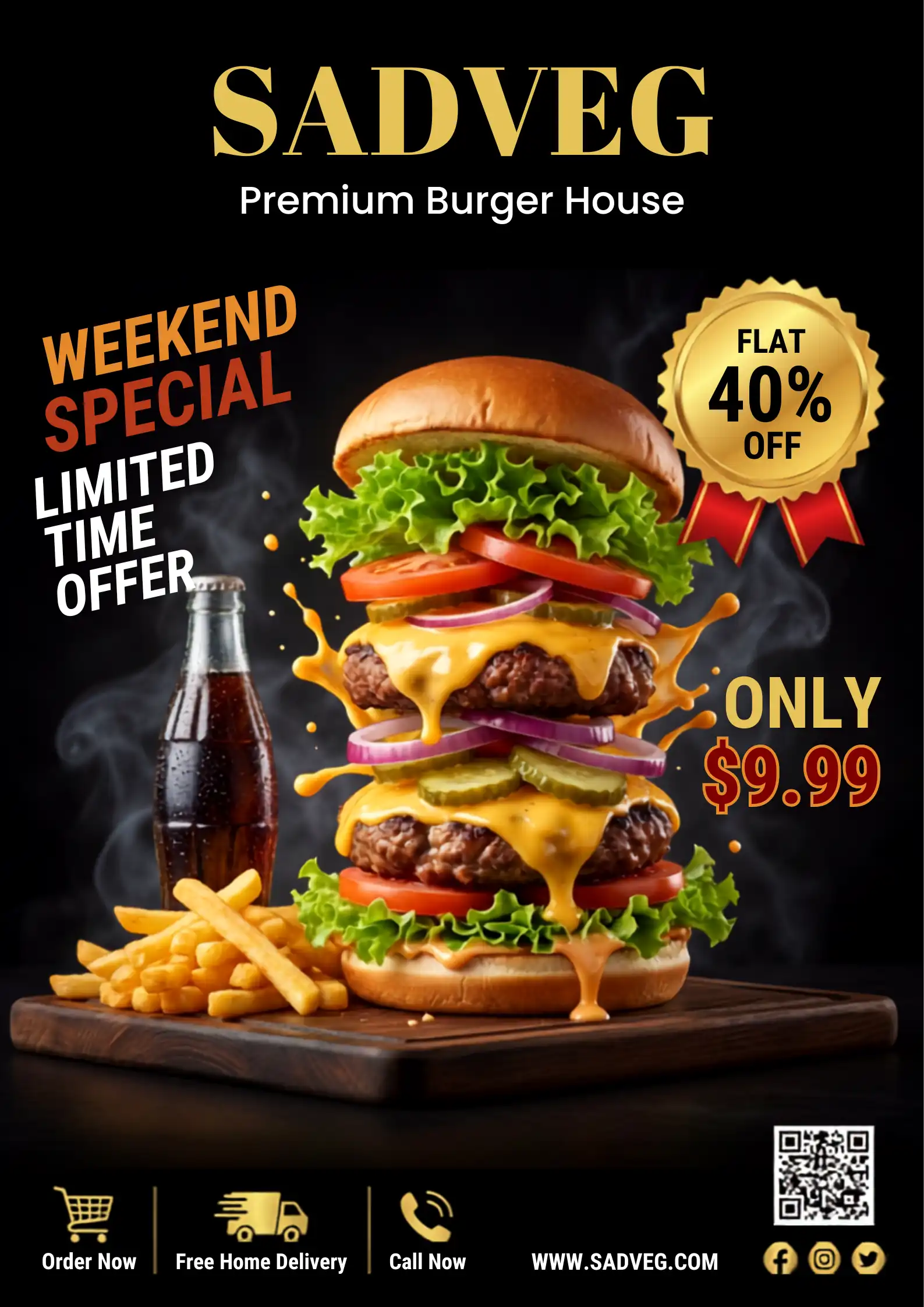
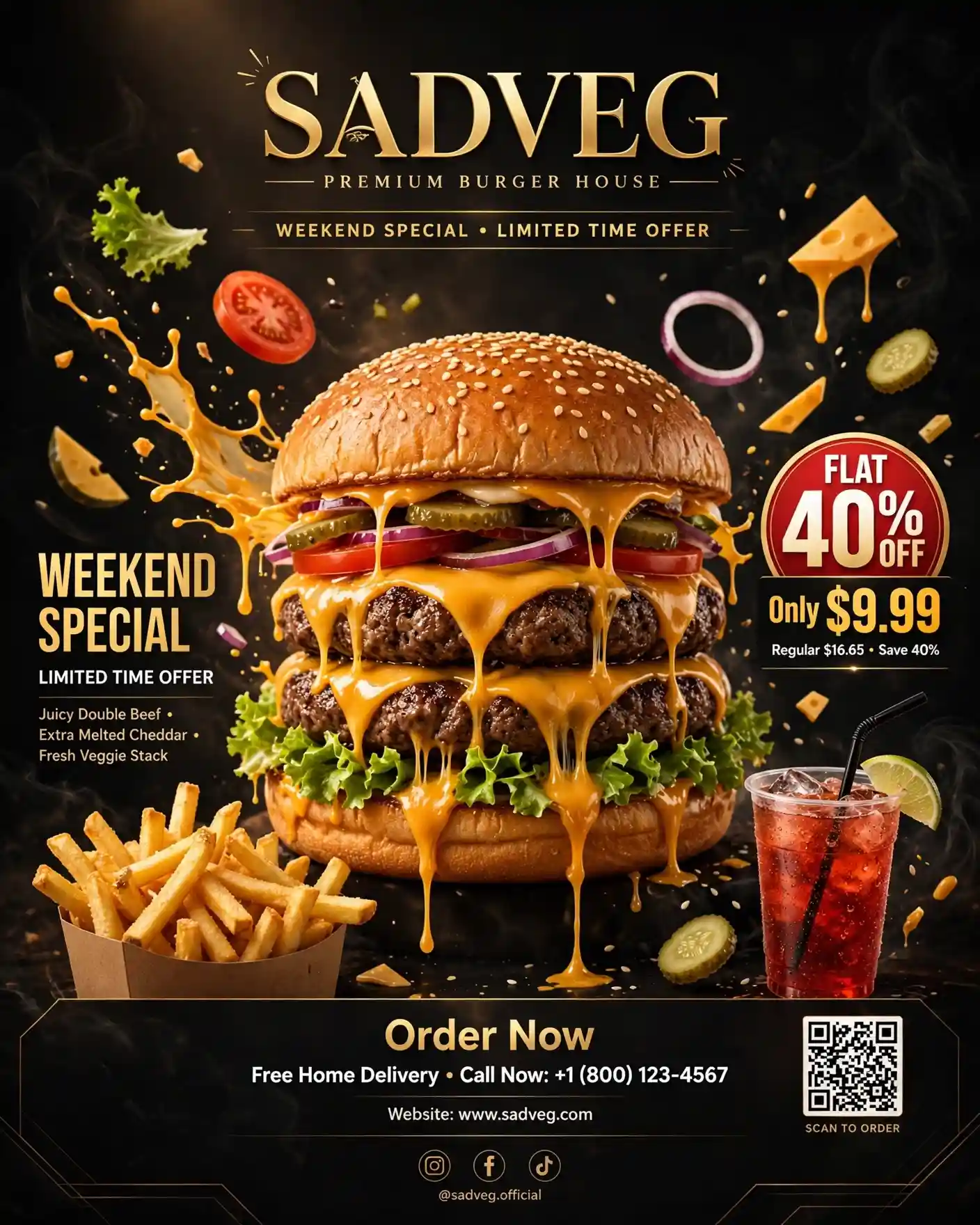
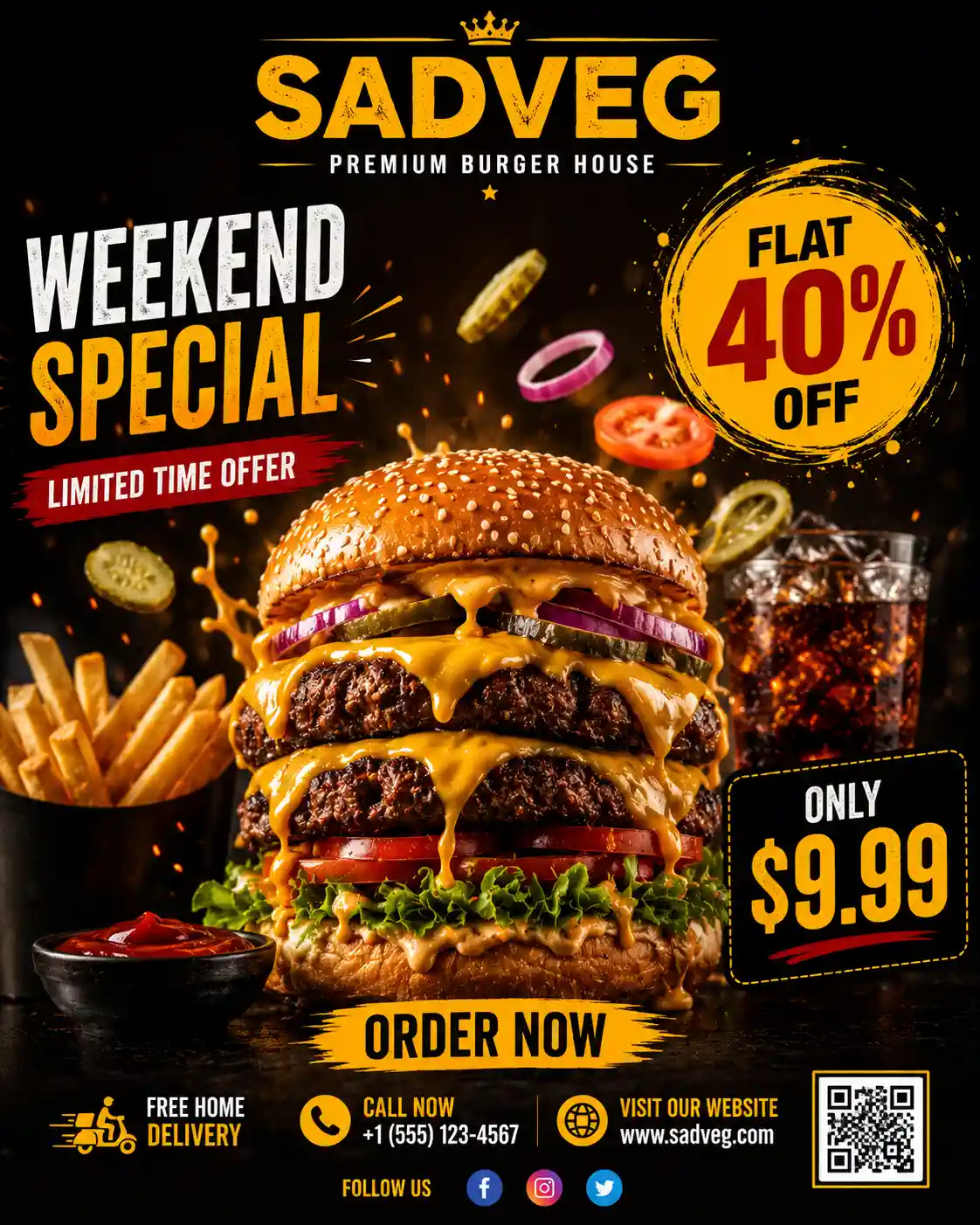
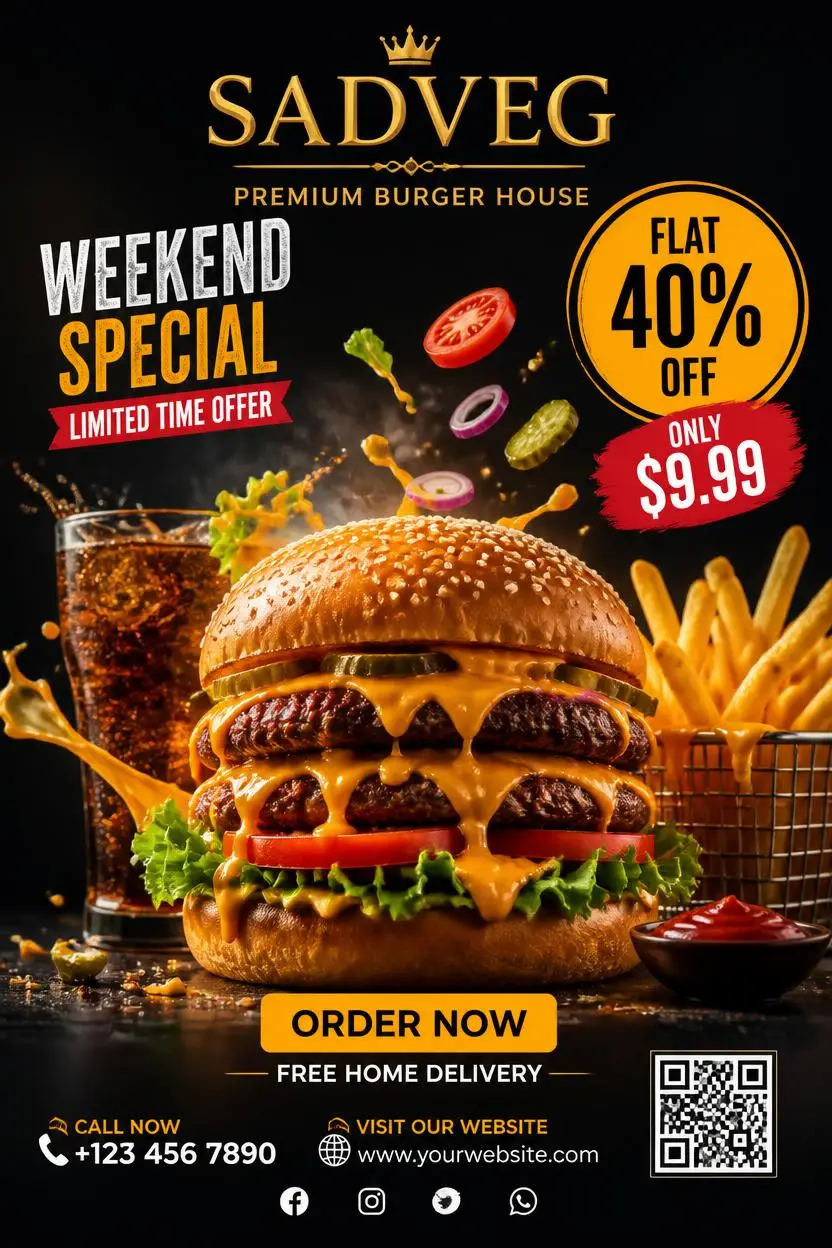
- Restaurant advertisement poster
Using identical prompts for every tool made it easier to compare them fairly. I looked at how well each tool followed the prompt, the quality of the generated image, how fast it was, what editing options it offered and whether it produced a usable result on the first attempt or needed multiple retries.Everything in this guide is based on my own testing and the actual outputs I received. I haven’t ranked any tool because of its popularity or brand. The goal is simply to share a genuine experience so you can choose the image generator that works best for your needs.
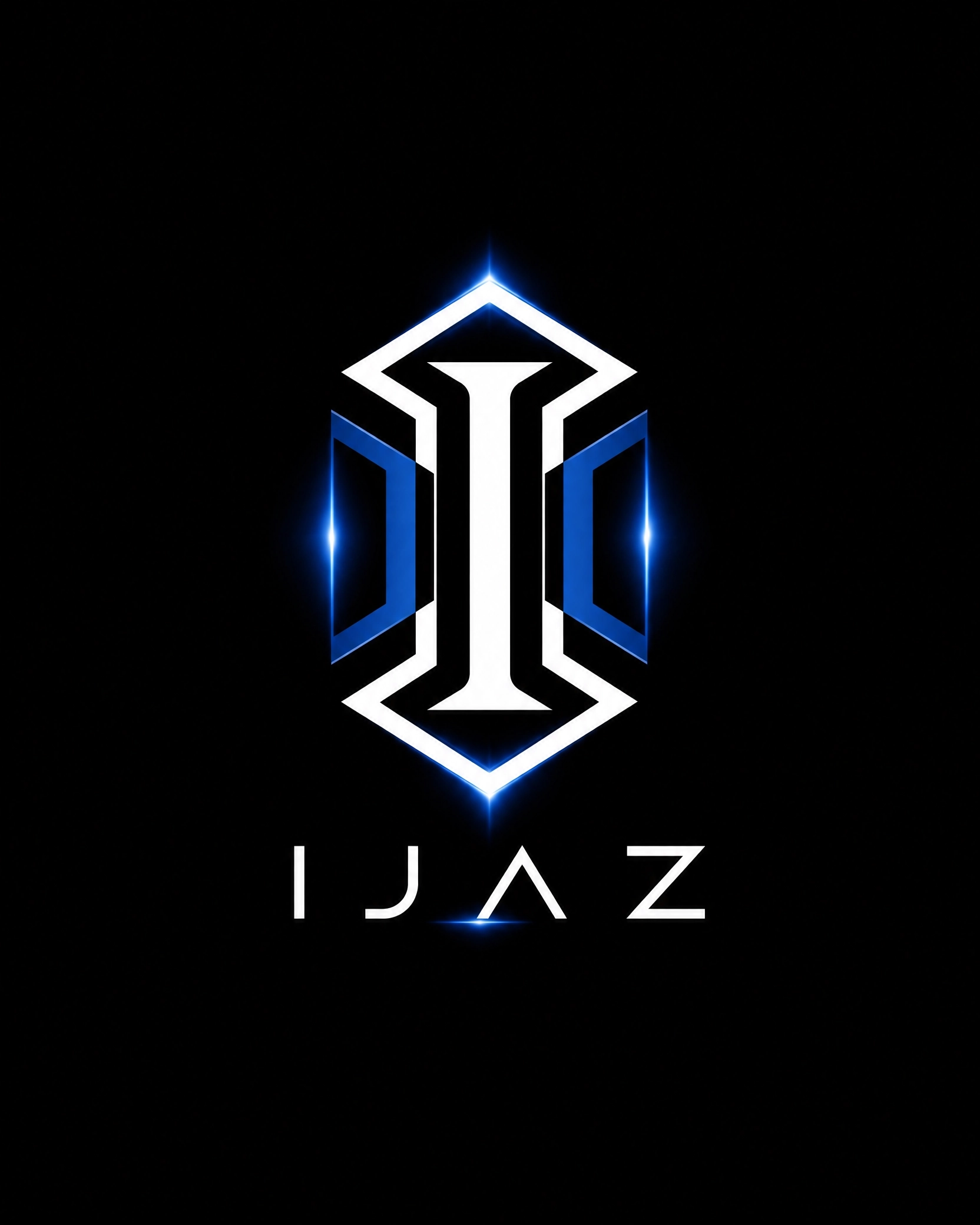
I used these 5 prompts across all the tools during my testing to ensure a fair comparison. I’ve attached them here for your reference.
8 Best AI Image Generators (Sep 2026) That Passed All My Tests
1. Canva
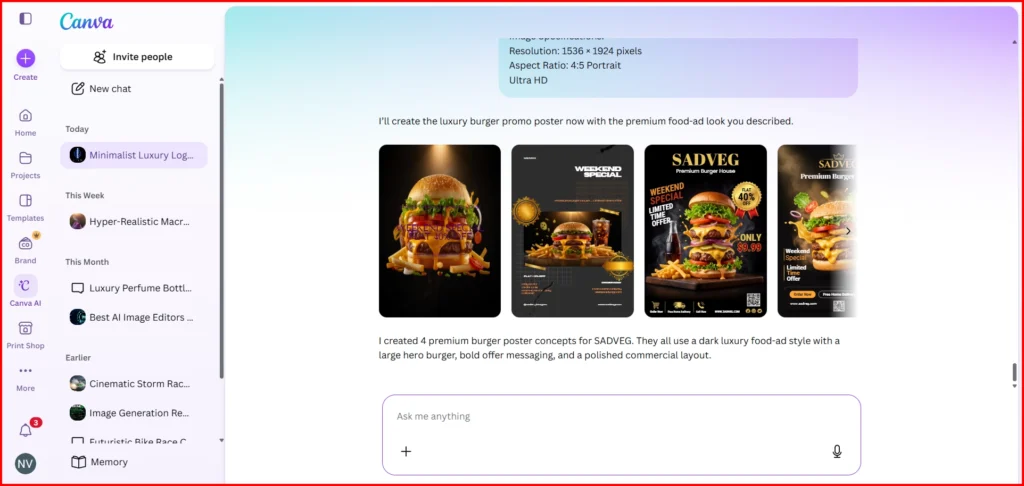
One thing I really liked about Canva is that it isn’t just an AI image generator. After generating an image, you can easily edit and customize almost every part of it without switching to another tool. Whether you want to remove objects, replace elements, add text, change backgrounds or make small adjustments, everything is available in one place.
Image generation was also fast. In most of my tests, Canva generated the images in under a minute. Even though I didn’t specify how many images to create, it automatically gave me multiple variations (usually three or four), making it easy to choose the best one.
Downloading the images was straightforward and there were no watermarks on the generated results, which is a big advantage if you plan to use them for personal or commercial projects.
Did Canva AI Pass All My Tests?
Yes. Based on my testing, Canva followed my prompts very accurately. It understood the instructions well and delivered the expected results without any major mistakes. Most importantly, almost every image came out right on the first generation, so I rarely had to regenerate or rewrite the prompt.
Another thing I noticed was how well Canva handled designs like YouTube thumbnails and business cards. Instead of creating random images, it generated them in the correct layout and aspect ratio for their intended use. Combined with its built-in editing tools and customization options, this made the overall workflow much smoother.
Overall, Canva gave me one of the best experiences during my testing. It consistently produced high-quality results, followed prompts accurately and made it easy to refine the final design without leaving the platform.
2. Meta AI
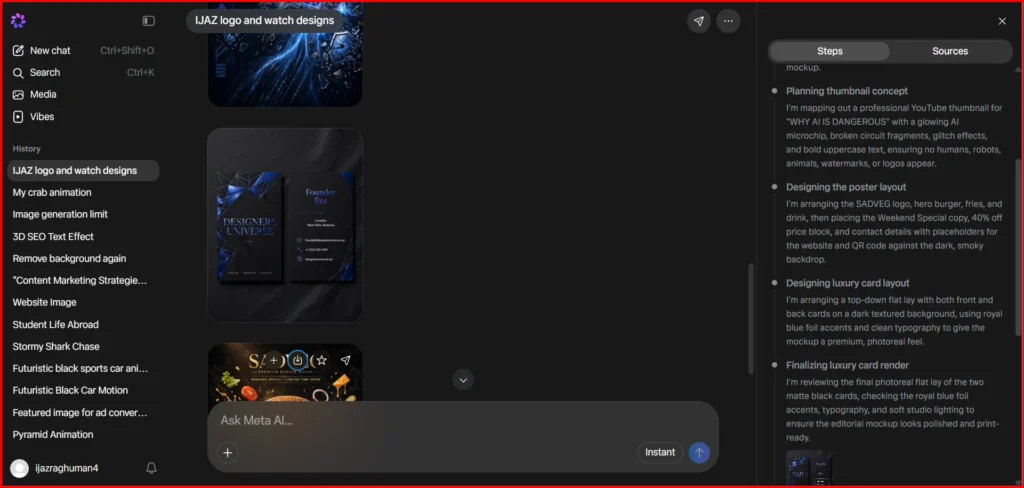
You can use Meta AI for both image and video generation and Meta has significantly improved its image generation capabilities recently. One feature I really liked during testing is that, unlike many AI image generators that create only one image per prompt or multiple variations of the same prompt, Meta AI can generate five completely different images from five separate prompts at the same time. You simply provide the prompts and within a few minutes, all five images are ready with impressive accuracy.
In my experience, Meta AI is now performing much better than it did in its early days and has become one of the more capable free AI image generation tools available. The free plan is also quite generous, allowing you to generate well over 100 images without paying. Another advantage is that downloaded images do not include watermarks, which makes Meta AI even more appealing for casual users and testing purposes.
Did Meta AI Pass All My Tests?
Yes, the prompt accuracy is quite good and at the same time, it made image generation much easier for me. However, the generated images are downloaded only in WebP format and the file sizes are quite small, so it would be great if Meta AI added an image enhancement or upscaling option in the future.
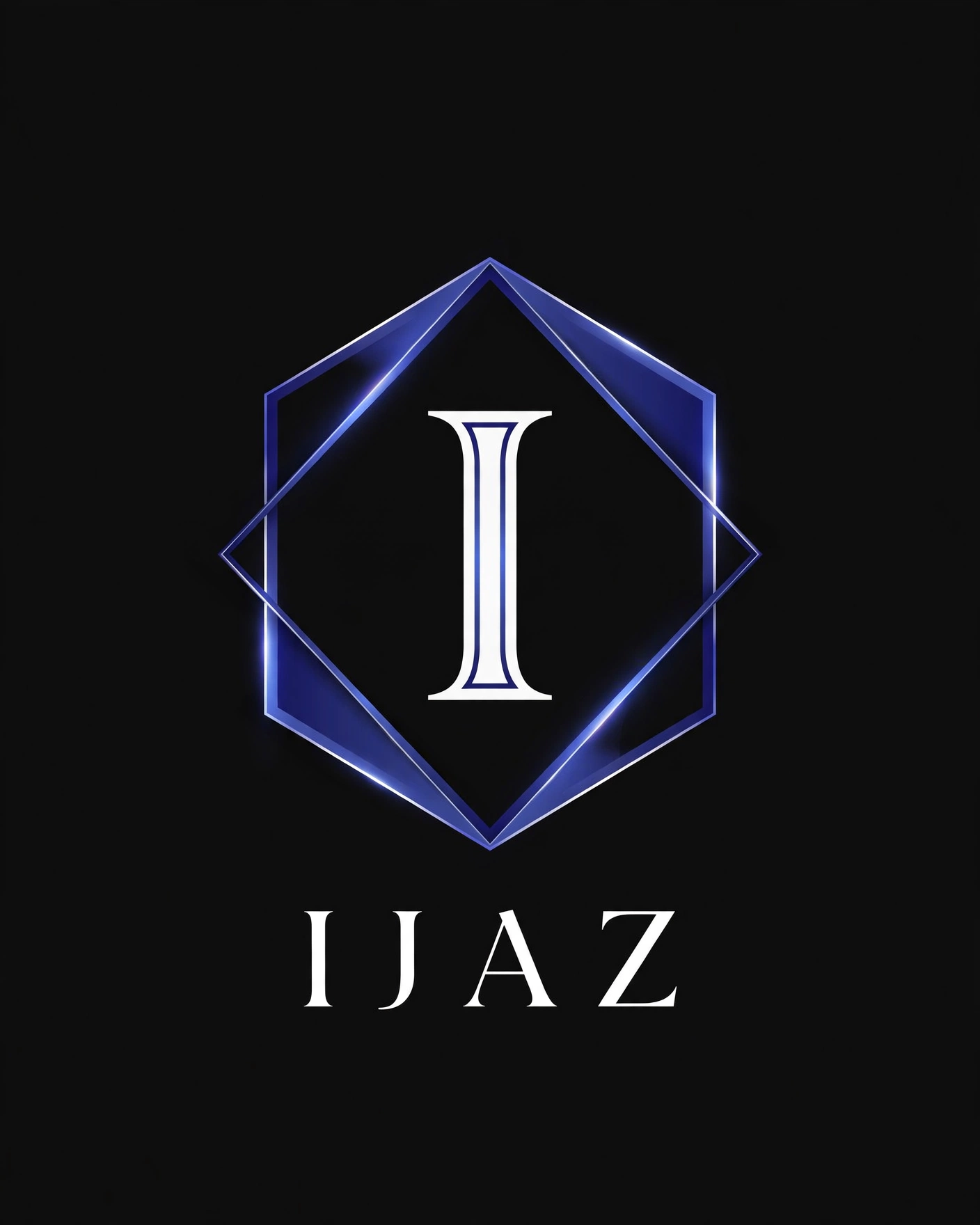
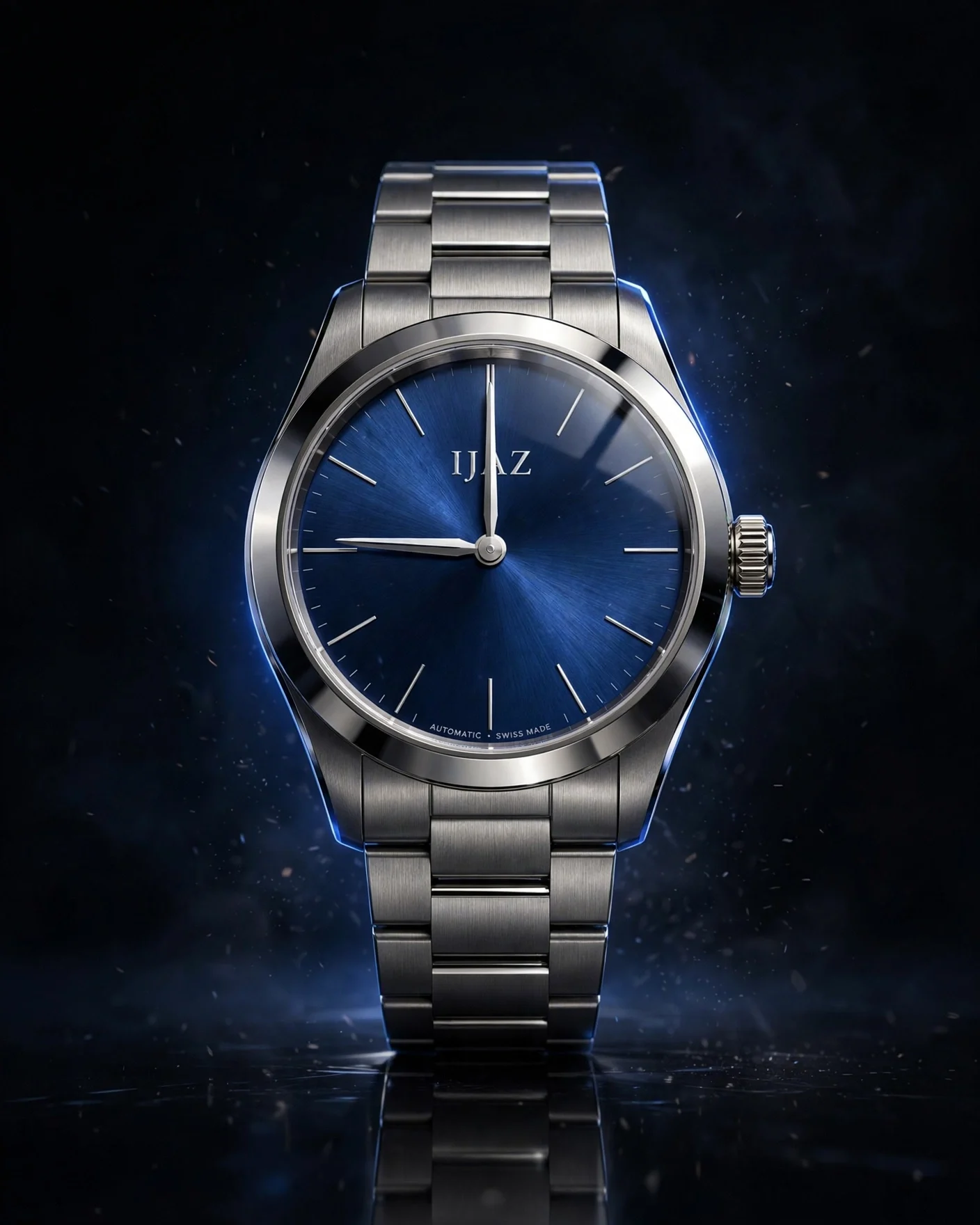
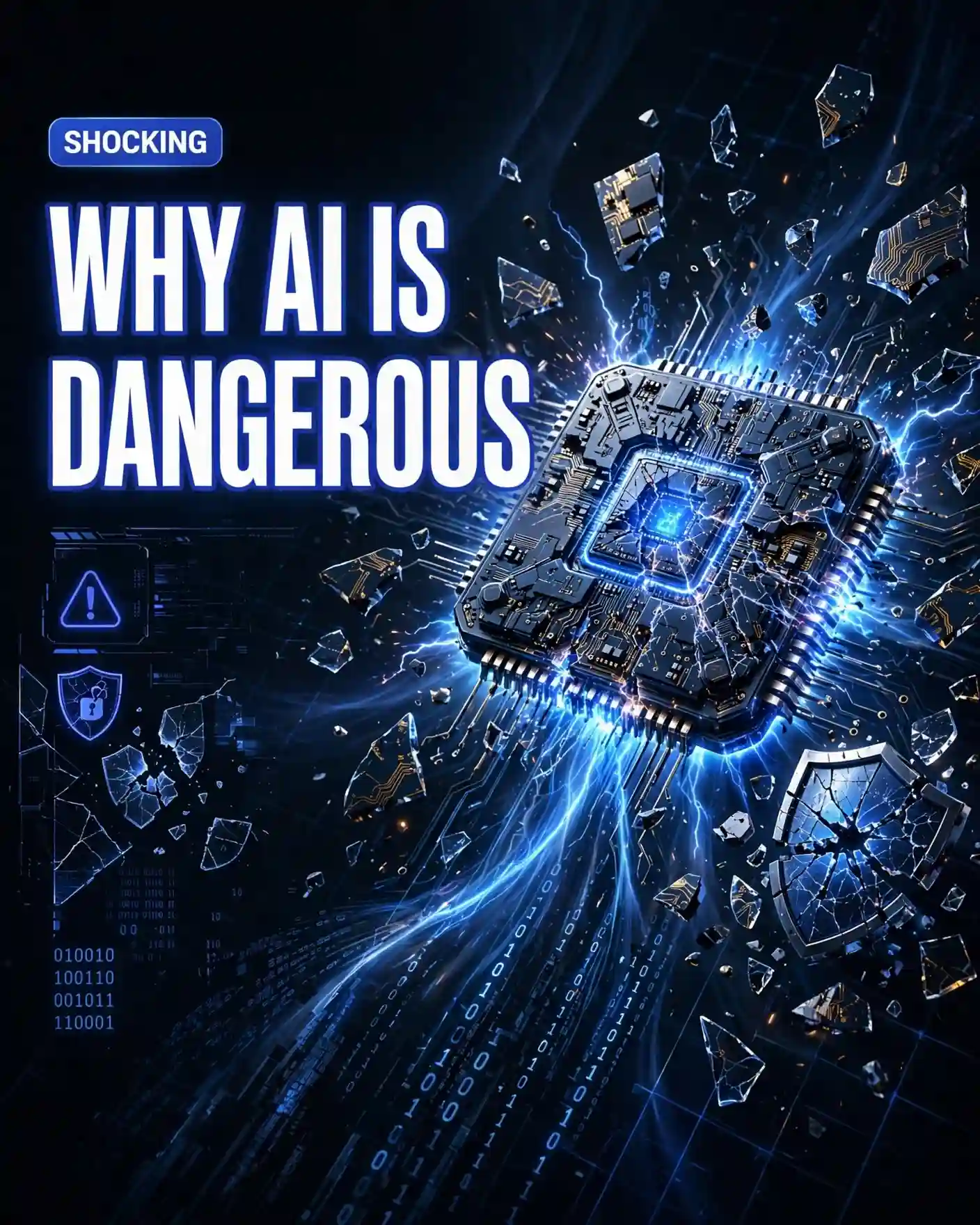
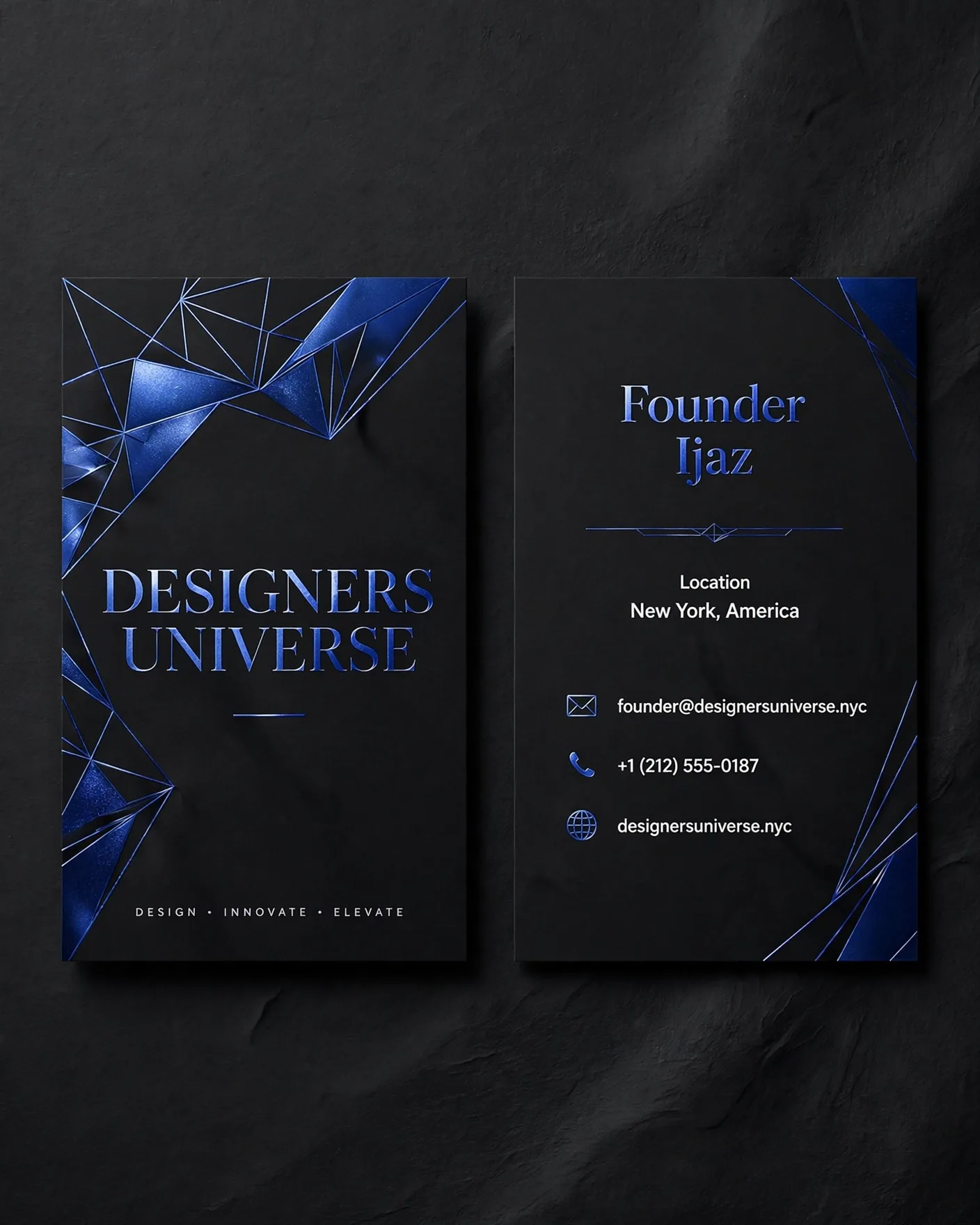
3. ChatGPT
ChatGPT is my favorite image generation tool because it's the one I use every day. The free plan has a limited number of image generations, but the paid plan is much more generous. I've generated plenty of images with it and haven't hit the image generation limit yet.
It supports different aspect ratios, so creating images for blogs, YouTube thumbnails, social media, posters or presentations is straightforward. The new comment-based editing feature is also useful. Instead of rewriting the entire prompt, you can simply comment on the area you want to change and ChatGPT updates that part of the image.
In my testing, it handled every type of image well and followed prompts consistently, which is why it's still my top choice.
The only downside I noticed was that image generation was occasionally slower than usual. A few images took longer to load, although refreshing the page showed they had already finished generating. Most of the time, however, images were ready in about a minute.
Did ChatGPT Pass All My Tests?
Yes. Overall, ChatGPT followed my prompts very accurately and delivered the expected results. All of the outputs shown here were generated on the first attempt without needing multiple retries.
For consistency, I generated every test image in the same size. However, if you need a specific output size or aspect ratio, you can mention it clearly in your prompt and ChatGPT usually follows those instructions accurately.
4. Reve AI
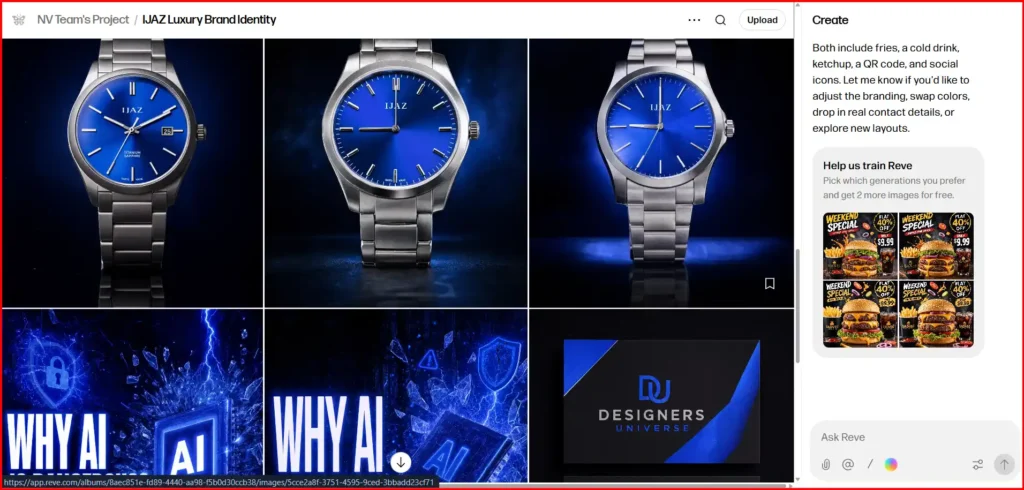
Reve AI is built specifically for AI image creation. It lets you generate both images and videos and it also includes a good set of editing tools.
In my testing, I could generate up to eight images in a single request, with the results usually ready in around two minutes. If I generated just one image, it was typically ready in under a minute.
The editing features are one of its biggest strengths. You can move individual elements within an image, resize them, remove the background with a single click, upscale images for higher resolution and create variations without starting from scratch.
Did Reve AI Pass All My Tests?
Yes. Reve AI followed my prompts accurately and I was impressed with the overall image quality. I liked almost every result it generated.
The only output that didn't fully meet my expectations was the YouTube thumbnail. Apart from that, the logo, product image, business card and restaurant advertisement poster all turned out really well and matched my prompts closely.
5. Manus AI
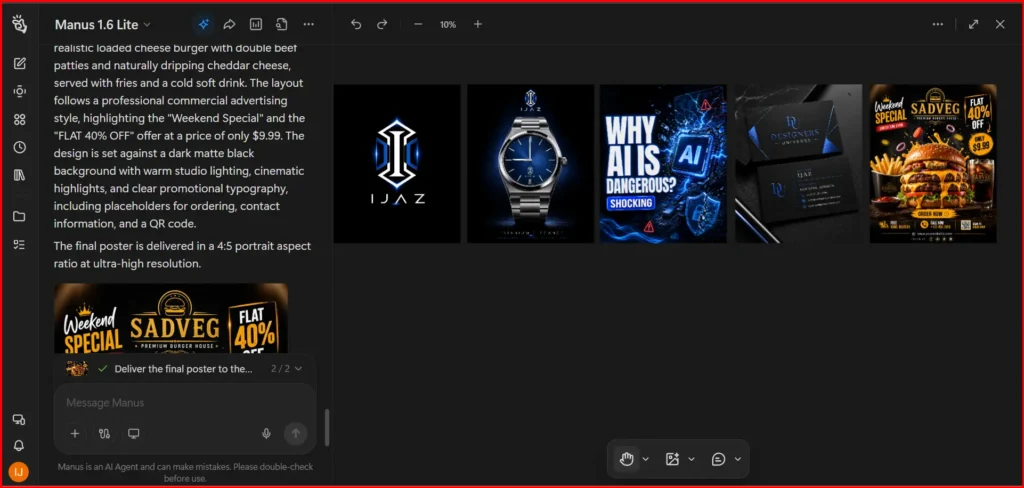
Manus AI is a fully autonomous AI agent, but it doesn't have its own image generation model. Instead, it lets you generate images using models like GPT Image-2, Nano Banana Pro and Nano Banana 2.
Image generation is simple. Enter a prompt, and the image is usually ready within a few minutes. You can edit images using the comment feature, remove the background with a single click and upscale images up to 8K while maintaining good quality.
The free plan gives you 300 credits every day, which is enough to generate a decent number of images. Manus AI also supports AI video generation, but that feature is available only on the paid plans.
One thing I didn't like was the credit usage. After upgrading to the paid plan, I received 4,000 credits. I generated just one high-quality video and within a few minutes almost all of my monthly credits were gone, leaving my balance in the negative. Because of that, I recommend checking how many credits a task will consume before generating high-quality videos, especially if you're on a paid plan.
Did Manus AI Pass All My Tests?
Yes. Manus AI followed my prompts accurately, and all of the test outputs matched what I asked for. Since it uses ChatGPT's image generation model by default, the overall image quality and prompt accuracy were consistently good.
What stands out is the editing experience. You can quickly make changes using the comment tool without rewriting the entire prompt. It also lets you upscale images up to 8K, which is useful when you need higher-resolution outputs.
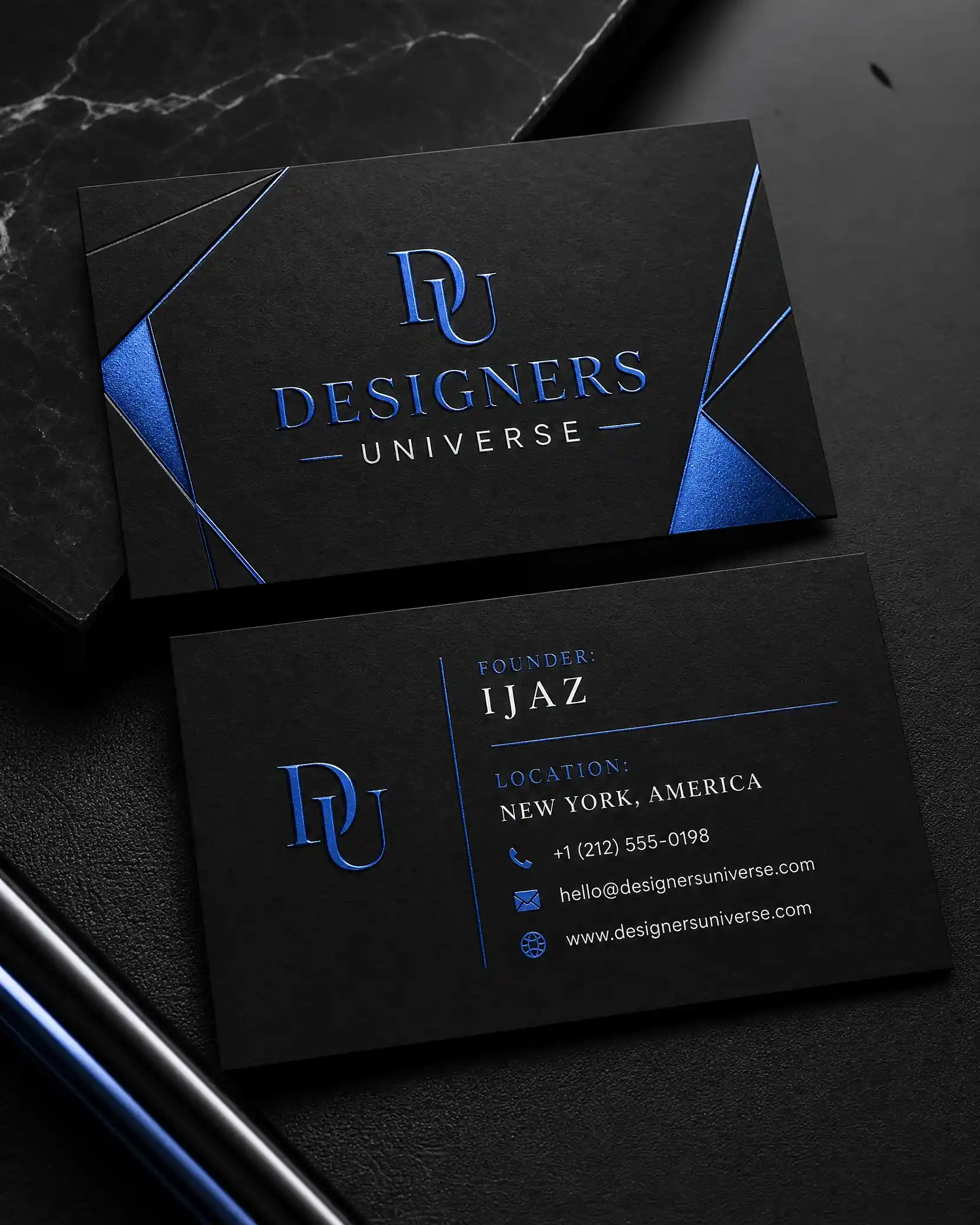
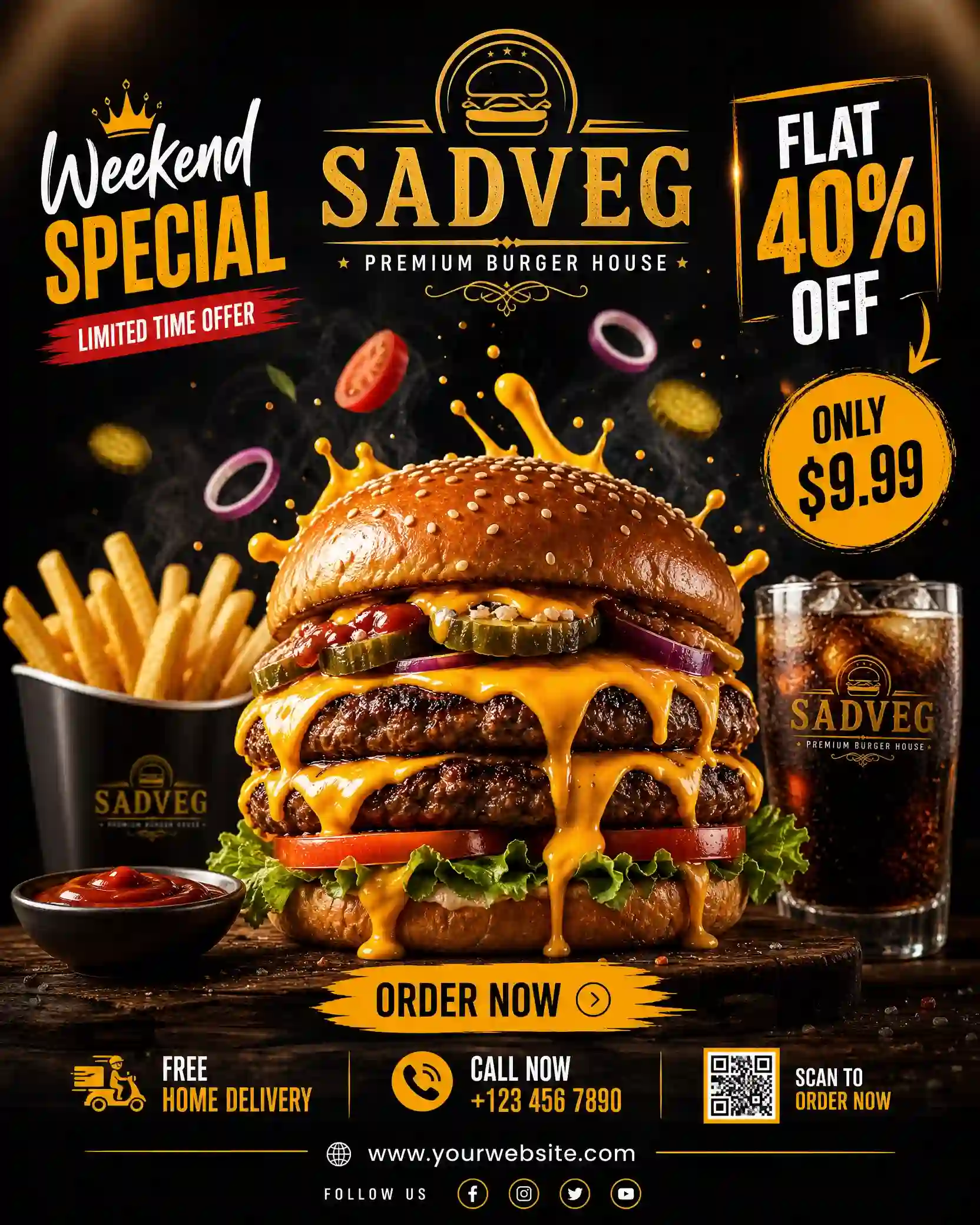
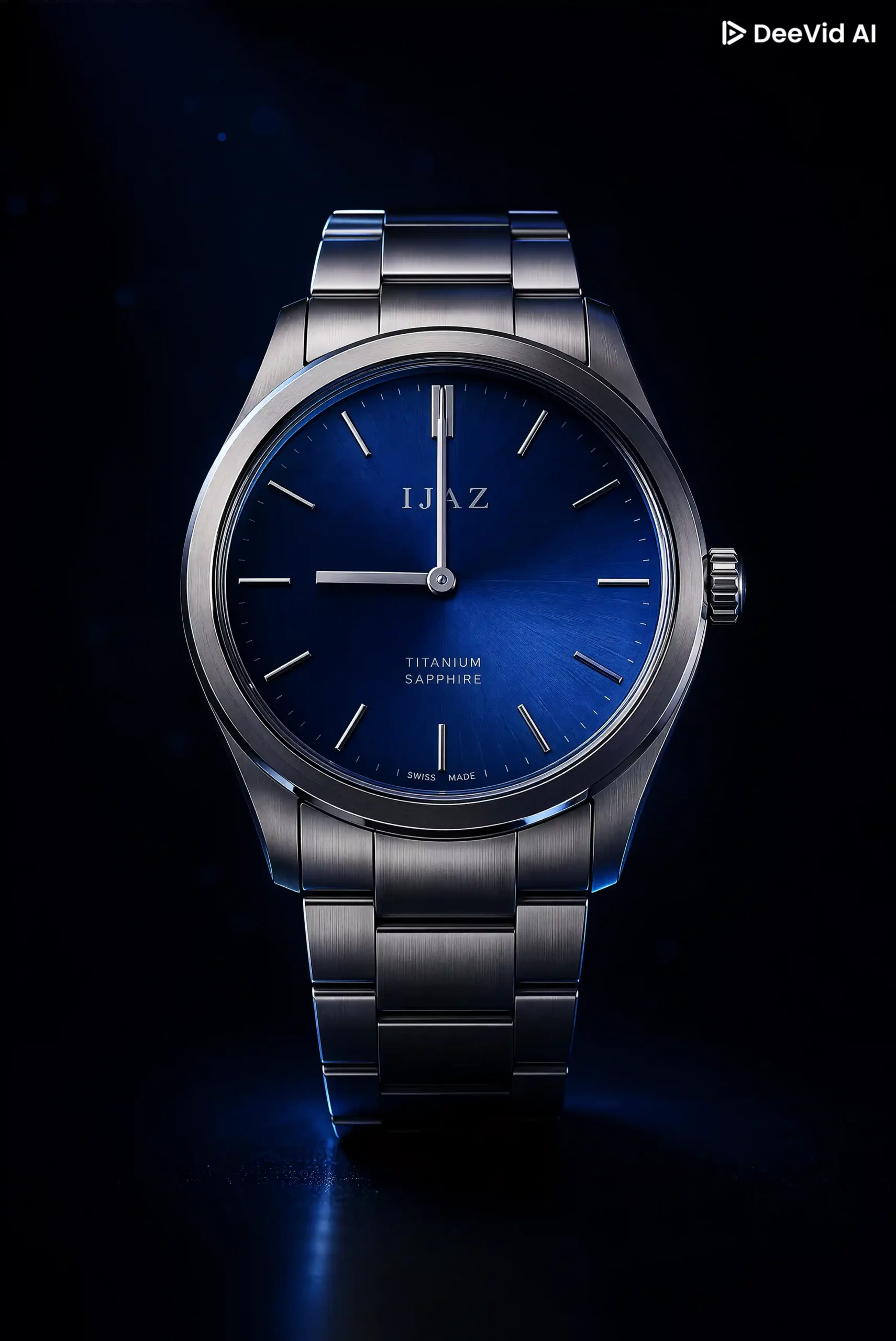
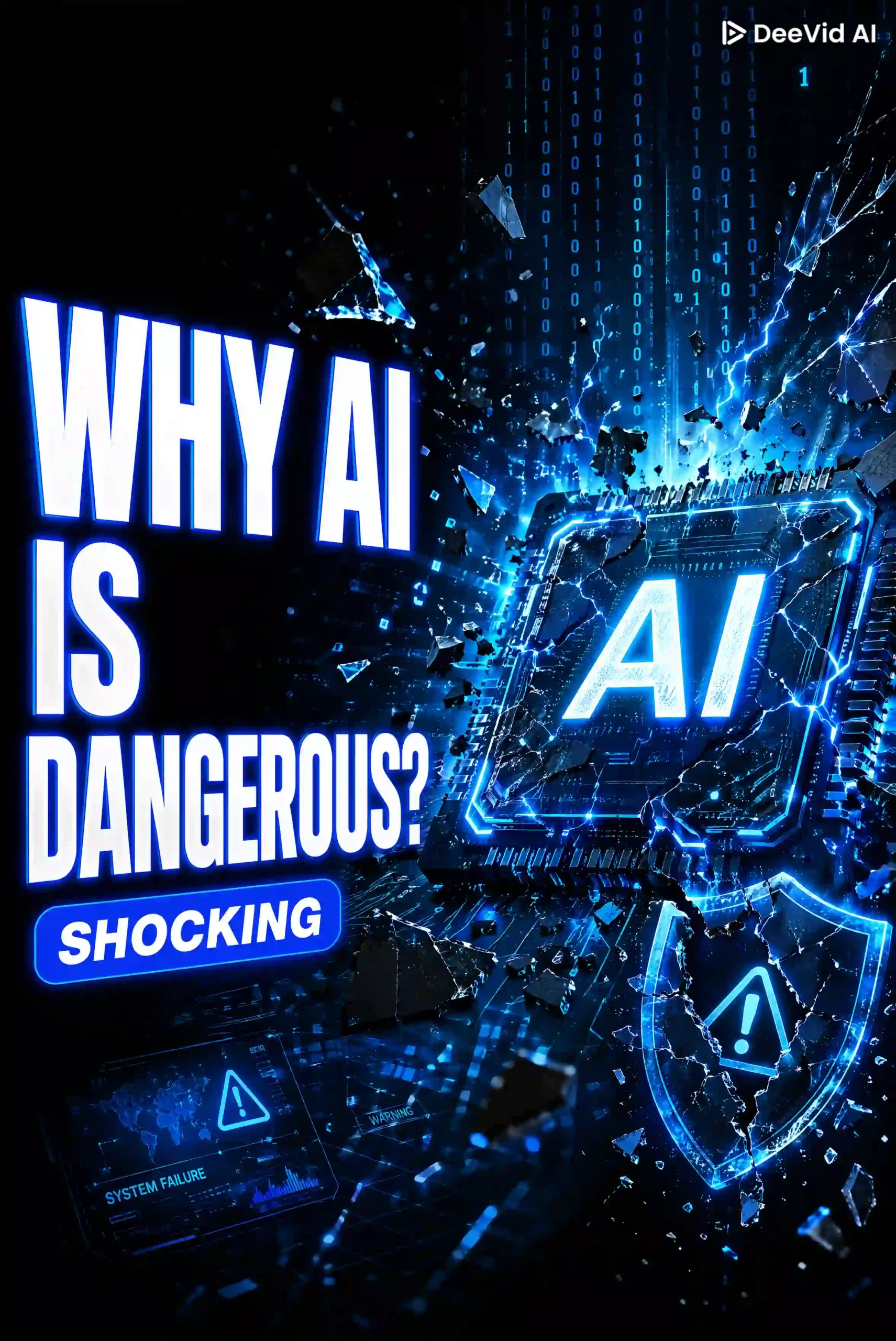
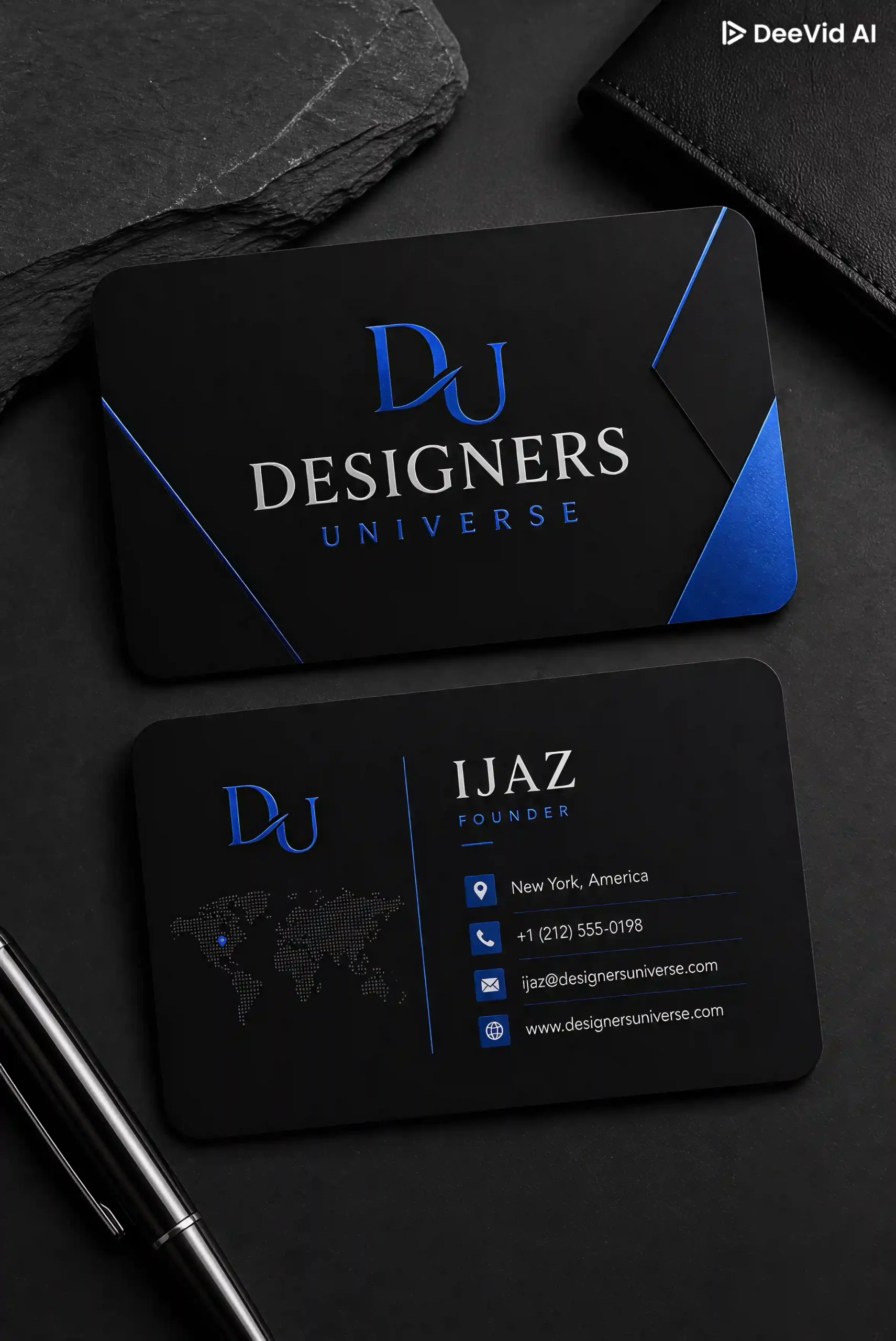
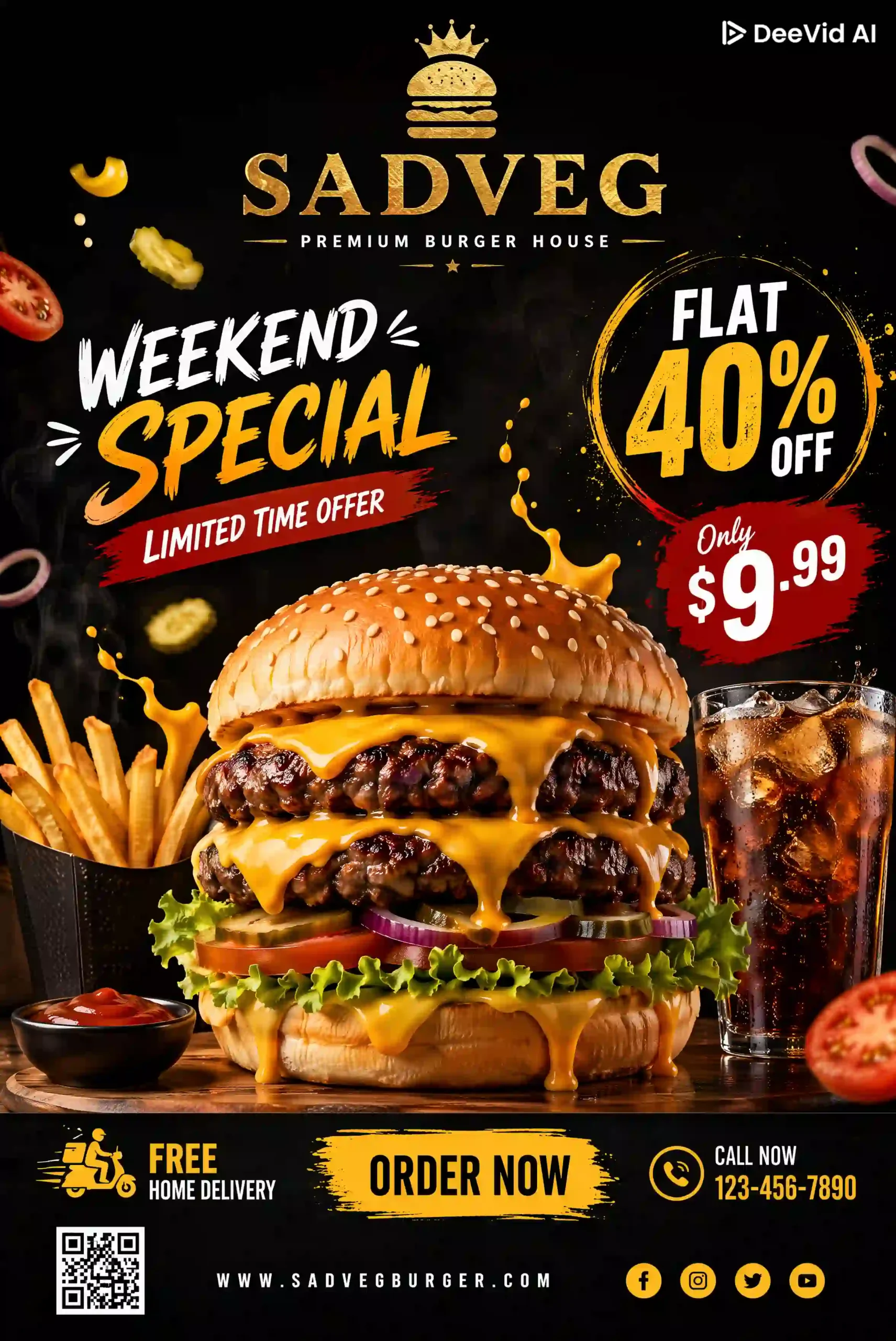
6. DeeVid AI
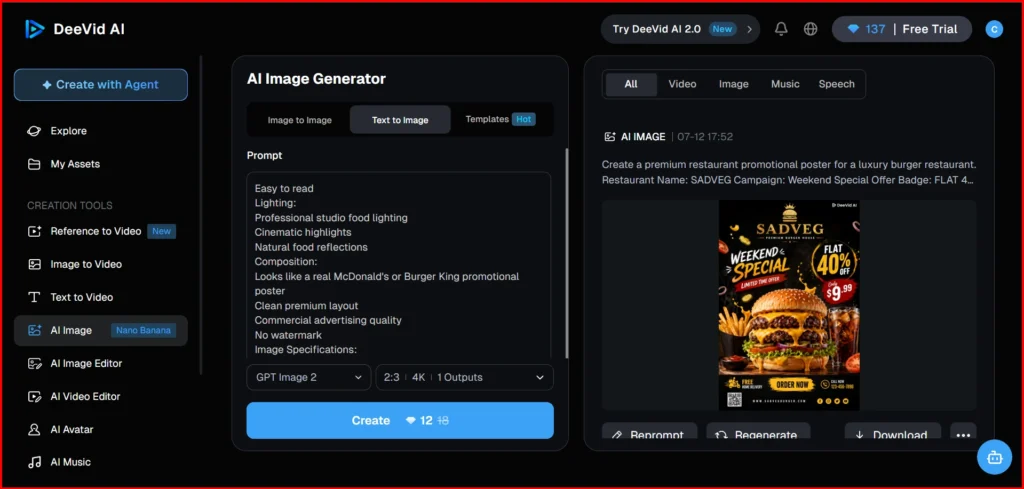
DeeVid AI lets you generate both images and videos. It has its own image generation model, and you can also choose models like ChatGPT and Gemini, depending on your needs.
The platform uses a credit-based system, and the number of credits required depends on the model, image quality, and generation settings you select. In my testing, I used the GPT Image model to generate a 4K image, which cost 12 credits. The image was generated in about a minute.
Did DeeVid AI Pass All My Tests?
Yes. DeeVid AI passed all of my test prompts and followed the instructions accurately. The image quality was consistently good, and it supports outputs up to 4K resolution.
You can choose the aspect ratio before generating the image, and each request can generate up to four variations in a single attempt. In my testing, most images were ready in about a minute, although a few took slightly longer.
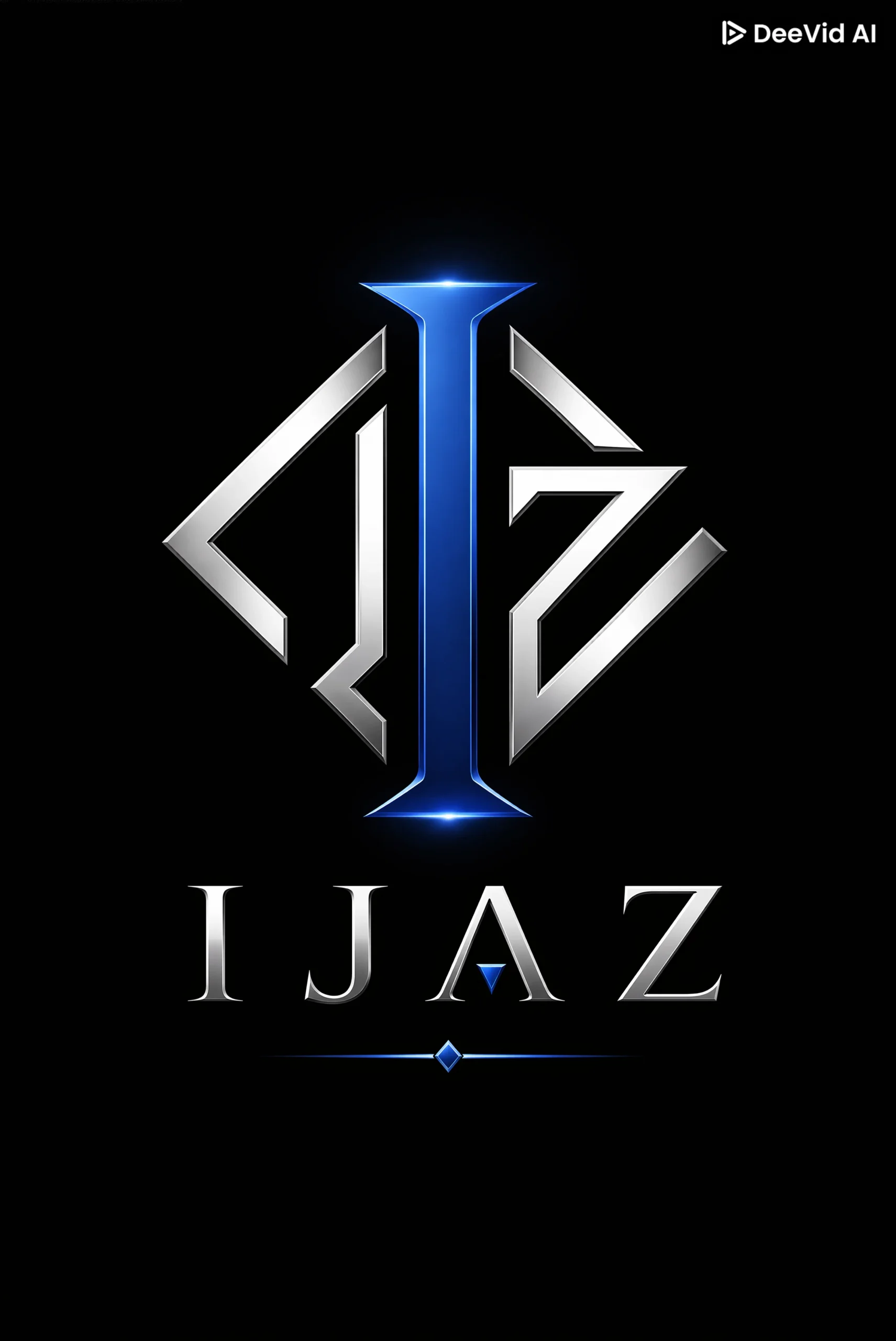
7. Leonardo AI
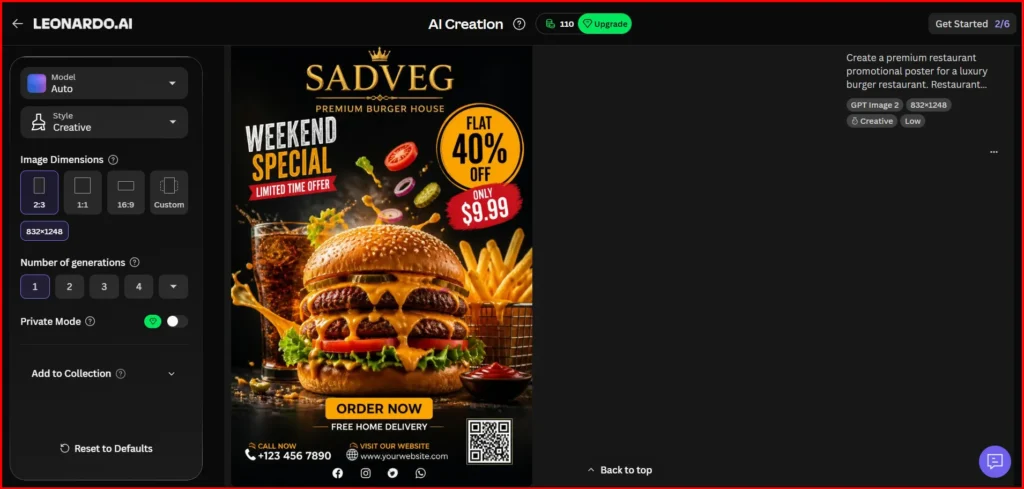
Leonardo AI, now part of Canva, supports image generation, video generation, audio creation, and 3D assets. The free plan includes 15 credits per day and the platform offers multiple AI models for image generation.
Before generating an image, you can choose the number of outputs, set the aspect ratio and apply different visual styles. In my testing, I used the default Auto model instead of selecting a specific one manually.
Leonardo AI also includes a wide range of editing features. You can connect it with Canva, use Canva's Magic tools, remove backgrounds, upscale images and continue editing your designs directly in Canva.
Did Leonardo AI Pass All My Tests?
Yes. Leonardo AI followed my prompts well, and all of the test outputs matched what I expected. Most images were generated in about a minute.
The downloaded images didn't include any watermarks, which is a plus. I also noticed that the generated image files were relatively small in size (measured in KB), making them easy to download, share and use without taking up much storage.
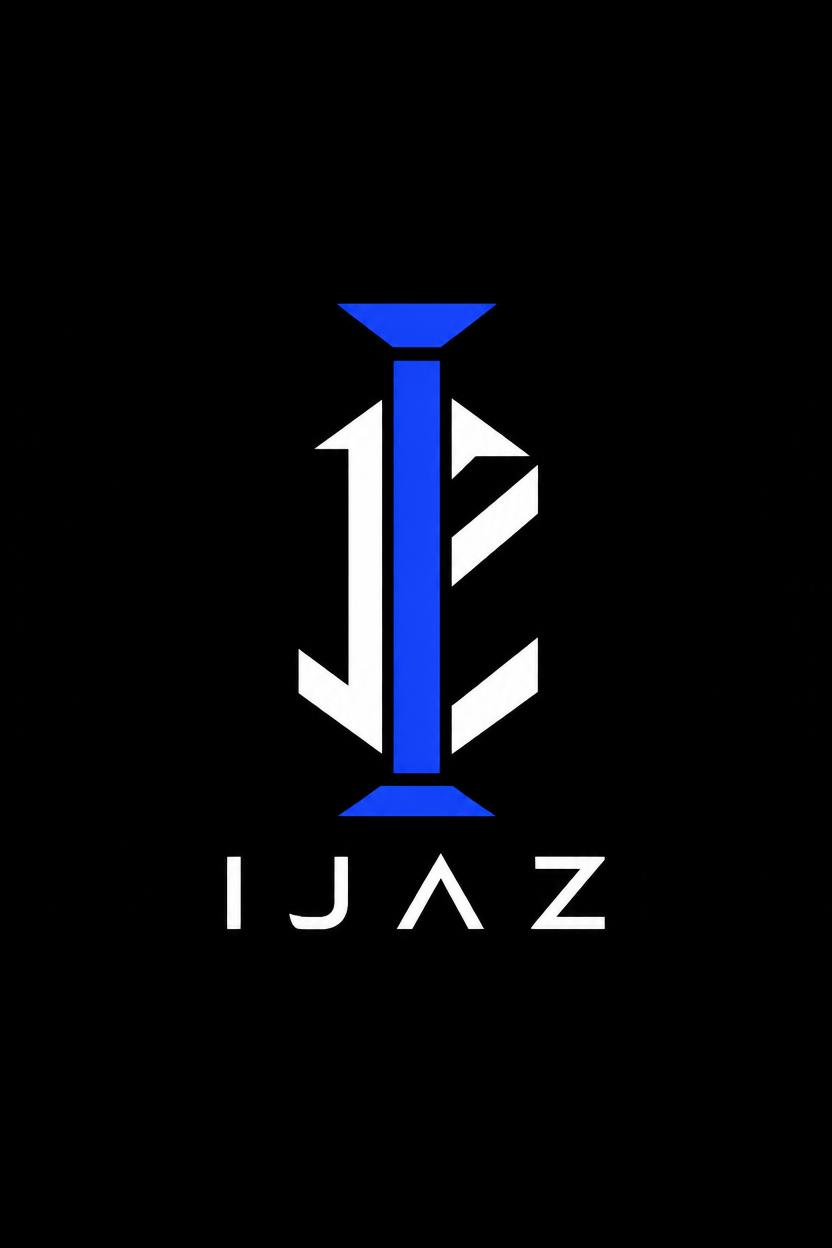
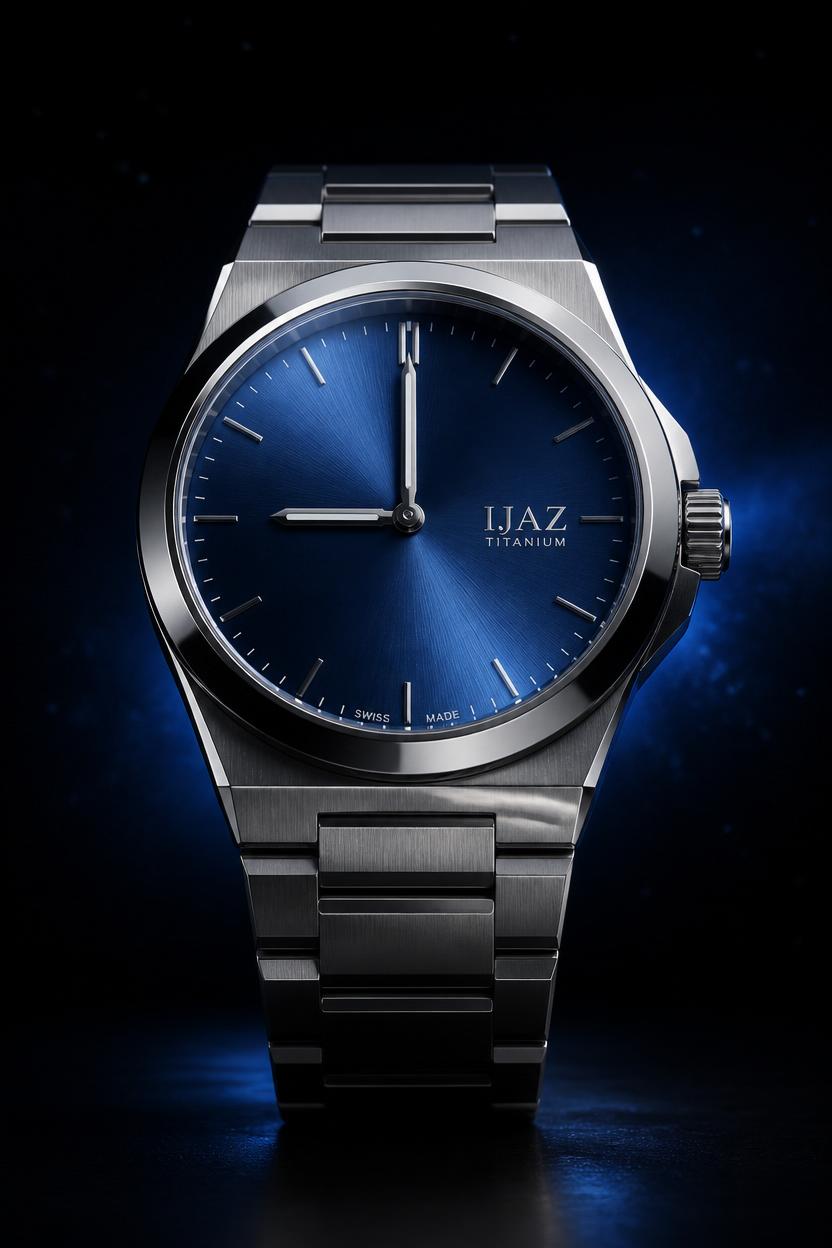
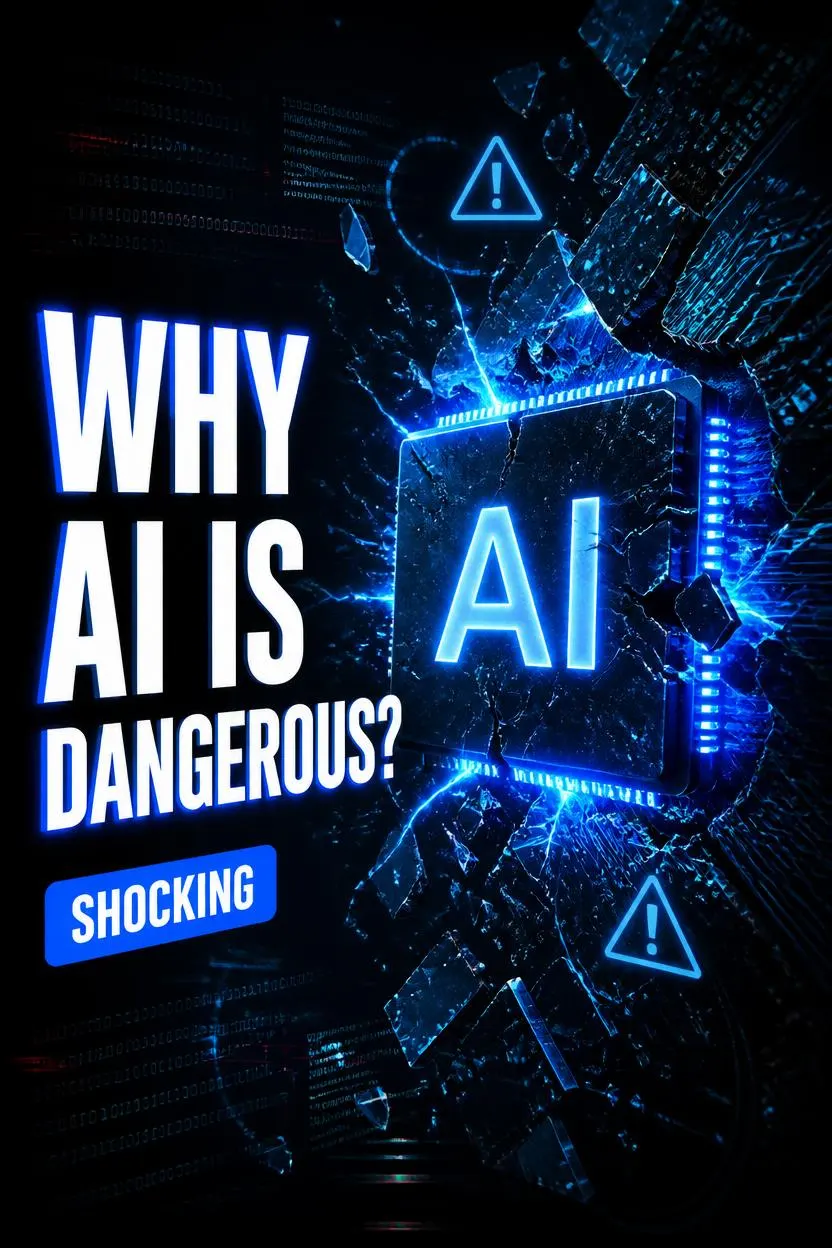
8. Gemini
Gemini is one of the most popular AI image generation models, but in my testing, it ranked 7th. It wasn't a bad tool, but it fell behind some of the others in my overall evaluation.
On the positive side, image generation was fast, and I could easily edit the generated images. The output quality was good, and the downloaded images were full-sized files rather than heavily compressed.
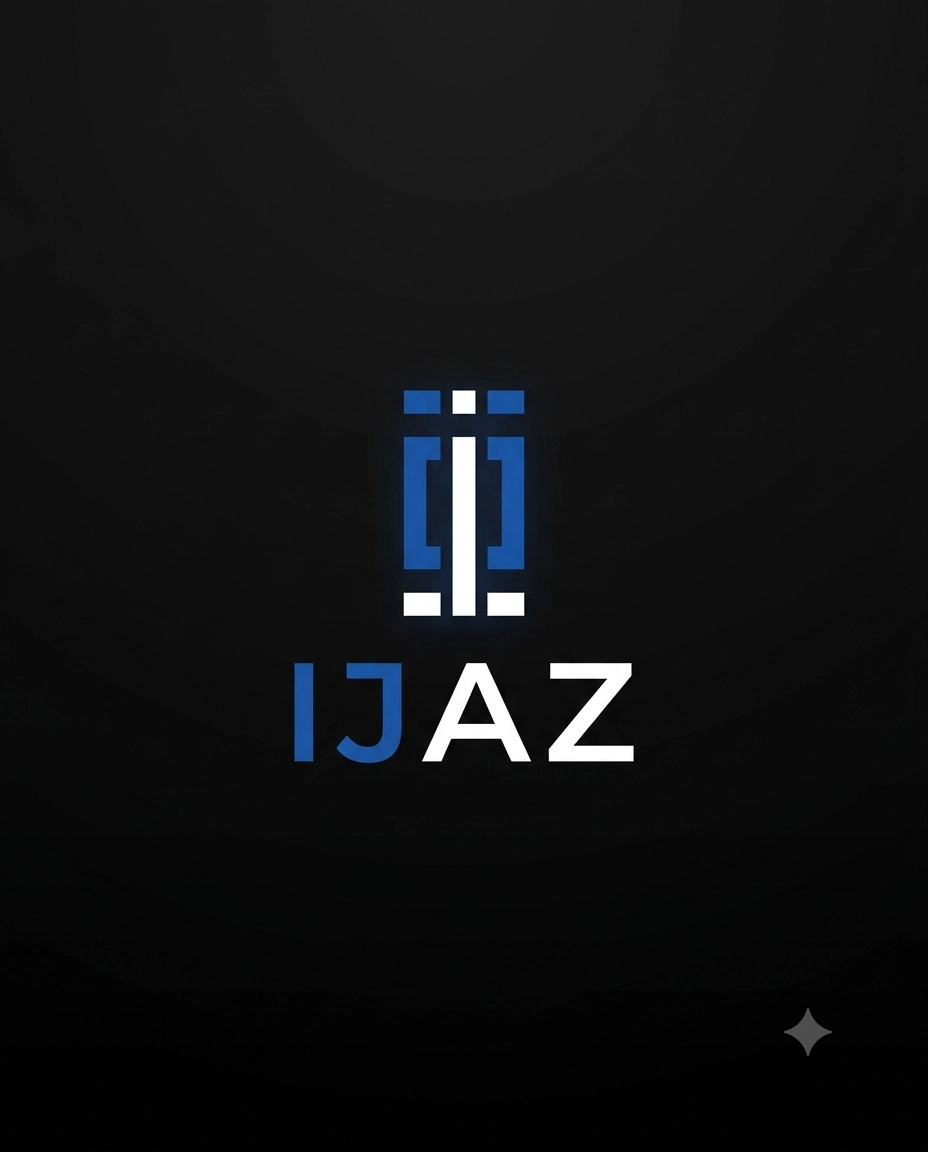
One thing I didn't like was that the downloaded images included a Gemini logo, which may not be ideal if you want clean images for direct use.
Did Gemini Pass All My Tests?
Yes. Overall, Gemini performed well and delivered accurate results across almost all of my test prompts. One thing I liked was its consistency because it produced reliable outputs throughout my testing.
The reason I ranked it 8th is that it missed one detail in the watch prompt on the first attempt. However, after regenerating the image a second and third time, it followed the prompt correctly and produced the expected result.
Another advantage is the editing experience. Making changes is quick, and the updated images are generated in a short amount of time.
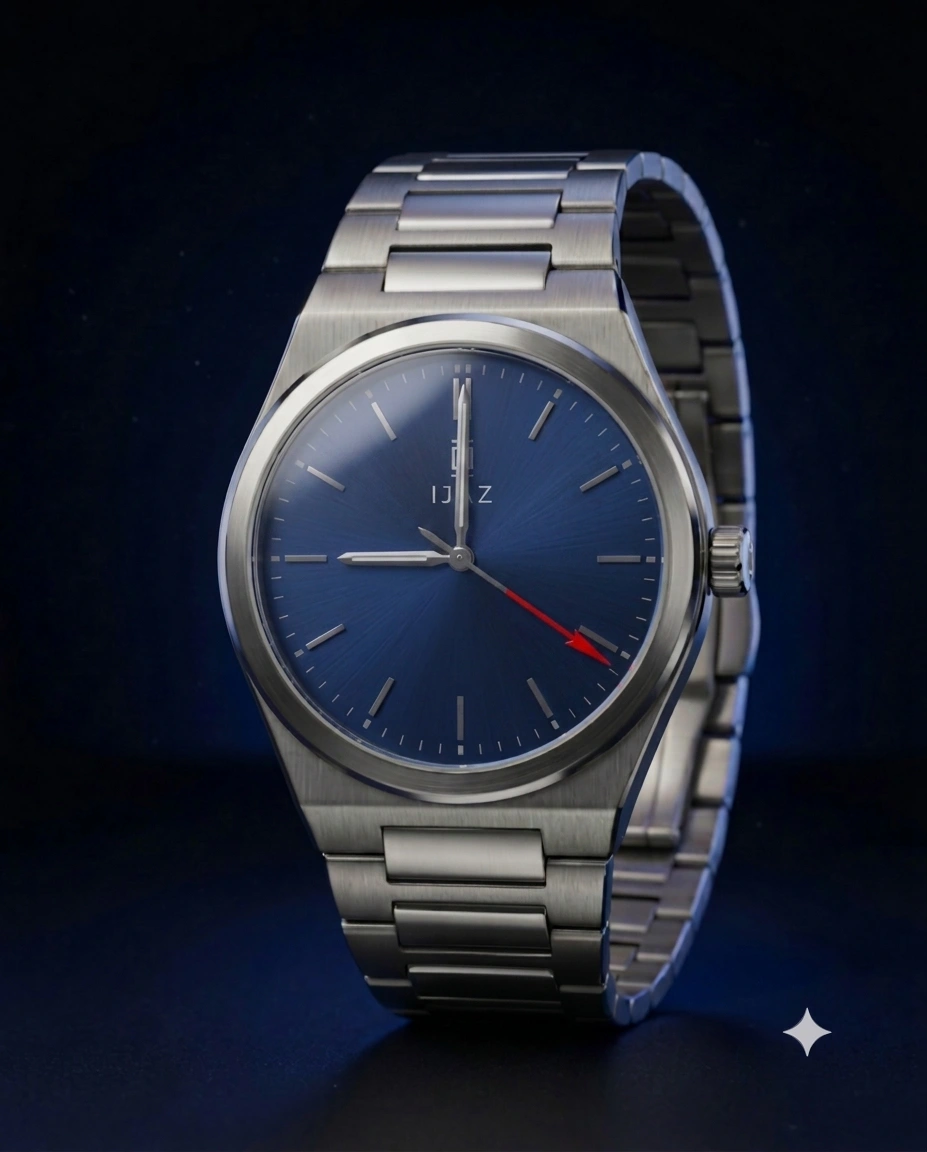
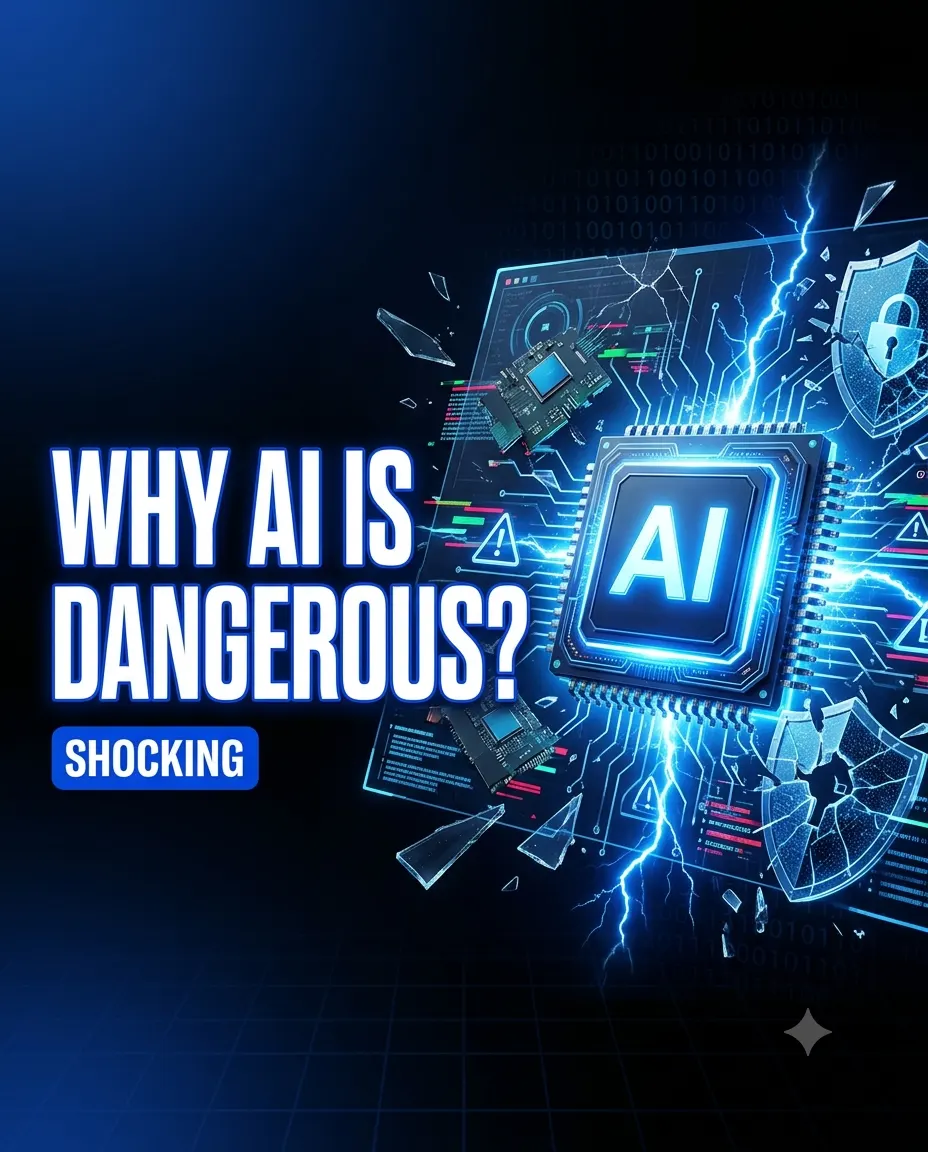
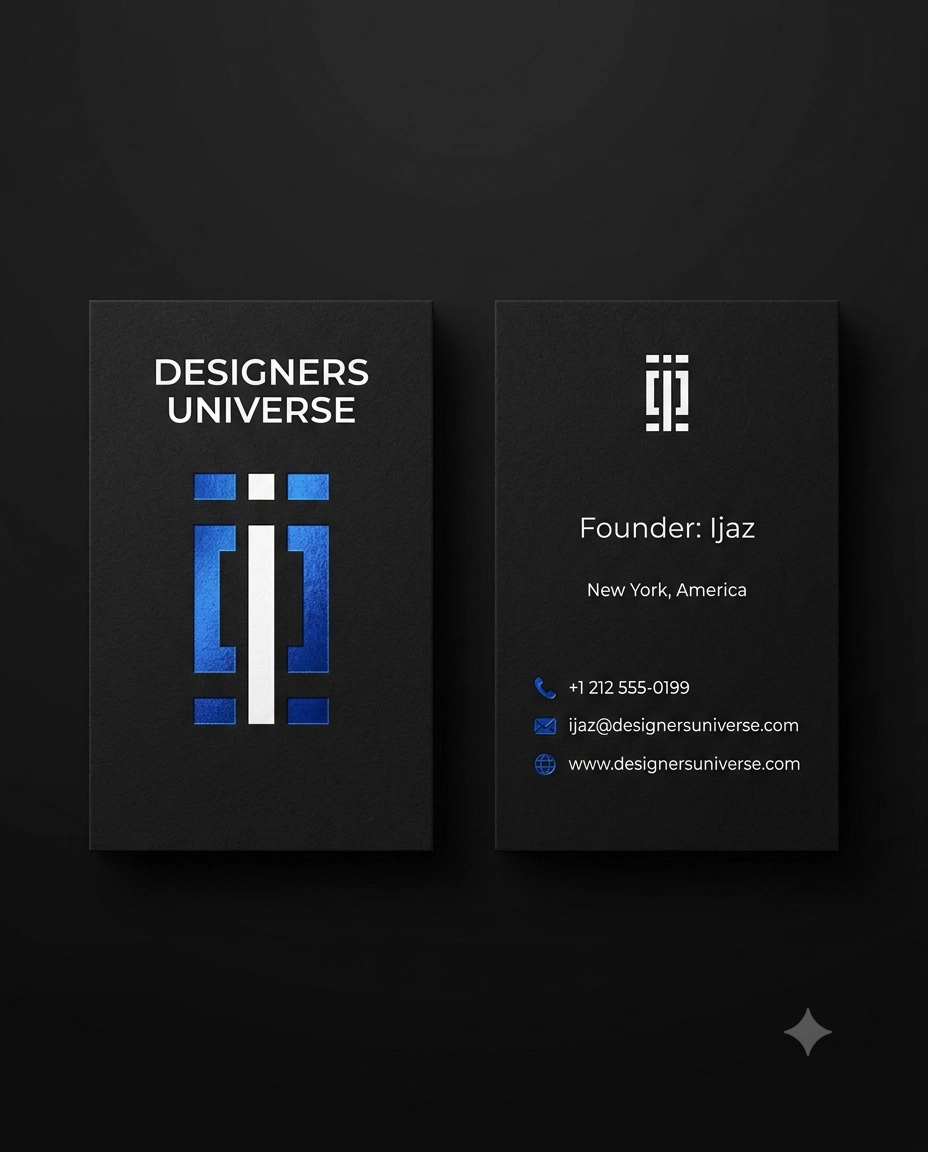
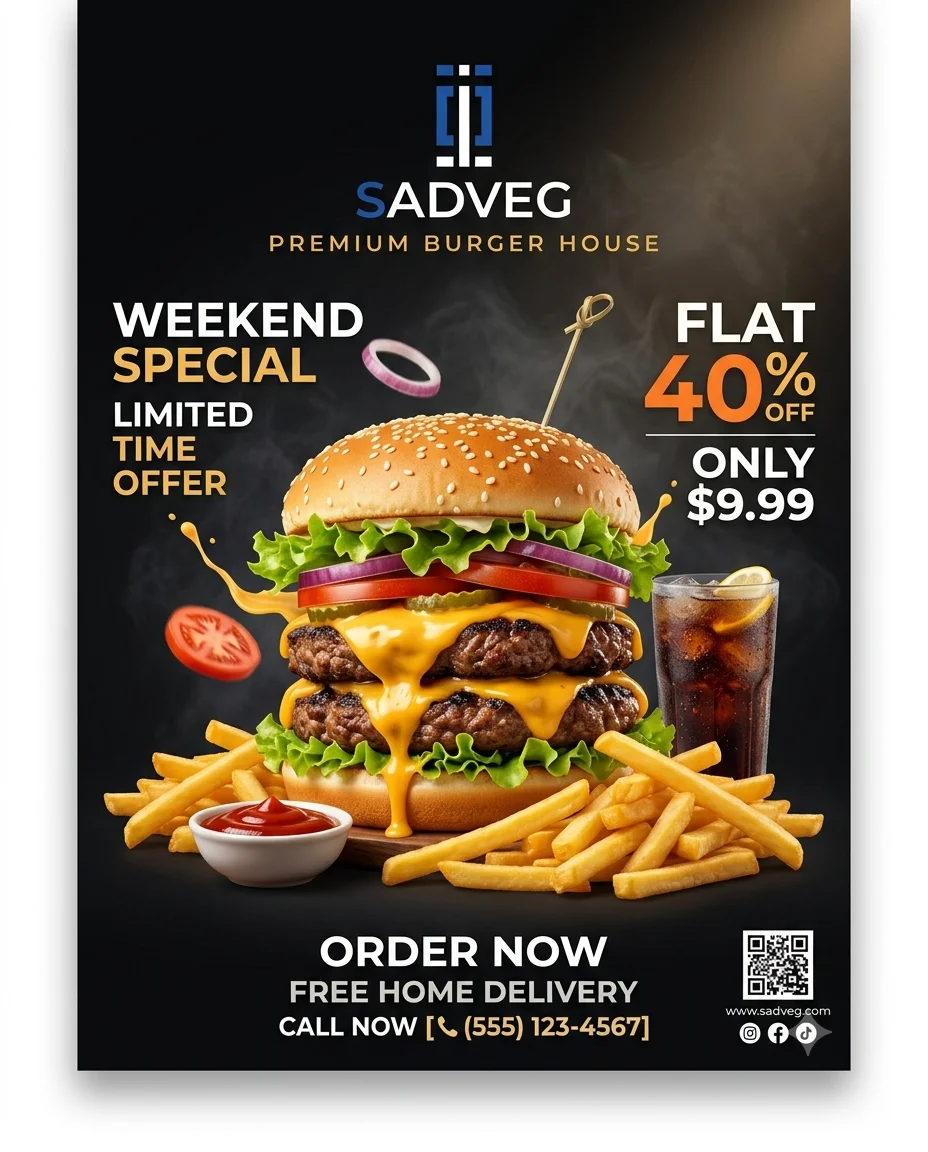
Note: All of these models support image-to-image generation. You can upload a reference image along with your prompt to generate new images based on that reference.
AI Image Generators That Didn't Pass My Image Generation Tests
9. Grok Imagine
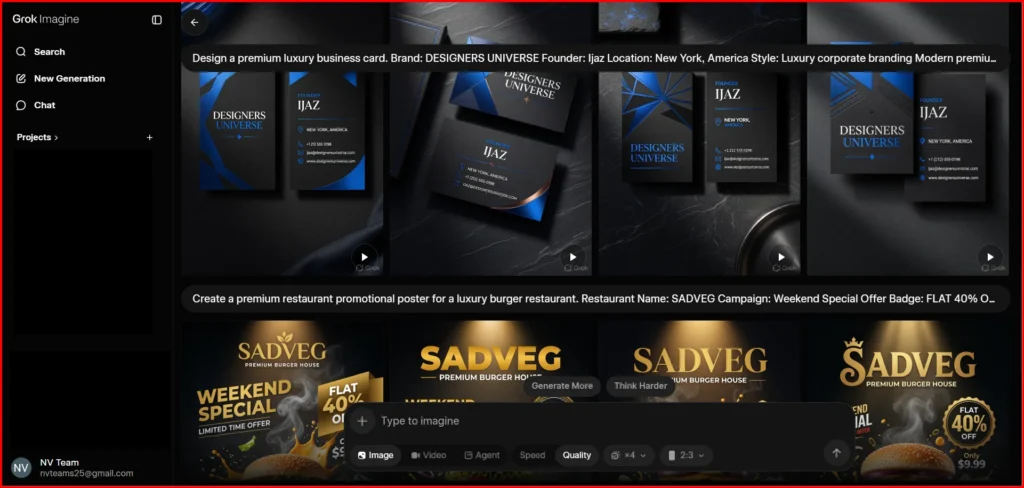
Grok Imagine is available only with a paid plan. When it first launched, many of its features were free, but that changed over time. As a result, many users started looking for Grok alternatives for image generation.
In terms of speed, Grok Imagine is one of the fastest image generators I've used. It can generate up to 12 images in a single request, and the results are often ready in around 10 seconds.
It also includes an Auto mode that keeps generating images automatically. While this is useful for exploring ideas, I found it better to select the exact number of images you need. Otherwise, you'll end up scrolling through too many variations, consume your image generation quota faster, and spend more time choosing the best result.
One downside is that the downloaded images include a Grok watermark/logo, which may not be ideal if you want clean outputs.
Did Grok Imagine Pass All My Tests?
No. Grok Imagine was incredibly fast, but its prompt accuracy wasn't as good as the other tools I tested. In a few cases, it missed important details from my prompt. I even regenerated the same prompt twice, but the results still didn't fully match what I was expecting.
Another drawback was the image quality. While the images looked decent, they weren't as sharp or detailed as the outputs from some of the other tools. I also noticed that the downloaded image files were relatively small in size (KB), which may explain the lower overall quality.
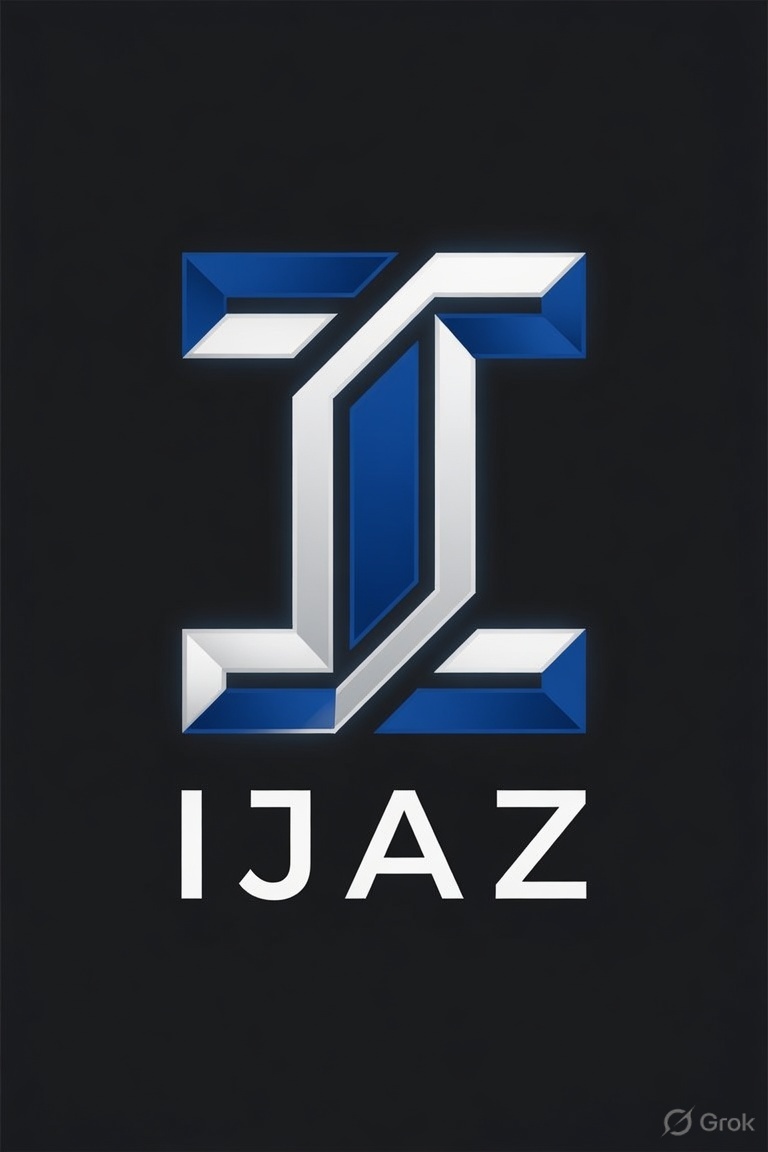
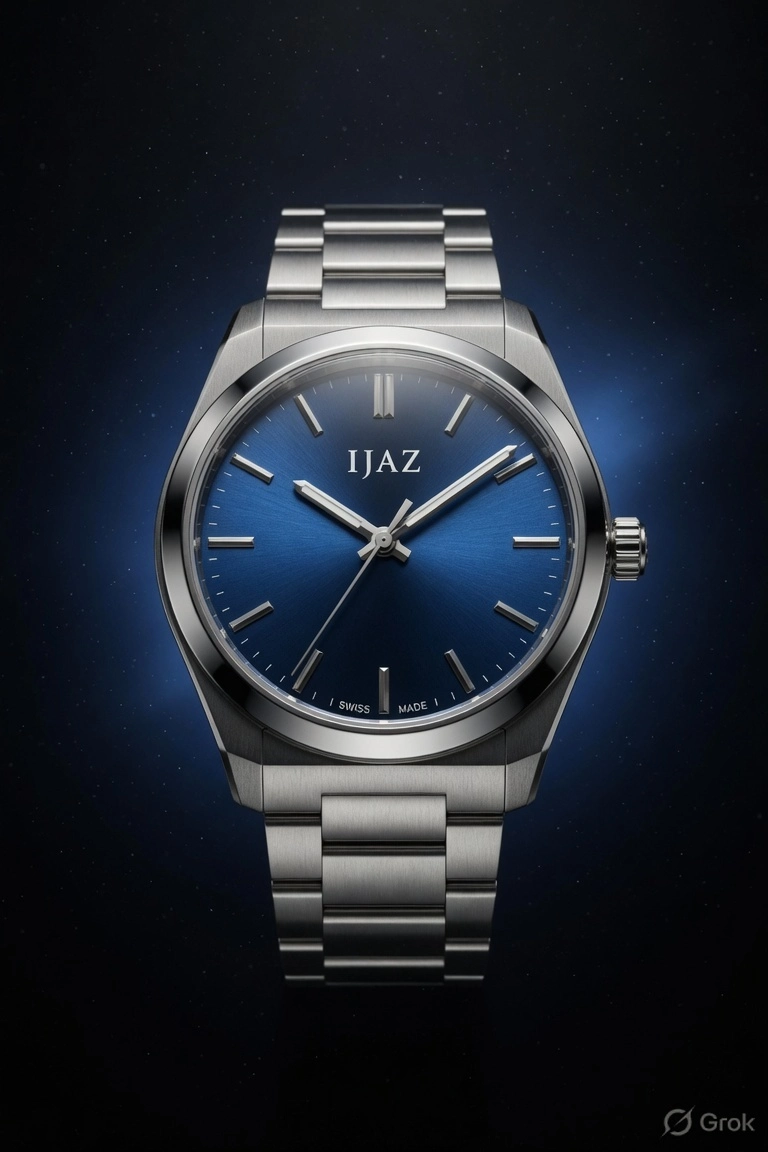
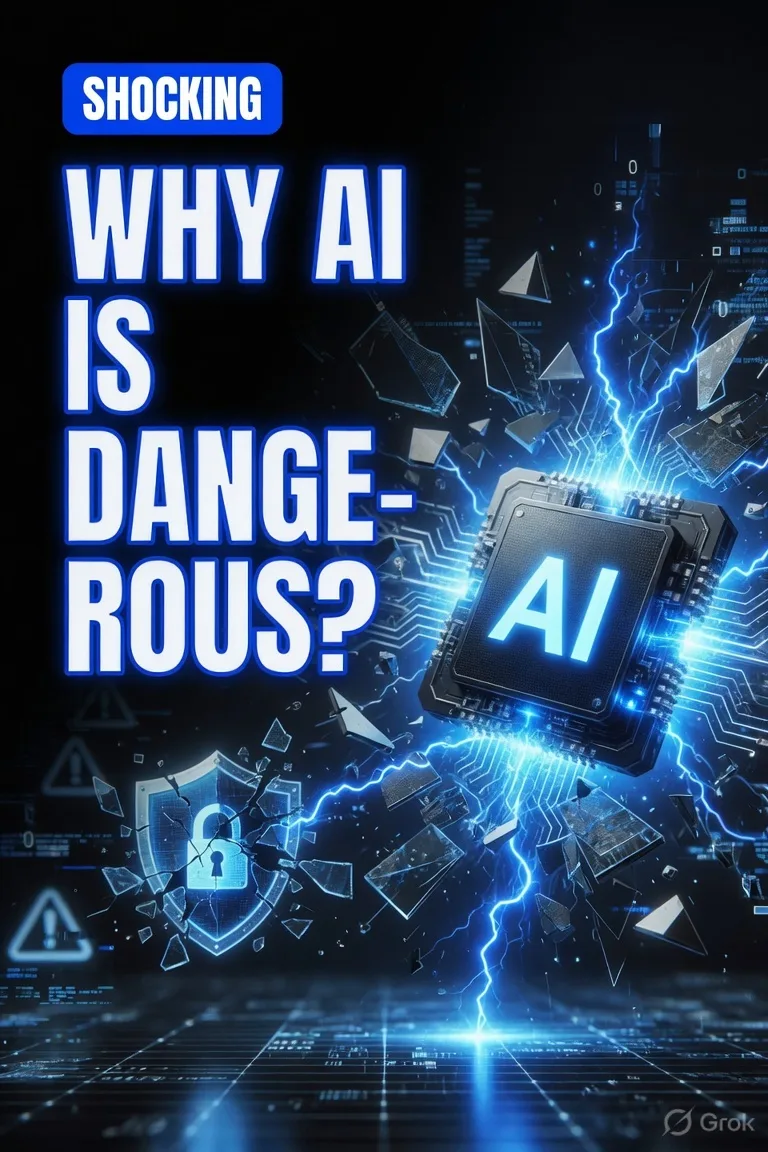
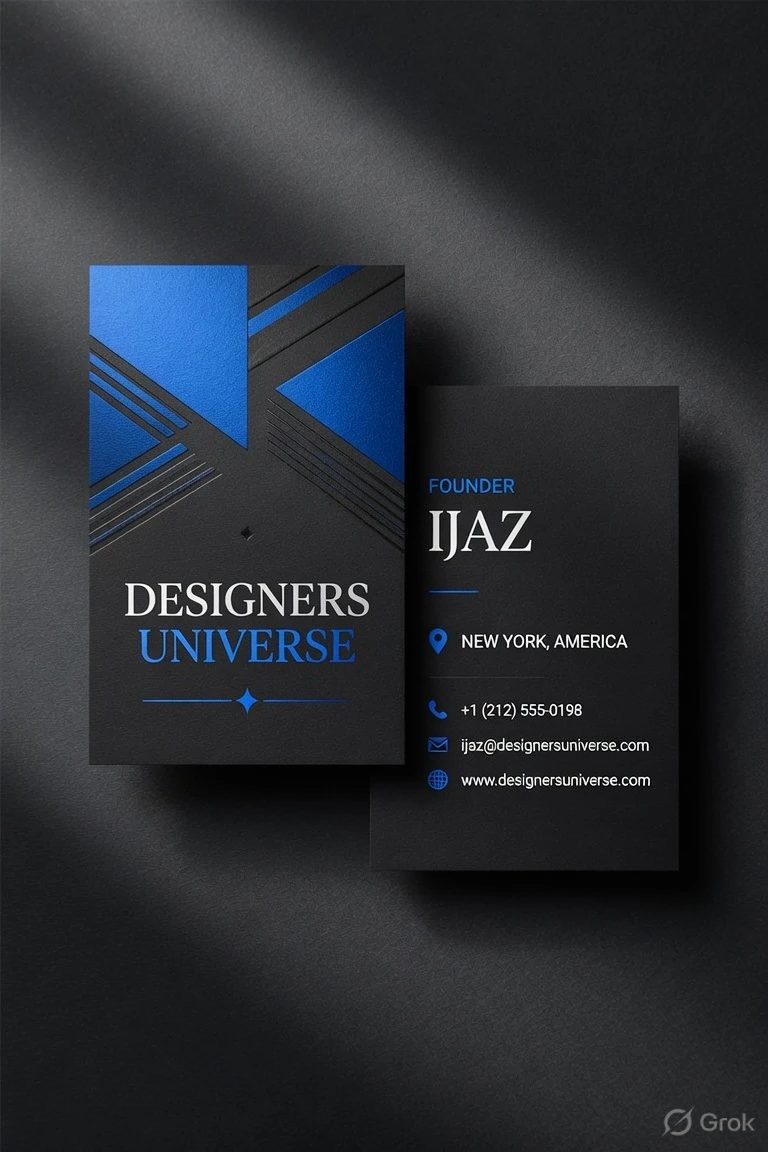
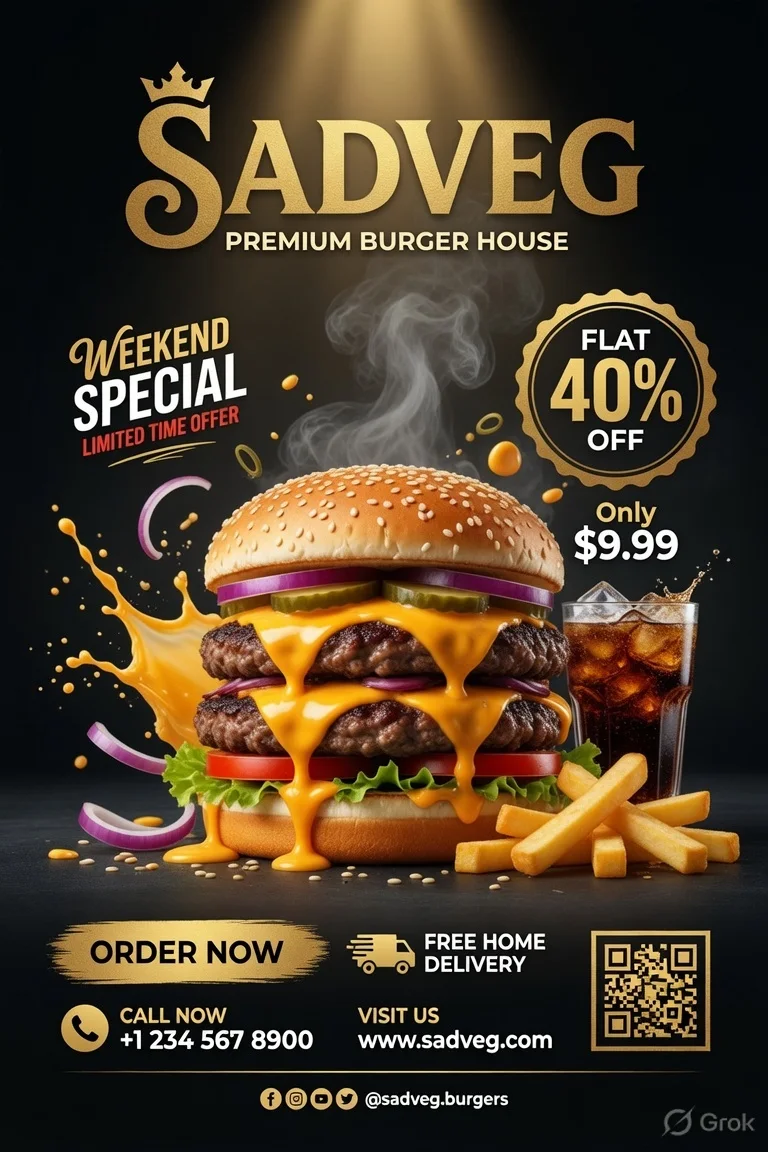
10. Jasper AI
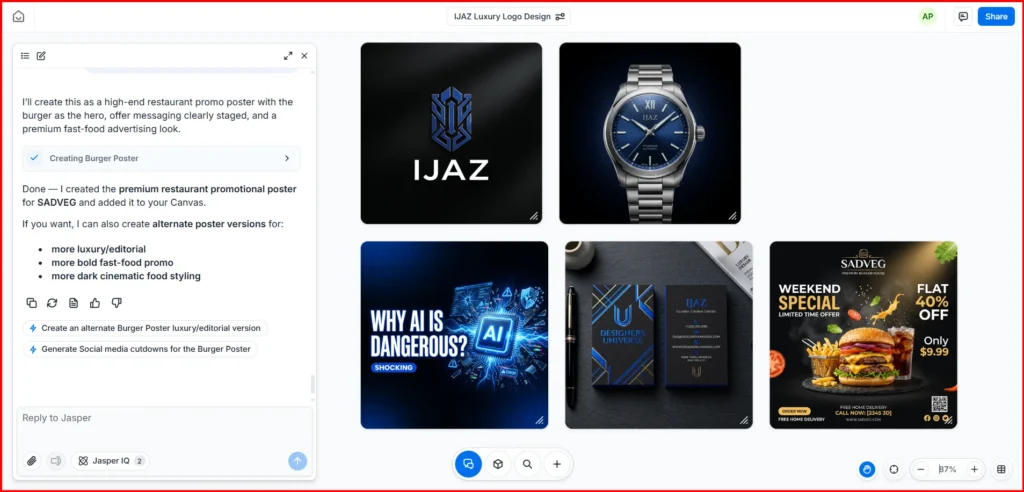
Jasper AI lets you generate images in about a minute. It also includes a few useful editing features, such as image enhancement, background removal, and text removal from images.
During my testing, the restaurant promotional poster was one of its strongest results. It followed the prompt well and produced a clean, professional-looking design.
Did Jasper AI Pass All My Tests?
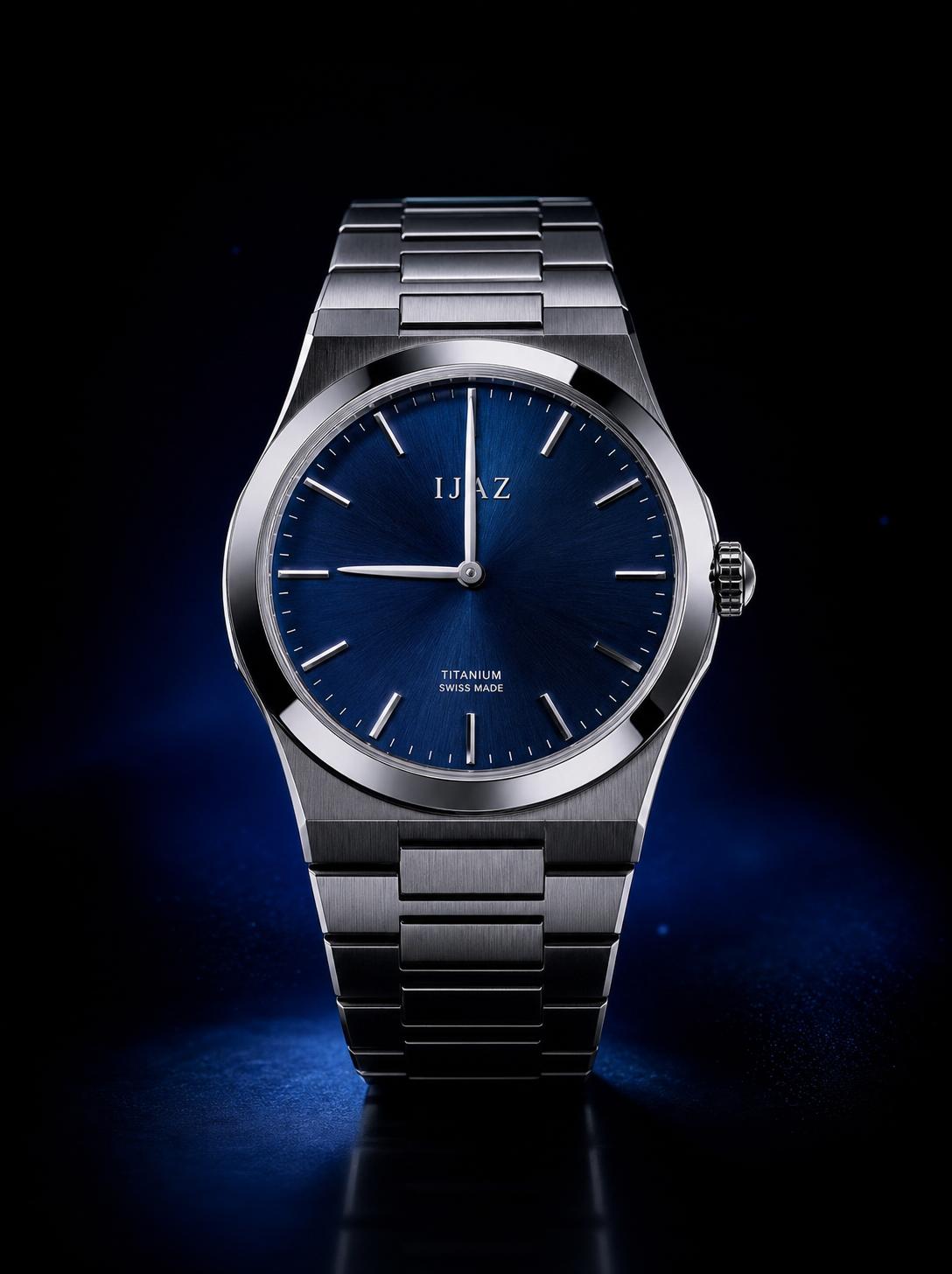
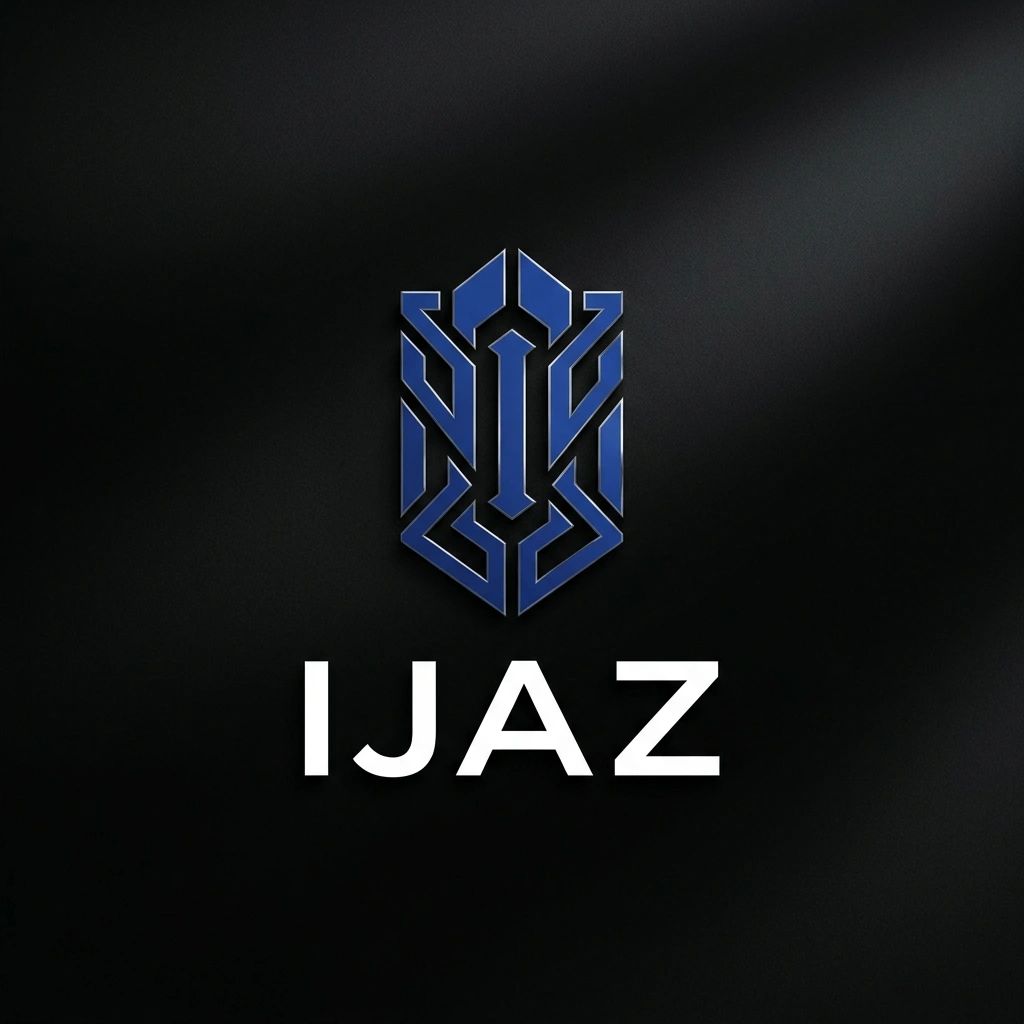
No. Jasper AI didn't follow every prompt perfectly. The main issue I noticed was with the watch image, where it generated the wrong time even though it was clearly mentioned in the prompt. The rest of the outputs were decent and generally matched my instructions.
You can check the examples below to see the results for yourself. Jasper AI doesn't have its own image generation model and instead relies on integrated models. However, the built-in editing tools are simple to use and make it easy to make basic changes after generation.
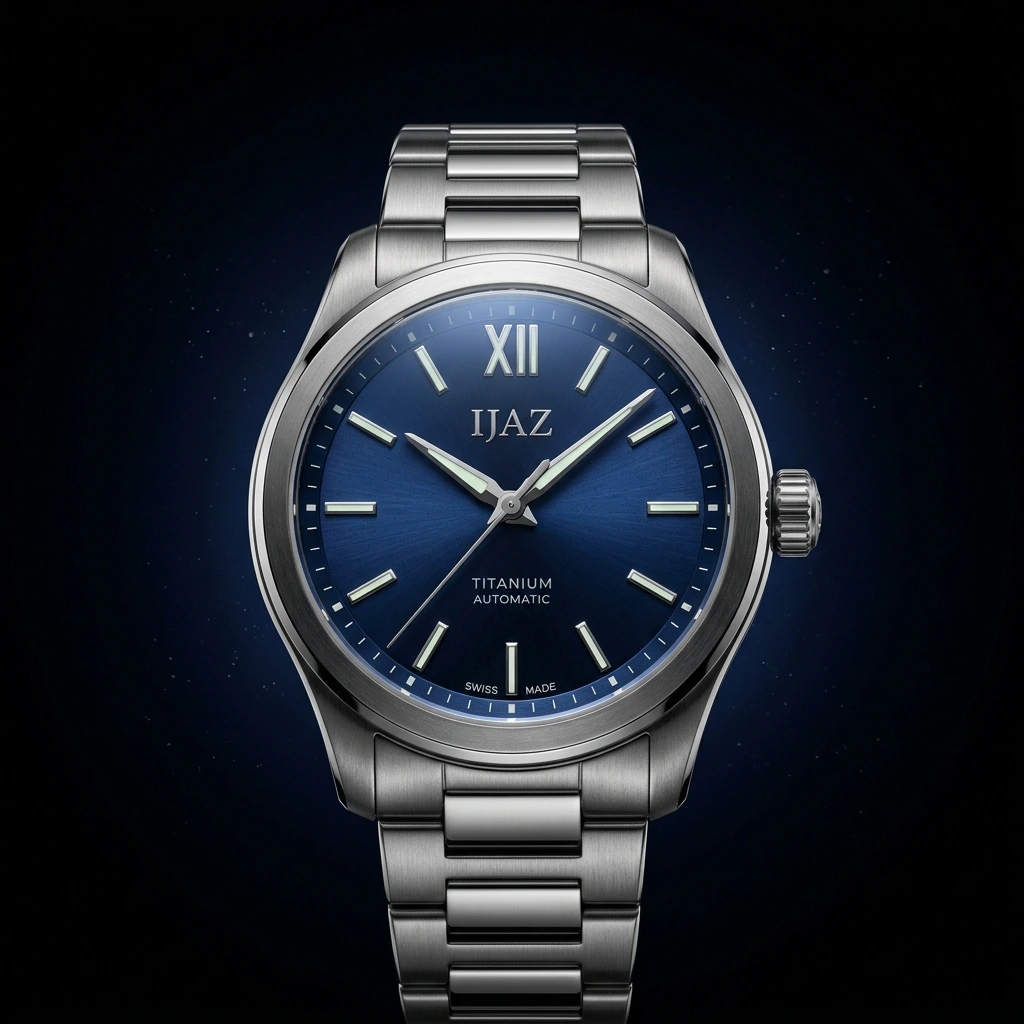
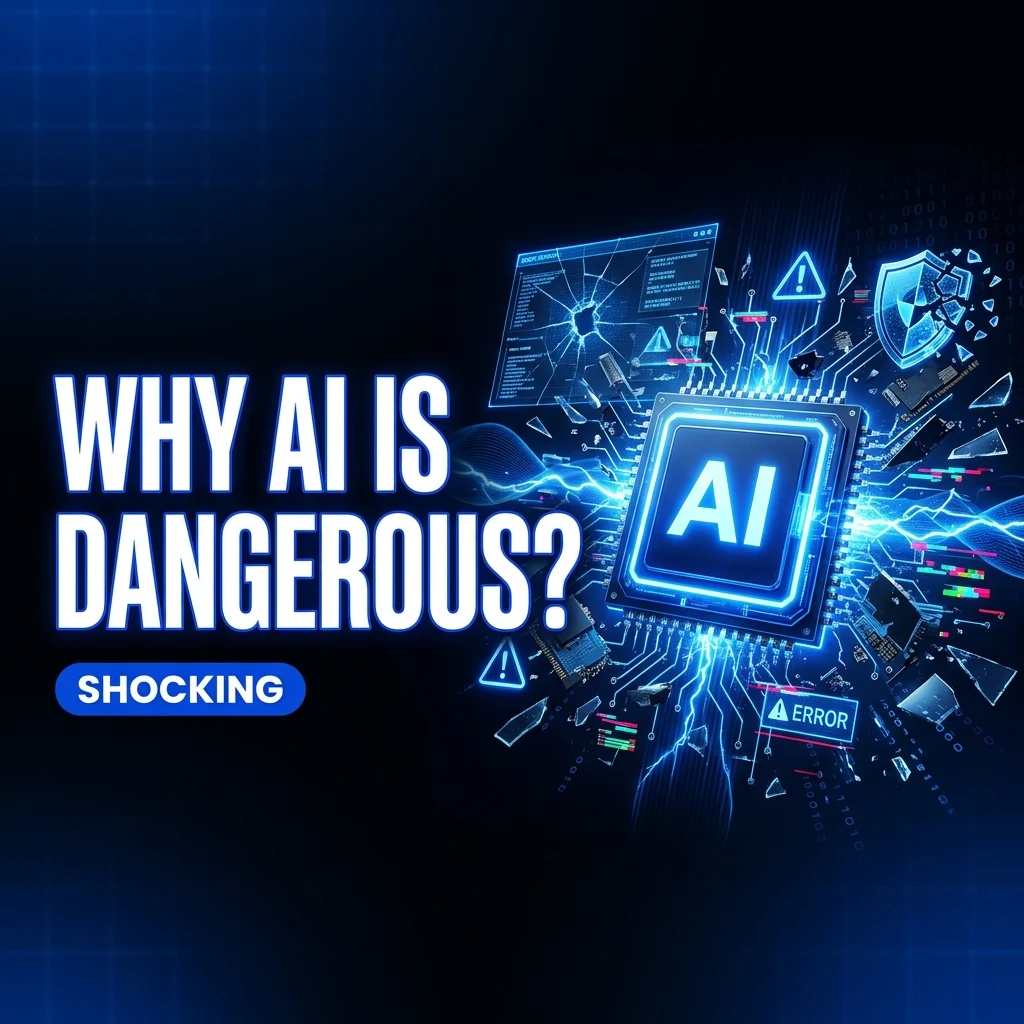
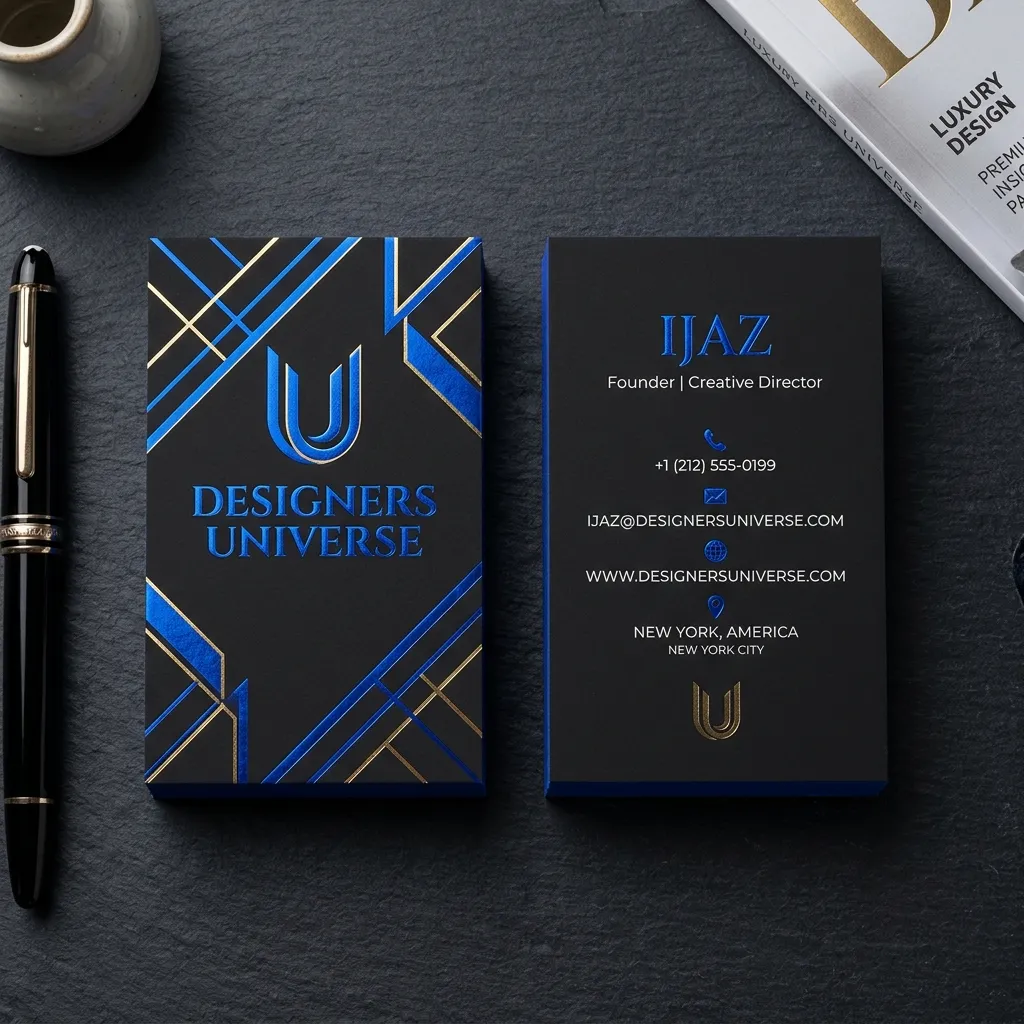
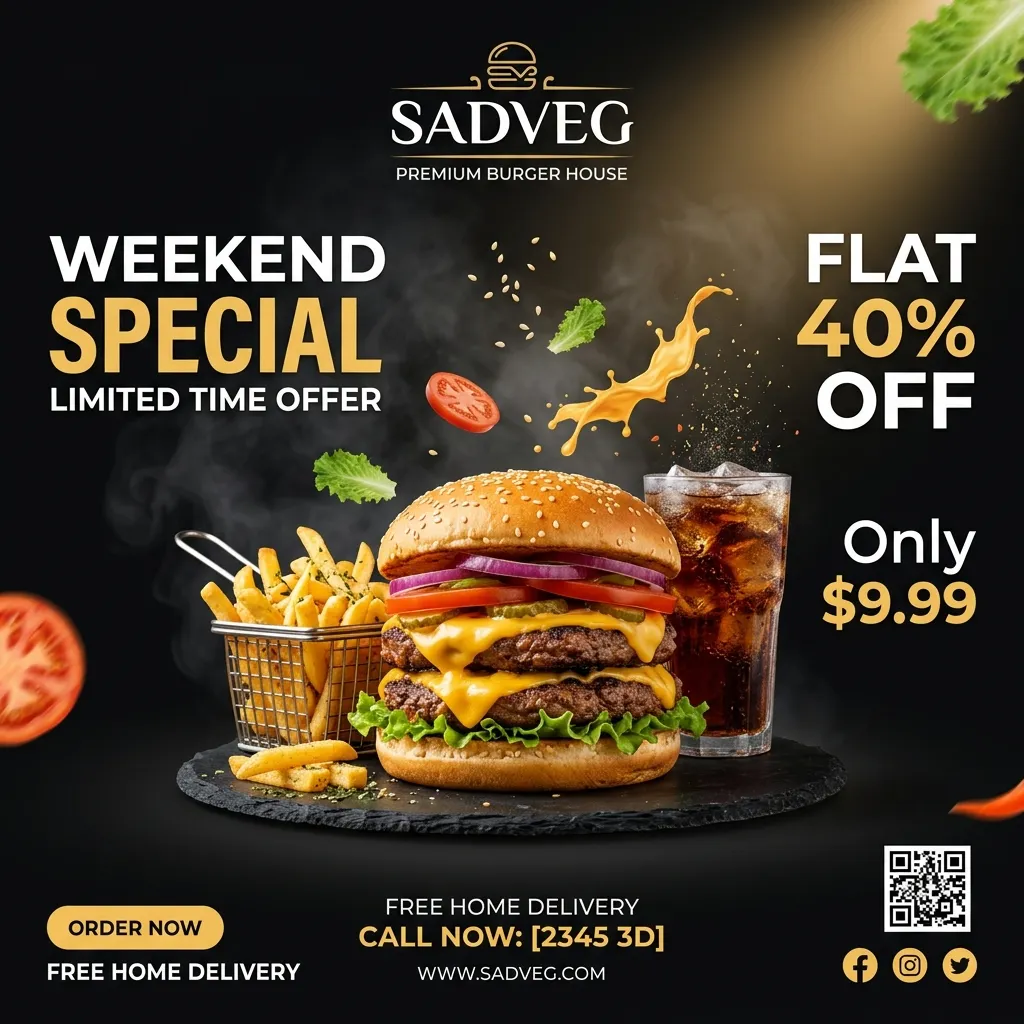
11. Adobe firefly
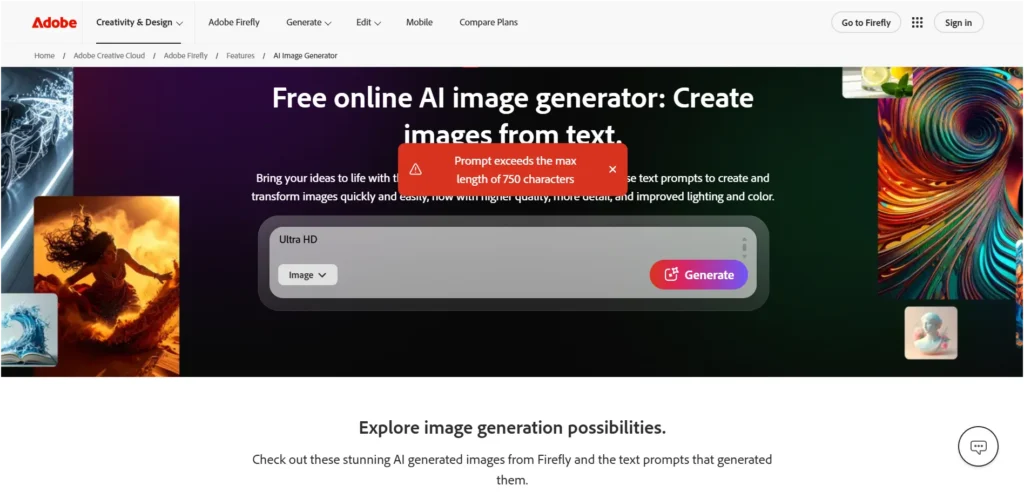
One limitation I found with Adobe Firefly is its prompt length. It only allows prompts of up to 750 characters. The same prompts worked without any issues in the other tools I tested, but Firefly required me to shorten them.
To keep the comparison fair, I rewrote my original prompts to fit within the 750-character limit and then tested how well Adobe Firefly handled the revised versions.
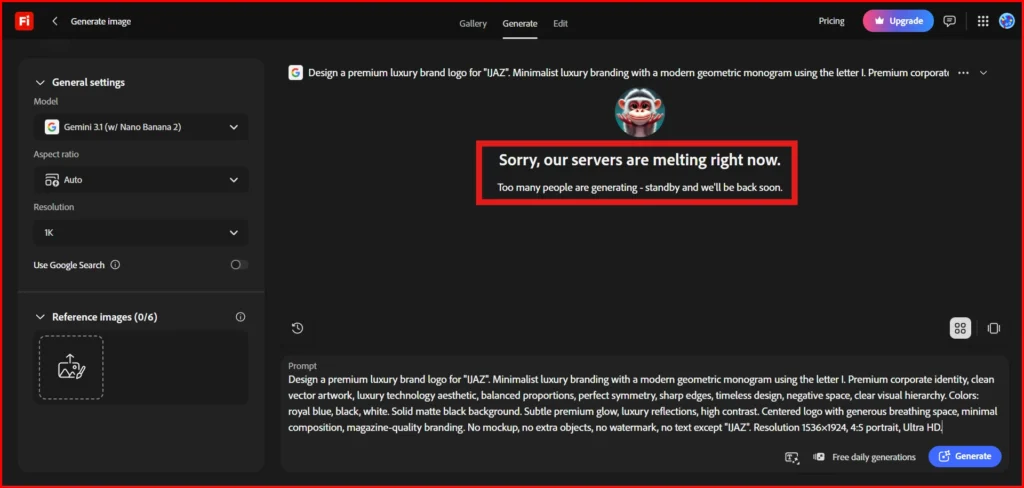
Did Adobe Firefly Pass All My Tests?
No. I can't say Adobe Firefly is a bad tool because I wasn't able to complete my testing.
The first issue I ran into was the 750-character prompt limit, so I had to shorten my original test prompts to fit within that limit. After updating the prompt and trying again, the image still wasn't generated. Instead, I kept getting the message "Sorry, servers are melting right now."
Because of these issues, I couldn't generate the test images or evaluate the tool properly. So rather than giving it a positive or negative rating, I've left it unrated based on my experience during testing.
12. DeepAI
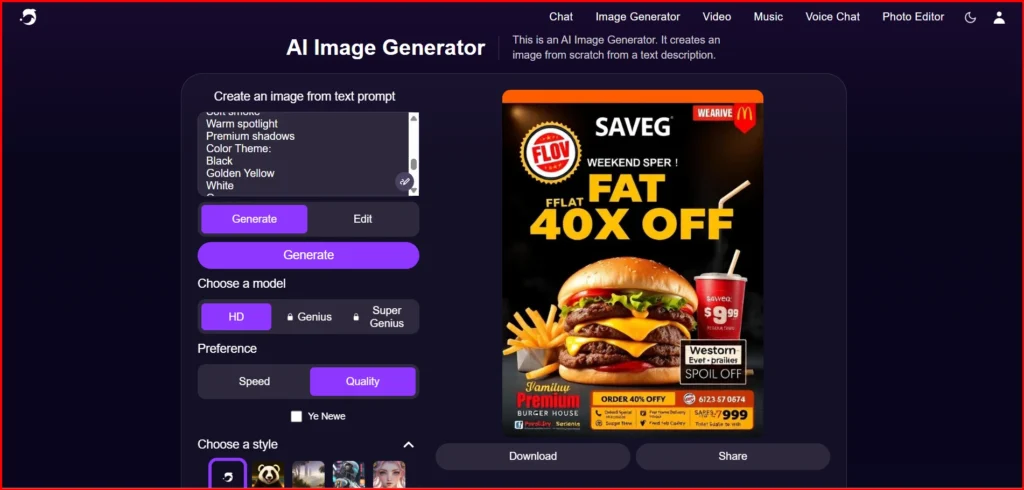
DeepAI ranks among the top results when you search for AI image generators, so I decided to test it as well. Based on my experience, it's one of the fastest image generation tools I've used.
As soon as I entered my prompt and clicked Generate, the image was created almost instantly. There was virtually no waiting time, making it one of the quickest tools in my testing.
Did DeepAI Pass All My Tests?
No. Speed alone isn't enough if the final output isn't accurate. While DeepAI generated images almost instantly, I found that its prompt accuracy was weak. It often missed important details from my prompts and the text inside the generated images contained several spelling mistakes.
If your design includes text, such as logos, thumbnails, posters or business cards, I wouldn't recommend DeepAI. In my testing, it struggled to render text accurately, which affected the overall quality of the results.
Free AI Image Generator Comparison Table (Sep 2026)
| AI Tool | Free Plan | Free Credits / Limits | Image Generation | Image Editing | File Uploads | Best for | Notes |
|---|---|---|---|---|---|---|---|
| Canva AI | ✅ Yes | Up to 200 Standard AI uses or 20 Premium AI uses | ✅ Yes | ✅ Yes | ✅ Yes | Social media, presentations, marketing designs | Includes 1.6M+ templates, 5GB cloud storage, Brand Kit (limited), Magic Layers. |
| Meta AI | ✅ Yes | Plenty of free images | ✅ Yes | Limited (no dedicated editing suite yet) | ✅ Yes | Casual, high-volume free image generation | Can generate 5 completely different images from 5 separate prompts at once. No watermark, but downloads only in WebP format at small file sizes. |
| ChatGPT | ✅ Yes | Limited daily usage | ✅ Yes (slower & limited) | ✅ Yes | Limited uploads | General AI images & editing | Free users get GPT-5.5 Instant with limited image generation, uploads, memory, and context. |
| Manus AI | ✅ Yes | 300 free credits/day | ✅ Yes | ✅ Yes | Only 1 file upload per day | AI workflows & image tasks | Great free credits, but upload limit is restrictive. |
| Reve AI | ✅ Yes | Free monthly usage | ✅ Yes | ✅ Yes (natural language editing) | Basic storage | Photorealistic AI images | Very simple interface with prompt-based editing. |
| Leonardo AI | ✅ Yes | Daily free tokens | ✅ Yes | ✅ Yes | ✅ Yes | Game assets, concept art, product images | One of the most generous free plans for creators. |
| Google Gemini | ✅ Yes | Limited usage | ✅ Yes | ✅ Yes | ✅ Yes | Everyday AI & image creation | Includes Gemini 3.5 Flash, limited Pro access, Deep Research, Gems, Canvas, and Google Flow. |
| Grok | ❌ No permanent free plan | 7-day trial ($0) | ✅ Yes | ✅ Yes | Higher upload limits during trial | Fast image generation | Trial converts to a paid subscription unless cancelled before renewal. |
| Adobe Firefly | ❌ No free plan | 7-day free trial | ✅ Yes | ✅ Yes | ✅ Yes | Professional commercial content | Trial available for Standard, Pro, and Pro Plus plans. Cancel before the 7th day to avoid automatic billing. |
| Jasper AI | ❌ No free plan | 7-day free trial | ✅ (via AI image tools) | Limited | ✅ Yes | Marketing & branded content | Trial requires payment details, auto-converts to paid if not cancelled within 7 days. |
AI Image Generators Pricing Comparison (Sep 2026)
| Tool | Free Plan | Starting Paid Plan | Value Score (/10) |
|---|---|---|---|
| Canva | Limited free images | $15/month | 9/10 |
| ChatGPT Go | ~10 free images | $8/month | 9.5/10 |
| Reve AI | 10+ free images | ~$7.99/month | 9.5/10 |
| Manus AI | 300 free credits daily | ~$10 first month, then $20/month | 7/10 |
| DeeVid AI | Limited free credits | ~$14/month | 8.5/10 |
| Leonardo AI | 150 free credits (~10 images) | ~$12/month | 9.5/10 |
| Gemini | ~20 free images | $4.99/month | 8.5/10 |
| Grok Imagine | No meaningful free image plan | $10/month | 7.5/10 |
| Jasper AI | Trial only | ~$59/month | 5.5/10 |
| Adobe Firefly | Limited monthly credits | ~$9.99/month | 7/10 |
| DeepAI | Limited free usage | ~$9.99/month | 6/10 |
Who Are These AI Image Generators Best For?
If you're a YouTube creator, I'd recommend Canva for thumbnails. It consistently produced the best layouts in my testing. ChatGPT is my second choice, followed by Gemini.
For business card designs, Canva is the clear winner. If you want an alternative, Reve AI also produced impressive results.
If you're creating product images, ChatGPT is my top recommendation. Manus AI, Canva, and DeeVid AI also delivered strong results and are worth considering.
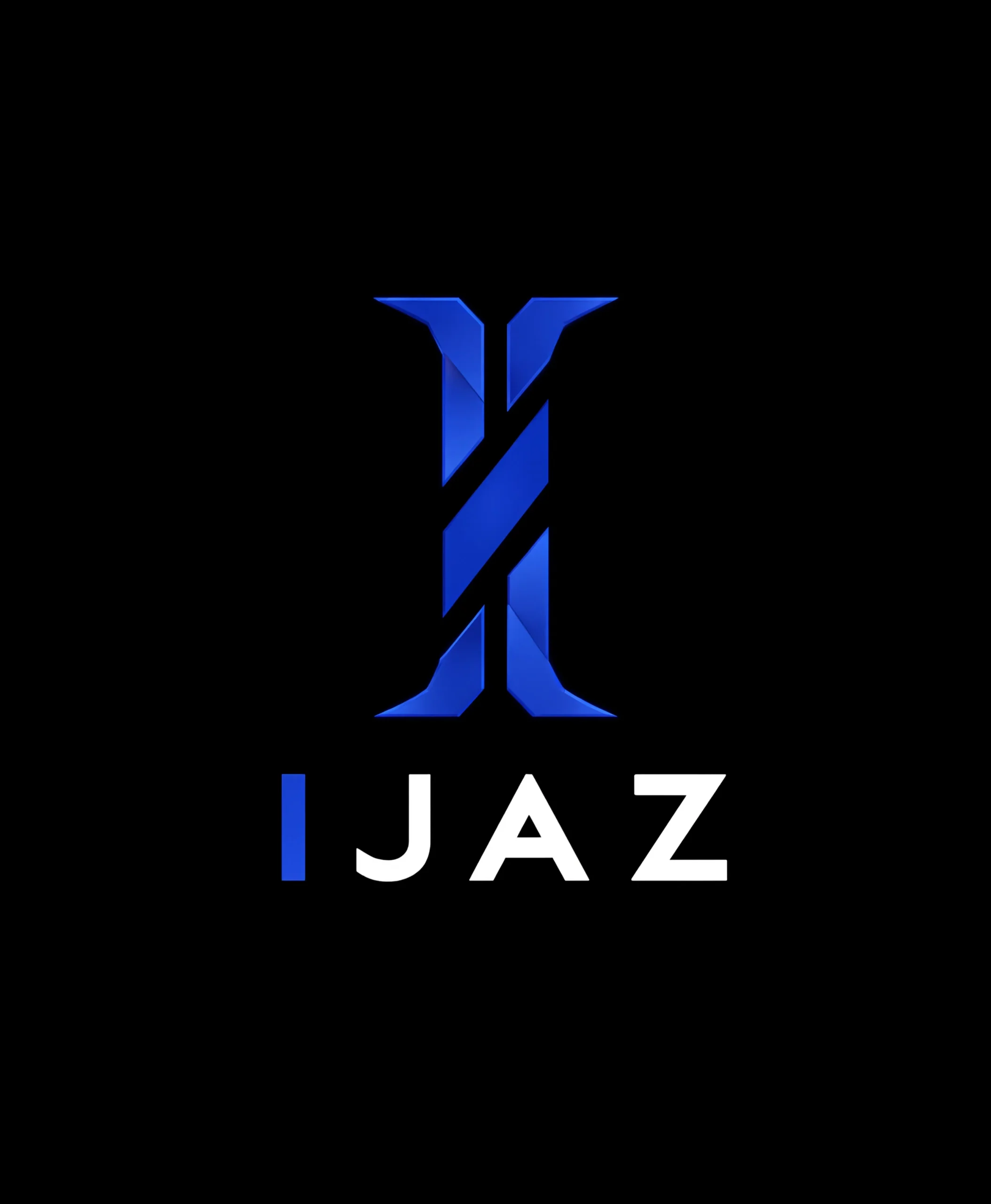
For logo designers, Reve AI gave me the best results. Grok Imagine comes next, followed by ChatGPT.
For restaurant advertisement posters, most of the tools I tested performed well. As long as you use a clear prompt, you'll get good results with almost any of the top tools in this comparison.
Which AI image generators produce high-quality images?
File format and size told me a lot about real output quality. ChatGPT, Reve AI, DeeVid AI and Manus AI all export in PNG, with files landing in MB and the quality matched: sharp and detailed every time.
Canva lets you choose the output format yourself, so sizes vary from KB to MB depending on what you pick.
Gemini also did well here. Every output came as PNG at 1MB or more and the quality was noticeably crisp.
Meta AI downloads everything in WebP, with file sizes staying in KB. Fine for casual use, but you'll notice less detail if you try to enlarge or print.
Leonardo AI, Grok Imagine and Jasper AI all export as JPG or JPEG and sizes stay in KB across the board. That usually means heavier compression and it showed slightly in the final images compared to the PNG tools.
If image quality and file weight matter most to you, go with ChatGPT, Reve AI, DeeVid AI, Manus AI or Gemini. Canva works too, just remember to set your export format.
Which AI Image Generators Are Free to Use?
If you want to generate images for free, keep in mind that none of these tools offer unlimited image generation. Every free plan comes with some usage limits.
Based on my testing, here's what you can expect:
- Meta: Plenty of Images
- ChatGPT: Around 10 free image generations.
- Gemini: Around 20 free image generations.
- Reve AI: More than 10 images on the free plan.
- Manus AI: 300 free credits every day, which you can use until they're exhausted.
- Leonardo AI: 150 free credits, enough to generate roughly 10 images depending on the model and settings.
- Canva: You can also generate AI images for free, although usage is limited.
If you only need to create a few images occasionally, these free plans are more than enough. For regular or high-volume image generation, you'll eventually need to upgrade to a paid plan.
Which AI Image Generators Support Image Editing?
When it comes to image editing, Canva offers the best overall experience. It has the widest range of editing tools and makes it easy to customize almost every part of an image.
My next picks are Manus AI and Reve AI, both of which provide useful editing features and a smooth workflow.
ChatGPT has also improved its editing capabilities with the new comment-based editing feature. You can simply leave a comment on the area you want to change and it updates that part of the image without requiring you to rewrite the entire prompt.
If you have any doubts about how AI image generation tools are used for image editing, this best AI image editors guide is worth checking out. It includes real examples and clearly explains how to use each tool's editing features, making it much easier to get started.
Most of these tools also include a one-click background remover, which is one of the most-used editing features across the board. If you want to compare dedicated tools built specifically for this, this best AI background remover tools guide breaks down which ones give the cleanest cutout.
Which AI Image Generator Is Best for Fast Image Creation?
If speed is your top priority, DeepAI is the fastest image generator I tested. It creates images almost instantly. However, it sometimes misses prompt details, so the output isn't always reliable.
If you want both speed and better quality, Grok Imagine is the better choice. In my testing, it generated images in around 10 seconds while following prompts more accurately than DeepAI.
Most of the other tools I tested, including ChatGPT, Canva, Gemini, Reve AI, Manus AI, Leonardo AI and DeeVid AI, usually generated images in about a minute.
Things to Avoid in Your Prompts for Better Results
Before generating an image, make sure your prompt clearly includes everything you want in the final output. AI tools don't know your idea unless you describe it.
If you already have a clear picture in mind, include those details in the initial prompt itself. The more clearly you explain your requirements, the more likely you are to get the result you're expecting.
More AI Image Generators to Consider
Midjourney produces excellent image quality, but it does not offer a free plan and is a paid-only tool. You can also use Qwen for image generation, which allows you to generate around 5 to 10 images for free each day. PixVerse is another good option for image generation and offers many built-in features and customization options.
Related AI Tools You May Also Find Useful
Final Conclusion
AI image generation tools continue to improve day by day. Image quality, consistency, realism and prompt understanding have all become much better over the last few years. Based on my testing, my recommendation is to not stop at image generation alone. Generating an image and then editing or refining it usually produces the best final result.
For that reason, tools like Canva, ChatGPT, Manus and Reve are worth considering because they offer both image generation and image editing features in the same platform. This makes it easier to fix issues, make changes and improve the final output without switching between multiple tools. Most of these tools offer limited free plans for testing but if you use AI image generation regularly, upgrading to a paid plan provides a much better experience and access to higher limits and features.
Right now, Grok Imagine’s free plan has been dead and OpenAI has shut down Sora, so things are changing quickly.
If any details in this blog seem outdated in the future, it’s likely because companies have made changes. We’ll keep updating this blog whenever there are updates, so you can bookmark it and check back anytime.
Frequently Asked Questions
It's a tool that creates images from text prompts. You describe what you want, like a product photo, logo, illustration or portrait and the AI generates it based on your instructions in seconds.
These tools are trained on millions of images and text descriptions, so they learn how objects, styles, colors and scenes relate to each other. When you enter a prompt, the AI reads your request and builds a new image that matches it as closely as possible.
Based on my testing, Meta AI comes closest to fully free, since it lets you generate plenty of images without hitting a hard paywall. Google Gemini and Canva also offer solid free plans, but all of them come with some kind of limit, whether that's a daily cap, slower speed or fewer premium features.
From what I tested, ChatGPT and Reve AI produced the most realistic, high-quality results, especially for product photography and detailed scenes. Midjourney and Flux are also known for strong photorealism if you want to explore beyond this list.
Canva, Meta AI, ChatGPT, Reve AI, Manus AI, Leonardo AI and Gemini all let you generate images without paying upfront. Meta AI stood out for volume, Canva and Gemini for daily usability, and Reve AI and Manus AI for combining free generation with decent editing tools.

0 Comments