

When it comes to writing, blogs play a major role. Most people search for their queries on search engines and in many cases, the final content they consume is a blog. Creating a well-structured blog takes time, including research, outlining, writing and editing. This is where AI tools can help streamline the process and reduce the effort involved.
To understand this in detail with real testing and practical examples, you can explore the blog on Best AI Blog Writer Tools Every Blogger Needs in 2026.
In 2026 this process can be simplified using free LLM tools like ChatGPT Claude Gemini and Grok. Many platforms you see online are already built by integrating these same LLMs through APIs and are often offered as paid tools. Instead of depending on those platforms it is more effective to directly use these LLMs for free and understand how to apply them to your writing tasks. This approach gives you more control and avoids unnecessary costs.
These tools can help you generate drafts improve clarity suggest ideas and refine content efficiently. The overall output depends on the quality of the prompt so clear and specific instructions will produce better and more usable results.
Table of Contents
What you’ll learn in this blog:
Learn how to use ChatGPT Claude Gemini and Grok effectively for your writing work with clear prompts, real output examples and a structured table of writing tasks across IT, education, academic and professional use cases.
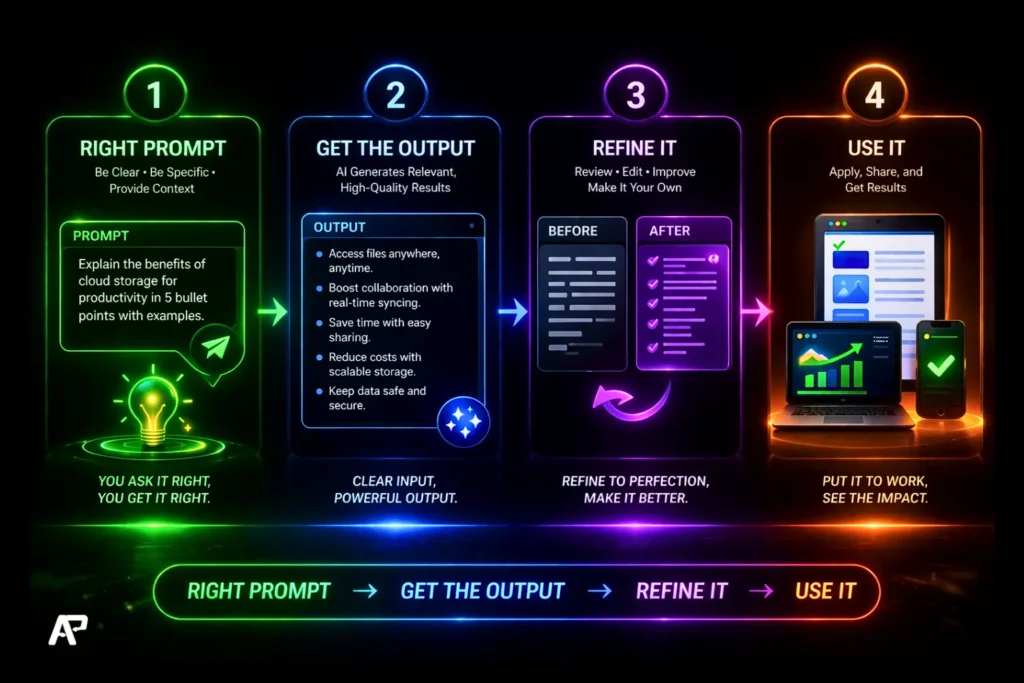
All you need to do is, give the right prompt → get the output → refine it → use it. That’s the whole workflow. Let me show you exactly how.
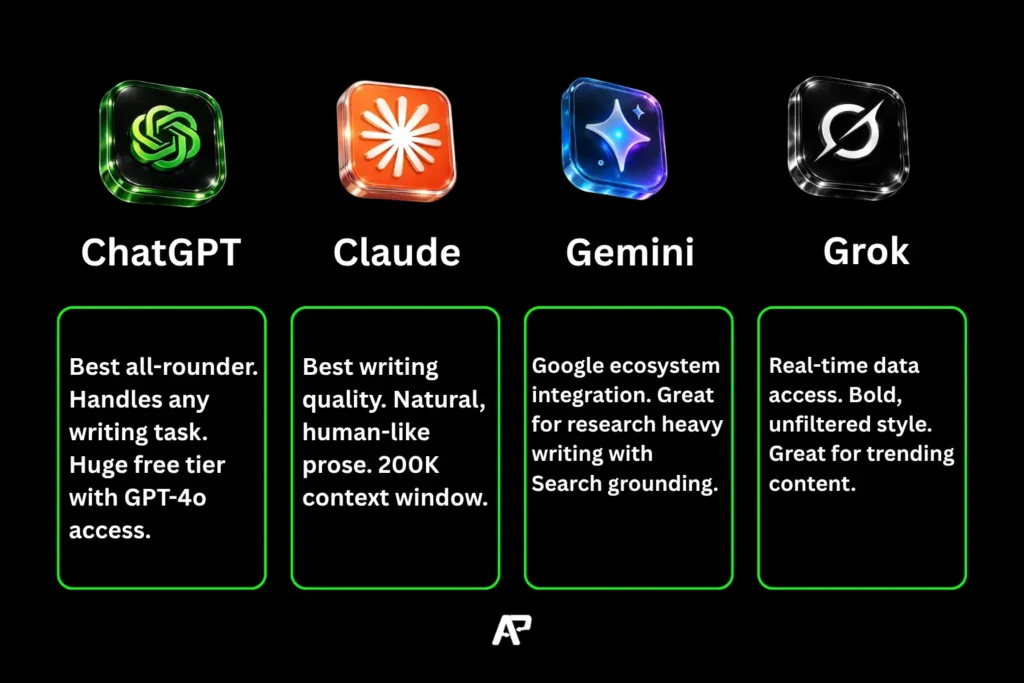
Before we break down each tool in detail, here’s a quick comparison to understand what each one does best for writing.
Universal Writing Skills with Prompts
| Type | What Writing | Where It’s Used | Why It Matters | Prompt |
|---|---|---|---|---|
| Basic | Clear sentence writing | Everywhere | To express ideas properly | Write clear and simple sentences explaining [topic] in an easy-to-understand way |
| Communication | Emails / messages | Office, school, business | Avoid confusion | Write a professional email about [topic] to [person/team] with clear subject and polite tone |
| Explanation | Explaining concepts | Teaching, IT, medical | Others must understand you | Explain [concept] in simple terms with examples for beginners |
| Reporting | Report writing | Corporate, govt, college | Record work clearly | Create a structured report on [topic] with intro, points, analysis and conclusion |
| Instruction | Step-by-step guides | Tech, education | Ensure correct execution | Write a step-by-step guide on how to [task] clearly |
| Documentation | Record keeping | All industries | Future reference | Create detailed documentation for [process/system] with steps and best practices |
| Persuasion | Convincing writing | Sales, marketing | Influence decisions | Write persuasive content to convince [audience] to [action] with benefits |
| Summary | Short notes | Meetings, study | Save time + clarity | Summarize the following content into clear key points: [content] |
| Problem | Issue description | IT, engineering | Faster solutions | Write a clear problem description with expected vs actual result and cause |
| Creative | Story / ideas | Content, media | Engagement | Create a creative story about [topic] with engaging flow |
| Digital Content | Blog writing | Websites, SEO | Traffic + authority | Write an SEO-friendly blog on [topic] with headings and examples |
| Ad Copy | Ads content | Marketing | Conversions | Write high-converting ad copy for [product] targeting [audience] |
| Social Media | Posts / captions | Instagram, LinkedIn | Engagement | Create engaging posts for [platform] with strong hook |
| UX Writing | App / UI text | Apps, websites | Better experience | Write simple and clear UI text for |
| SEO Writing | Keyword content | Search engines | Ranking | Write SEO-optimized content using keywords naturally for [topic] |
| Product Content | Product description | E-commerce | Sales | Write a compelling product description with features and benefits |
| Landing Page | Sales page | Business websites | Leads | Create landing page content with headline, benefits and CTA |
| Scripts | Video scripts | YouTube, ads | Storytelling | Write a video script with hook, flow and engaging story for [topic] |
| Newsletter | Email content | Marketing | Retention | Write an engaging newsletter about [topic] with friendly tone |
| Online Docs | Internal docs | Teams, remote work | Clarity | Create structured documentation with headings and bullet points for [process] |
Tool #1
ChatGPT – Your All-in-One Writing Assistant
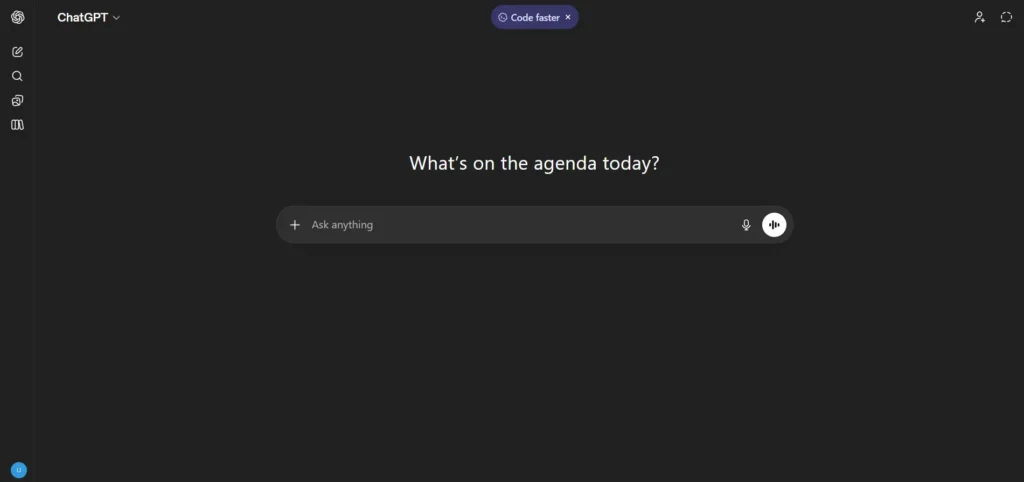
tier now includes GPT-4o access which is a massive upgrade. Whether you need blog posts, emails, product descriptions, technical docs or social media captions ChatGPT handles it all.
Why it’s great for writing:
It understands context beautifully, follows instructions well and can adapt to any tone like formal, casual, persuasive or technical. You can even give it a reference piece and say “write like this.”
Who Can Use ChatGPT
ChatGPT is useful for students to write assignments, understand concepts and prepare for exams, for IT professionals to handle documentation, emails and problem explanations, for digital marketers to create blogs, ads and social media content, for content creators to generate ideas and scripts, for business owners to manage communication and proposals, for teachers to prepare lessons and notes, for researchers to summarize and structure information, for job seekers to build resumes and prepare for interviews and overall for anyone whose work involves thinking, writing, explaining or creating because it helps save time and improve clarity.
Tool #2
Claude – The Writer’s Favorite AI
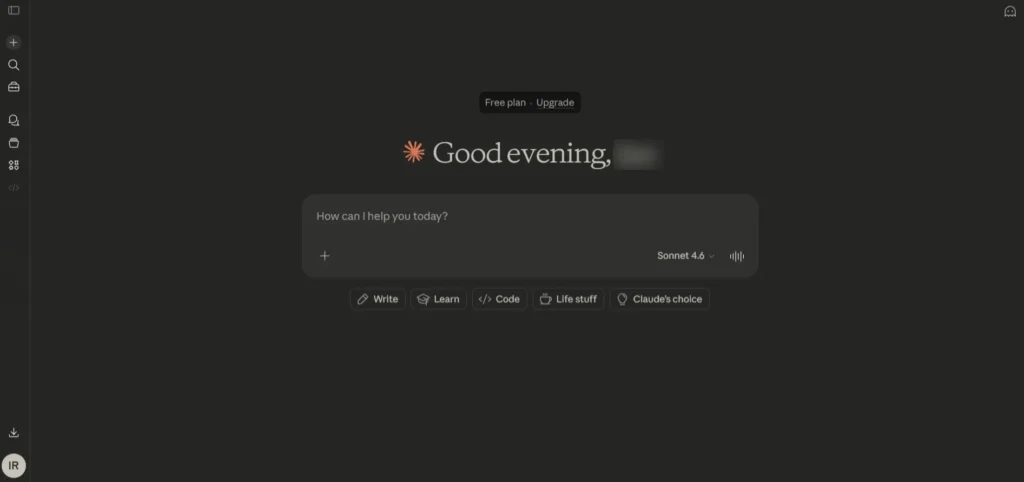
If ChatGPT is like an all-in-one tool, Claude is like a smooth writing pen. Claude is known for writing in a very natural, human-like way. So when you care more about quality than speed, Claude is the better choice.
Why it’s great for writing:
Claude is really strong when it comes to long content. It has a huge 200K token limit, so you can give it full documents and ask it to rewrite, summarize or expand parts of it. The writing feels more like a real human and less like AI. For blog posts, essays, detailed guides and professional documents, Claude usually gives better quality results.
Who Can Use Claude
Claude can be used by anyone, but it is especially useful for people who focus on quality writing and deep work. Students and researchers can use it for essays and understanding topics, bloggers and content writers can create more natural long form content, professionals can use it for emails reports and documents, developers can use it for coding and problem solving, and businesses can handle large documents and workflows more easily. If your work needs clear thinking and human like writing, Claude is a strong choice.
Tool #3
Gemini – Google’s AI With Built-In Research
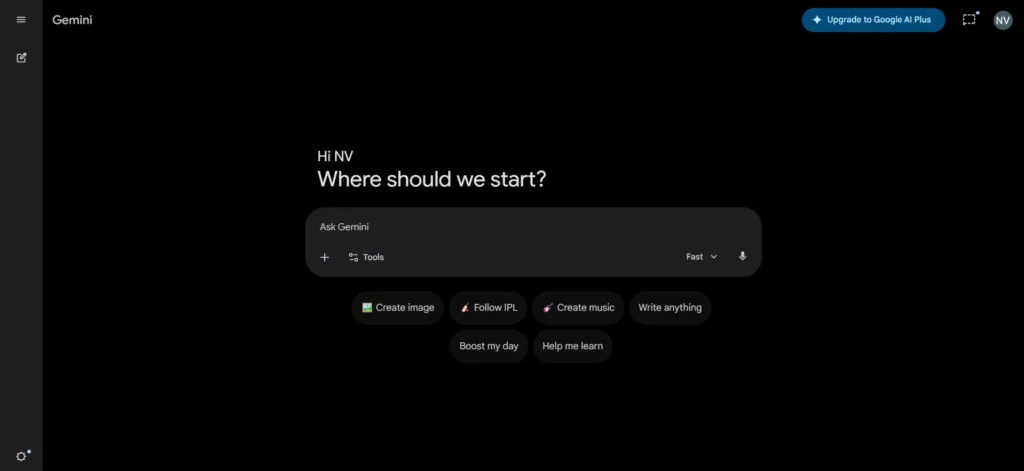
directly with Google Search Google Docs and Gmail which makes it a very convenient choice if you already use Google tools every day.
Why it’s great for writing:
Gemini can use real time Google Search data so your content stays accurate and up to date. The Help me write feature inside Google Docs works like a built in writing assistant while you are typing. It also supports text images and audio which makes it useful for more creative and flexible workflows.
Who Can Use Gemini?
Gemini is useful for anyone, but it works best for people already using Google tools in their daily work. Students can use it for assignments and research, content creators can write and edit directly inside Google Docs, professionals can handle emails and documents faster through Gmail and Docs, and teams can collaborate more easily within the Google ecosystem. It is also great for people who need up to date information and want everything connected in one place.
Tool #4
Grok – The Bold, Real-Time Writer
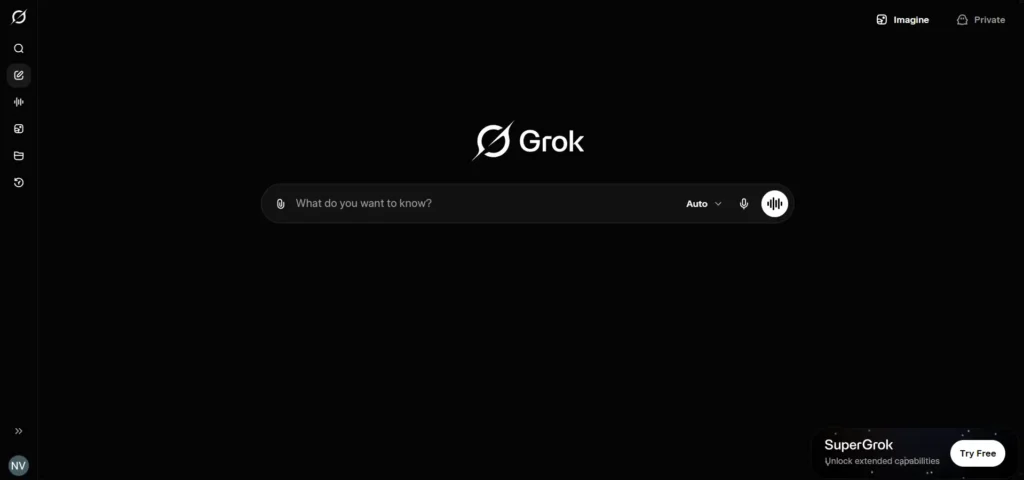
Grok is xAI’s version of ChatGPT and it stands out because it can access real time data from X (Twitter) and has a bold sometimes witty personality. If you are creating content around trending topics current events or viral conversations Grok is a very strong choice.
Why it’s great for writing:
Grok can pull information from live social media conversations and news so it is great for writing content that feels current and relevant. Its writing style is more direct and punchy which works well for social media posts opinion content and trend based articles. Even the free version on X lets you use its conversational features.
Who Can Use Grok?
Grok is best for people who create fast moving content and care about what’s trending right now. Social media creators can use it to write posts around viral topics, marketers can stay on top of trends and audience conversations, journalists and news writers can get quick insights from current events, and meme creators or opinion writers can benefit from its bold and punchy style. If your work depends on real time updates and engaging content, Grok is a strong fit.
Ready-to-Use Prompts for Every Writing Task
The real secret to getting great results from any AI tool is not the tool itself, it is the prompt you give it. If your prompt is vague, the output will also be weak. But when your prompt is clear and well structured, the result looks professional. Here are some proven prompts you can copy and start using right away.
Professional Email
Write a professional follow-up email to a client who hasn’t responded in the last 5 days. The context is that a website redesign proposal worth ₹1.5 lakhs was shared earlier. Keep the tone polite and respectful without sounding pushy. Focus on reminding them of the value offered rather than selling aggressively. The email should be concise (under 150 words) and include a clear call-to-action asking them to schedule a 15-minute call.
Blog Post Outline
Create a detailed blog post outline for the topic “[Your Blog Topic]”. The target audience should be clearly defined, and the total word count should aim for around 2000 words. Include structured H2 and H3 headings with key points under each section. Also provide a strong introductory hook, a meta description under 155 characters, and suggest five internal linking opportunities. Make sure the outline is optimized around the target SEO keyword: “[Your Keyword]”.
Resume Summary
Write a professional resume summary for the role of “[Job Title]” with “[X years]” of experience. Highlight 4–5 key skills and include one major achievement with measurable impact. The summary should be 3–4 sentences long, written in a confident yet grounded tone, and optimized to be ATS-friendly with quantified results wherever possible.
Report / Documentation
Write a project status report for a weekly team meeting based on the project “[Project Name]”. Include sections covering completed tasks from this week, items currently in progress, any blockers, and the plan for next week. The format should be clean with clear headings, written in a professional tone, and kept under 300 words.
Academic Essay
Write a 250-word academic essay introduction on the topic “[Your Essay Topic]” for a specified level (Undergraduate or Postgraduate). The introduction should include background context, a clear thesis statement, and a brief roadmap outlining what the essay will cover. Maintain a formal academic tone using third person, avoid contractions, and follow the specified citation style (APA / MLA / Chicago).
Remember: AI tools are your writing assistants, not replacements. Always review, fact-check, and add your personal touch to any AI-generated content before publishing or submitting. The best results come from combining AI efficiency with human creativity.
Specialized AI Writing Platforms
GravityWrite
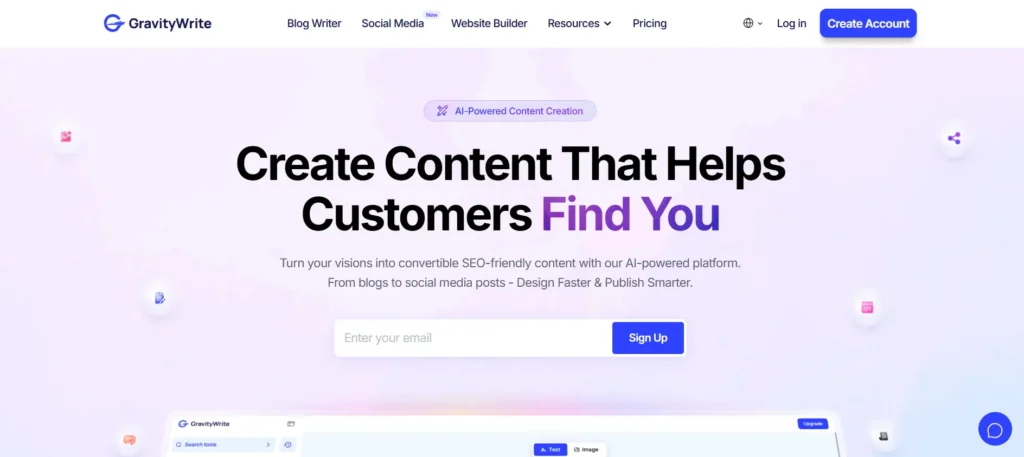
GravityWrite is an all-in-one AI content platform designed primarily for fast content creation and streamlined marketing workflows. It stands out by offering ready-made categories that help you generate content quickly without spending time on setup or structuring. The platform includes a wide range of tools covering writing, SEO and marketing, YouTube and creator needs, image and visual generation, video-related features, social media content and various utility functions.
Overall, GravityWrite is built for speed and volume. If your goal is to produce content quickly across multiple formats, it performs well. However, for deeper thinking, more refined output or higher-quality writing, you may still need to rely on more advanced tools.
If you want a deeper look at how GravityWrite actually works and whether it’s worth using, check out the full GravityWrite review blog where everything is broken down with real insights and practical use cases.
Ahref
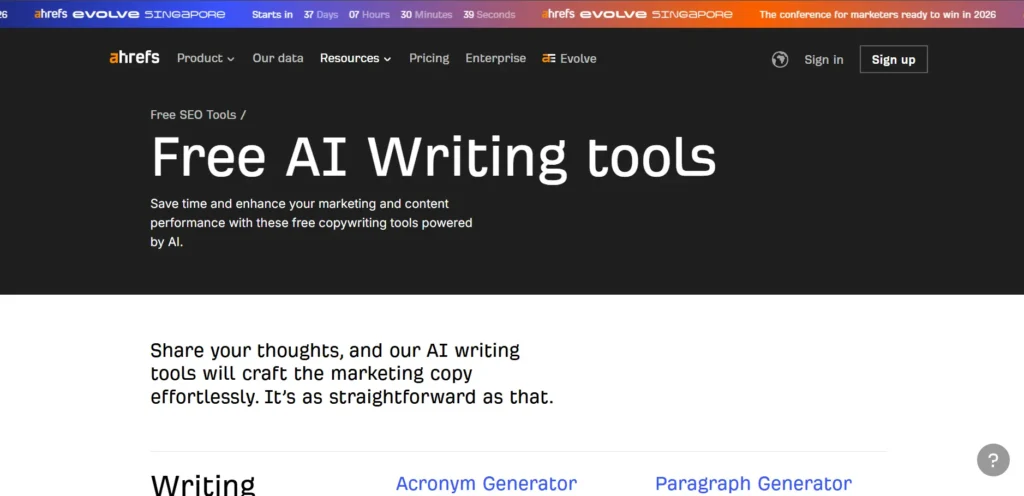
Ahrefs Writing Tools is a free, SEO-focused content platform designed to help you create optimized content quickly using real search data. Instead of just generating text, it emphasizes keyword-driven writing, making it especially useful for bloggers, marketers, and SEO professionals who want content that can rank.
The platform includes tools for keyword research, content idea generation, AI writing assistance, and SERP-based optimization. It helps you understand what people are searching for and then guides you to create content around those insights, rather than writing blindly.
Overall, Ahrefs Writing Tools is built for SEO-first content creation. If your main goal is to rank on Google and drive organic traffic, it works really well. However, for more creative writing, deeper context, or highly personalized content, you may still need to use advanced AI tools alongside it.
Frequently Asked Questions
Is AI-generated content safe to use for professional work?
Yes, AI-generated content can be used for professional work, but it should always be reviewed and refined. AI helps speed up writing, but it may produce generic or slightly inaccurate information. Adding your own insights, fact-checking and editing ensures the final content is reliable and aligned with your brand.
Which AI tool is best for writing blog posts?
There’s no single “best” tool, it depends on your needs. Some tools are great for speed and templates, while others focus on quality and depth. For high-quality blog writing, tools that allow better control, customization and detailed prompts usually give stronger results.
Can AI detect content written by another AI?
AI detection tools exist, but they are not fully reliable. They can sometimes misclassify human-written content as AI and vice versa. Because of this, detection should not be fully trusted, and the focus should be on content quality and originality instead.
Are these AI tools really free? What’s the catch?
Most AI tools offer free plans, but they come with limitations like usage caps, fewer features, or lower-quality outputs. To unlock full capabilities, you usually need a paid plan. The free version is mainly to help you test the tool before upgrading.
How do I write better prompts to get better output?
Clear and specific prompts give better results. Include context, define the tone, mention the goal and set constraints like word count or format. The more precise your input, the more relevant and useful the output will be.
Start Writing Smarter, Not Harder
The way we write in 2026 has changed more than most people realize. Tools like ChatGPT, Claude, Gemini and Grok are no longer future tech, they are already here, easy to access and powerful enough to handle most writing tasks when used correctly.
The real shift is this: you do not need to be an expert writer anymore to create high quality content. What matters now is clarity of thought. If you know your goal, your audience and the format you need, AI can take care of the heavy lifting.
This applies to everyone whether you are an IT professional writing documentation, a student working on assignments, a marketer building campaigns, or a business owner launching a website. The tools are available and with the right prompts, you can get solid results quickly.
Start simple. Choose one tool, try one prompt, review the output, refine it and publish. That is the new workflow. And once you get used to it, there is no going back.
0 Comments