

Why Everyone’s Suddenly Talking About AI Resume Builders
We know Artificial Intelligence’s growth and its impact very well.
You’ve probably noticed AI resume builders are everywhere right now.
From LinkedIn posts to job-hunting TikToks, everyone’s claiming AI can land you your dream job “in minutes.”
But does it really work that way?
With the right approach,
AI resume builders have the potential to improve your job application process significantly.
If you know how to use them correctly.
What You’ll Learn in This Guide
By the end, you’ll know:
- The best AI resume builders in 2025 (and who they’re best for)
- How to use AI without sounding like a robot
- Mistakes that quietly kill your resume’s chances
- How resumes vary across countries and industries
Table of Contents
Let’s Start with the Basics: What Is an AI Resume Builder?
Think of an AI resume builder as your digital writing assistant.
It uses natural language processing (like ChatGPT) to help you:
- Write or rewrite bullet points
- Suggest skills and keywords
- Match your resume to job descriptions
- Format it for Applicant Tracking Systems (ATS)
In short, it doesn’t just write, It optimizes your resume for both humans and hiring bots.
Why You Should (and Shouldn’t) Use AI Resume Builders
AI can help you:
Save time and build a resume in minutes
Catch hidden keywords, things you might miss manually
Fix structure and formatting, especially for ATS scanning
But it can also:
Sounds generic if you don’t edit outputs
Miss industry nuances
Over-format designs that break ATS parsers
So the smart move?
Use AI to start,
Then humanize it.
How I Tested These Tools
Here’s how I reviewed each builder:
- Built a resume from scratch using each platform.
- Tested ATS compatibility using job postings from LinkedIn.
- Evaluated readability, accuracy and design flexibility.
- Checked usability across industries (tech, creative, corporate, entry-level).
The Top AI Resume Builders of 2025
Below are my top recommendations based on usability, accuracy and real-world results.
1. Rezi ( Best for ATS Optimization )
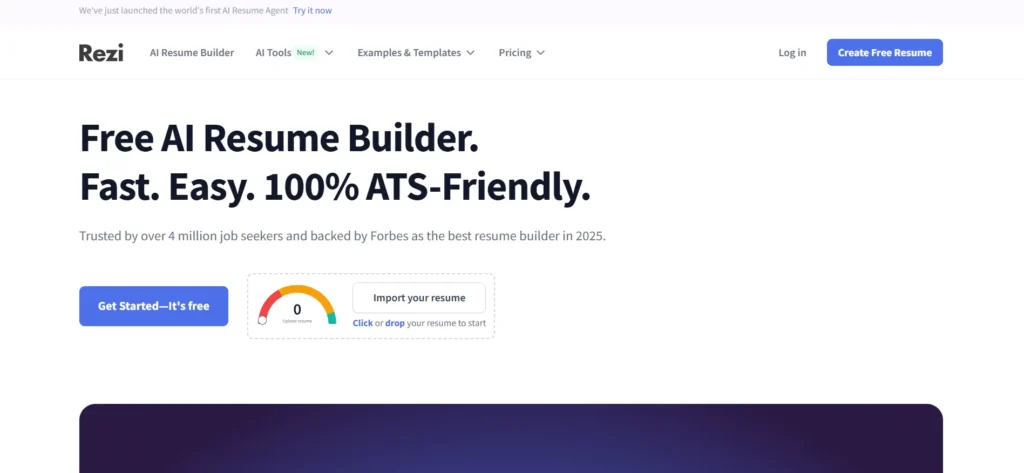
If you want a resume that passes every recruiter’s scanning software, Rezi wins hands down.
It analyzes your text in real-time and gives you a resume score, so you know exactly what to tweak.
After sign-up
You can make one resume for free at first, but honestly, it doesn’t look very good.
It’s just a plain, basic template.
Best for: Corporate, tech, and data-heavy industries
Downside: Templates are plain but that’s the point (ATS loves clean).Pro tip: After generating your resume, paste the job description into Rezi’s optimization feature. It’ll highlight missing skills or keywords.
2. Jobscan ( Best for Keyword Matching )
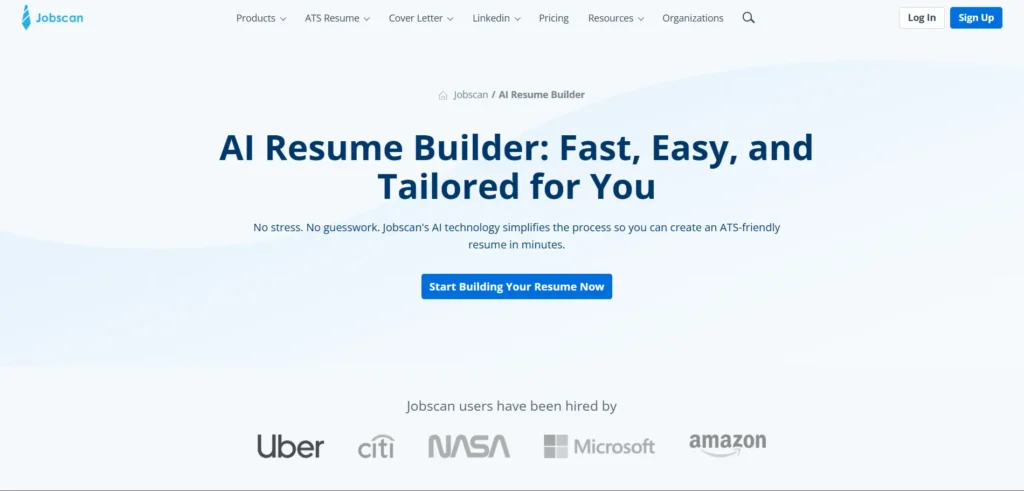
Jobscan is less about looks and more about precision.
It tells you exactly how your resume compares to the job you’re applying for.
You’re allowed 5 free resume builds every month.
Best for: Anyone tailoring one resume to multiple jobs
Downside: Advanced keyword suggestions require a paid plan.Example: If a posting says “project management” five times, Jobscan ensures your resume reflects that language naturally.
3. Teal ( Best for Job Search Organization )
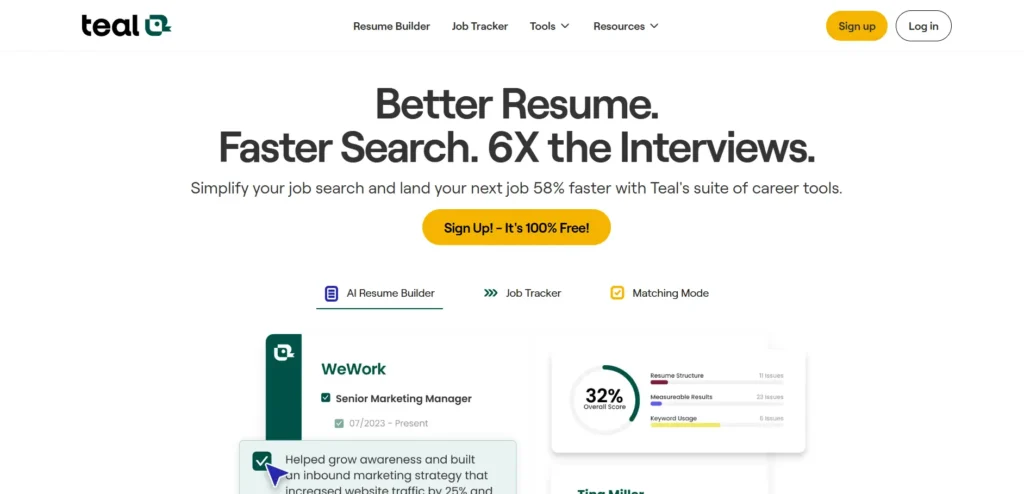
Teal is more than a resume builder – it’s a full job search dashboard.
You can track applications, store job descriptions and create targeted resumes with its AI writer.
Teal Free plan
Multiple resume versions (not unlimited) and job trackin
10 resume templates, basic design settings, basic resume analysis, top 5 keyword
matching, 1 email template per job stage
AI credits: 10 resume bullets, 2 professional summaries, 2 cover letters
Best for: Active job seekers applying to multiple roles weekly.
Downside: You’ll need to invest a bit of setup time, but it pays off long term.
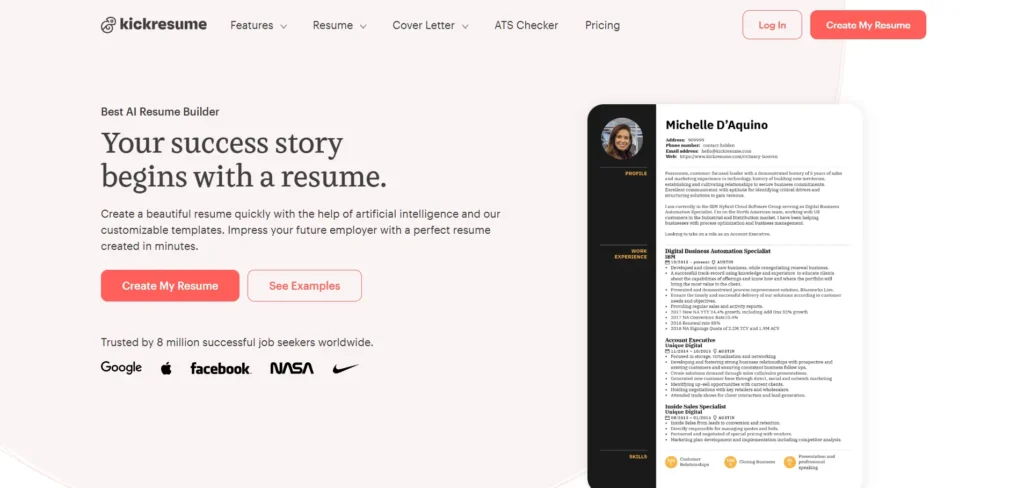
4. Kickresume ( Best for Creative Fields )
If you’re in design, marketing or writing
Kickresume stands out for its stylish templates.
It uses GPT to generate professional summaries and bullet points with flair.
Kickresume Free Plan
Free plan – ₹0 per month
4 basic resume templates
4 matching cover letter templates
1 basic website template
20,000 pre-written phrases
1,500+ resume examples
Unlimited downloads
Best for: Designers, writers and creative professionals.
Downside: Some templates don’t play nice with ATS, stick to minimalist designs if applying to large firms.
5. LiveCareer, ResumeGenius & Careerflow ( Best for Beginners )
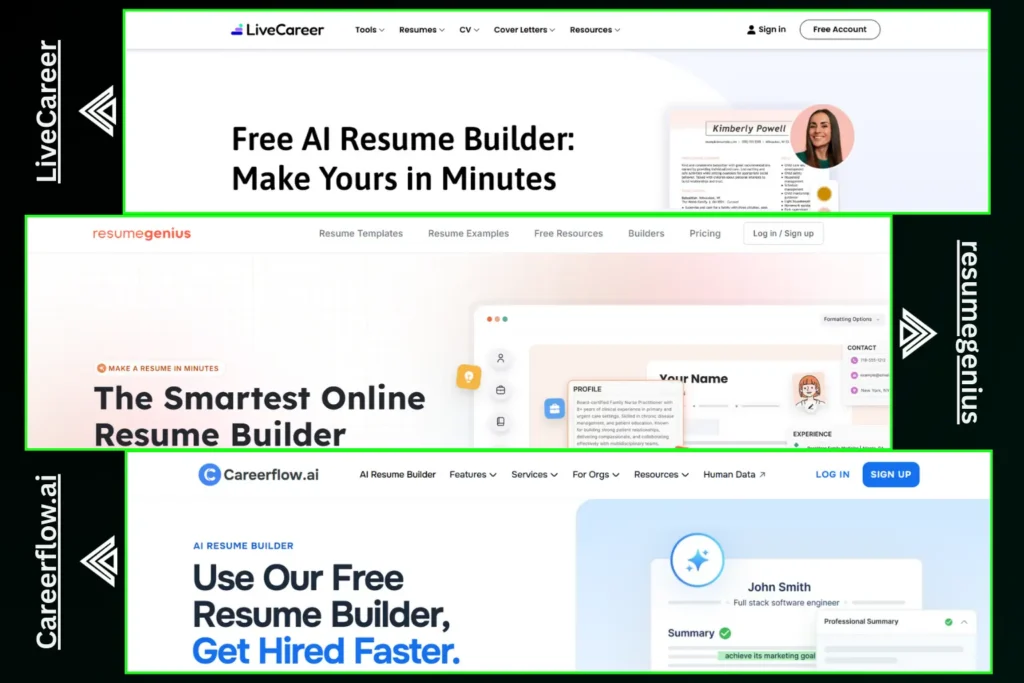
These tools simplify everything: pick a template, follow guided prompts and you’re done.
Great for students or anyone who just wants something fast and solid.
LiveCareer Free Plan
- Access to 50+ professional CV and cover letter templates
- Document personalisation (you can edit and customize content)
- Ability to build a CV online for free
ResumeGenius Free Plan
- Resume Builder (TXT only), very basic formatting
- Access to resume templates (Word & Google Docs)
- Access to cover letter templates (Word & Google Docs)
- AI (GPT-4) summary generator
- Resume checker (basic feedback)
Careerflow Free Plan
- Unlimited resume templates
- Unlimited job autofill
- Track up to 10 jobs
- One FREE resume
- Basic resume keyword matching (ATS-focused)
How to Actually Use an AI Resume Builder (Step-by-Step)
Here’s the workflow I recommend to my clients:
- Upload your current resume (or start from scratch).
- Paste the job description you’re applying to.
- Generate a first draft with AI.
- Edit every line manually – replace generic claims with metrics.
Example: “Improved sales” → “Increased monthly revenue by 18%.” - Run an ATS test (many tools include one).
- Export as PDF and Word – different recruiters prefer different formats.
Real Talk: What Most People Get Wrong
Here’s where most users mess up:Rezi and Kickresume both offer strong free versions, though some advanced features are paid.
Can AI really help me get hired?
It won’t get you the job, but it can help you present your experience in a way that gets noticed.
Do employers know if I use AI?
Not if you edit the final draft — polished writing isn’t suspicious, but robotic phrasing is.
Are AI resume tools safe to use?
Yes, but avoid uploading sensitive info (like SSN or client data). Always review their privacy policies.
Pro Tips to Make AI Work for You
Ask AI to rewrite, not create from scratch.
Add action verbs and measurable results.
Keep formatting clean – one column, standard fonts.
Always personalize your summary and skills.
Key Takeaways
- AI resume builders save time but you still need human input.
- Use AI for structure and clarity, not creativity.
- Tailor every resume to the job description.
- Simplicity always wins with ATS scanners.
Next Steps (Your Mini Action Plan)
- Choose one AI builder (Rezi or Teal are great starts).
- Test it with your current resume.
- Edit the output make it sound like you.
- Export two versions: ATS and creative.
- Apply. Track. Repeat.
Related Reading
- They copy AI output word-for-word.
- They over-format their resumes with colors, boxes and icons.
- They skip job-specific tailoring.
Your resume should feel personal, not like it came out of a factory.
Regional Insights: How AI Resume Trends Vary Worldwide
US & UK: Keywords and formatting play a significant role in heavily utilized ATS systems.
Europe: A greater focus on cover letters and CV storytelling.
India: Use of AI resume builders is on the rise, and localization is important.
Canada: Mixed approach, wherein the emphasis is on a polished presentation accompanied by robust accomplishments.
Wherever you are, tailor your resume to local hiring habits.
People Also Ask (Quick Answers)
What is the best free AI resume builder?
- How to Format a Resume for ATS
- AI Writing Tools for Job Seekers
- Cover Letter Templates That Work
- Resume Examples by Industry
Final Thoughts
AI resume builders aren’t magic – they’re multipliers.
If your experience is strong and your achievements are clear,
AI can help you say it better, faster and smarter.
But the human touch?
That’s still your best asset.


0 Comments