

Ask AI which software may suit your team
TL;DR:
I tested 20 AI PPT makers using the same detailed prompt and picked the 5 that actually delivered. Gamma is the best for creating presentations fast, Canva gives you the most design control, Manus is better for research-heavy decks, Claude excels at content and structure, while Kimi offers a strong balance of research and presentation quality. Check the full results to see which one actually fits your workflow.
Most presentations take hours to create, from writing content and designing slides to fixing layouts. To find the tools that actually save time, I tested 20 AI presentation makers and picked the 5 best based on slide quality, design, ease of use and editing flexibility.
Every tool on this list was personally tested, and this review is based on my honest experience and results.
Table of Contents
How Can AI Help You Create Presentations Faster?
AI presentation makers can turn a topic, prompt, or document into a complete presentation in minutes. They help with content, slide structure and design, reducing hours of manual work. This makes creating professional presentations much faster and easier.
How I Tested These AI PPT Makers
To keep the comparison fair, I tested all 20 AI PPT makers using the same prompt and evaluated them based on:
- Content Quality → Was the content complete, relevant, and accurate?
- Design Quality → Did the presentation look professional and polished?
- Visual Elements → Were charts, tables, and images included where needed?
- Structure → Did the slides follow a clear and logical flow?
- Editing & Export → Could I easily edit the slides and export them as a PPT?
The Exact Prompt I Used to Test All 20 AI PPT Makers
Sample PPT Maker Prompt Used for Testing
Quick Overview Comparison (Score out of 10)
| Tool | Tool Link | Speed | Design Quality | Customization | Research Ability | Ease of Use |
|---|---|---|---|---|---|---|
 Gamma
Gamma | Try Now | 8.5/10 | 8.4/10 | 8/10 | 7/10 | 8.2/10 |
 Canva
Canva | Try Now | 8/10 | 8.5/10 | 9/10 | 6/10 | 9/10 |
 Kimi
Kimi | Try Now | 6/10 | 8/10 | 7/10 | 8/10 | 8.4/10 |
 Manus
Manus | Try Now | 8/10 | 8/10 | 6/10 | 8.5/10 | 8.3/10 |
 Claude
 | Try Now | 7.9/10 | 8.3/10 | 5/10 | 9/10 | 8.5/10 |
I personally tested all the tools listed above and the rankings are based on my overall experience.
AI PPT Maker Pricing Comparison (Updated Aug 2026)
| Tool | Free Plan | Starter Plan | Mid-Tier Plan | Highest Plan | Best For |
|---|---|---|---|---|---|
|
Gamma | Free (400 Credits) | Plus – $9/mo | Pro – $18/mo | Ultra – $90/mo | PPT generation & business presentations |
|
Canva | Free | Pro – $12/mo ($144/yr) | Business – $21/mo ($250/yr) | Enterprise (Custom) | Design, branding & team collaboration |
|
Kimi | Moderato – $0 | Allegretto – $39/mo | Allegro – $99/mo | Vivace – $199/mo | Research-heavy presentations |
|
Claude | Free | Pro – $20/mo | Max 5x – $100/mo | Max 20x – $200/mo | Content creation & slide scripting |
|
Manus | Free Credits | Pro – ~$20/mo | Advanced – ~$40/mo | Enterprise / Advanced Usage (~$200+) | Autonomous research & AI agents |
If pricing is your main decision factor, Gamma is the clear winner. At just $9/month, it delivers AI-powered presentation generation, exports, branding removal and enough credits for most users. Canva comes second because it provides significantly more design flexibility while remaining affordable for teams and creators.
For professionals whose work depends on research, writing, and analysis rather than visual design, Claude and Manus justify their higher pricing through stronger reasoning and content generation capabilities. Kimi offers impressive research features but is the most expensive option among the tools compared, making it harder to recommend unless its specific AI agent capabilities are critical to your workflow. Overall, Gamma offers the best ROI, Canva offers the best design value and Claude/Manus offer the best intelligence value.
Pros and Cons of the Top AI PPT Makers
Gamma- Extremely fast presentation generation
- Professional-looking designs
- Easy for beginners to use
- No design skills required
- Limited layout customization
- PowerPoint export can break formatting
- Presentations can sometimes look similar
Canva- Highly customizable presentation design
- Huge template library
- Excellent editing experience
- Strong PowerPoint compatibility
- Advanced features require a paid plan
- Can take longer than automated AI tools
- Some premium assets are locked
Kimi- Strong research capabilities
- Detailed and relevant content
- Good slide structure
- Google Slides export support
- Slower than Gamma and Canva
- Fewer design customization options
- Limited template variety
Manus- Performs research automatically
- Handles complex multi-step tasks
- Creates detailed presentation content
- Requires less manual work
- Less design flexibility than Canva
- Output depends on source data quality
- Can be slower for simple presentations
Claude- High-quality writing and reasoning
- Excellent presentation structure
- Handles large documents well
- Strong for business and academic topics
- No built-in slide design tools
- Needs another tool for final slide visuals
- Limited graphic customization
1. GAMMA
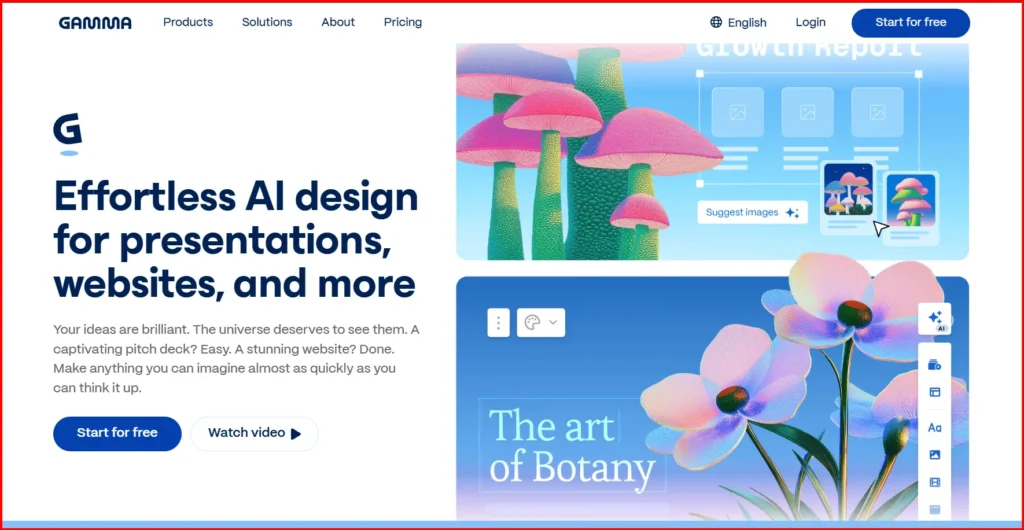
Gamma is an AI-powered presentation maker that can create entire presentations, documents, or webpages from a simple text prompt. Instead of designing slides manually, you describe your topic, and Gamma automatically generates the content, layout, images and design in minutes.
It’s especially useful for students, marketers, startups and business professionals who need professional-looking presentations quickly without design skills.
My Experience
One thing I liked right away was how fast it started working. As soon as I entered my prompt, the tool began generating slides and showed the presentation being built live. That made the process feel much more engaging instead of just waiting for the final result.
The editing options are easy to use, so making changes doesn’t take much effort. I also think beginners will find this tool very user-friendly because it includes a quick walkthrough that explains how everything works. You can choose a layout you like, enter your prompt, and the tool will generate a complete presentation based on your content. Overall, it’s a great AI presentation maker, especially for users who want professional slides without spending hours creating them manually.
Final output
Screenrecord of Gamma AI PPT Generator Output Preview
2. Canva
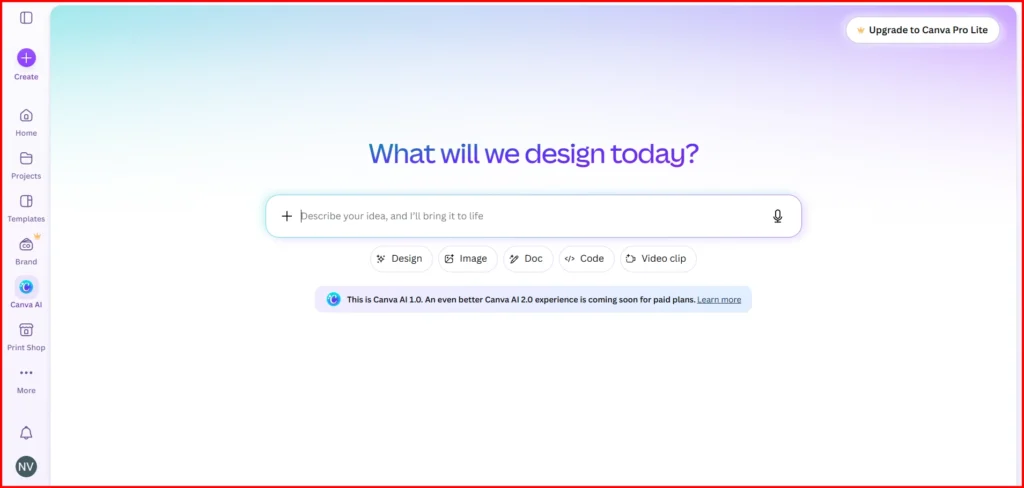
Canva Presentation Maker is an online tool that helps you create professional presentations using ready-made templates, drag-and-drop editing, and AI-powered design features. It is much easier than PowerPoint and gives you full control over layouts, images, colors and animations.
My Experience
If you search for an AI PPT maker in Canva, you may first land on the presentation templates page. While Canva offers plenty of templates, choosing one and customizing it still takes time.
For this test, I focused on Canva’s AI presentation feature. I simply entered my prompt into Canva’s AI chat box, and it generated a complete presentation that opened directly in the editor. From there, I could easily customize the slides, change the design, edit content, add elements and make other adjustments.
In my experience, Canva offers one of the easiest editing and customization experiences among all the tools I tested. If customization is your top priority, Canva is one of the best options available.
Final output
Screenrecord of Canva AI PPT Generator Output Preview
3. Kimi
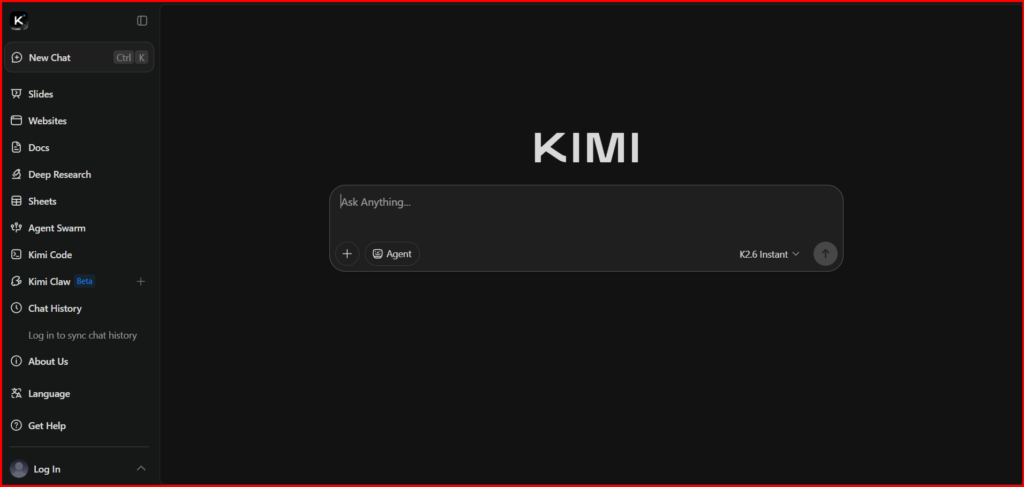
Kimi AI is an AI assistant that can generate presentation content, outlines, reports, and slide structures from a simple prompt. You give it a topic, and it creates the slide content, key points, and flow in seconds, which can then be exported or used in presentation tools.
My Experience
For Kimi, I selected the presentation mode, chose the visual option, picked a theme, set the number of slides I wanted, and entered my prompt. The generation process was a bit slower than some other tools I tested and took a little over five minutes to complete.
That said, the final result was impressive. The presentation looked polished, followed the selected theme well, and the content was relevant to the prompt. Kimi also provides useful editing options and flexible export features. You can share the presentation with a link or open it directly in Google Slides, which makes collaboration much easier. Overall, the extra wait time felt worth it because the output quality was very good.
Final output
Screenrecord of Kimi AI PPT Generator Output Preview
4. Manus
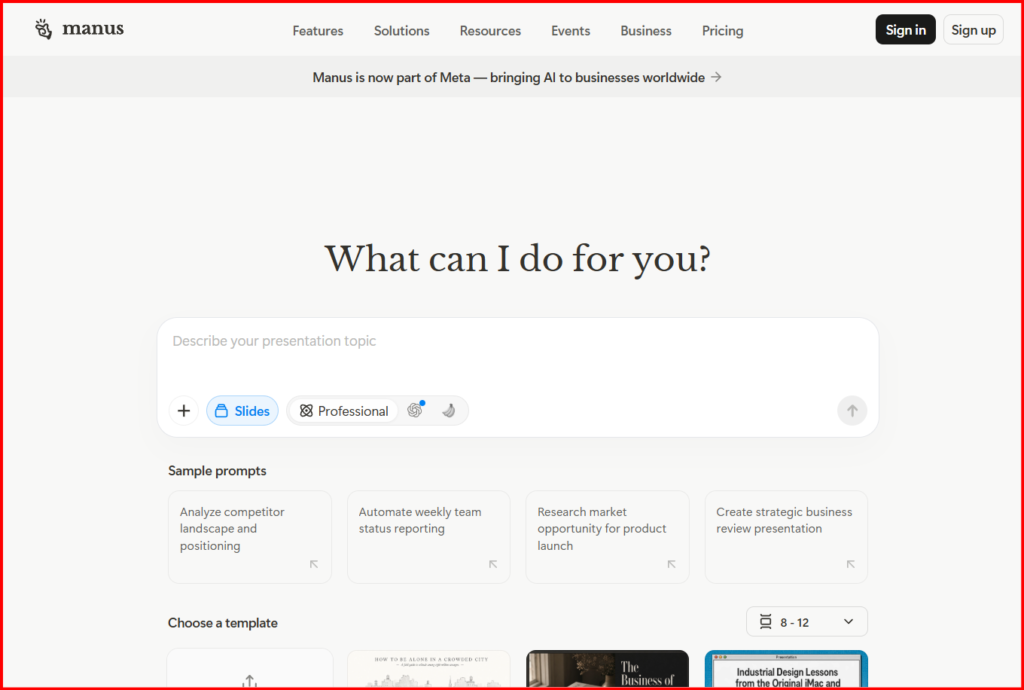
Manus AI is an autonomous AI agent that can research a topic, gather information from multiple sources, write the content, and even create presentation-ready outputs with minimal human input. Instead of just generating text, Manus can perform multi-step tasks on its own and deliver a more complete presentation workflow.
My Experience
With Manus AI, I simply selected the presentation option, entered my prompt and the slides were ready within a few minutes. The tool followed my instructions well and generated a presentation that matched the requested theme and content.
One feature I really liked was the editing flexibility. You can customize individual slides using AI prompts or use the built-in editing options to make changes quickly. It also lets you open the presentation in Google Slides for further editing if needed. Overall, the content, design and theme were all well aligned with my prompt, making Manus AI a solid choice for creating presentations.
Final output
Screen record of Manus AI PPT Maker Output Preview
5. Claude
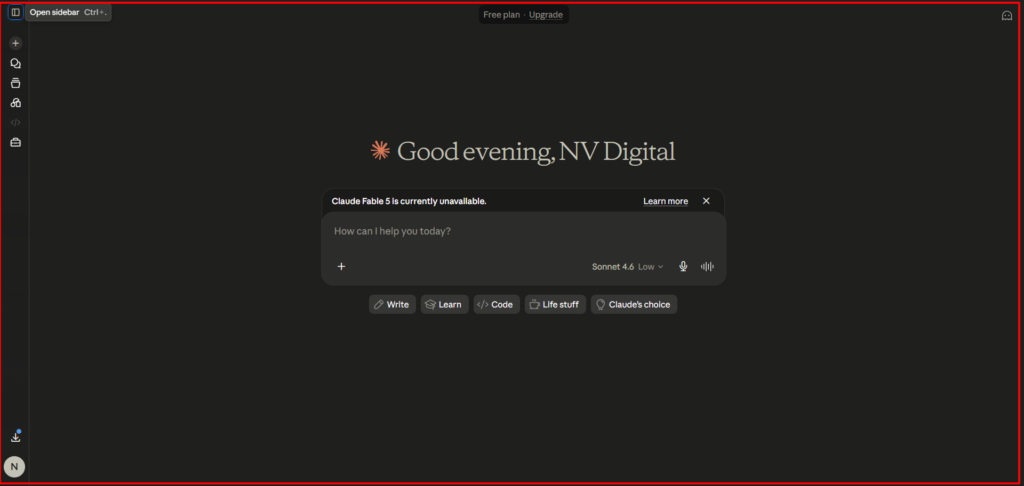
Claude is an AI assistant that can generate complete presentation content, slide outlines, speaker notes, and structured decks from a simple prompt. You can ask it to create a presentation on any topic and it will organize the content slide-by-slide in a clear, professional format.
My Experience
With Claude, all I had to do was enter a prompt and the presentation was ready within a few minutes. It followed my instructions accurately and generated well-structured slides with relevant content.
I liked the overall structure, slide flow, and content quality. The output felt professional and organized, making it a strong option for content-heavy presentations. However, Claude doesn’t provide built-in slide editing tools, so any design changes or customization need to be done in Google Slides or PowerPoint after generation.
Final output
Screen Recording of a Claude-Generated Presentation Previewed in Google Slides
Features Comparison Table
| Feature |
Gamma |
Canva |
Kimi |
Manus |
Claude |
|---|---|---|---|---|---|
| AI PPT Generation | ✓ | ✓ | ✓ | ✓ | ● |
| Built-in Slide Design | ✓ | ✓ | ✓ | ✓ | — |
| Design Customization | ● | ✓ | ● | ● | — |
| AI Research | ● | ● | ✓ | ✓ | ✓ |
| Speaker Notes | ● | ● | ● | ● | ✓ |
| Google Slides Export | — | ✓ | ✓ | ✓ | ● |
| PowerPoint Export | ✓ | ✓ | ● | ● | — |
| Team Collaboration | ✓ | ✓ | ● | ● | — |
| Best Strength | Speed & simplicity | Design control | Research & content | Autonomous research | Writing & reasoning |
Mistakes to Avoid When Using AI PPT Tools
Don’t just type a one-line prompt and expect a perfect presentation. Give the AI clear instructions about your topic, audience and goals. Always spend a few minutes checking the content and fixing anything that feels generic or inaccurate. Avoid filling slides with too much text, and make sure the design matches your brand or presentation style. Think of AI as a helper that saves time, not as something that should do 100% of the work for you.
If I Tested 20 AI PPT Tools, What Happened to the Other 15?
I tested 20 AI PPT generators using the same prompt. To make this list, a tool had to generate slides from a prompt, offer useful editing options, and be easy to use.
Many tools met only one or two of those requirements. Some could generate slides but had limited editing features, while others offered editing but couldn’t create complete presentations from a prompt.
The five tools on this list delivered the best overall balance of AI generation, editing flexibility, ease of use and presentation quality. Claude is the only exception, earning its place because of its strong content quality and presentation structure.
Related AI Tools You May Also Find Useful
If you’re already using AI to create presentations, these tools can help with content creation, visuals, branding, and video production.
Together, these tools can help you create presentations, visuals, videos, voiceovers and supporting content much faster with AI.
Conclusion
Each tool solves a different problem, so the best choice depends on your needs. If you want to create presentations as quickly as possible, Gamma is the best option. If design quality and customization matter most, Canva is the clear winner. For research-heavy presentations, Manus provides the most value, while Claude excels at generating high-quality content and well-structured slides. Kimi offers a balanced mix of content generation and presentation creation, making it a solid all-around choice for users who need both.

0 Comments