Synthesia made AI presenters mainstream. But many creators and teams now look at Synthesia alternatives for one reason: they want an avatar that doesn't feel like an avatar.
So we kept the test simple. One male presenter, one office scene, one short script, and the same production instructions in every tool. Then we judged what a viewer notices in the first five seconds: lip sync, blinking, expressions, voice and pacing.
Below, you'll see how HeyGen, ElevenLabs and Adobe Firefly held up, what each one gets wrong, and what you'll pay before you can download.
Quick overview: HeyGen vs ElevenLabs vs Adobe Firefly
HeyGen won on realism; ElevenLabs on speed; Adobe Firefly on ease.
HeyGen | ElevenLabs | Adobe Firefly | |
|---|---|---|---|
Best for | Full talking-head videos for marketing and training | Short hooks, ads and social clips | Quick explainers, Adobe users |
How human it felt | Most natural of the three | Quite human | Slightly robotic, news-reader style |
Lip sync and expressions | Accurate lip sync, eyebrow raises, head moves, hand gestures | Convincing lip sync with MiniMax H3 Max | Expressions add some warmth |
Followed our brief | Mostly; kept the default bookshelf background | Script had to be cut to under 14.8 seconds | Read prompt instructions aloud; paste dialogue only |
Generation time | About 9 minutes | Very fast | A few minutes |
Clip we got | Full script | 8 seconds (can be extended) | Full script, about 20 seconds |
Editing | Re-prompt in Video Agent; edit took a few minutes | Recreate, extend or upscale | Edit script and regenerate |
Cost of our test | 13 credits on Creator | 1,515 credits plus a $1 payment | Free (first video) |
Pricing comparison
ElevenLabs is cheapest to start (6/month),AdobeFireflysitsinthemiddle,andHeyGencostsmost(29/month) but includes the most avatar features.
Free option | No | 10,000 credits a month; Image & Video not included | very limited |
Entry paid plan | Creator: 29/month(24/month yearly) | Starter: 6/month(1 first month) | Standard: CAD $12.99/month |
Entry plan includes | 600 credits, 1080p export, no watermark, videos up to 30 minutes | 30,000 credits, commercial licence, Image & Video access | 2,000 generative credits for video and speech |
Next tier | Pro: $49/month, 1,000 credits, 4K, Seedance 2.5 | Creator: 22/month(11 first month), 121,000 credits | Pro: CAD $25.99/month, 4,000 credits |
Team plan | Business: $149/month + $20 per extra seat | Scale: $299/month, 3 seats | Pro for teams: CAD $25.99 per licence |
Unused credits | Roll over one month | Check plan terms | Do not roll over |
Prices checked on 5 November 2026 and exclude tax. Adobe's official page showed Canadian prices; third-party trackers list US pricing at about $9.99 (Standard) and $19.99 (Pro), so confirm for your region before you buy.
How We Tested
We used the same script and video instructions in each tool to compare the results. We checked script accuracy, avatar consistency, voice quality, lip sync, and natural expressions. We also noted generation time, manual edits, and download limits.
What We Asked For
Our prompt asked for one male presenter speaking naturally in a single scene with a simple office background. We requested subtle expressions and accurate lip sync, without extra people, slides, music, or text on screen.
1. HeyGen
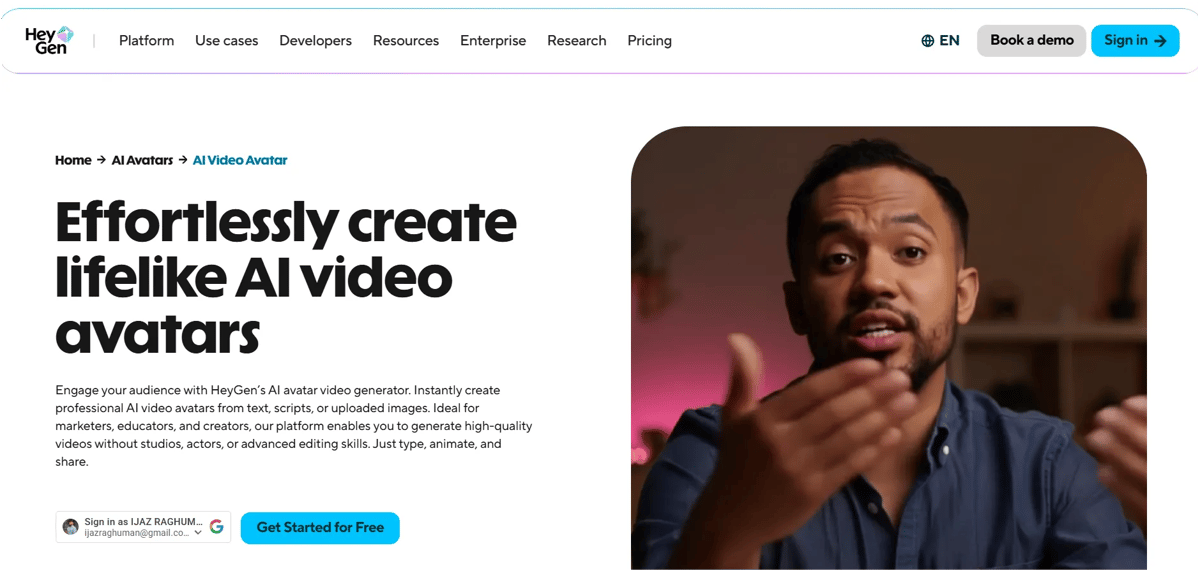
We selected an avatar and clicked Create a Video Using Video Agent. Then, we entered our prompt in the prompt box, set the duration to 30 seconds, selected landscape orientation, chose Seedance and turned on captions.
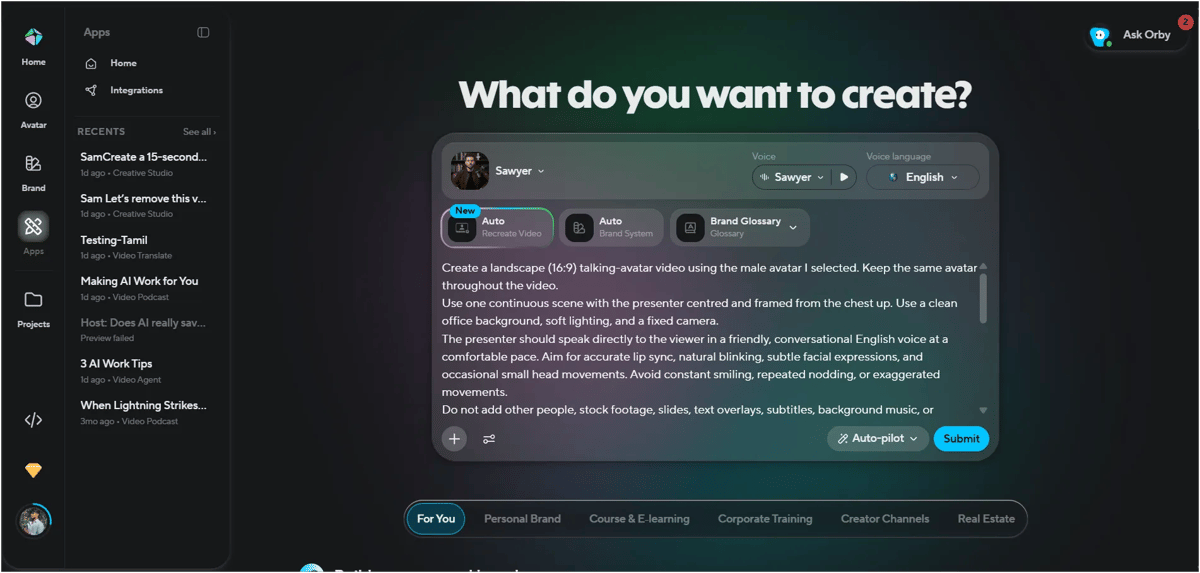
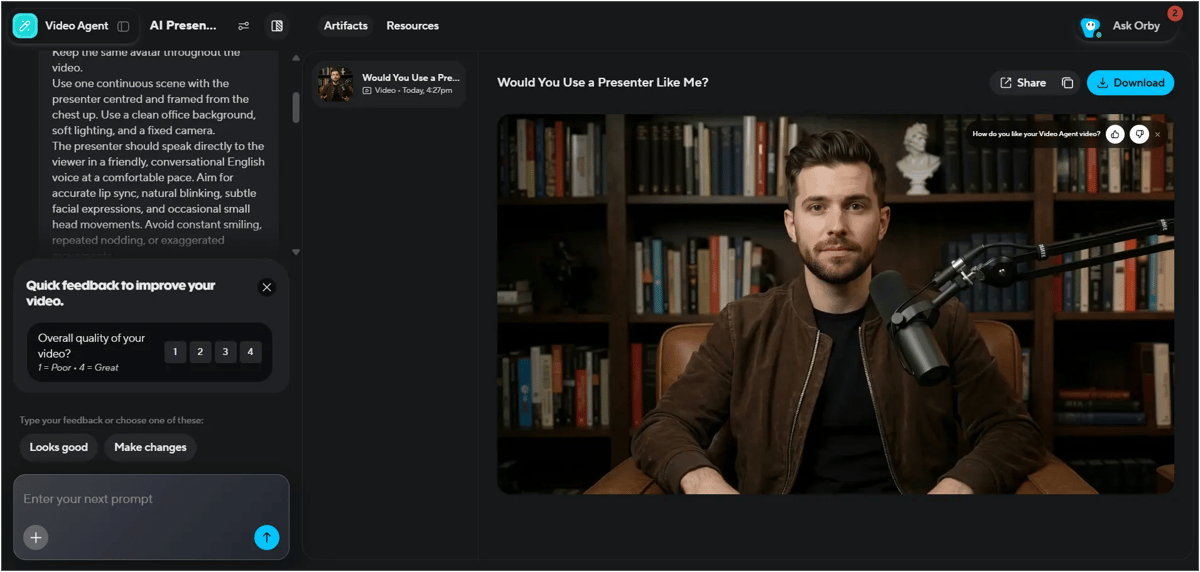
The video took around 9 minutes to generate and used 13 credits. Free users cannot generate videos with this feature; a paid plan is required. We tested it using the Creator plan.
Our Experience
The final video quality was really good and didn't feel overly AI-generated. The head movements, raised eyebrows, hand gestures, and lip-sync all looked natural. We mentioned an office setup in our prompt, but the background remained the default bookshelf setting from the avatar image.
This suggests that when we use pre-made avatar templates, some visual elements, such as the background, may remain unchanged. However, we can still edit the video by giving another prompt. The editing process took only a few minutes.
We've attached the final video output below. Take a look and judge the results yourself.
2. ElevenLabs
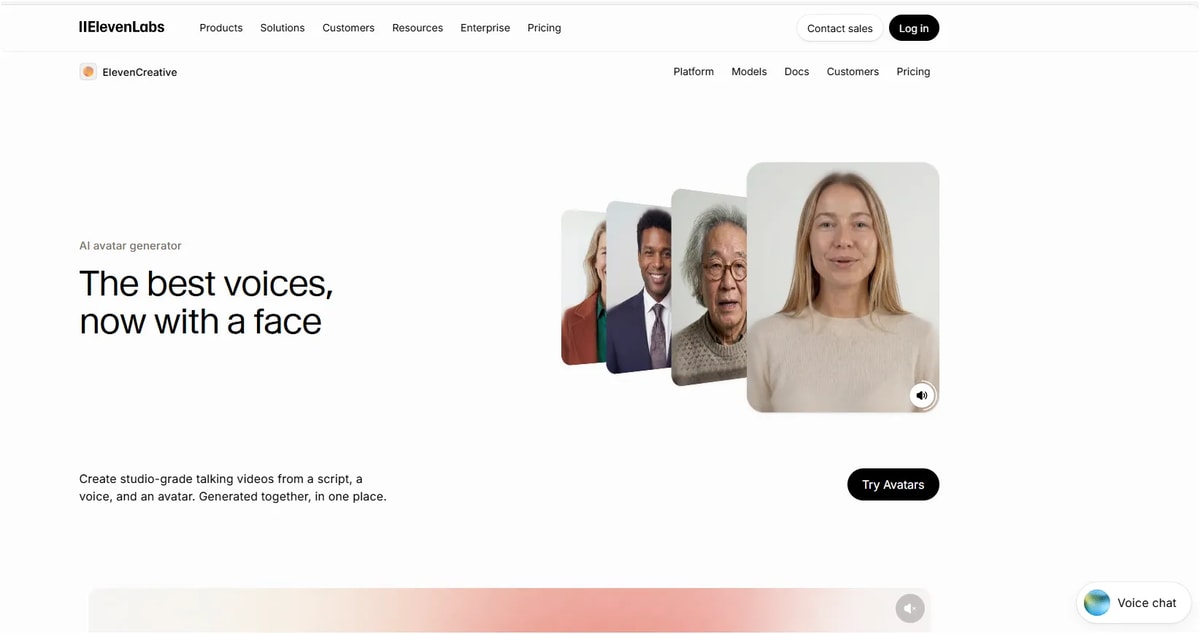
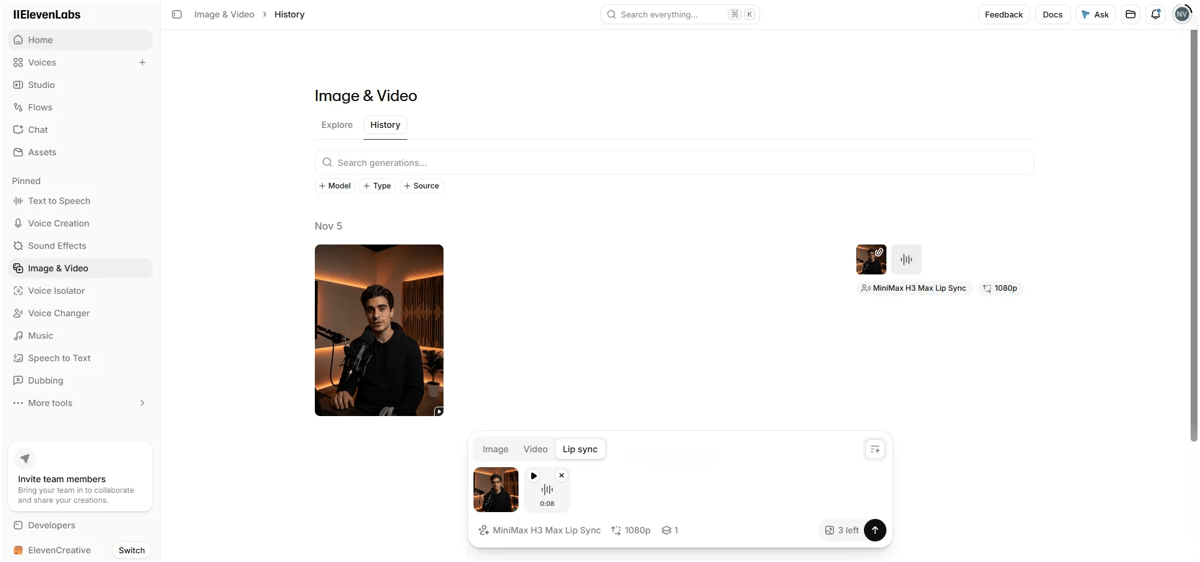
After signing up, we received 10,000 free credits. We used them to test avatar generation. First, we selected an avatar, chose the Text-to-Speech option, pasted our script, and clicked Generate Speech. Once the voice was ready, we clicked Continue and selected the required models. We chose MiniMax H3 Max for lip-sync, which used 1,515 credits, and set the resolution to 1080p.
However, when we tried to generate the video, we encountered an error saying the speech must be less than 14.8 seconds.
Script
“Have you ever recorded a video, then needed to change one sentence? With an AI presenter, just edit the script. But does it feel natural? Would you use one?”
Our Experience
It asked us to make a payment, so we paid $1 and received 4 credits. We generated the video on our first attempt, but the output was only 8 seconds long. We can extend it if needed. The avatar looks quite human, and we can also recreate or upscale the generated video. The generation process was very fast.
3. Adobe
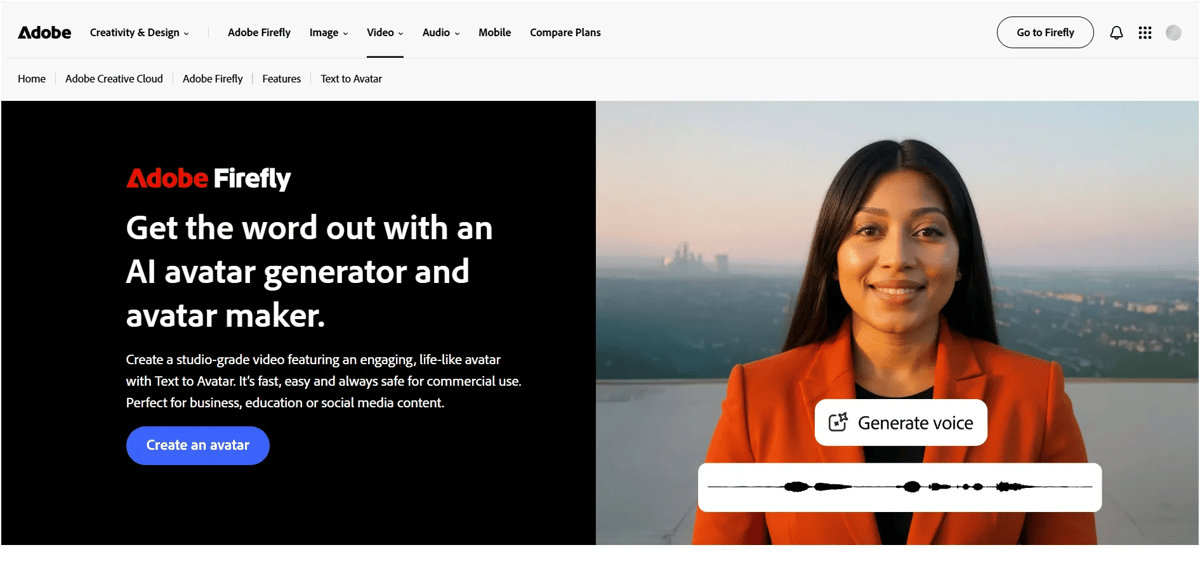
Click the Create an Avatar button and sign up for an account. Then, choose an avatar, set the background, and paste your script into the script area. Click Generate, and your video will be ready in a few minutes. Longer scripts may take more time to generate.
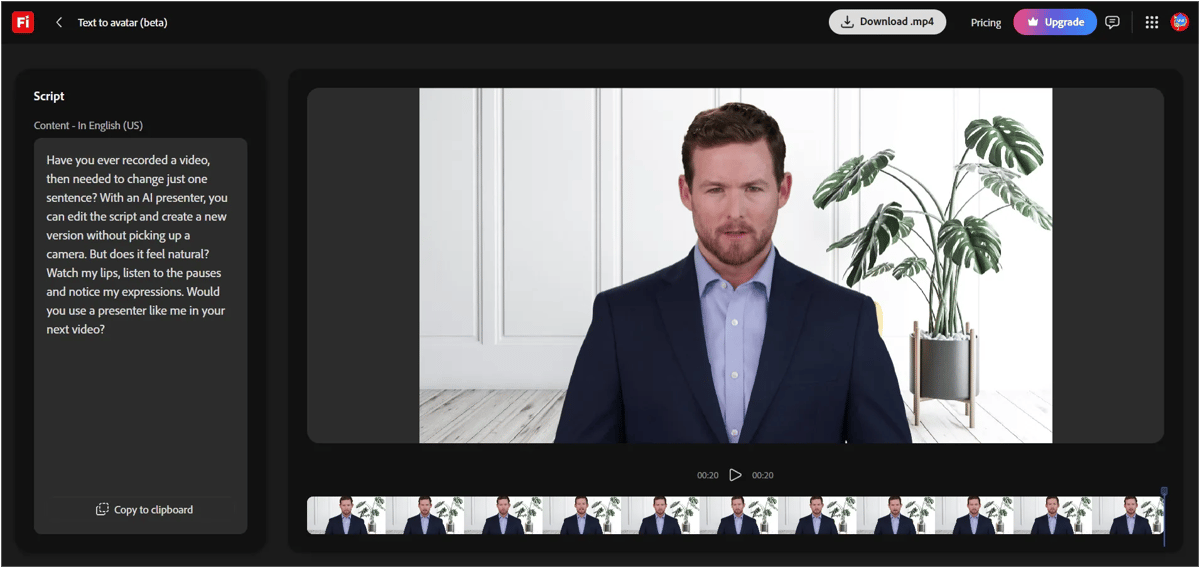
Script: Have you ever recorded a video, then needed to change just one sentence? With an AI presenter, you can edit the script and create a new version without picking up a camera. But does it feel natural? Watch my lips, listen to the pauses and notice my expressions. Would you use a presenter like me in your next video?
Our Experience
Adobe's process is very simple and quick. However, compared with HeyGen, the performance felt slightly weaker. The avatar looked somewhat like a human-like robot delivering the news, but I wouldn't say it felt completely robotic. The facial expressions added some human touch. If you need a video quickly, Adobe is still a good option.
One more thing: We used the same prompt for all the tools in our comparison, but this tool followed all the instructions in the prompt instead of focusing only on the script. So, when using this tool, provide only the dialogue you want the avatar to speak.
You can generate one AI avatar video for free. To create more videos, you'll need to purchase a plan.
Conclusion: Which Synthesia alternative should you pick?
HeyGen would be our first choice for natural delivery. Its expressions, gestures and lip sync made it easier to focus on the message. For sales videos, lessons or onboarding, that connection matters. Check the background before generating, though, as it kept the avatar’s original setting in our test.
ElevenLabs is worth considering for short clips. Our avatar looked convincing and rendered quickly, but the selected lip-sync setup required speech under 14.8 seconds. Check the duration supported by your chosen setup before preparing a longer script.
Adobe Firefly is a simple starting point, especially if you already use Adobe. Our first video was free and ready in minutes. The delivery felt more like a newsreader, and we learned to paste only the spoken script into the speech field.
If you’re still unsure, test a short passage from your own content. Watch the mouth movements, listen to the pauses and ask yourself whether the delivery holds your attention. Choose the tool that works for your message.
FAQs
1. What is the best alternative to Synthesia?
In our test, HeyGen was the best Synthesia alternative for natural-looking avatars. Its lip sync, eyebrow movement and hand gestures felt closest to a real presenter. ElevenLabs suits very short clips, and Adobe Firefly suits quick, simple videos.
2. Is HeyGen better than Synthesia?
It depends on what you value. HeyGen stands out for expressive avatars and prompt-based editing through Video Agent. Synthesia is popular with corporate training teams. If natural delivery matters most, test HeyGen first.
3. Is there a free Synthesia alternative?
Yes. HeyGen's free plan gives 3 watermarked videos a month, up to 1 minute each. Adobe Firefly offers free daily generations, and we made one avatar video free. ElevenLabs gives 10,000 free credits, but avatar video needs a paid plan.
4. Which AI avatar generator looks the most realistic?
Of the three we tested, HeyGen looked the most realistic. ElevenLabs was close on looks but limited to clips under 15 seconds. Adobe Firefly felt slightly robotic, like a newsreader.
5. Can I use AI avatar videos for commercial use?
Usually, on a paid plan. ElevenLabs includes a commercial licence from its Starter plan, and Adobe says Firefly model outputs are safe for commercial use. HeyGen's paid plans remove the watermark. Always check each tool's terms before publishing ads.