

How I Tested the Best Midjourney Alternatives
How I Tested the Best Midjourney Alternatives
To keep the comparison fair, I created one image prompt and one animation prompt, then generated them in Midjourney first.
I used the exact same prompts across 12 different AI tools without changing a single word. This ensured every tool was tested under identical conditions.
I compared image quality, realism, prompt accuracy, creativity, consistency, speed, ease of use, pricing and overall value before selecting the top three performers.
What You’ll Find Below
- ✅ Exact Image Prompt
- ✅ Animation Prompt
- ✅ Real AI Outputs
- ✅ Honest Pros & Cons
- ✅ Final Recommendation
Table of Contents
I tested multiple AI tools that claim to be good Midjourney alternatives and selected the best three based on my real-world experience. In this guide, I share the strengths, weaknesses, and real issues I faced while testing each tool. I’ve also included the exact image and animation prompts along with the actual image and video outputs, so you can compare the quality yourself and choose the right AI tool without wasting your time or money.
Prompts Used for Testing
The following prompts were used across every AI tool without any modifications to ensure a fair comparison.
Lets test the each tool using above prompt and explore the real outputs
Why We Start with Midjourney’s Output
Since this guide is about finding the best Midjourney alternatives, it makes sense to look at Midjourney’s output first. Once you know what Midjourney produces, it becomes much easier to compare the results from the other AI tools. This gives you a clear benchmark and helps you make a better decision.
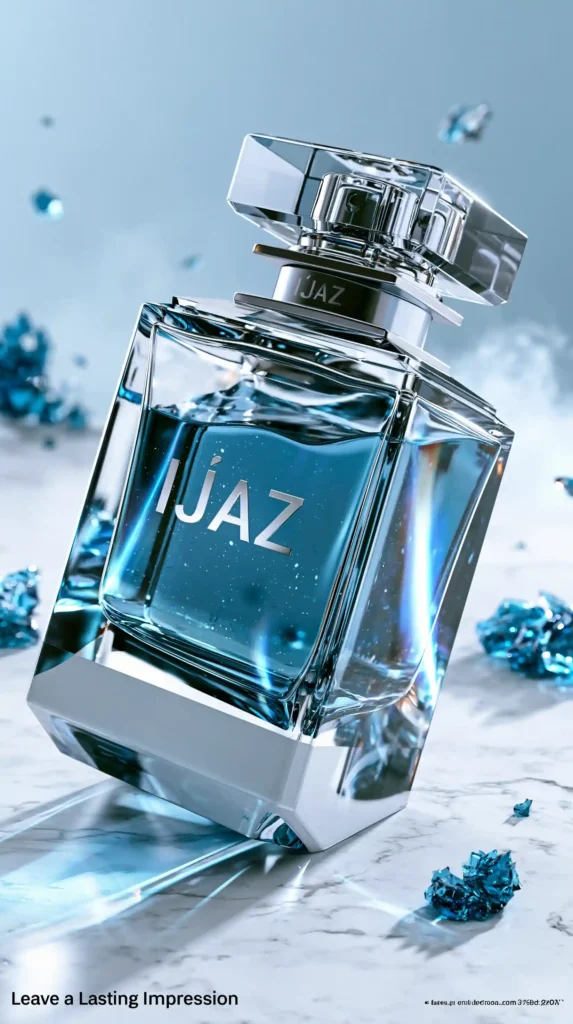
Midjourney Generated AI Video
Quick Overview Comparison Table
| Feature | Gemini | Reve AI | Grok | Midjourney |
|---|---|---|---|---|
| Official Website | Try Now | Try Now | Try Now | Try Now |
| Free Plan | ❌ (Occasionally) | ✅ Yes | ❌ (Trial) | ❌ |
| Starting Price | $4.99/mo | $7.99/mo | $10/mo | $10/mo |
| Image Generation | ✅ | ✅ | ✅ | ✅ |
| Image Editing | ✅ | ✅ | ✅ | ✅ |
| Video Generation | ✅ | ✅ | ✅ | ✅ |
| AI Chat | ✅ | ✅ | ✅ | ❌ |
| Coding Support | ✅ | ❌ | ✅ | ❌ |
| File Uploads | ✅ | ✅ | ✅ | ❌ |
| Cloud Storage | ✅ | Basic | ❌ | ❌ |
| Best For | All-in-One AI | AI Images & Videos | Chat & Coding | Professional Image Creation |
Top 3 Midjourney Alternatives with real outputs (Jun 2026)
1. Gemini
In Gemini, you can generate images, edit images and also create videos. The video quality is good and realistic and images also come out well.
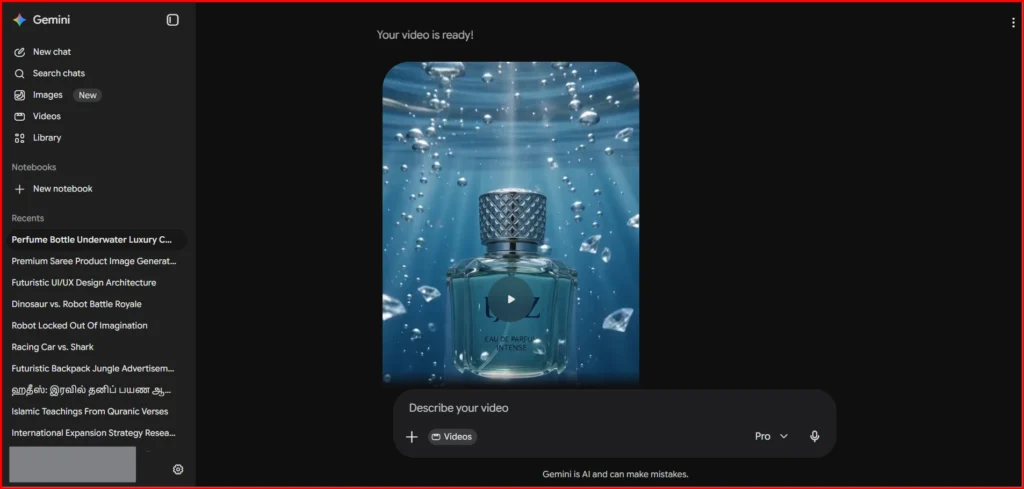
Videos can include audio and the maximum length is up to 10 seconds. It follows prompts properly and even product-related changes work accurately.
From my experience, the output was good in the first attempt itself. I am sharing the result below for reference.
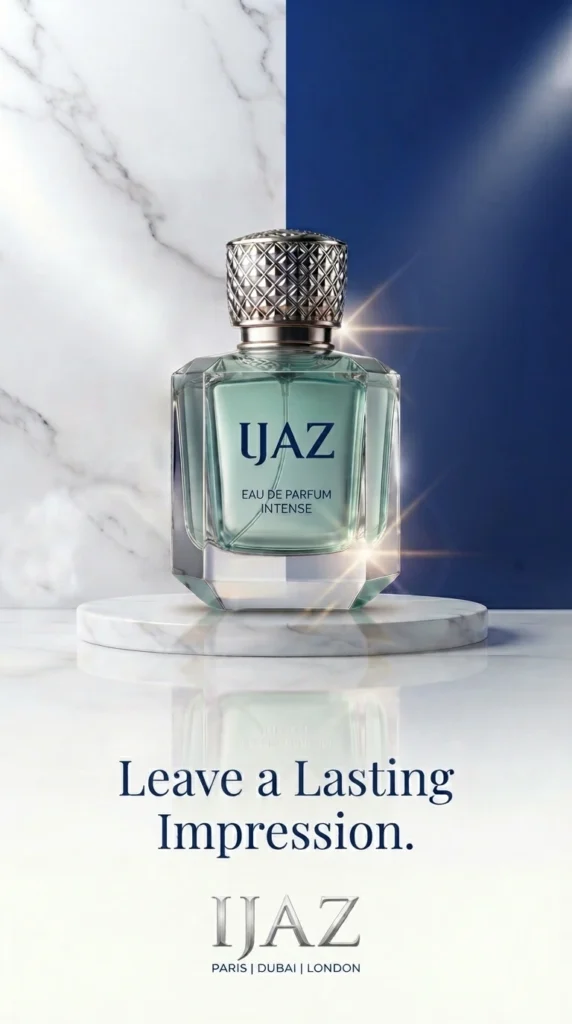
Gemini Generated AI Video
My Experience
The video was generated successfully on the first attempt, with impressive output quality and well-matched sound effects. It followed the prompt accurately and the built-in editing feature was useful. However, image editing wasn’t always consistent, sometimes the edits didn’t apply properly, so I had to retry a few times to get the desired result.
Gemini Pros & Cons
| Pros | Cons |
|---|---|
| Excellent image and video generation | Image editing can be inconsistent |
| Generates videos with sound effects | Video length is limited |
| Follows prompts accurately | Free usage is limited |
| Great all-in-one AI platform | Requires retries for some edits |
| Strong value for the price | Highest image quality still trails Midjourney |
2. GROK
Grok initially offered free image and video generation, but they’ve stopped that now. Instead, they’re offering a 3-day free trial that requires your card details. After the 3-day trial ends, the subscription will automatically activate and the payment will be charged.
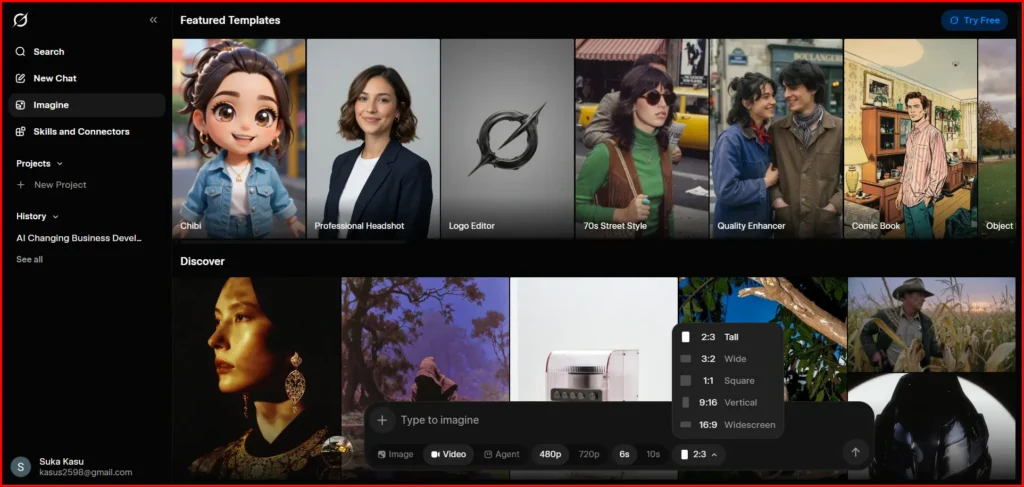
The image generation is very fast. It creates 4 images in about 10 seconds and you can choose the one you like best and animate it easily.
If you use the SuperGrok plan, you can generate up to 10 videos per day. You can also extend videos up to 30 seconds, regenerate them if needed and choose between 6-second and 10-second video lengths. It supports 480p and 720p quality and most videos are generated in under a minute.
Note: After generating an image or video, download it immediately. Sometimes the generated files don’t appear in the history. This happened to me and I couldn’t regenerate them because I had already reached the generation limit.
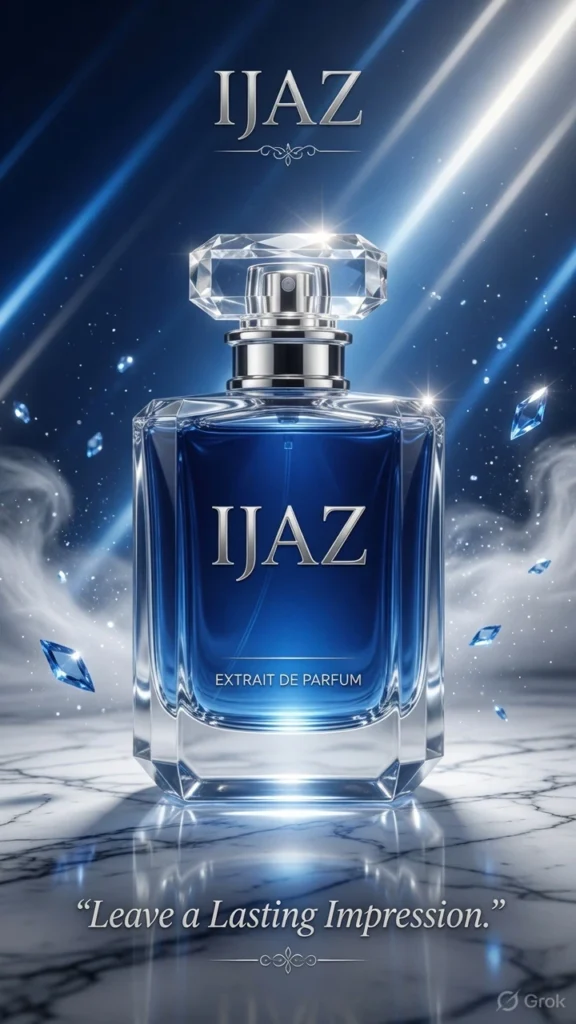
Grok Imagine Generated AI Video
My Experience
Grok generates high-quality images very quickly, making it a strong competitor to Midjourney. Midjourney is also very fast when it comes to image generation.
For video generation, both Grok and Midjourney are fast. However, even with the SuperGrok subscription, there is a daily limit on how many videos you can generate. In comparison, a Midjourney subscription allows you to create more content than Grok, making it a better option if you need to generate a large number of images and videos.
Grok Pros & Cons
| Pros | Cons |
|---|---|
| Very fast image generation | No longer has a true free plan |
| High-quality images | Requires card details for trial |
| Easy image-to-video workflow | Daily video generation limit |
| Supports 6s, 10s, and extended videos | Generated files may disappear from history |
| Good prompt understanding | Less suitable for heavy creators than Midjourney |
3. Reve AI
If you plan to generate a lot of videos and images, Reve’s Pro plan is worth considering. I’ve been using the Pro plan and it has been good for regular use.
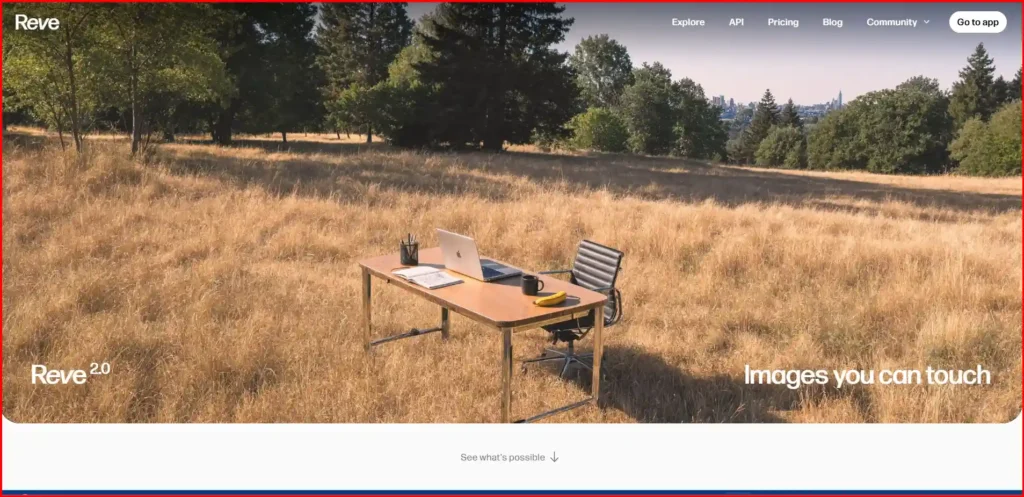
You can generate videos by:
- Uploading an image
- Entering a text prompt
- Using one or more reference images
Videos can be generated up to 8 seconds long. You can also add sound, choose resolutions up to 1080p and the available video models include Veo 3.1 and Veo 3.2 Fast. You can also choose the output video size. However, when generating videos using reference images, the portrait mode option is not available.
Reve uses a battery (energy) system. You start with a full battery and the available energy gradually decreases as you generate videos.
Based on my testing, generating an 8-second video without sound consumes around 8 energy. Videos with sound consume twice as much energy, so you’ll reach the monthly limit much faster.
The Pro plan includes 250 video energy per month. If you run out of energy, you can purchase an additional day’s worth of video generation (around 100 seconds of video) for $20.
If you plan to create AI videos regularly, it’s worth considering these limits before subscribing.
Note: Before generating images, set your preferences first. You can choose options such as the number of images to generate, the image aspect ratio and the type of output you want. You can also use Attachments and Custom Instructions to save your preferred settings for more consistent results.
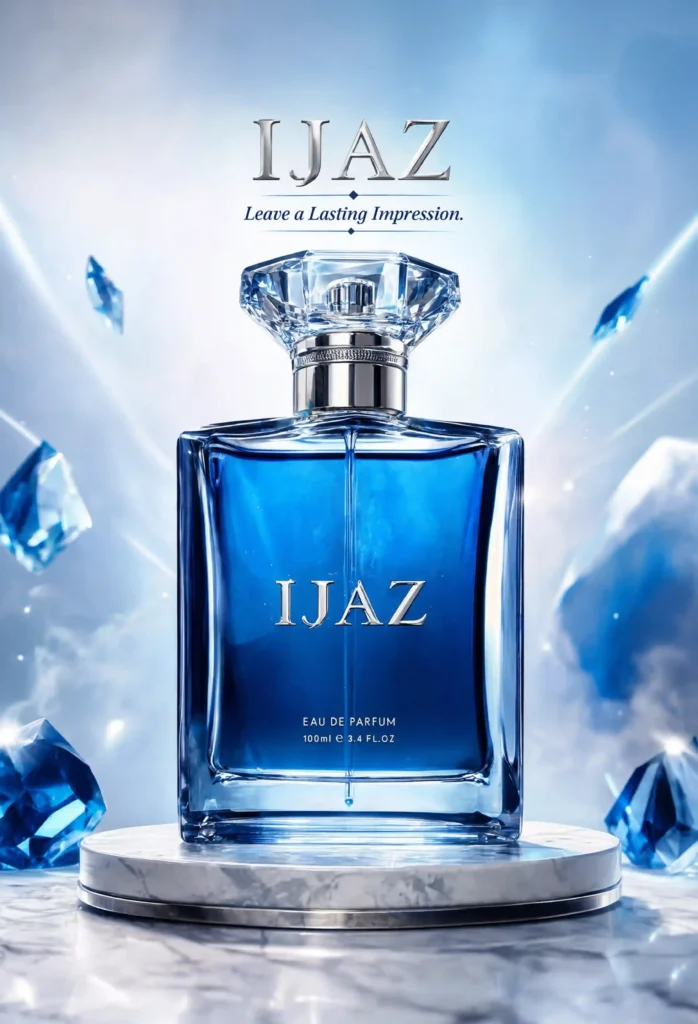
Reve Generated AI Video
My Experience
Reve doesn’t have its own video generation model. It uses Google’s Veo 3.1, which is why the output quality is very good. However, there are a few limitations. For example, when generating videos using reference images, you can’t create them in portrait mode.
Image generation is fast and easy. You can edit generated images directly within Reve, generate up to 8 images at a time and they are usually ready within a minute.
Reve AI Pros & Cons
| Pros | Cons |
|---|---|
| Excellent image quality | Uses Google’s Veo instead of its own video model |
| Easy image editing | Portrait video isn’t available with reference images |
| Supports reference images | Video energy runs out quickly |
| Up to 1080p video output | Extra video credits cost more |
| Great for creative professionals | Monthly video generation is limited |
All Pricing Plans at a Glance (June 2026)
| Platform | Entry Plan | Mid Plan | Highest Plan |
|---|---|---|---|
| Google AI | $4.99 | $19.99 | $99.99 |
| Reve AI | $7.99 | $19.99 | — |
| SuperGrok | $10 | $30 | $99 |
| Midjourney | $10 | $30 | $120 |
Common Mistakes People Make When Generating AI Images & Videos
Many people blame the AI tool when the real problem is the prompt. Here are the most common mistakes I noticed while testing:
- Using vague prompts instead of describing the scene clearly.
- Trying to fit too many ideas into a single prompt.
- Ignoring camera angles, lighting, and composition.
- Expecting perfect results on the first try instead of refining the prompt.
- Not using reference images when the tool supports them.
- Comparing tools with different prompts instead of using the same prompt for all.
- Skipping image editing or prompt adjustments after the first generation.
- Choosing a tool without checking whether it’s better for images, videos, or both.
Frequently Asked Questions
1. What is the best free Midjourney alternative?
If you’re looking for a free option, Google Gemini and Reve AI are excellent choices. Both let you generate high-quality images without paying upfront, while Reve AI also offers strong image editing features.
2. Which AI tool creates images most similar to Midjourney?
Based on my testing, Reve AI came the closest to Midjourney in terms of image quality, prompt accuracy and overall realism. Google Gemini was a close second with impressive consistency.
3. Which AI tool is best for both image and video generation?
Google Gemini is the best all-in-one option because it can generate high-quality images and videos from a single platform. Reve AI is another solid choice if your main focus is creative visuals.
4. Why doesn’t my AI image match my prompt?
In most cases, the problem is the prompt rather than the AI tool. Be specific about the subject, lighting, camera angle, style, and composition. Clear prompts almost always produce better results.
5. Which Midjourney alternative would you recommend in 2026?
If you want an all-round AI tool, choose Google Gemini. If your priority is image quality similar to Midjourney, go with Reve AI. If you also need AI chat and coding features, SuperGrok is the better option.
Reader’s Note
AI tools are improving rapidly, so some features, pricing and performance mentioned in this article may change over time. We regularly update this guide with the latest tests and comparisons. To stay up to date, bookmark this page or subscribe so you don’t miss future updates.
Related AI Tools You May Also Find Useful
Final Conclusion
There isn’t a single AI tool that’s the best at everything. Each one has its own strengths, so it’s worth trying multiple tools instead of relying on just one. Based on my experience, Google Gemini is the best all-in-one option for image and video generation, while Midjourney remains the best choice if your priority is the highest possible image quality.
I also subscribed to Manus to test its AI video generation. Unfortunately, my experience wasn’t great. A single video generation consumed nearly 4,000 credits, and I ended up using my entire
0 Comments