I wrote this blog after Grok Imagine stopped being free for users on March 19, 2026, leaving many free users frustrated. If you want to know what changed, read why Grok Imagine is no longer free or check the Reddit discussion to see what other users experienced.
I also had a few issues with Grok myself, including a failed image generation that still used credits and poor support after a subscription cancellation. These experiences made me look beyond image quality and consider reliability, support, and free usage limits too.
So, I tested and researched several free alternatives to Grok. Below, I’ve listed the ones worth trying, along with their strengths and limitations.
Want to see how Grok performed before these changes? Check my hands-on Grok AI Image & Animation review or read the complete Grok AI pricing guide before deciding whether to switch.
I tested Grok alternatives using the same prompt
Quick AI Tools Comparison (Image & Video)
Feature | Meta AI | ChatGPT | Gemini | Manus AI | Reve AI | Qwen AI | Luma AI |
|---|---|---|---|---|---|---|---|
Try Now | |||||||
Image | Yes | Yes | Yes | Yes | Yes | Yes | Yes |
Free Image Generation | Yes | Yes | Yes | Yes | Yes | Yes | Yes |
Limits (Image) | ~25 images | ~10 images/day | ~10 images/day + regenerations | 300 credits/day (~24 images) | Energy refill ~3 hrs | Limited | Limited |
Video | Yes | Yes | Yes | Yes | Yes | Yes | Yes |
Free Video Generation | Free (limited) | No | No | No | No | Yes | Yes |
Limits (Video) | Experimental, limited access | No | No | No | No | ~5 videos/day (5 sec) | ~3 videos/day (up to 10 sec) |
Key Features | Works across WhatsApp, Instagram, fast generation | Image editing, regeneration, combine images | Combine multiple images into one | Credit-based system, multiple features | Fast batch generation, editing tools | Text-to-video, image-to-video | High-quality video, sound effects |
Best For | Quick & simple creation | Daily use & beginners | Creative editing | Bulk generation | Speed + enhancements | Short videos | Cinematic videos |
Pricing Comparison Table
Tool | Free Plan | Starting Plan (Monthly) | Starting Plan (Yearly) | Biggest Plan |
|---|---|---|---|---|
ChatGPT | $0 | Go - $8/mo | No annual plan | Pro - $100/mo |
Reve | Free | Lite - $7.99/mo | Not listed | Teams - $59/user/mo |
Manus | Free | First month $10 then | $17/mo (Total: $204/yr) | $200/mo |
Gemini | Free | Google AI Plus - $4.99/mo* | Available | Google AI Ultra - $99.99/mo |
Luma | Free | Plus - $30/mo | $25/mo (Total: $300/yr) | Ultra - $300/mo |
Meta AI | Free | No paid plan | — | — |
Qwen | Free | Usage-based | Usage-based | No fixed monthly plan |
Free Grok Image Generation Alternatives
1. Meta AI
Using Meta AI, you can generate lots of images. Just set the image size, enter a prompt, and four images will be ready in seconds. The output looks hyper-realistic, as if you could step right into the scene. Check it out below and see what you think!
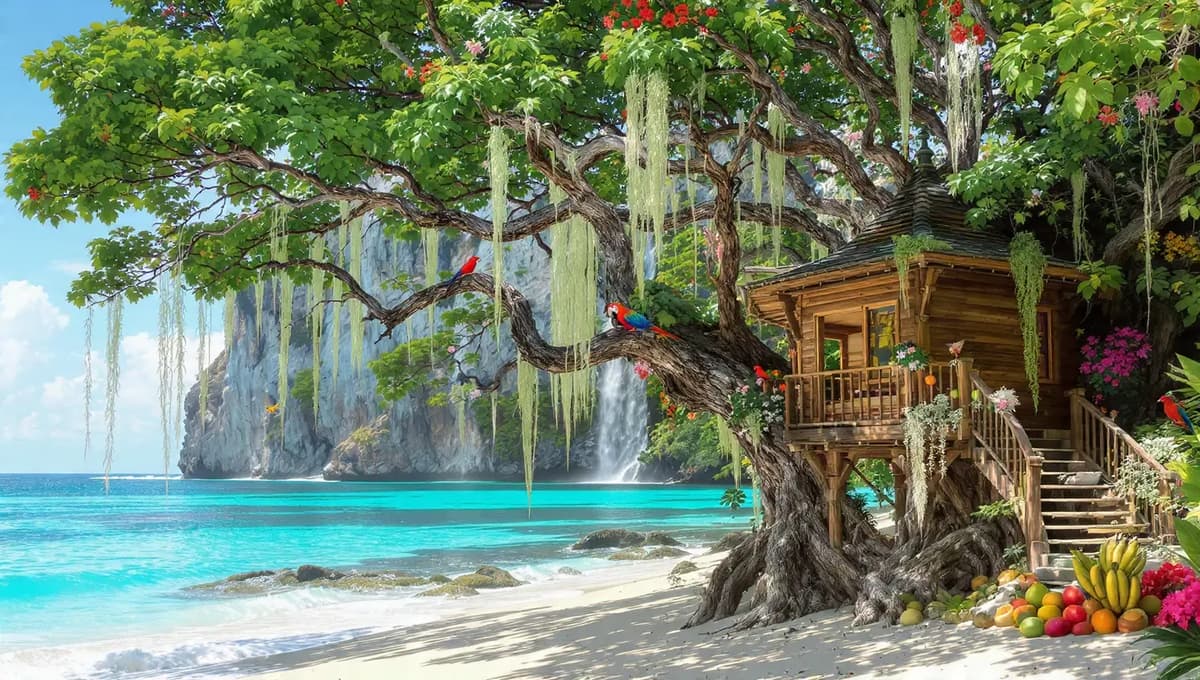
We can easily restyle, edit, and animate images, generate 25 images for free and use this AI on Web, WhatsApp, Instagram and Facebook.
Meta AI
Pros
- Generates images quickly
- Up to around 25 free images
- Supports image restyling and editing
- Can animate images
- Available on Web, WhatsApp, Instagram, and Facebook
Cons
- Video generation can sometimes fail
- Landscape requests may produce portrait videos
- Video generation did not provide audio in testing
- Limited video editing and re-animation options
2. ChatGPT
Nowadays, almost everyone knows ChatGPT. You can generate images daily for free and it only takes about a minute to create one. With a free account, you can generate up to 10 images/day. Once you reach that limit, you’ll need to wait 24 hours to generate more. You can also edit images, regenerate them if needed and even combine multiple images easily.
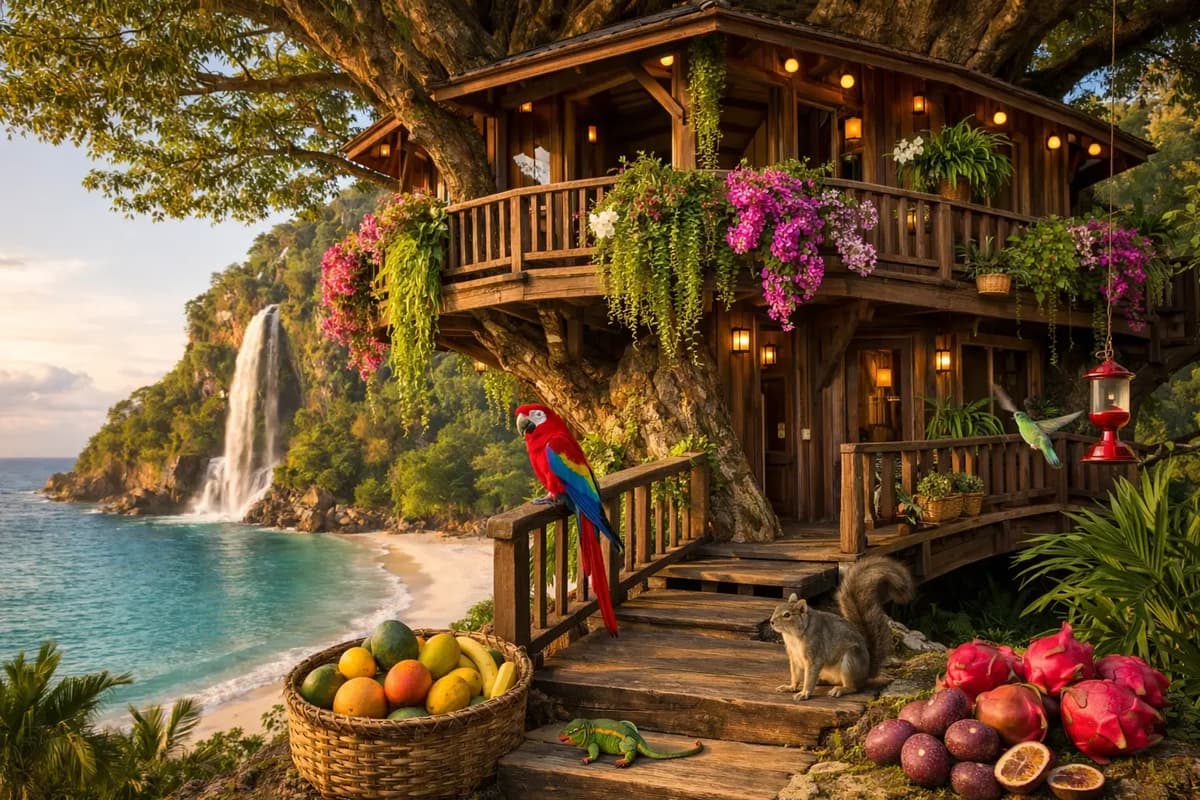
ChatGPT
Pros
- Free image generation available
- Up to around 10 images per day in testing
- Easy image editing
- Can regenerate images when needed
- Can combine multiple images easily
Cons
- Free image generation has daily limits
- After reaching the limit, you need to wait 24 hours
- No free video generation in the comparison
3. Gemini
In Gemini, I was able to generate around 10 images per day. For a single image, I could regenerate it up to 20 times and after that, the limit was reached.
But once I refreshed the page, all those 20 regenerated versions disappeared. I couldn’t find them anywhere. It feels like a bug.
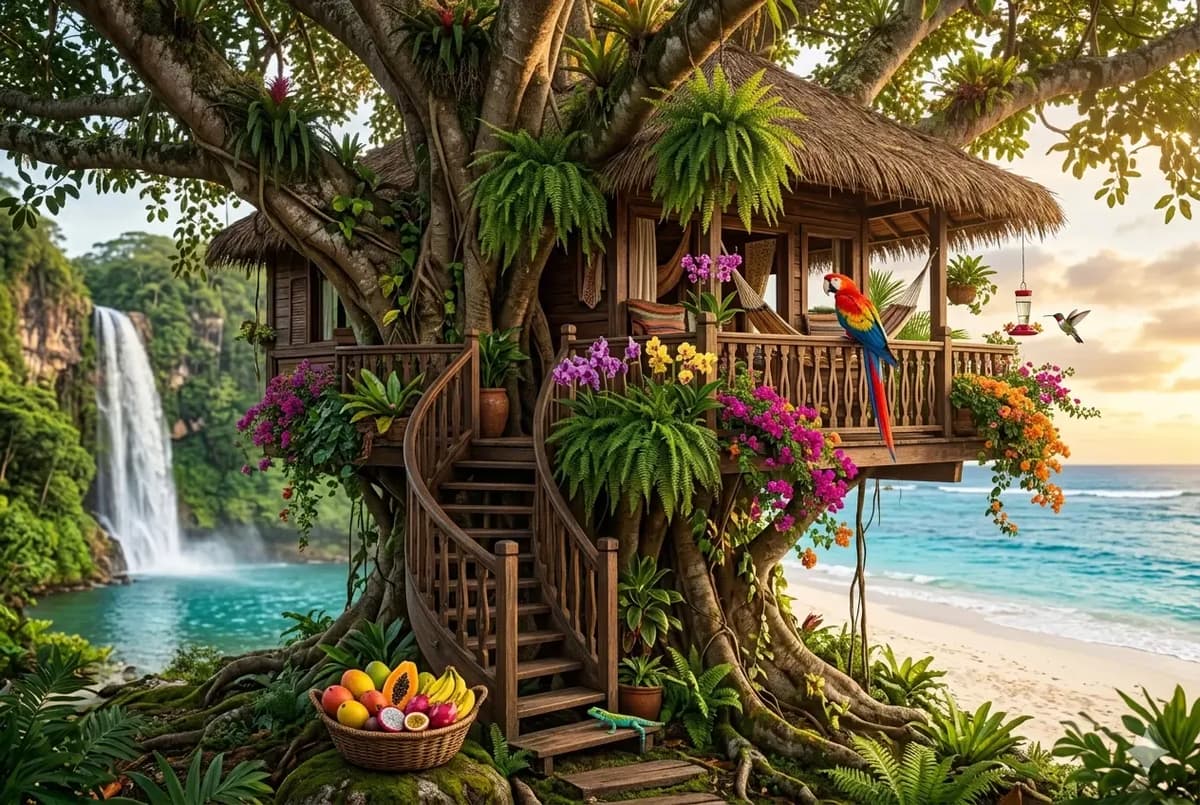
One thing that really impressed me in Gemini’s image generation is that you can combine multiple images into a single output, which is pretty cool and useful.
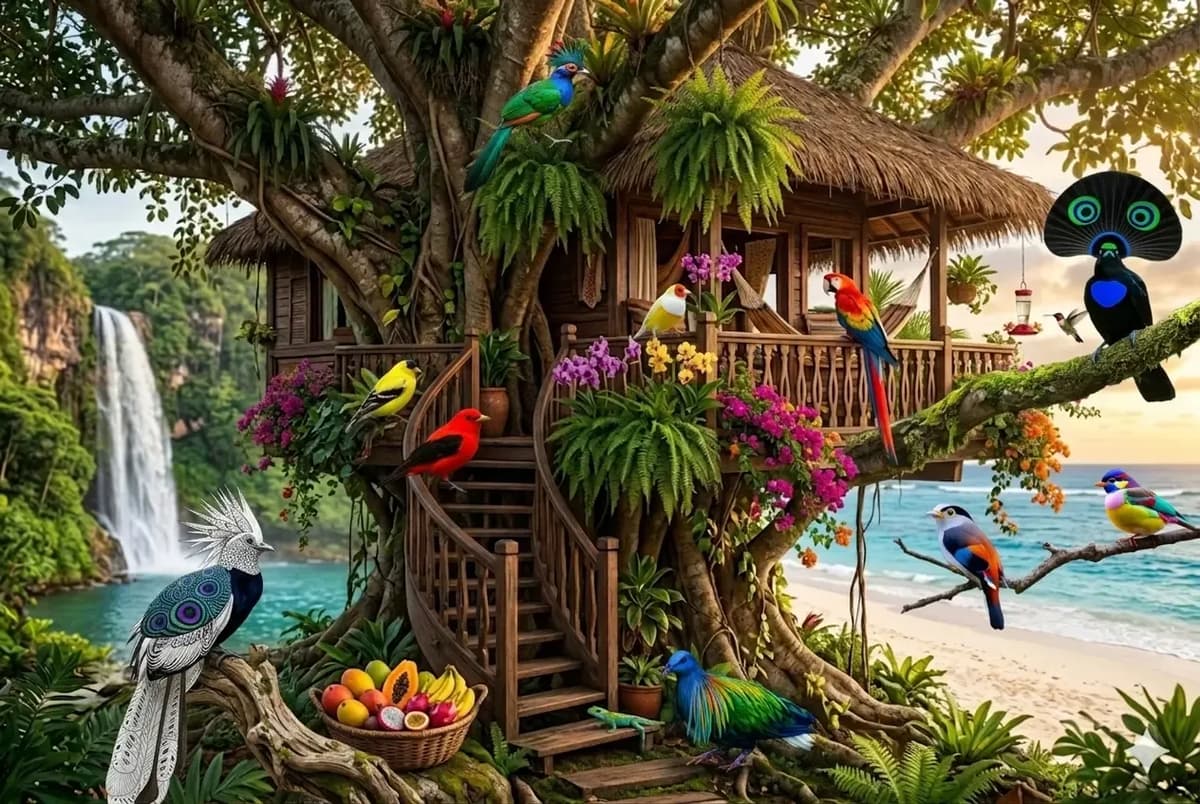
For example, an original image was first uploaded, followed by nine different bird images. Then a prompt was given to Gemini to add all nine birds into the main image without missing any. The result was generated accurately, successfully combining all elements into a single image.
I Didn’t expect this from Gemini’s free image edit feature
I got a lot of questions in reddit about Gemini’s image editing capabilities, so I decided to push it further and document everything properly this time.
Many people think Gemini’s edit option is useless but if you actually use it properly, it’s really worth it. I’ve tried it myself and even shared some images with you.
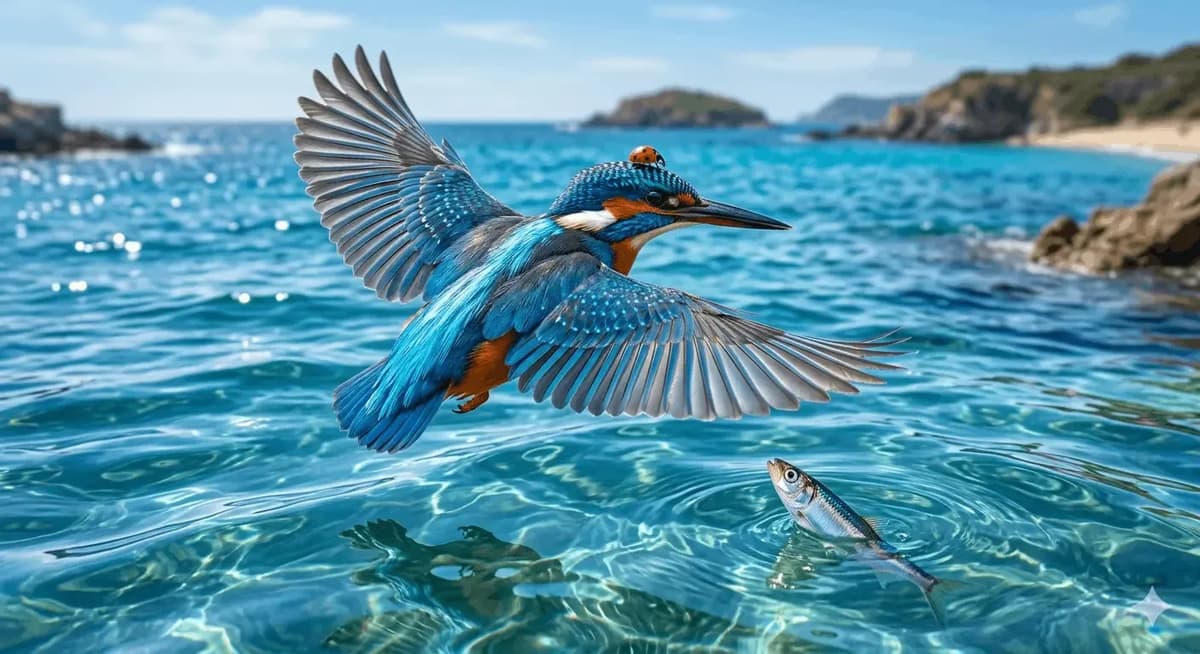
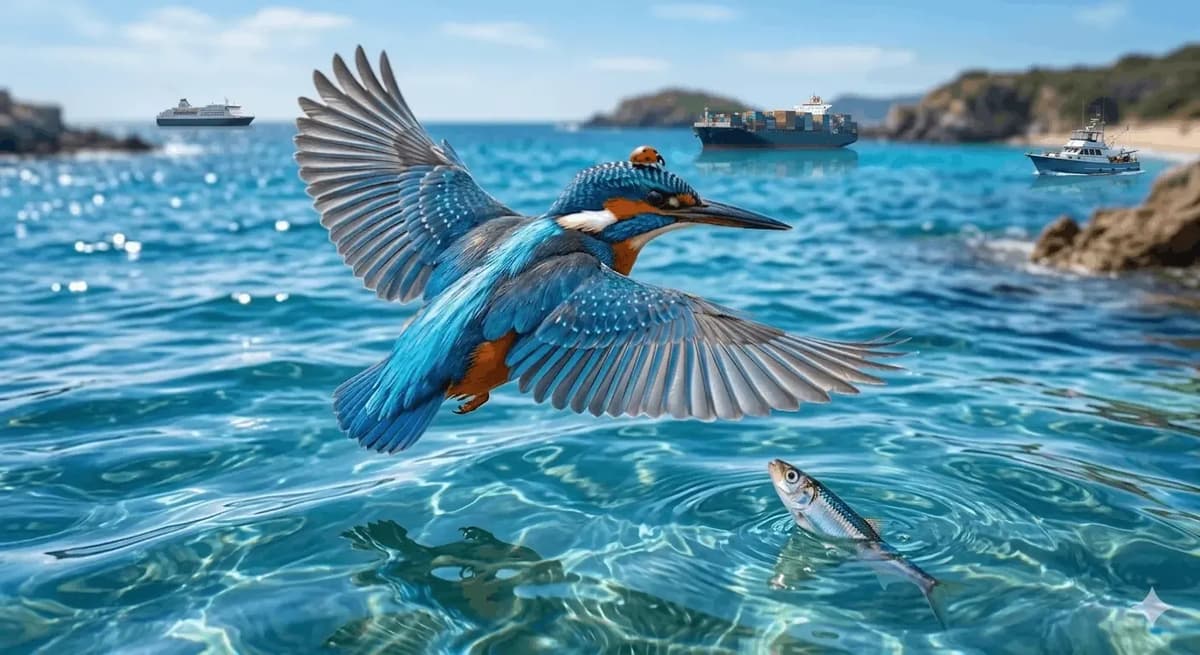
First, I gave the prompt and generated the image, the quality came out really good, and it followed my prompt perfectly. Then I clicked on the image and used the edit option. I randomly selected three areas and marked them, then gave the instruction to add ships in those spots. Within a few seconds, it added ships exactly in those areas. You can see it clearly in the image below.
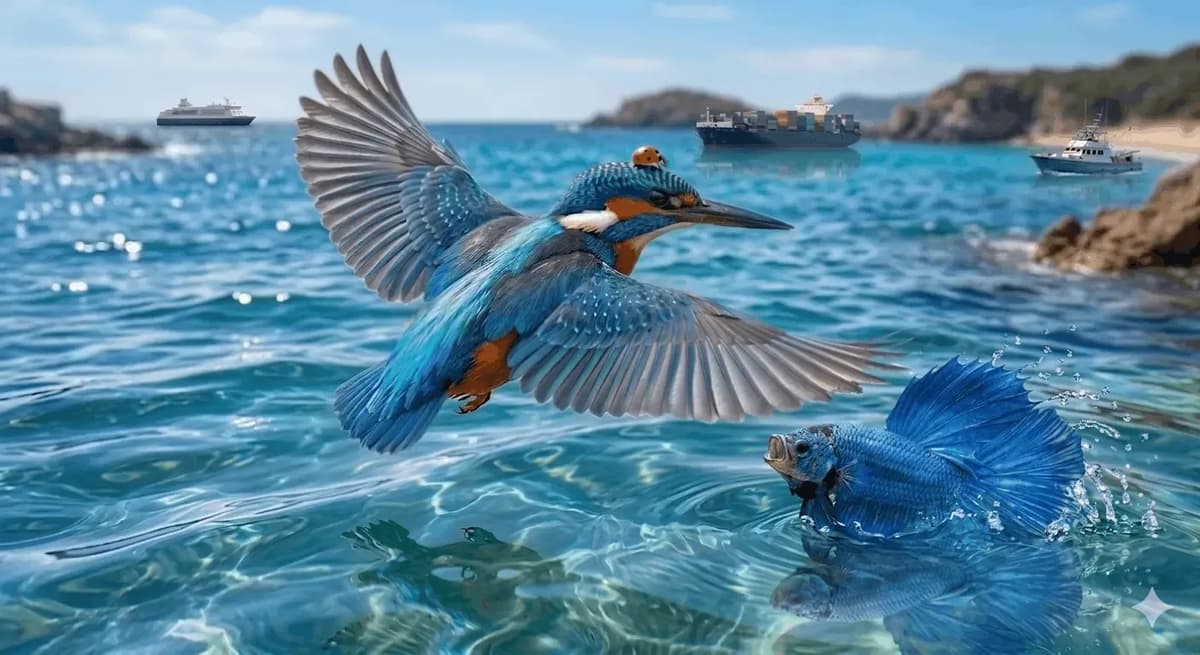
Then I circled the fish and used the text option on the image to type that I want a blue fighter fish with its mouth open. After pressing enter, that also worked.
Gemini
Pros
- Around 10 free images per day in testing
- Can regenerate an image multiple times
- Strong image editing capabilities
- Can combine multiple images into one output
- Can add or edit specific elements in an image
Cons
- Regenerated versions disappeared after refreshing in testing
- Image generation has daily limits
- Free video generation was not available in the comparison
4. Manus AI
Manus AI acquired by Meta AI and we can use this tool to generate images. They give 300 free credits per day. For the images, the first one used 14 credits and the second, third, fourth and fifth images each used 12 credits.
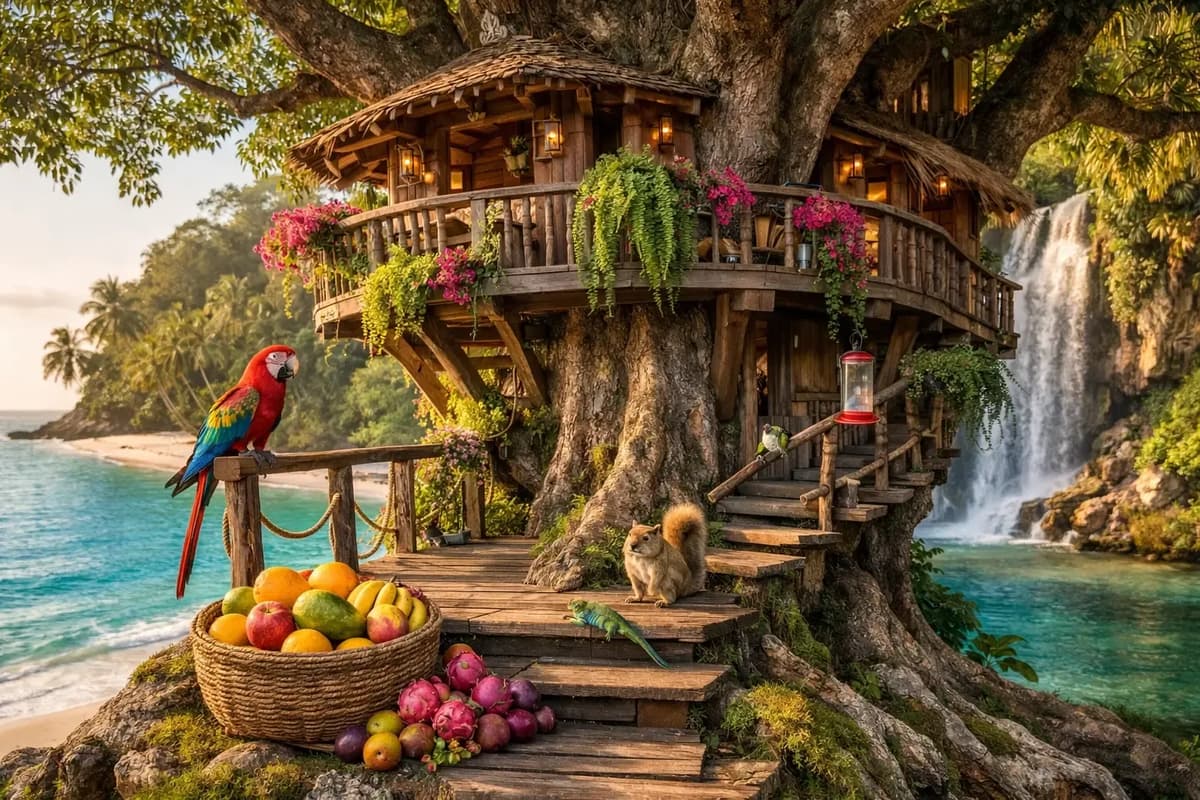
Manus AI Generated Image
Overall, with 300 credits per day, we can generate 24 images. Manus AI has a lot more features to explore. If you read the detailed Manus AI review blog, you’ll get even more ideas.
Manus AI
Pros
- 300 free credits per day
- Around 24 images per day based on testing
- Credit-based system supports multiple generations
- Useful when generating many images
- Offers several additional features to explore
Cons
- Different images can consume different amounts of credits
- Free usage depends on daily credits
- No free video generation in the comparison
5. Reve AI
You can use Reve AI to generate free images, but there are limits. It works on an energy system, once your energy runs out, it takes 3 hours to refill, though sometimes it can take longer. We’ve already reviewed a complete, detailed 2026 update blog on Reve AI. Check it out, it’s useful for your work, with features like image enhancement, background editing and more.
At a time, we can generate 8 images in just a minute, it’s super fast. How to use it is explained in detail in the blog link above.
Check out the image generated by Reve AI below.
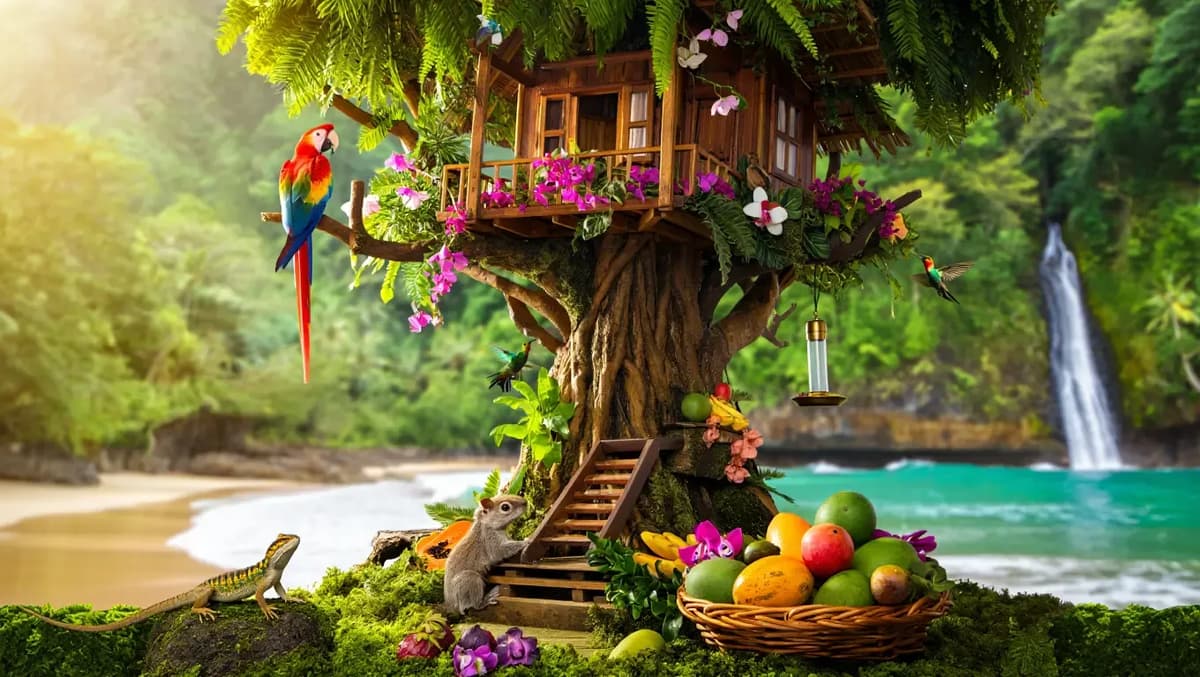
The steps aren’t showing above the image, so the logic is a bit off. One cool thing about this tool is you can edit the image directly. I just selected the steps, dragged them to the top and applied them. Below is the image I shared, check how it looks.
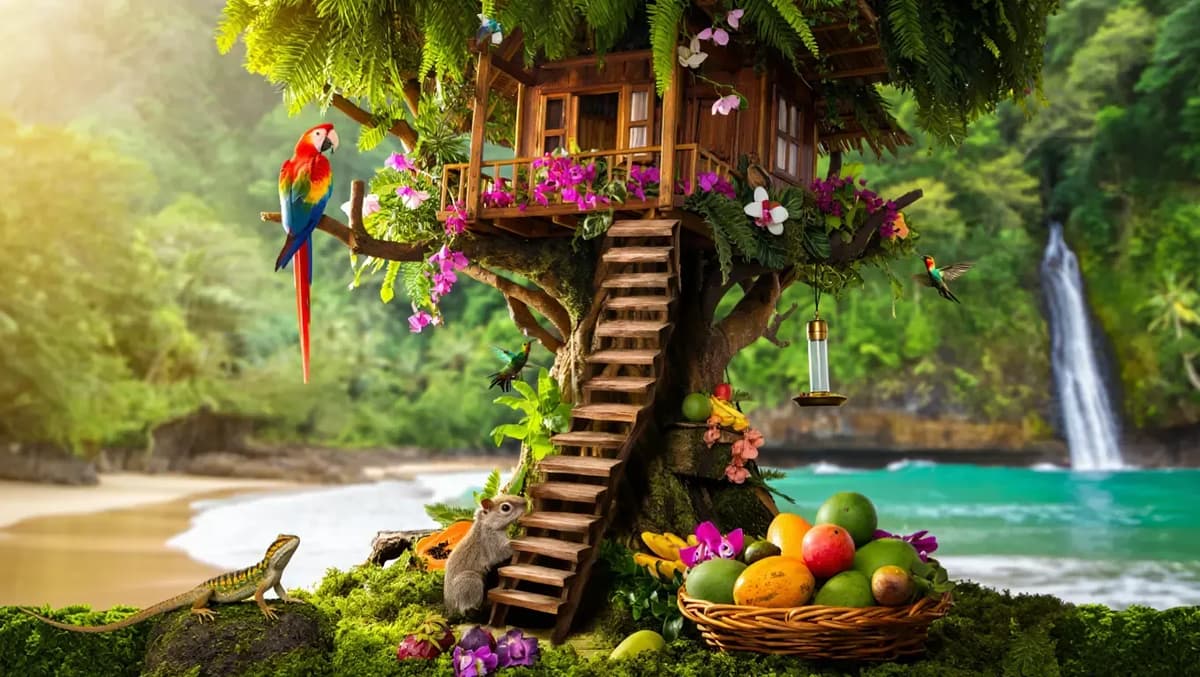
I generated 145 images for free, really fast. In just 20 minutes, using 8 images per generation, I managed to create all 145 images.
There are still plenty of AI tools out there. We’ll keep this blog updated, so bookmark it or subscribe to AlloyPress. Also, check out our blog on the best AI image generators, it’ll give you ideas for creating your own images.
Reve AI
Pros
- Very fast image generation
- Can generate 8 images at a time
- Supports image enhancement
- Includes background editing
- Generated 145 images during testing
- Allows direct image editing
Cons
- Uses an energy-based system
- Energy takes around 3 hours to refill
- Refill can sometimes take longer
- Some editing behavior can feel inconsistent
Best Grok Video Generation Alternatives
1. Qwen
Qwen AI is a Chinese company developed by the Alibaba Group. With Qwen, you can generate images and videos for 5 sec. You can create up to 5 AI videos per day for free, each taking just a few minutes. Let’s check out the Qwen video output below.
Just select the video option, set the size to landscape, give a text prompt and the video will be ready in (3 – 4 minutes) with relevant audio. You can also regenerate it and also you can generate a video using an image with a text prompt.
Qwen AI
Pros
- Free image and video generation
- Up to around 5 free videos per day
- Supports text-to-video
- Supports image-to-video
- Creates 5-second videos
- Videos can include relevant audio
- Generation takes around 3–4 minutes
Cons
- Video duration is limited to short clips
- Free daily video generation is limited
- Less suitable for longer video projects
2. Meta
Using Meta AI, you can easily generate videos. I tried animating the image we generated above and it turned out well, you can even edit the animation using prompts. But when I tried, it showed ‘something went wrong,’ so I couldn’t complete it.
It got animated in a few minutes, and we just tried giving a text prompt, but the size we asked for was landscape while the one it gave was portrait, which was a bit disappointing. Then, they gave an option to extend this video by 2 seconds, so after generating, we could extend a 6-second video up to 8 seconds. But there’s still no option to reanimate or edit the video and it’s showing that something went wrong.
For the video generated by Meta, no audio was coming, so they gave an option to add music instead. But it’s only worth it if you can generate relevant audio that matches the video rather than just adding music.
3. Luma AI
You can use Luma AI to generate both images and videos. It offers multiple video generation models, so you can choose the one you like and create videos up to 15 seconds in 1080p. You can also set the video size.
Lets check the video output
The output is really good, very beautiful and the sound effects match perfectly. This video is 10 seconds long.
Then I chose the Kling model, uploaded the image generated by Meta and gave this prompt: “Hyper-realistic cinematic close-up of tiny crabs scuttling across wet beach sand, with gentle sea waves rolling in the background, birds gliding in the sky, sunlight reflecting off the water, subtle motion blur and dynamic depth of field. 8K resolution, smooth fluid animation-ready scene.” I set the video duration to 15 seconds, 1080p and 16:9 size, then started generating. The video took about 5 minutes and the output is below.
They allowed me to generate three videos and then the limit was over.
Luma AI
Pros
- Generates high-quality videos
- Supports multiple video generation models
- Can create videos up to 15 seconds in testing
- Supports 1080p output
- Supports different video sizes
- Strong cinematic output
- Sound effects can match the video well
Cons
- Free video generation is limited
- Higher-quality generations can take several minutes
- Only three videos were generated before the limit was reached in testing
Important Note:
Conclusion
Grok going paid disappointed a lot of users, especially those who depended on it for free image and video generation. But honestly, that’s how this space works, things change fast and new options keep showing up.
You still have solid alternatives. Meta AI and ChatGPT work well for quick image generation, and tools like Luma AI and Qwen handle video creation pretty well. The only catch is the usual, free plans come with limits like credits, daily usage, or restricted features.
If you’re serious about experimenting, don’t rely on just one tool. Use multiple tools based on what you need. One might be better for images, another for videos, that’s the practical way to go.
Also, don’t assume anything stays the same for long. Pricing, limits and features keep changing. So keep testing, stay updated and adapt.
Related Reading
- Best AI Image Editors
- Best AI Video Generators
- Best AI Background Remover Tools
- Best AI Image Generators (Tested with Same Prompts)
- Kling AI Alternatives: I Tested 5 AI Video Tools Using the Same Image & Prompt