Kling AI has become a benchmark for image-to-video generation. The motion feels real. The output feels controlled. And most tools still don’t match it. But Kling isn’t always accessible. So the obvious question is:
Before exploring other tools, you can read our detailed Kling AI review to understand its strengths and limitations.
What actually works when Kling AI isn’t an option?
To find out, I tested 5 AI video generation tools using:
- The same reference image
- The exact same prompt
- No tool-specific tweaks or optimizations
This makes the comparison fair. And it quickly shows which tools are genuinely good and which ones are not.
How This Test Was Done
Every tool got the same setup::
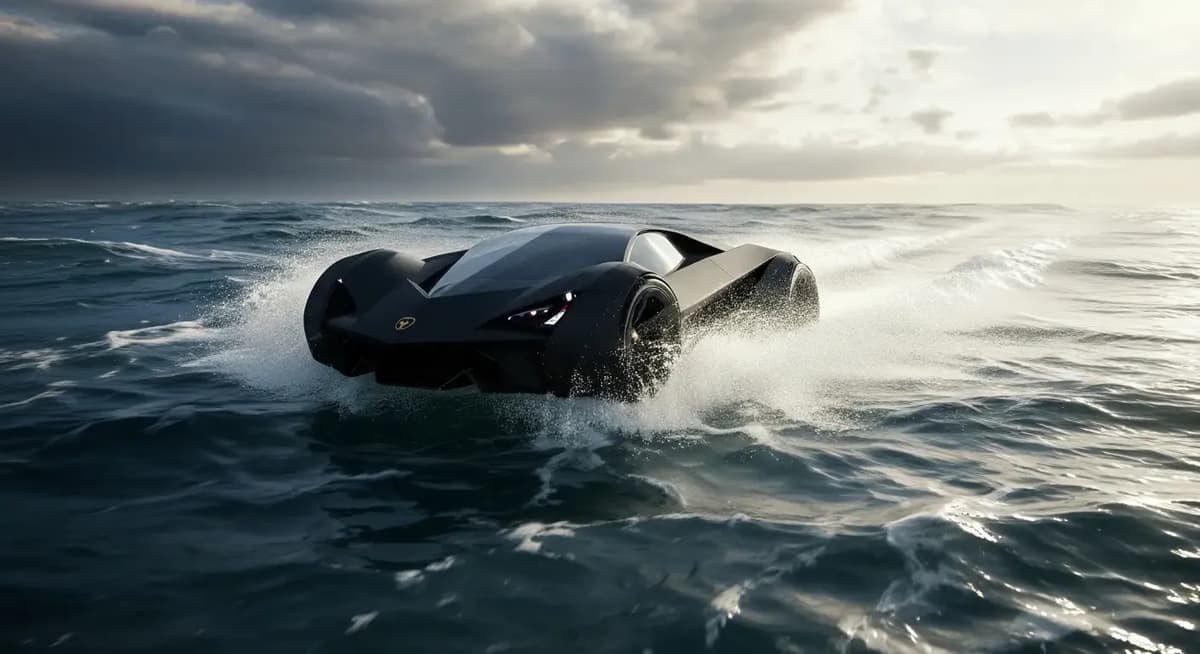
- The same futuristic black car image
- The same detailed motion-focused prompt
- The same expectations: smooth motion, stable structure, realistic movement
I focused on:
- Motion realism
- Stability (no shaking or shape breaking)
- Prompt accuracy
- Overall believability
Each tool is rated out of 10 based on real output quality not features.
Sample test image and prompt used across all tools
Quick Comparison Table (Simplified & Practical)
| Tool | Link | Strengths | Free Usage | Limitations | Best For | Rating |
|---|---|---|---|---|---|---|
| Kling AI | Try Now | Ultra-realistic motion, strong control | Limited / Restricted | Not always accessible for free users | Benchmark quality | 7.0/10 |
| PixVerse | Try Now | Realistic motion, cinematic camera angles, strong prompt accuracy | 90 free credits for new users + 30 daily login credits | Some advanced features and models require a paid plan | Realistic cinematic quality | 9.0/10 |
| Grok Imagine | Try Now | Super-fast generation, clear visuals, excellent prompt following | No | No daily credit system | Speed & simplicity | 8.4/10 |
| HailuoAI | Try Now | Hyper realistic visuals, strong motion quality | 100 free credits on signup | No daily credit system | Hyper realistic videos | 8.2/10 |
| Gemini Veo 3.1 | Try Now | Cinematic motion, strong realism | Free for students and eligible Jio users in India | ~3 videos/day and 8-second generation limit | Film-like shots | 8.0/10 |
| Pika | Try Now | Good prompt adherence, decent motion quality | Limited free credits at signup | 12 credits for a 5-second video and moderate output quality | Testing short AI videos | 7.5/10 |
1. PixVerse
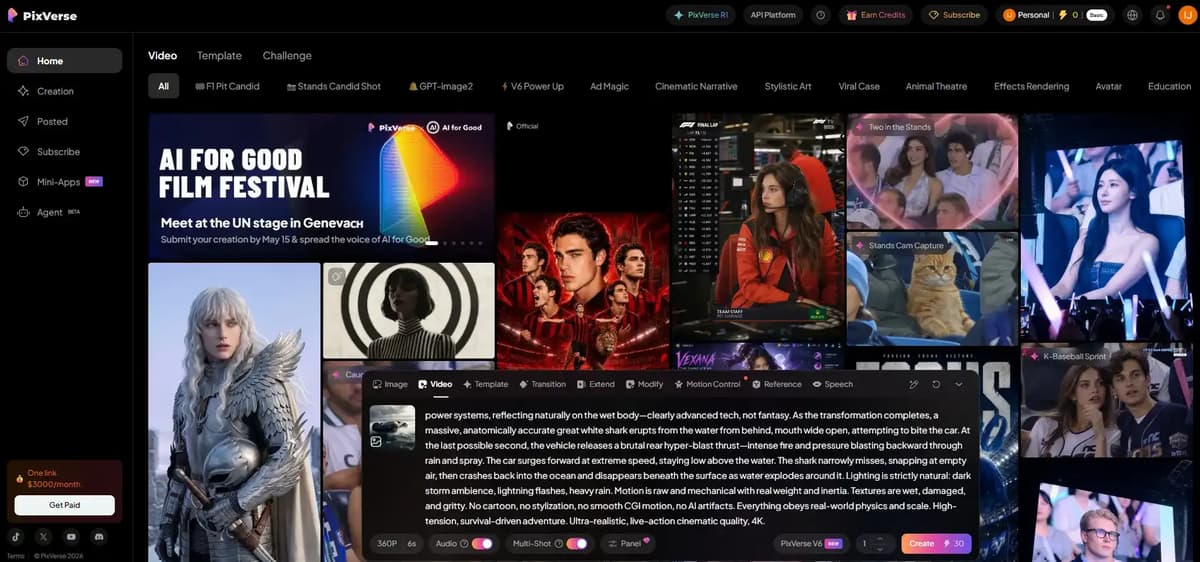
PixVerse is an AI image and video generation tool developed in China by the company AIsphere, which is headquartered in Beijing.
When new users sign up, PixVerse provides 90 free credits initially and free users can also get 30 credits daily through daily login rewards.
One good thing about PixVerse is that it supports almost every major type of AI video generation method. They also have their own video generation model, while additionally supporting some of the best external AI video models as well.
I tested their new PixVerse V6 mode and the generated output followed around 90% of my prompt instructions accurately. The videos also included impressive elements like sound effects, slow motion, fast motion, cinematic camera angles and realistic visuals. I’ll share the output so you can check it yourself.
2. Grok Imagine
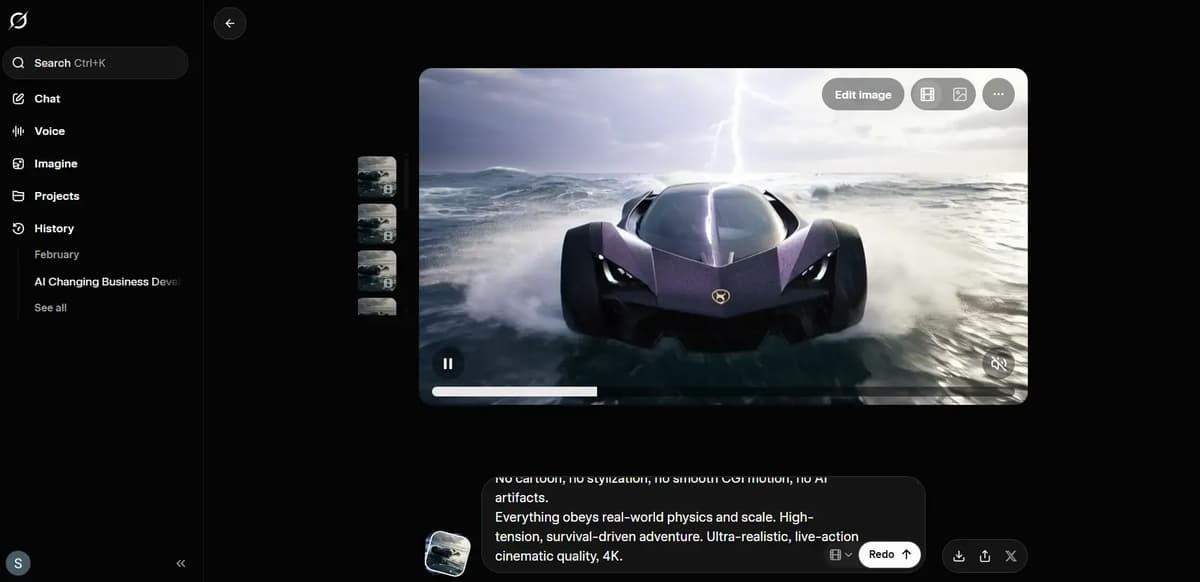
Grok Imagine is an AI tool that creates realistic images and videos from text prompts. It focuses on clear results, good detail and fast generation with very little setup.
You can create up to 20x more AI videos per day in supergrok plan, upscale them to HD quality and download them easily. For a detailed breakdown, check the full Grok AI image and animation review blog.
Grok Adds a New Feature:
3. HailuoAI
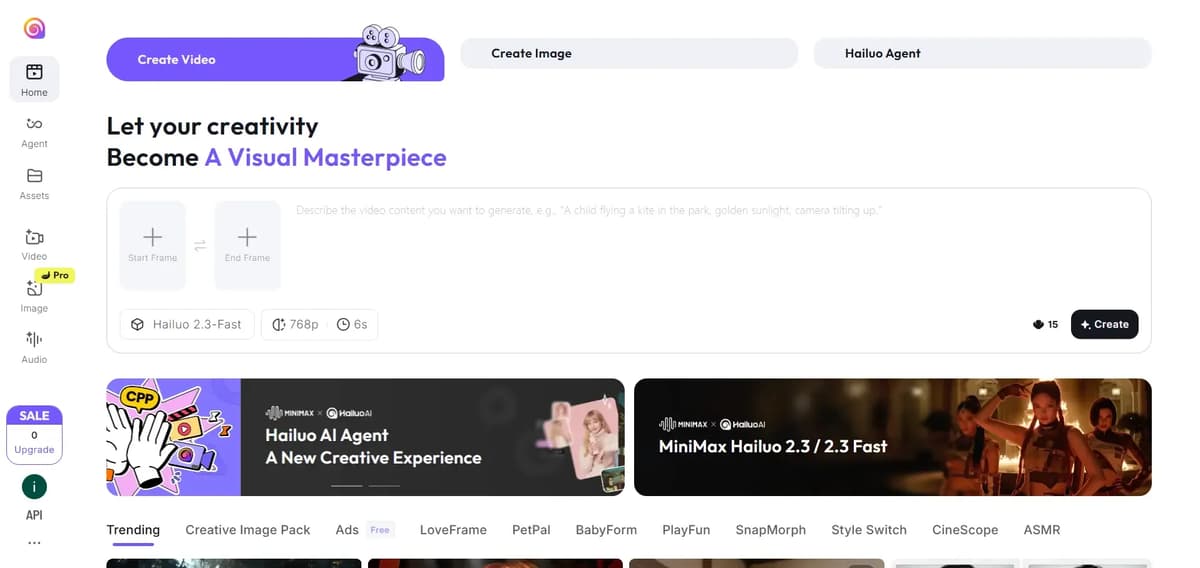
In HailuoAI, when you log in, you get 100 credits. To generate a video, it uses 15 credits for a 6-second video with 768p resolution. The video is ready in about one minute.
You can keep generating videos at the same time until your credits run out. I gave three video generation requests together and they loaded and generated one by one. In total, I was able to generate 6 videos for free. Out of those six, only one video came out well, which I have shown below. The remaining videos were just average.
4. Gemini (Veo3.1)
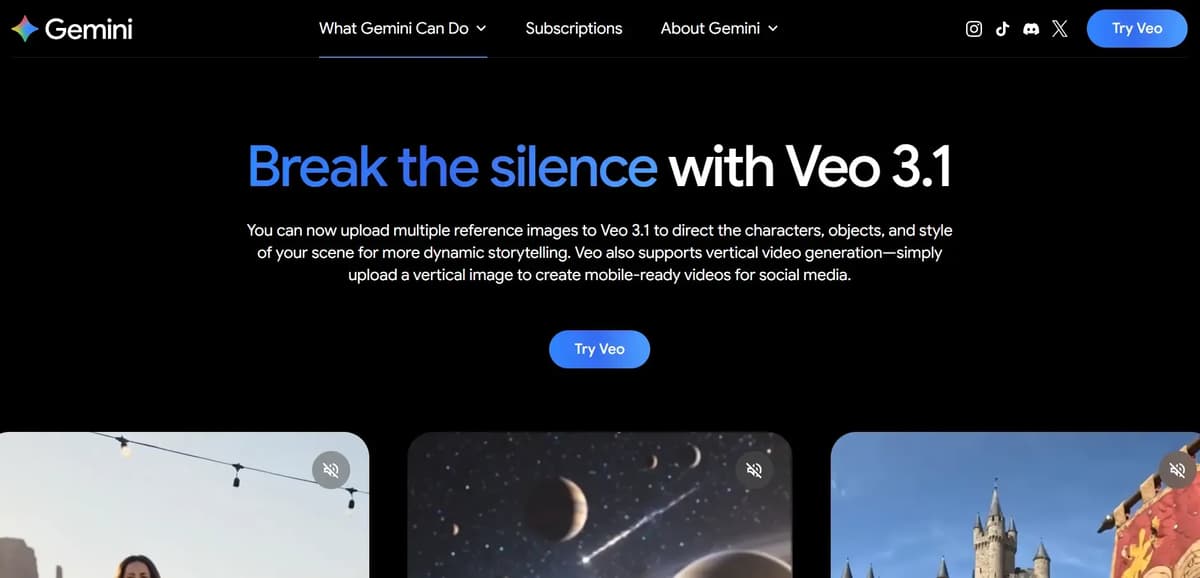
Gemini Veo 3.1 is Google’s latest AI video model built to create high-quality, realistic videos from simple text prompts. It understands motion, camera angles, and scenes better, so outputs feel more natural and cinematic. In short: faster, smarter video generation with cleaner visuals and stronger storytelling.
It create 8 sec video in high quality which is look more realistic and very natural but this is not allowed to generate videos for free user
Google Veo 3 and Gemini Pro are available free in India for eligible users, including students and select Jio users. Students get 12 months of free access through the Google AI Pro plan, while eligible Jio users receive up to 18 months free, allowing them to use advanced AI models and high-quality AI video generation tools. But allow only three video generation per day
Lets see the gemini (veo 3.1) output
5. Pika
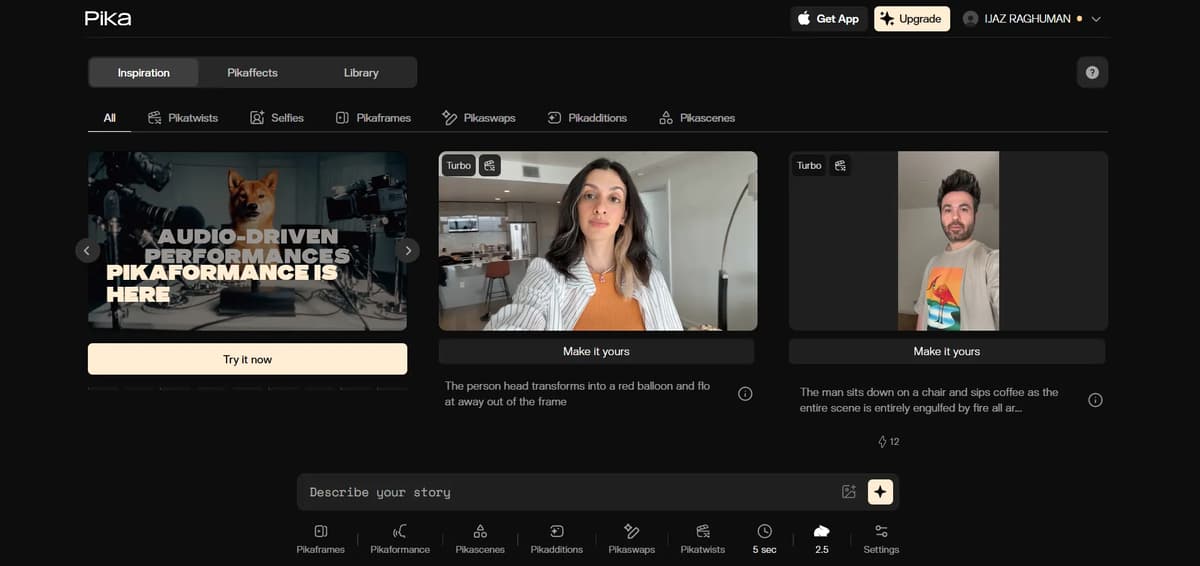
In Pika, a 5-second video costs 12 credits and it follows the prompt properly, but the output quality feels moderate rather than impressive and since the free plan only gives limited credits at signup, you can test it but not experiment much.
Kling AI Alternatives Pricing Comparison Table (June 2026)
Tool | Free Plan | Most Popular Plan | Starting Price (Monthly) | Monthly Credits / Usage | Best For |
|---|---|---|---|---|---|
Kling AI | Free daily credits | Standard | $10 | 660 credits/month | Realistic AI videos |
PixVerse | 90 free credits + daily credits | Standard | $10 | 1,200 credits/month | Best value for most creators |
Grok Imagine | No free plan | SuperGrok | $30 | Includes image/video generation | Fast generation & simplicity |
HailuoAI | Free credits on signup | Standard | $9.99 | 1,000 credits/month | Hyper-realistic videos |
Gemini Veo 3.1 | Limited free access | Google AI Pro | $19.99 | Limited Veo generations | Cinematic filmmaking |
Pika | Limited free credits | Pro | $28 | Higher generation limits | Quick social media videos |
FAQs
Conclusion
- After testing these tools side by side, one thing became very clear: Kling AI did not become popular by accident. It still handles motion, realism and physical consistency better than most AI video generators, especially in complex scenes. When videos become fast, chaotic or action-heavy, many tools start breaking apart, but Kling usually stays stable.
- At the same time, PixVerse was one of the biggest surprises during testing. Its new V6 model followed prompt instructions very accurately and produced cinematic outputs with realistic motion, sound effects, camera angles, slow motion and fast-motion effects. In some situations, PixVerse genuinely felt competitive with Kling AI, especially considering the free credits and accessibility it offers.
- When Kling is not available, other alternatives can still work, but each comes with limitations. In our tests, Grok followed prompts more accurately than Veo, especially during complicated action sequences. Veo delivered a strong cinematic style, but it sometimes simplified or ignored important instructions. Whisk produced decent visual quality, but its prompt accuracy was inconsistent.
- The biggest takeaway from all these tests is simple: prompt clarity matters a lot. Even powerful AI models can fail if they do not properly understand or follow the instructions. The tools that respected the prompt consistently produced the best results.
- In short, choose the right tool for your use case, understand its limitations and spend time writing better prompts.